
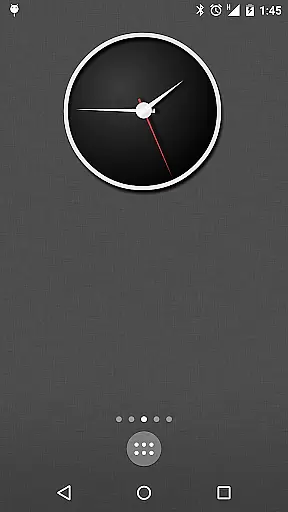
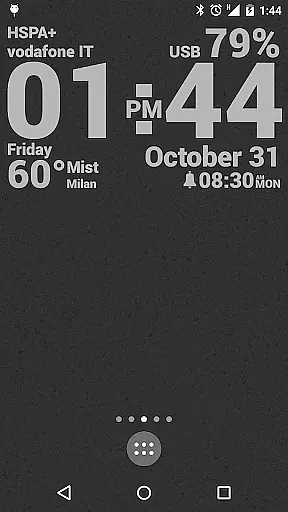
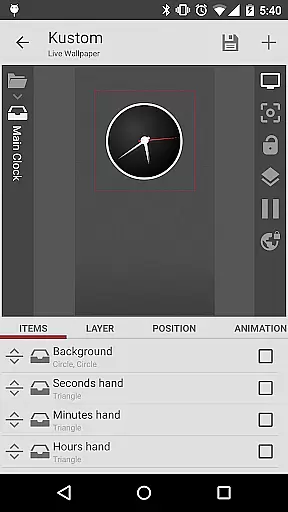
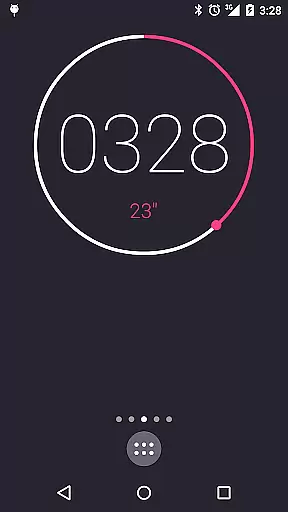
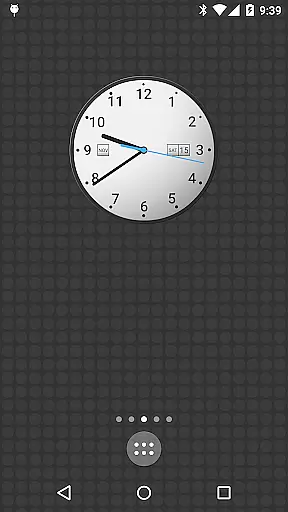
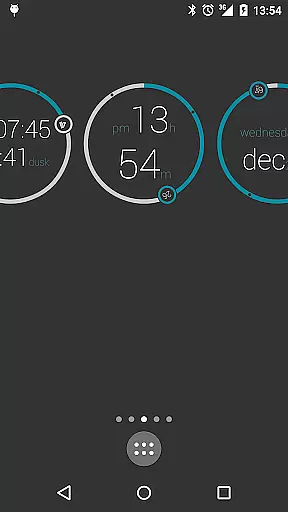
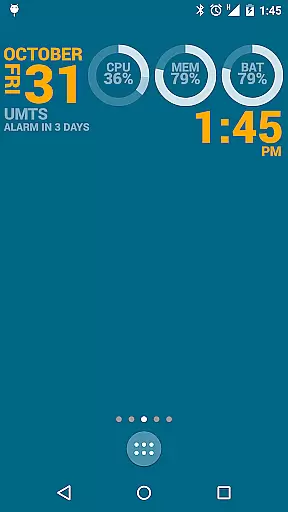
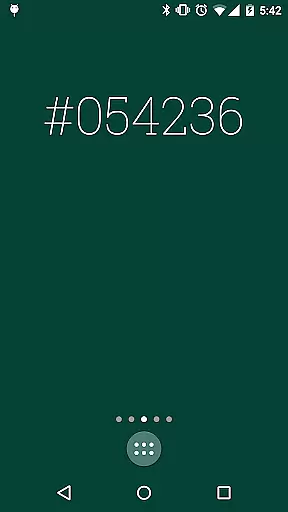
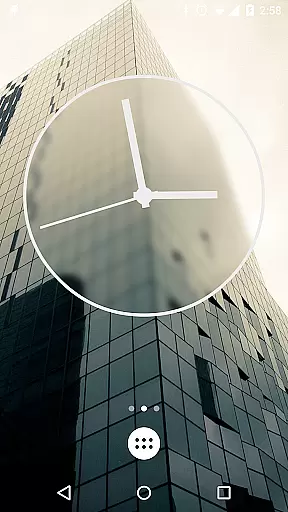
KLWP Live Wallpaper Pro Key is a powerful tool designed to enhance the functionality of Kustom Live Wallpaper app, allowing users to create unique and customized live wallpapers for Android devices. This PRO Key unlocks advanced features such as ADS removal, import/export capabilities, and support for external skins.
The application supports an extensive range of customization options including digital and analog clocks, animated patterns, weather widgets, CPU/Memory meters, and more. With its WYSIWYG editor, users can unleash their creativity and display various data with stunning animations. The app also offers compatibility with launchers that adhere to Android standards, ensuring smooth performance on supported platforms.
Whether you're looking to personalize your device with sophisticated designs or need advanced tools for creating professional-looking wallpapers, KLWP Live Wallpaper Pro Key provides the necessary resources to make your Android launcher stand out.
KLWP Live Wallpaper Pro Key boasts a comprehensive set of features that cater to both casual users and power users alike. It includes an intuitive WYSIWYG editor which enables real-time editing and previewing of custom designs. Users can incorporate text with custom fonts, shapes like ovals and triangles, 3D transformations, gradients, shadows, and color filters into their creations.
In addition to visual elements, this tool supports touch actions, PNG/JPG/WEBP/SVG image formats, Google Fitness integration, animations based on various triggers (e.g., screen position, accelerometer), magnetic sensors for motion effects, and complex programming functionalities using conditionals and global variables. These features collectively empower users to craft dynamic wallpapers that respond to time, location, weather conditions, and other factors.
Furthermore, the ability to download content dynamically via HTTP opens up possibilities for incorporating live maps and current weather information directly into wallpapers. Overall, these robust features ensure that KLWP Live Wallpaper Pro Key stands out in the realm of personalization tools by offering unparalleled flexibility and control over design aspects.
KLWP Live Wallpaper Pro Key is designed to unlock the full potential of Kustom Live Wallpaper, ensuring core functions operate with maximum precision and efficiency. The app allows users to create unique live wallpapers with real-time data display and sophisticated animations.
The accuracy of its WYSIWYG editor ensures that what you design is exactly what you get, providing reliable tools for creating digital and analog clocks, weather widgets, CPU meters, and more. These features are executed with meticulous attention to detail, guaranteeing smooth performance and accurate data representation.
By purchasing the Pro Key, users benefit from enhanced capabilities such as importing skins from external sources, exporting creations, and removing ads. This boosts productivity by streamlining the creative process and allowing seamless integration with other tools like KWGT.
Ultimately, this app empowers users to craft personalized, high-quality live wallpapers that bring their Android devices to life, offering both aesthetic appeal and functional utility through precise and effective design tools.
Despite its powerful features, KLWP Live Wallpaper Pro Key maintains an intuitive interface that simplifies complex design processes. Its user-friendly editor supports drag-and-drop functionality, making it accessible even to beginners while still offering advanced options for experienced designers.
The app provides a variety of pre-made components, including shapes, fonts, and effects, which can be easily customized using straightforward controls. Users can apply transformations, gradients, and animations without needing extensive technical knowledge, thanks to the clear and logical layout of the editing tools.
Additionally, interactive elements like touch actions and gyroscope support are simple to implement, enhancing the user experience without complicating the workflow. This balance between simplicity and power ensures that users can focus on creativity rather than struggling with complicated software mechanics.
Overall, KLWP's intuitive design philosophy enables users to efficiently produce stunning live wallpapers, combining ease of use with professional-grade features to deliver a satisfying and productive design experience.
Unlocks advanced features
Extensive customization options
Real-time WYSIWYG editing
Wide range of supported formats
Dynamic content integration
Requires separate app
Limited launcher support
Complex for beginners
No standalone functionality
Premium cost

FV File Manager Pro, Fast and powerful file manager for Android
 4.60
4.60
VESC Tool can monitor and configure VESC-compatible devices over BLE and Wifi
4.20
Unleash gamepad precision for ultimate mobile gaming dominance.
3.90
Making emulation easy for everyone!
4.30
Bedrock Together: Join any bedrock server on Xbox/PS
4.80
The one-and-only remote control for PC, Mac, and Linux
4.70
WiFi Signal Strength Meter help you detect WiFi Signal Strength in real time.
4.80
The Ultimate Flex Drivers Utility App - Convenient Tapping & Block Filters
4.70
Enjoy a smooth mobile reading experience!
3.60
Connect wirelessly to your computer to watch movies, browse the web, play games
5.00
Protect your device with antivirus, storage cleanup, and system monitoring
4.70
HD Video player and downloader for all formats, fast & smooth 4K video playback.
4.60 4.50
4.50
Button mapper, mouse toggle, sleep timer and a lot of another features
4.50
Complete kernel toolbox with features to manage and tweak your rooted device
4.30
An open-source APK explorer for Android!
4.10
1-Click close all background apps on Android TV
3.90
A powerful, easy-to-use flight computer on your phone or tablet!
3.80
Safely recover deleted photos, videos, and files with a single easy tap.
3.70


User Reviews