
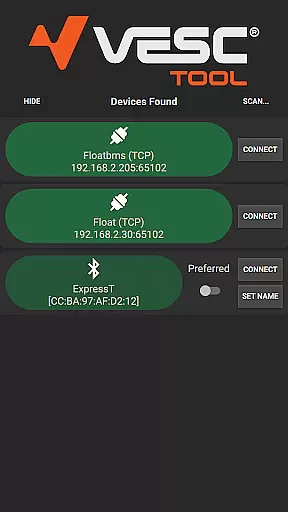
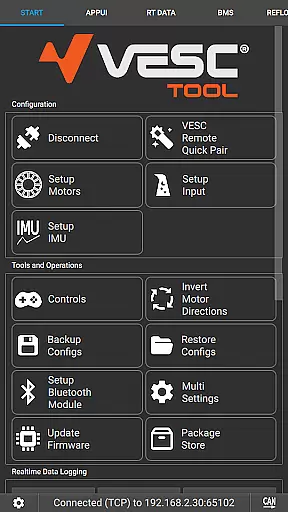
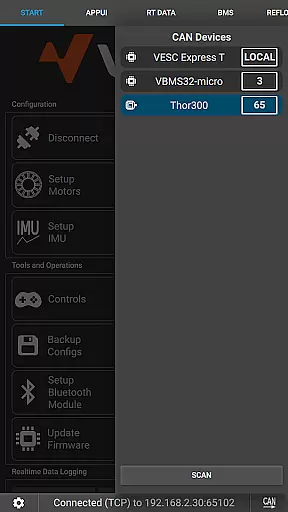
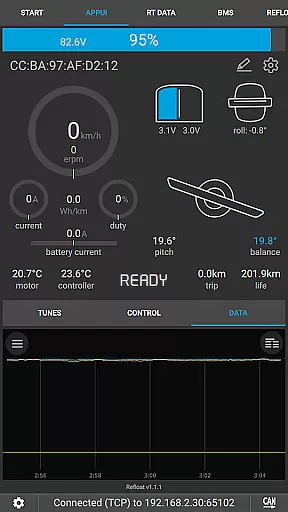
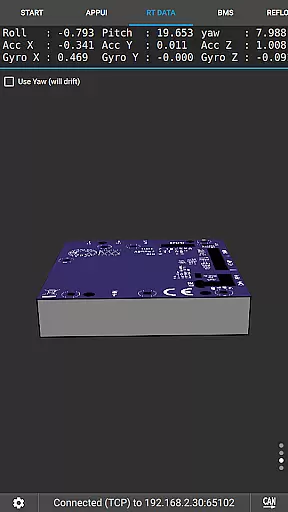
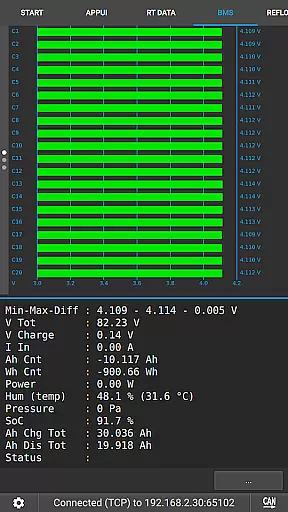
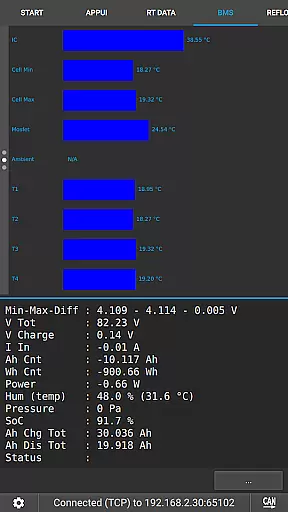
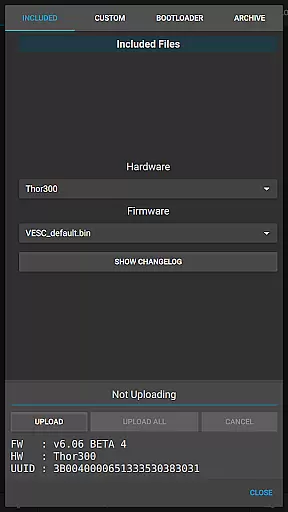
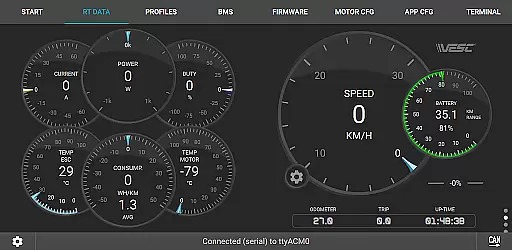
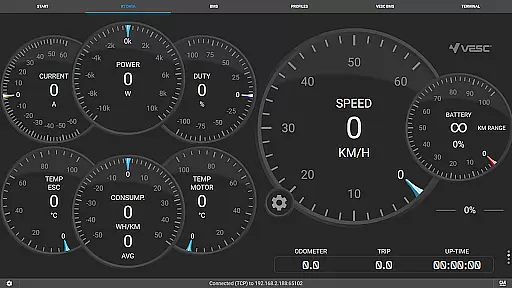
VESC Tool is a powerful mobile application designed for users who work with VESC-based hardware. This app allows you to configure your hardware over BLE or WiFi, stream live data, update firmware, and log important information.
Whether you are an enthusiast or a professional, VESC Tool provides the necessary features to ensure optimal performance of your devices. Its compatibility with both BLE and WiFi makes it versatile for various use cases, ensuring that you can manage your hardware efficiently from your mobile device.
The app offers a comprehensive suite of features tailored for VESC hardware management. Key functionalities include the ability to configure settings directly from your phone, stream real-time data for analysis, and perform firmware updates without the need for additional hardware.
Additionally, VESC Tool supports data logging, which is crucial for monitoring performance and troubleshooting. The app's seamless integration with ESP32C3 or NRF52 chipsets ensures that users have flexibility in choosing their preferred modules, while also providing options to purchase compatible modules from VESC Labs.
VESC Tool is designed to provide precise control and configuration of VESC-based hardware, ensuring that users can effectively manage their devices. The app supports both BLE and WiFi connections, enabling seamless interaction with the hardware. This connectivity allows for accurate firmware updates, live data streaming, and comprehensive data logging.
With its robust functionality, VESC Tool ensures that all configurations and adjustments are executed with high precision. Users can fine-tune settings, monitor performance metrics in real time, and receive reliable feedback from their hardware. This level of accuracy is crucial for maintaining optimal performance and safety, particularly in applications involving electric vehicles or other complex systems.
The effectiveness of VESC Tool extends beyond mere configuration. It empowers users to troubleshoot issues, optimize performance, and even innovate by experimenting with new settings. Whether updating firmware or analyzing logged data, users benefit from a tool that is not only accurate but also versatile and powerful.
The interface of VESC Tool is crafted to offer a straightforward and intuitive user experience, making it accessible even to those who may not be experts in VESC technology. Upon launching the app, users are greeted with a clean layout that organizes functionalities into easily navigable sections. This design choice minimizes the learning curve and allows users to quickly become proficient in using the app.
Despite its sophisticated capabilities, VESC Tool maintains an intuitive operation flow. Key features such as live data streaming, firmware updates, and data logging are readily accessible through clearly labeled buttons and menus. This ensures that users can perform essential tasks without unnecessary complexity or confusion, enhancing overall productivity.
Moreover, the app's intuitive nature does not compromise its depth. Advanced settings and options are neatly tucked away in submenus, allowing experienced users to delve deeper when needed. By balancing simplicity with powerful functionality, VESC Tool caters to both novice and expert users, providing an interface that is both welcoming and capable of handling complex tasks efficiently.
User-friendly interface
Comprehensive configuration options
Live data streaming
Firmware update capabilities
Data logging support
Requires compatible module
Limited to VESC hardware
No offline functionality
Dependent on BLE/WiFi
Advanced features may require technical knowledge

 4.10
4.10
Fluid navigation gestures for all of us!
4.30
Family Locator, Share location, StayConnect with your family in real time
3.90
Carry a FTP server in your pocket and avoid USB cables for file transfer
4.20
Detect hidden spy camera with advanced scanning {{ Premium version }}
4.00
Clean up large files and similar photos, fast and easy to use
4.40
Protect your device with antivirus, storage cleanup, and system monitoring
4.70
Enhance your Beats
3.70
The ideal app to be the digital eye of your family
3.40
Connect wirelessly to your computer to watch movies, browse the web, play games
5.00
Remote Play with FSR upscaling, low latency & full controller support
4.80
ADB support Android 4.X-Android 13(Support wireless pair mode).No root required!
4.70
The Ultimate Flex Drivers Utility App - Convenient Tapping & Block Filters
4.70
eXtended Permission Manager - a small app to manage permissions and AppOps
4.50
The Ultimate Bluetooth Keyboard & Mouse. Securely control your PC, Mac, and more
4.50
Pro Emulator is an easy to use game console emulator for a range of consoles.
4.40
Safely recover deleted photos, videos, and files with a single easy tap.
3.70
This app unlocks the Pro features of the Central for DayZ app
3.60
PDF Reader - Document Viewer: Read, Manage & Organize Your Documents
3.10


User Reviews