
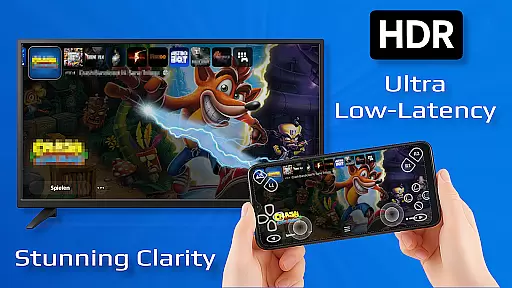
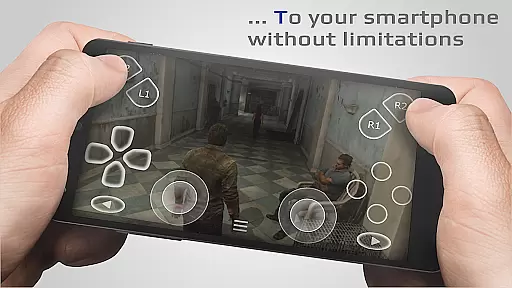
PXPlay is a powerful remote control application designed for gaming enthusiasts who want to access their gaming devices without limitations. The app allows users to stream and play games remotely with minimal latency, making it ideal for those who are away from their primary gaming setup. PXPlay supports third-party controllers and mobile data connections, ensuring flexibility in how and where you game.
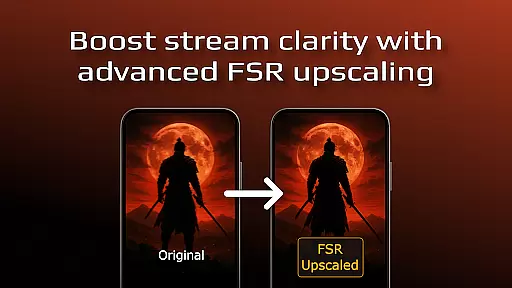
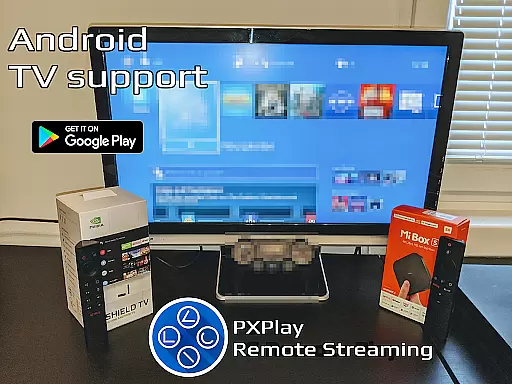
With features like FSR upscaling, Android TV support, and customizable onscreen gamepad layouts, PXPlay caters to a wide range of gaming needs. Whether you're looking to enhance video quality or use the app as a virtual controller, PXPlay delivers a seamless experience. Its compatibility with older firmware versions and advanced display modes like Picture-In-Picture further enhances its utility for gamers.
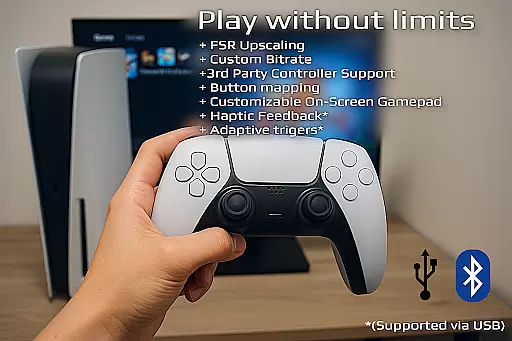
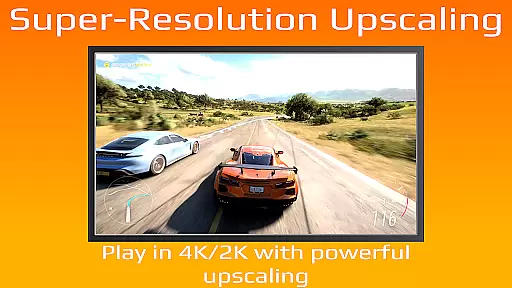
PXPlay stands out with its comprehensive feature set tailored for an optimal streaming experience. One of its key strengths is the ability to upscale video quality using FSR technology, providing sharper images during gameplay. The app also supports third-party controllers across all Android devices, giving users the freedom to choose their preferred input method.
Another notable feature is the app's support for mobile data, allowing gamers to connect even without Wi-Fi. PXPlay also offers customization options such as gamepad button mapping and multi-window support, which are particularly useful for power users. Additionally, the app's compatibility with rooted devices and older firmware ensures that it remains accessible to a broad audience of gaming device owners.
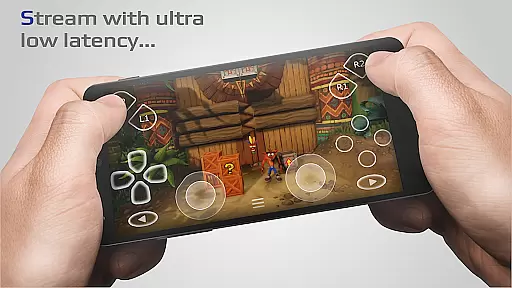
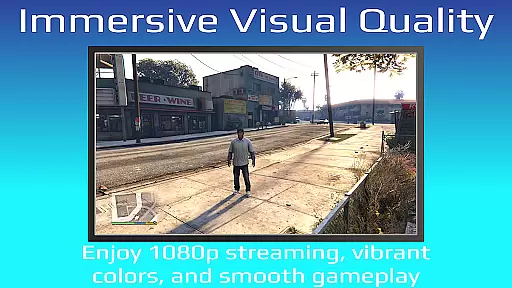
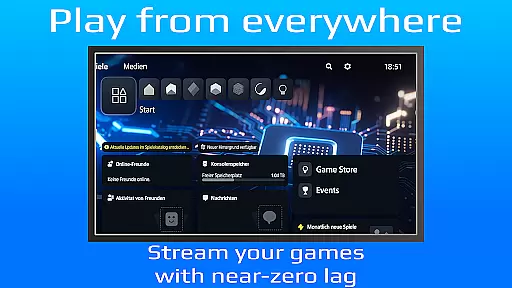
PXPlay is designed to provide an exceptional remote gaming experience by ensuring core functions are both accurate and effective. The app supports low-latency streaming, which is crucial for real-time gameplay without noticeable delays. This accuracy in streaming performance allows gamers to enjoy their favorite titles seamlessly from any location.
The effectiveness of PXPlay extends to its compatibility with third-party controllers across all Android devices, enhancing user flexibility and convenience. By supporting various hardware configurations, including older firmware versions from 5.05 and newer, PXPlay ensures that a wide range of users can access its features without compatibility issues.
Users benefit significantly from the app's optimization for minimal latency during gameplay sessions. With support for high-speed internet connections and recommendations for 5GHz WiFi usage, PXPlay delivers a smooth and responsive gaming experience. These technical implementations translate into tangible value for gamers who require precision and reliability while playing remotely.
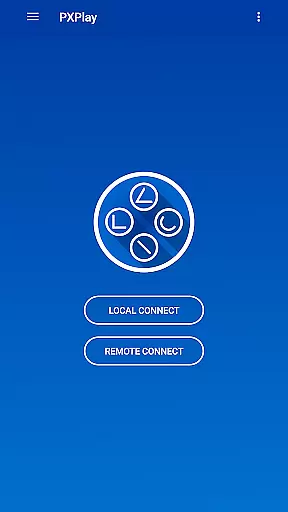
A key aspect of PXPlay's design philosophy is maintaining an interface that is both simple and intuitive. The app offers easy connection setup processes, allowing users to quickly start their remote gaming sessions without navigating through complex menus or settings. This simplicity ensures that even those new to remote play technologies can use PXPlay effectively.
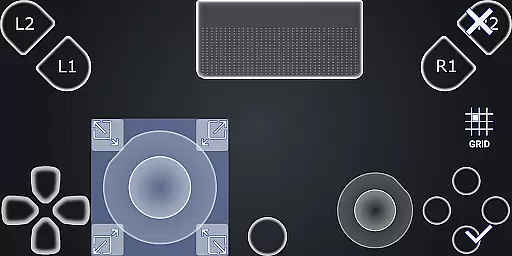
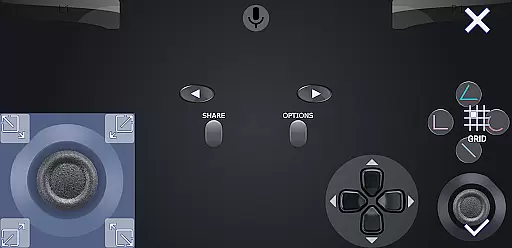
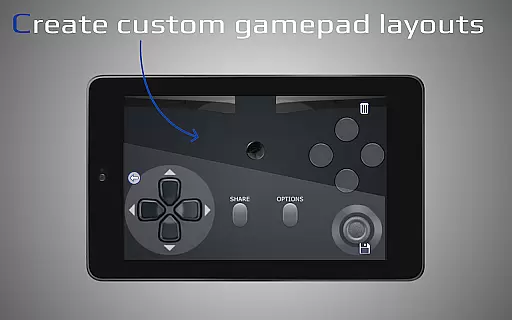
Furthermore, PXPlay provides customization options such as gamepad button mapping and onscreen layout adjustments, making it adaptable to individual preferences while retaining ease-of-use. These features contribute to an intuitive user experience where players can tailor controls according to their comfort levels without compromising accessibility.
The inclusion of Picture-In-Picture mode (for Android 8.0 or newer) and Multi-Window support (for Android 7.0 or newer) further demonstrates PXPlay's commitment to providing a straightforward yet versatile interface. Such functionalities enable multitasking capabilities within the app itself, enhancing overall usability without introducing unnecessary complexity.
Low-latency streaming
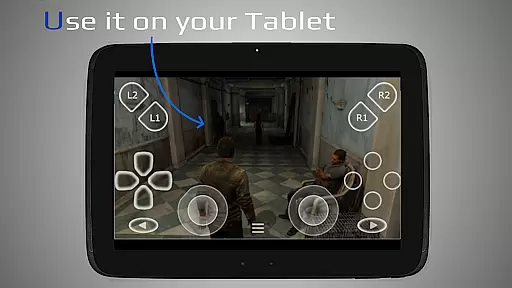
Third-party controller support
Customizable gamepad layout
Mobile data connectivity
Picture-in-picture mode
Requires stable internet
Firmware compatibility issues
Account login problems
No offline functionality
High hardware requirements

This app unlocks the Pro features of the Central for DayZ app
 3.60
3.60
App to pay for FUTO Keyboard
4.60
Best leveling tool for your Android device. Hang paintings like a pro.
4.90
Monitor car performance in real time and troubleshoot malfunctions.
4.80
Screen Mirroring for Roku Sticks, Roku TCL TV and Roku Hisense TV
4.50
A simple app to back up and restore SMS & MMS messages and call logs.
4.10
Mobile Security with Scam Protection | Malware & Virus Cleaner | Safe Browser
4.70
Fast VPN USA for any country. Super secure VPN for calls, streaming, games, TV.
4.40
Enjoy a smooth mobile reading experience!
3.60
Support Fossify apps with a warm thank you!
5.00
Powerful collection of electronics tools and reference.A must for any enthusiast
4.90
ADB support Android 4.X-Android 13(Support wireless pair mode).No root required!
4.70
The Ultimate Flex Drivers Utility App - Convenient Tapping & Block Filters
4.70
Use your phone as a webcam on your computer over WiFi or USB.
4.40
Clean up large files and similar photos, fast and easy to use
4.40
Carry a FTP server in your pocket and avoid USB cables for file transfer
4.20
Detect hidden spy camera with advanced scanning {{ Premium version }}
4.00
Safely recover deleted photos, videos, and files with a single easy tap.
3.70
Undelete and recover your lost or deleted files with DiskDigger!
3.40


User Reviews