
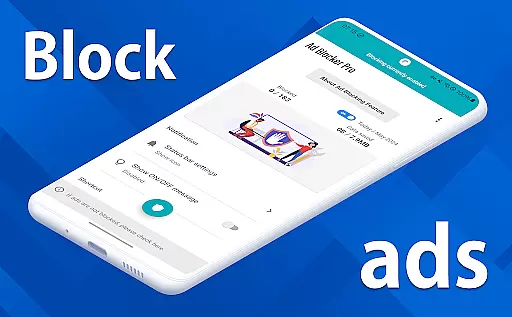
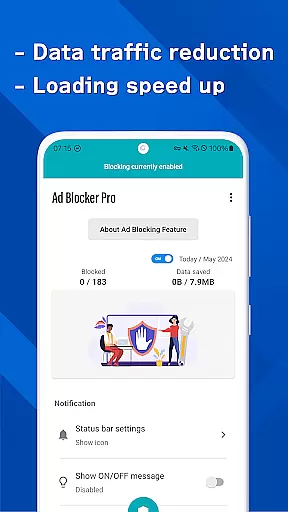
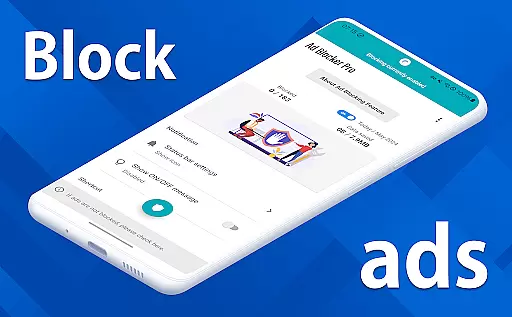
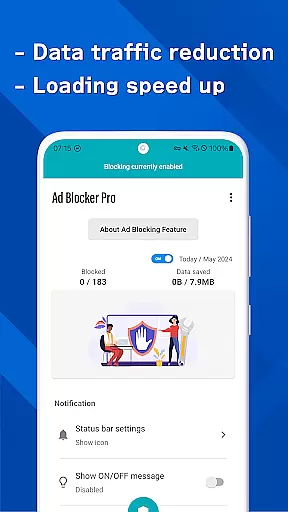
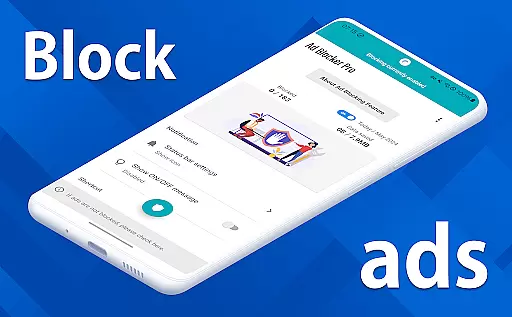
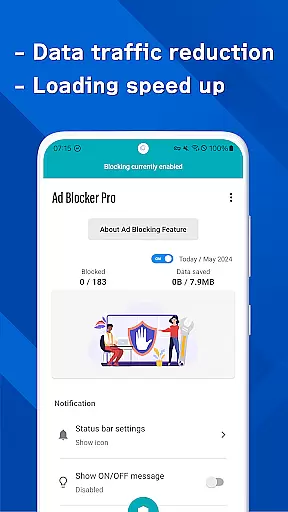

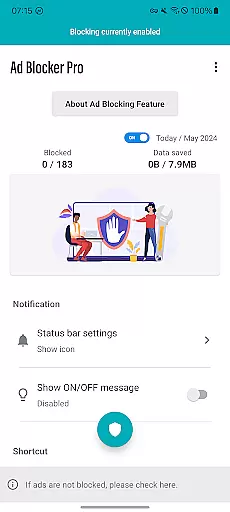
Ad Blocker Pro is a powerful ad-blocking application designed to enhance your browsing experience on Android devices. The app's core functionality revolves around blocking unwanted advertisements, malware, and trackers across all browser apps, ensuring faster page loading and improved security. With its unique features like the one-tap ON/OFF switch, automatic blocking during specific app usage, and real-time block count display, it offers both convenience and control.
Beyond just blocking ads, Ad Blocker Pro contributes to reduced data consumption by preventing unnecessary ad-related content from loading. This makes it an ideal choice for users who prioritize speed, security, and efficiency while browsing the web. Whether you're visiting ad-heavy websites or simply seeking a cleaner interface, this app provides a seamless solution that caters to various user needs.
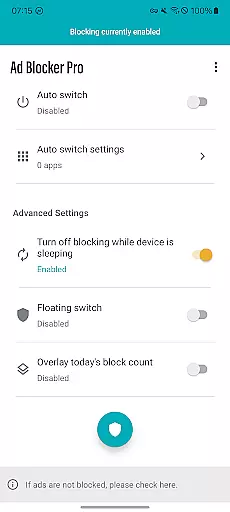
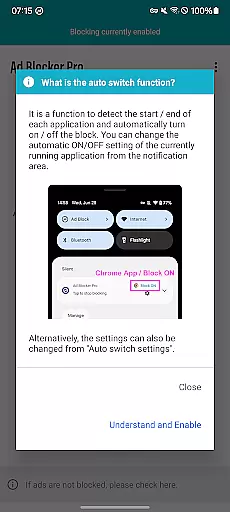
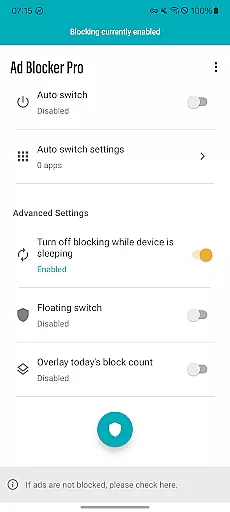
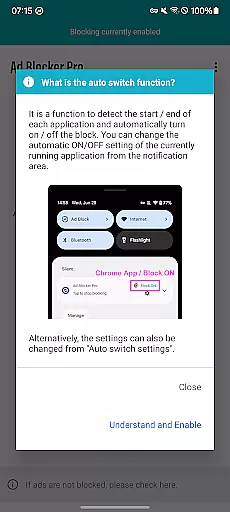
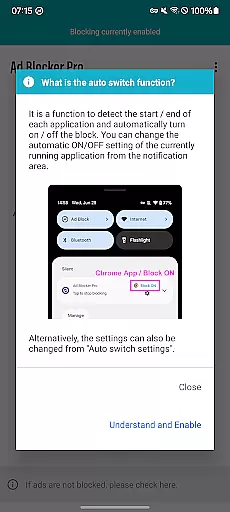
Ad Blocker Pro stands out with its diverse range of innovative features tailored to optimize your browsing sessions. One of its key highlights is the compatibility with all browser apps, allowing users to enjoy uninterrupted ad-free experiences regardless of their preferred browser. The app also includes a unique Auto Switch feature that intelligently detects when specific apps are launched and automatically toggles ad blocking on or off accordingly.
Another notable aspect is the overlay display showing today's blocked ad count, giving users real-time insights into how effectively the app is performing. Additionally, the app ensures enhanced security by blocking malicious trackers and malware, thus safeguarding your device and personal information. These features collectively contribute to a smoother, faster, and more secure browsing experience while helping conserve data usage.
Ad Blocker Pro exemplifies core function accuracy and effectiveness through its robust ad-blocking capabilities. The app ensures that ads are efficiently blocked across all browser apps, which not only declutters web pages but also significantly speeds up the browsing experience. By preventing unnecessary ad data from loading, it reduces data usage, making internet access more cost-effective for users.
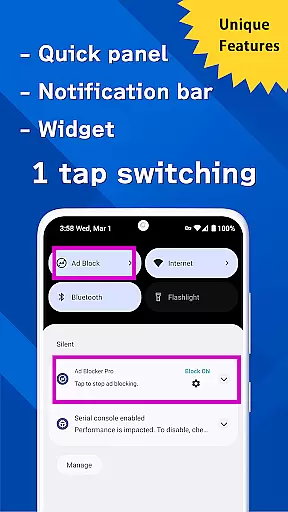
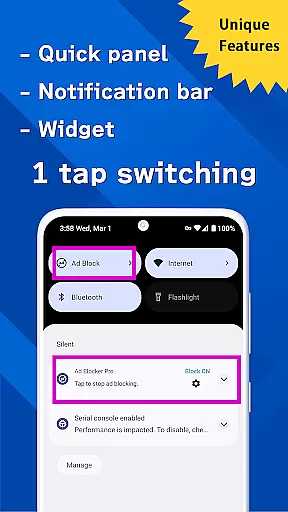
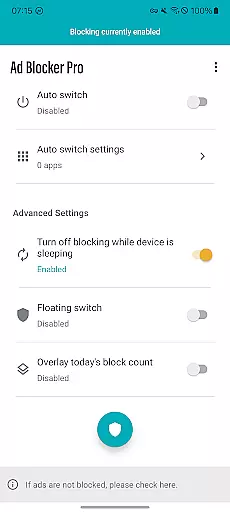
The unique features of Ad Blocker Pro, such as the one-tap ON/OFF switch and Auto Switch functionality, enhance user control over their browsing environment. These features allow users to toggle ad blocking on or off with ease, depending on their current needs or the specific apps they are using. This level of customization ensures that the app remains effective without interfering with other essential app operations, like data downloads during device sleep.
Furthermore, the app's ability to block malware and trackers adds an extra layer of security, protecting users from potential online threats. This dual functionality of enhancing browsing speed while ensuring safety demonstrates the app's commitment to providing a comprehensive solution for comfortable and secure web surfing.
Overall, Ad Blocker Pro delivers on its promise of improving the browsing experience by combining speed, security, and user control in a single, efficient package.
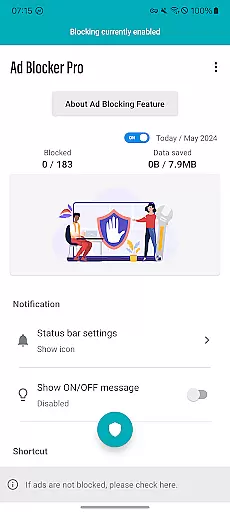
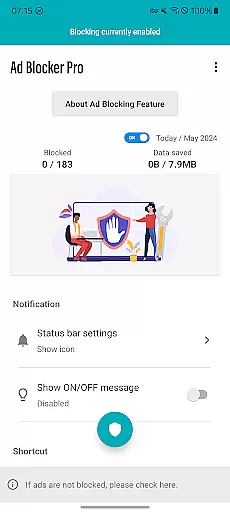
Ad Blocker Pro stands out for its interface simplicity and intuitiveness, offering users a seamless way to manage their ad-blocking preferences. The app's design focuses on ease of use, featuring straightforward controls that make it accessible even to those who may not be tech-savvy. With clear options and an uncluttered layout, users can quickly understand and utilize the app's full range of features without a steep learning curve.
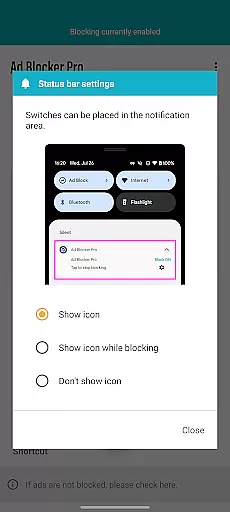
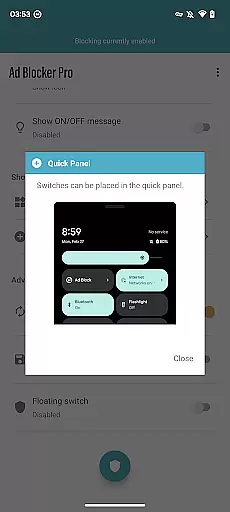
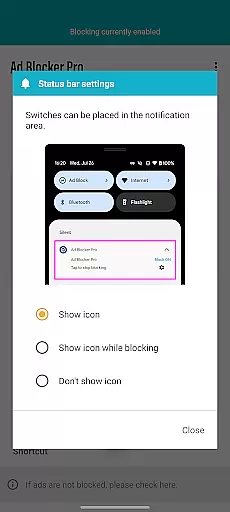
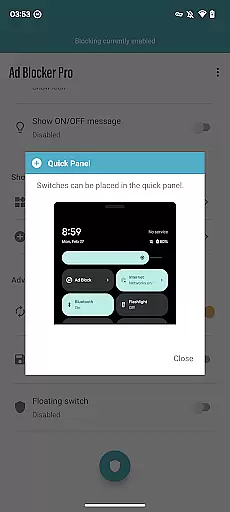
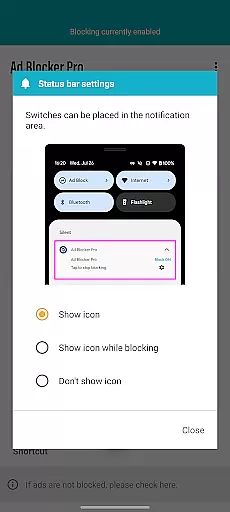
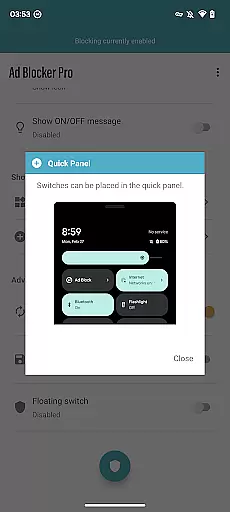
One of the key aspects of its intuitive design is the one-tap ON/OFF switch, available from multiple access points including the notification area, quick panel, widget, or floating switch. This ensures that users can easily activate or deactivate ad blocking as needed, without having to navigate through complex menus or settings. Such accessibility enhances the overall user experience, allowing individuals to maintain control over their browsing environment effortlessly.
In addition to its simple controls, Ad Blocker Pro provides real-time feedback through features like the overlay display of today's block count. This allows users to see the immediate impact of the app's ad-blocking capabilities, reinforcing the value it brings to their daily internet activities. By keeping users informed and engaged, the app fosters a sense of trust and satisfaction.
Ultimately, Ad Blocker Pro combines functional depth with an intuitive interface, ensuring that users can enjoy a faster, safer, and more comfortable browsing experience without any unnecessary complexity.
Blocks ads in all browsers
Improves browsing speed
Enhances online security
Reduces mobile data usage
User-friendly interface
Doesn't block in-app ads
Limited to browser ads
No iOS version available
Occasional compatibility issues
Paid app with no free trial

This app unlocks the Pro features of the Central for DayZ app
 3.60
3.60
Universal TV remote control all TVs, Roku, LG, Samsung, Fire, Vizio, Sony, TCL.
4.40
Enjoy smooth gameplay with Game Booster
4.90
Optimize your WiFi network, turn your phone into Wifi Analyzer
4.70
Monitor car performance in real time and troubleshoot malfunctions.
4.80
Planner and Tracker for Stardew Valley
4.60
The Ultimate Flex Drivers Utility App - Convenient Tapping & Block Filters
4.70
NFC Tools can read and write NFC tags.
4.70
Remote Play with FSR upscaling, low latency & full controller support
4.80
Navigate with Ease and Style
4.90
Small and simple app to Verify Root Access and BusyBox Install!
4.70
Protect your device with antivirus, storage cleanup, and system monitoring
4.70
pdf merge, word to pdf, jpg to pdf, edit pdf, convert to pdf and much more!
4.20
VESC Tool can monitor and configure VESC-compatible devices over BLE and Wifi
4.20
Introducing Smart Printer, your ultimate destination for printing solutions!
4.00
A powerful, easy-to-use flight computer on your phone or tablet!
3.80
A recovery soft,it features photo recovery, video recovery, file recovery.
3.40
card-reader app
2.20
Save any video in HD - paste the link, download fast and watch offline.
4.0


User Reviews