
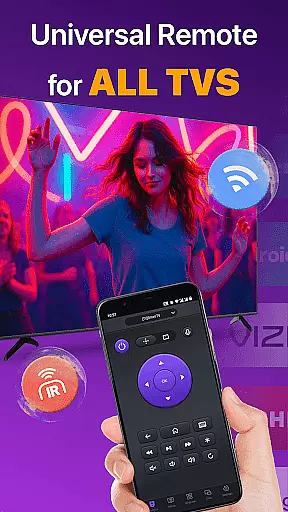
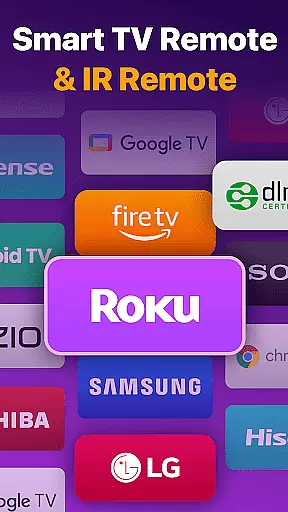
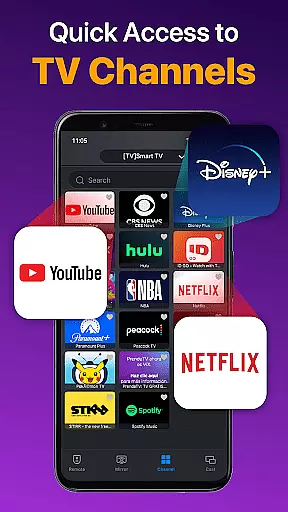
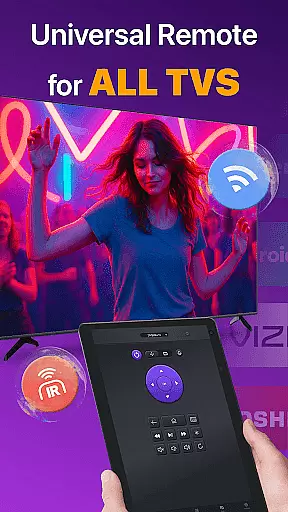
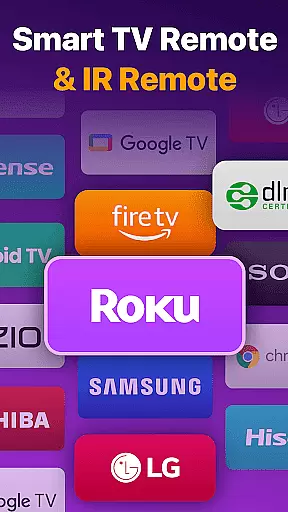
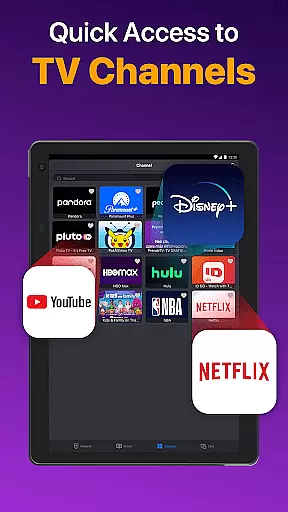
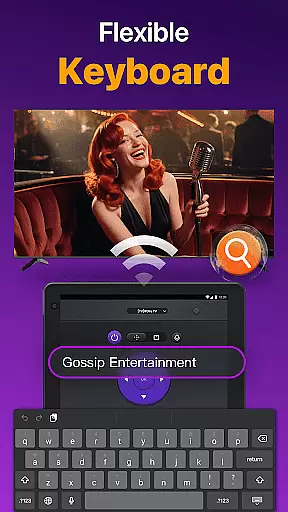
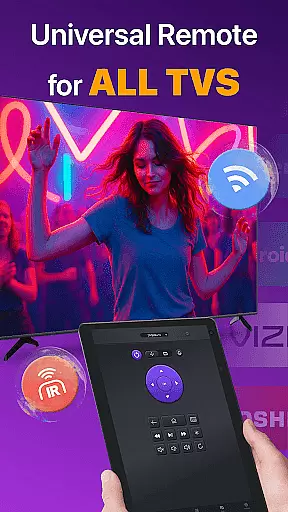
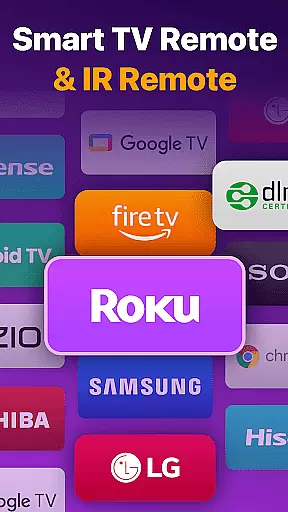
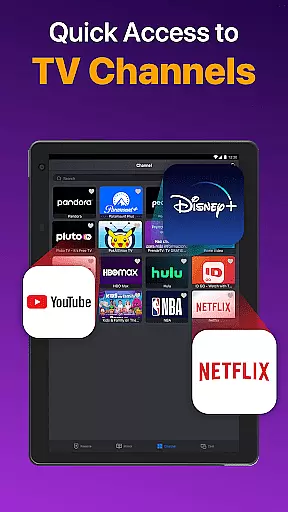
Universal TV Remote for All TV is a versatile remote control application designed to simplify the management of multiple smart TVs. It supports major brands like Roku, LG, Samsung, and TCL, allowing users to control their TVs through WiFi or IR modes. The app enables power management, channel navigation, volume adjustment, and content playback control, replicating the functionality of physical remotes while adding convenient features such as quick text input and screen mirroring.
This app is particularly useful for households with multiple smart TVs, as it eliminates the need for multiple remotes. By connecting via the same WiFi network, users can seamlessly manage their TVs from their mobile devices, enhancing convenience and reducing clutter. Its compatibility with various TV brands makes it an essential tool for modern smart home environments.
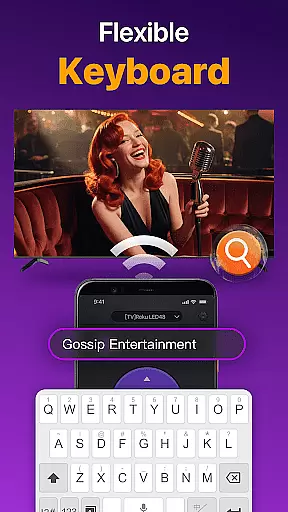
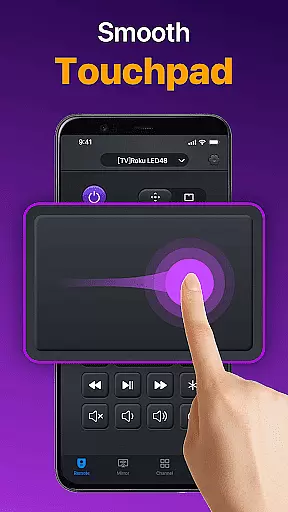
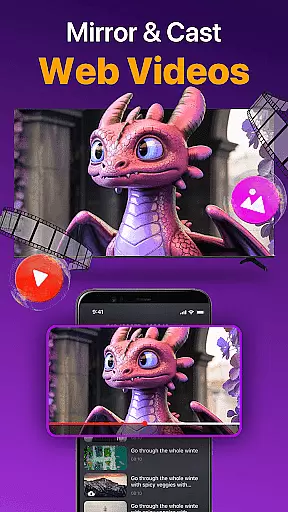
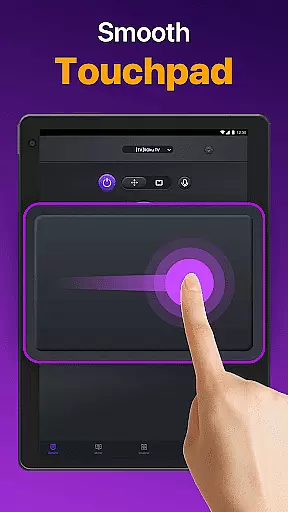
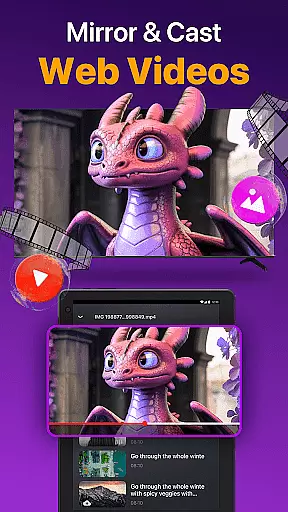
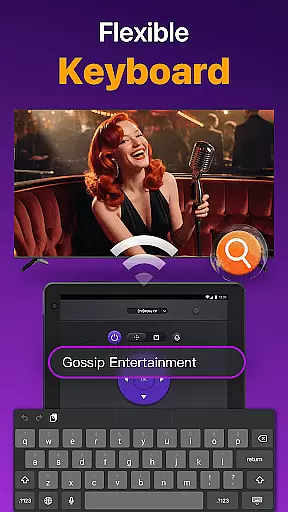
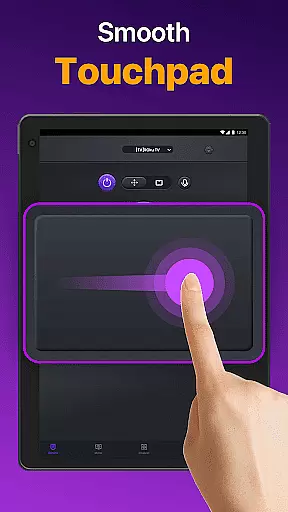
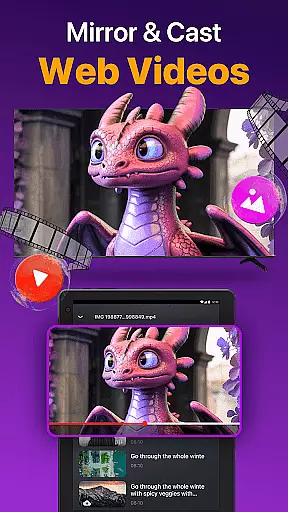
Universal TV Remote for All TV offers a comprehensive set of features tailored for smart TV users. One of its standout capabilities is auto-detection of all Smart TVs on the same WiFi network, enabling effortless connectivity. The responsive touchpad allows efficient control over navigation, while quick text input simplifies searching for shows or movies. Additionally, the app supports casting photos and videos from your device to the TV and provides low-latency screen mirroring.
The app also includes advanced functionalities such as power on/off controls, volume management, reverse, and fast forward options. These features ensure that users can fully manage their viewing experience without needing a physical remote. Furthermore, the inclusion of IR mode ensures functionality even when WiFi is unavailable, making it a reliable solution for controlling various TV models across different brands.
Universal TV Remote for All TV offers a comprehensive solution for controlling multiple smart TVs through a single app. The core functionality revolves around its ability to auto-detect all Smart TVs on the same WiFi network, providing users with seamless control over their television sets. This includes essential features such as power on/off, volume management, channel navigation, and content playback controls, which are crucial for an effective TV remote experience.
The app's responsive touchpad enhances the user experience by allowing efficient control of the TV. It supports quick text input and search functionalities, enabling users to find their favorite shows or movies effortlessly. Additionally, the capability to cast photos and videos from a local album and mirror phone screens to big TVs with low latency underscores its multifunctional utility, making it akin to a physical remote control but with added convenience and modern features.
For users facing connectivity issues, the app provides troubleshooting guidance, ensuring smooth operation under the same network conditions. By suggesting simple fixes like reinstalling the app, rebooting the Smart TV, or upgrading to the latest version, it maintains its commitment to delivering accurate and effective performance. These measures help in resolving most connecting issues, thereby enhancing the overall reliability of the application.
A standout feature of Universal TV Remote for All TV is its interface simplicity and intuitiveness, designed to offer users a hassle-free experience. The app's straightforward setup process involves downloading, selecting the TV brand or stick, and connecting to the Smart TV, making it accessible even for non-tech-savvy individuals. This ease of use extends to its daily operation, where users can quickly navigate through different functions without any steep learning curve.
The layout is crafted to ensure that all critical controls are easily accessible, promoting an intuitive user experience. Volume control, reverse, fast forward, and other essential functions are strategically placed for quick access, reducing the time needed to perform common tasks. Furthermore, the appu2019s compatibility with various major TV brands, including Roku, LG, Samsung, and TCL, ensures that users do not have to switch between different apps, thus maintaining consistency and simplicity in their remote control usage.
In addition to its primary functions, the app also supports IR modes, allowing control over TVs when WiFi isn't available. This flexibility adds another layer of intuitiveness, catering to diverse user needs and scenarios. Overall, Universal TV Remote for All TV excels in offering a streamlined, user-friendly interface that simplifies the interaction between users and their smart TVs, enhancing both convenience and efficiency.
User-friendly interface
Wide brand compatibility
Efficient WiFi and IR modes
Quick text input feature
Screen mirroring capability
Limited to same WiFi networks
Occasional connectivity issues
Not officially affiliated with brands
May not support all TV models
Requires careful troubleshooting

 4.50
4.50
Amateur Radio app for APRS: Track friends, exchange messages, get tactical info.
3.90
Best leveling tool for your Android device. Hang paintings like a pro.
4.90
Navigate with Ease and Style
4.90
Quickly check the frequency of the Earth
4.30
A simple app to back up and restore SMS & MMS messages and call logs.
4.10
Protect your device with antivirus, storage cleanup, and system monitoring
4.70
Clean up your phone, find files, play media, and share files offline
4.50
Screen recorder with audio to record high-quality videos and take screenshots.
4.40
Mirror your screen to Chromecast and Android TV - Super fast and simple
4.60
eXtended Permission Manager - a small app to manage permissions and AppOps
4.50
With videos, electrical calculators, and built-in ebook, Ugly’s has your answer.
4.50
Game Booster, GFX Tool is now compatible with newer game update
4.50
Clean up large files and similar photos, fast and easy to use
4.40
Quickly & easily calculate the spacing of handrail balusters
4.20
MS-DOS in your pocket. Play old DOS games anywhere you are ;)
4.10
View detailed information about your Nissan Leaf the dealer never shows you.
4.10
A recovery soft,it features photo recovery, video recovery, file recovery.
3.40
card-reader app
2.20


User Reviews