
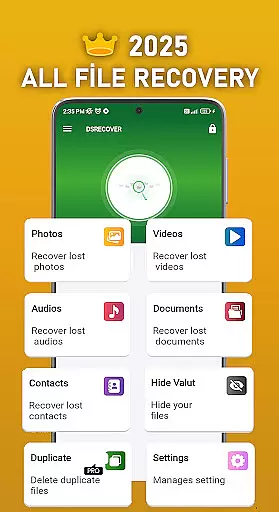
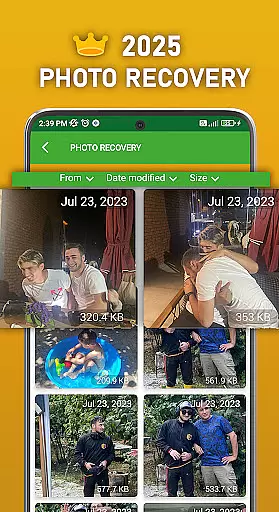
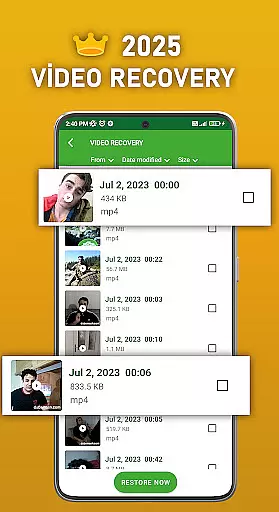
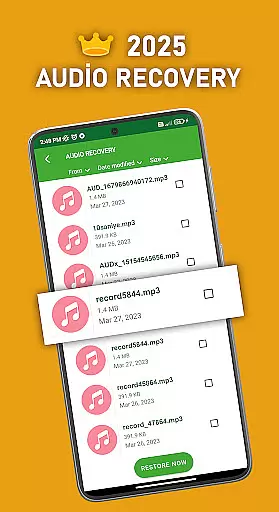
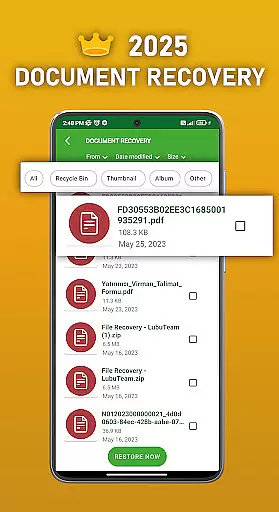
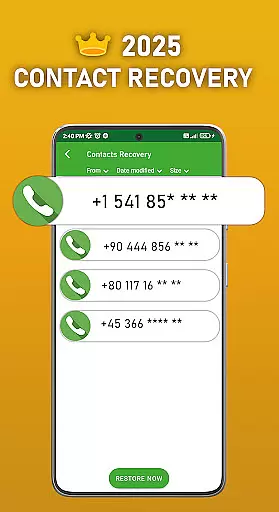
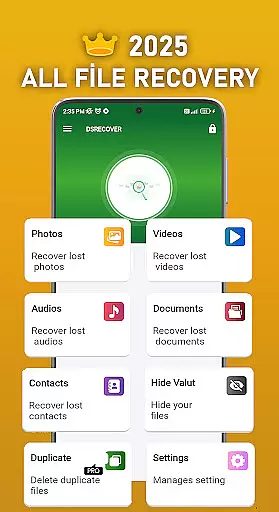
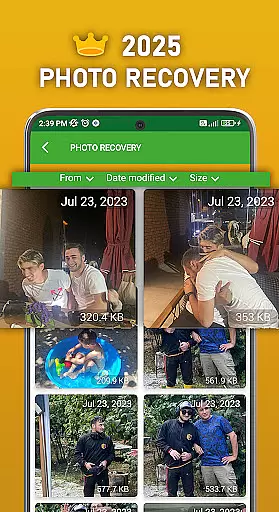
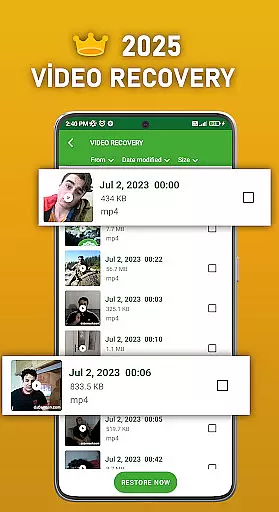
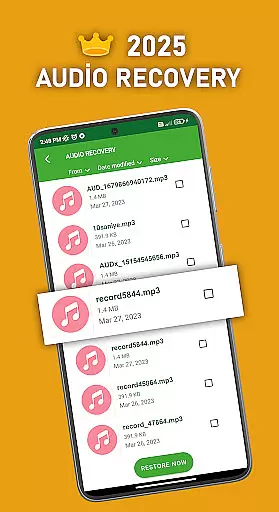
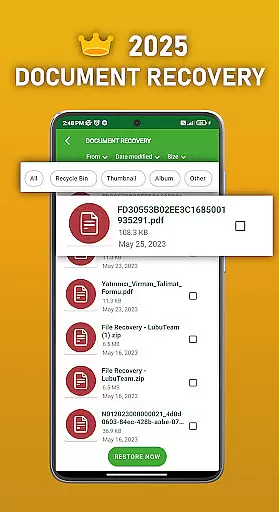
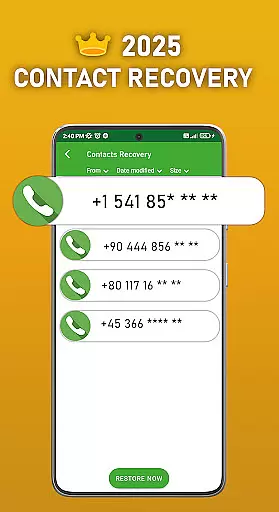
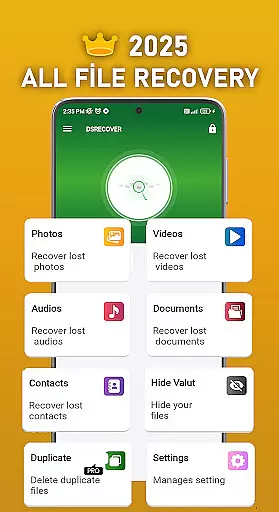
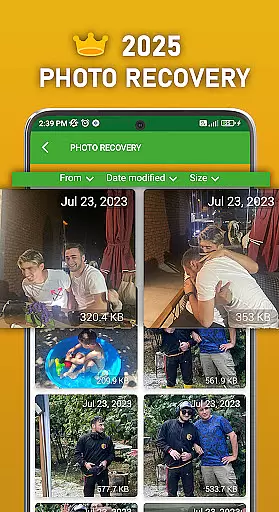
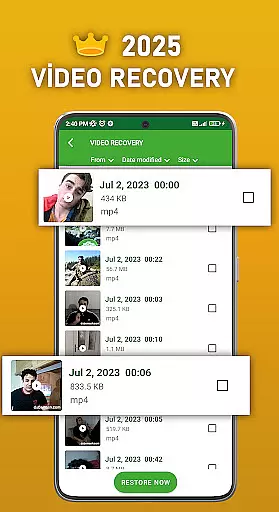
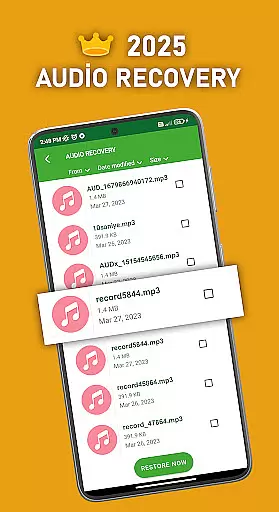
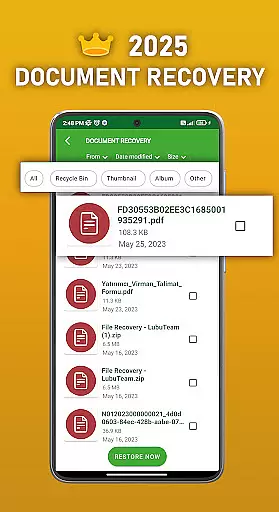
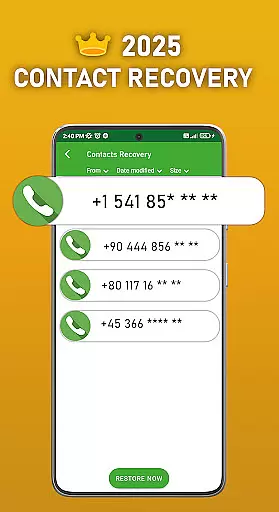
DS PRO is a comprehensive recovery tool designed to retrieve deleted files across multiple categories on Android devices. The app specializes in recovering lost photos, videos, audio files, contacts, and documents without requiring root access. Its powerful scanning technology ensures deep searches within internal memory and SD cards, while its user-friendly interface makes the recovery process simple and efficient.
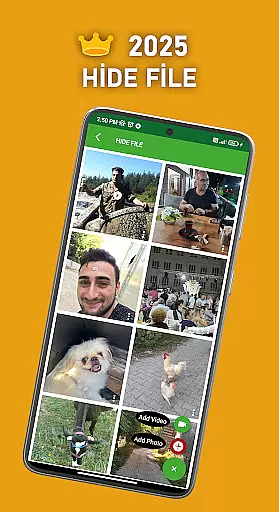
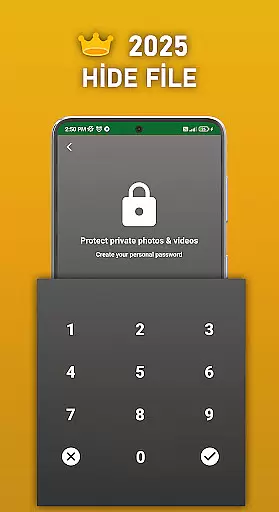
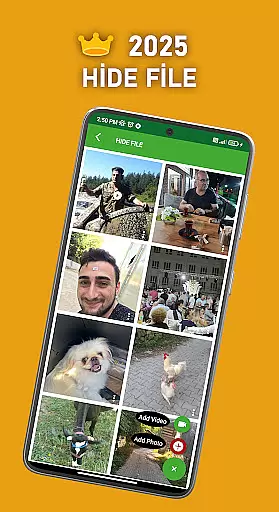
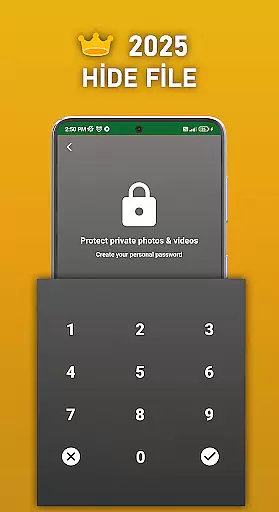
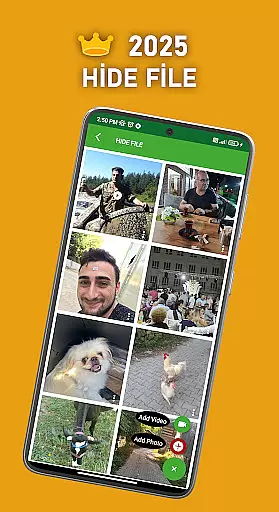
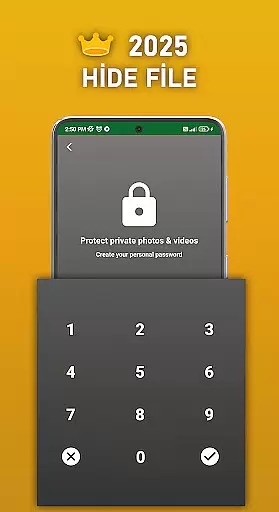
A key feature of DS PRO is its ability to handle various file formats, including MP4 for videos and MP3 for audio. Additionally, the app offers a unique File Hide functionality that allows users to password-protect sensitive media, ensuring privacy. With instant restoration capabilities and support for all major file types, DS PRO provides a reliable solution for both casual users and professionals who need to recover critical data quickly.
DS PRO stands out with its diverse range of features tailored for maximum efficiency in file recovery. The app supports recovery of multiple file types such as photos, videos, audio files, contacts, and documents, making it a versatile tool for Android users. Its standout capability lies in performing thorough scans of internal storage and external SD cards, retrieving even hidden or long-lost files.
Another notable feature is the File Hide option, which lets users conceal personal media behind a password. This ensures that private photos and videos remain inaccessible to unauthorized viewers. Furthermore, DS PRO's instant restore function eliminates the need for complex procedures or external software, allowing users to recover deleted files directly from their device’s recycle bin with just a few clicks.
The app also includes advanced filtering options to identify duplicate files, helping users declutter their storage space. Whether restoring accidentally deleted images or recovering important work documents, DS PRO combines speed, security, and ease of use into one powerful package.
DS PRO positions itself as a powerful recovery tool designed to retrieve deleted files across various categories. The app's core functionality revolves around its ability to recover photos, videos, audio files, contacts, and documents with precision. This is particularly important for users who have accidentally deleted crucial data or wish to retrieve lost information without the need for technical expertise.
The application employs advanced scanning algorithms that thoroughly examine the device's internal memory and SD card. It searches for remnants of deleted files and reconstructs them, ensuring minimal quality loss during the recovery process. The app supports multiple file formats including MP4 for videos and MP3 for audio, making it versatile for different types of media recovery. Additionally, the Pro version enhances this capability by offering faster processing speeds and removing ads, which contributes to a seamless user experience.
For users, the value lies in the peace of mind that comes with knowing their data can be retrieved effortlessly. Whether it's recovering cherished memories from photos or restoring important documents, DS PRO ensures that accidental deletions don't result in permanent loss. Its ability to handle large files and provide previews before full recovery adds another layer of reliability, making it an essential tool for anyone seeking dependable data recovery.
Achieving a balance between powerful functionality and user-friendly design is crucial for any application, and DS PRO excels in providing an intuitive interface. The app's layout is straightforward, guiding users through the recovery process with minimal effort. Upon launching DS PRO, users are greeted with clear options for the type of files they wish to recover, such as photos, videos, or documents. This eliminates confusion and allows users to focus on their specific recovery needs.
The app provides step-by-step instructions that simplify complex tasks like internal memory recovery and contact retrieval. Users can easily navigate through menus to access additional features such as the File Hide option, which secures sensitive media behind a password. Moreover, the Pro version removes intrusive advertisements, further streamlining the user experience and allowing uninterrupted access to the appu2019s capabilities.
By prioritizing ease of use, DS PRO ensures that even those unfamiliar with data recovery tools can operate the app effectively. Its clean design and logical flow make it accessible to a broad audience, while features like instant restoration of deleted files enhance overall satisfaction. This combination of simplicity and power establishes DS PRO as a go-to solution for both casual users and professionals seeking efficient data recovery.
User-friendly interface
Comprehensive file recovery
No root access required
Instant restore functionality
File hiding for privacy
Premium version needed
Limited free features
Requires permissions
Occasional scan delays
Ads in free version

Change your GPS location instantly. Simulate routes anywhere in the world.
 4.90
4.90
FV File Manager Pro, Fast and powerful file manager for Android
4.60
Unit and currency converter with easy and simple UI.
4.80
Use your phone as a webcam on your computer over WiFi or USB.
4.40
A non-root local ADB shell client. READ BELOW!
3.40
PC precision for mobile gaming: dominate with keyboard and mouse!
4.30
Bedrock Together: Join any bedrock server on Xbox/PS
4.80
The one-and-only remote control for PC, Mac, and Linux
4.70
Quickly check the frequency of the Earth
4.30
Enjoy smooth gameplay with Game Booster
4.90
Easily install aab(Android App Bundle) files on your Android device with our app
4.80
Small and simple app to Verify Root Access and BusyBox Install!
4.70
HD Video player and downloader for all formats, fast & smooth 4K video playback.
4.60
Keep track of your Palia friendships, tasks, and inventory with Palia Notebook
4.60
An easy-to-use calculator designed to save time calculating and bending conduit
4.30
Carry a FTP server in your pocket and avoid USB cables for file transfer
4.20
VESC Tool can monitor and configure VESC-compatible devices over BLE and Wifi
4.20
Detect hidden spy camera with advanced scanning {{ Premium version }}
4.00
Family Locator, Share location, StayConnect with your family in real time
3.90


User Reviews