
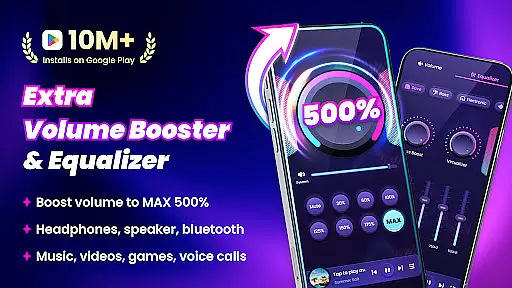
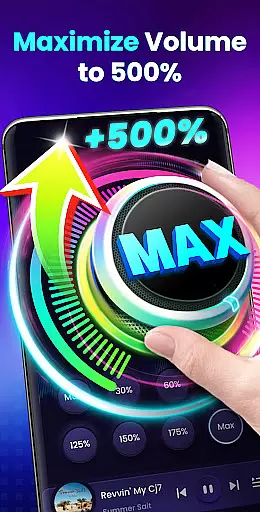
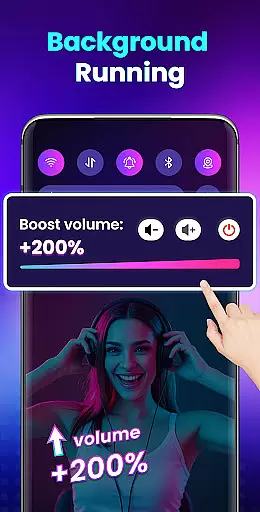

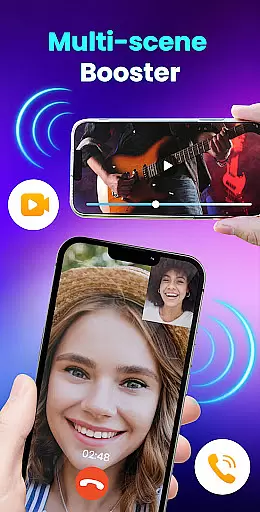
Volume Booster - Sound Booster is a powerful audio enhancement application designed for Android users who desire louder sound output from their devices. This app allows you to amplify your system volume up to 200%, surpassing the standard maximum limit, making it ideal for music playback, video streaming, gaming, and more.
The app not only boosts the volume of media playback but also enhances alarms, ringtones, and even external speakers or Bluetooth devices. With its intuitive interface and customizable settings, users can easily adjust sound levels and enjoy stereo surround effects without compromising audio quality. Whether you're at home or on the go, this app transforms your device into a portable speaker system with superior sound performance.
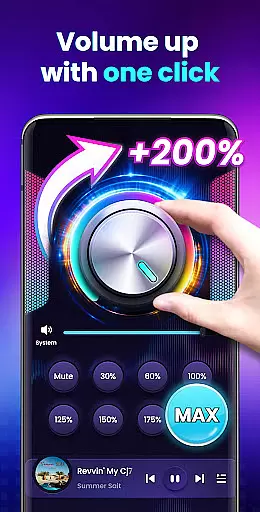
One of the standout features of Volume Booster - Sound Booster is its ability to increase all types of volumes including music, movies, audiobooks, alarms, and ringtones. The app ensures that sound quality remains intact while boosting volume levels. It offers an easy one-touch adjustment feature along with stereo surround sound effects and dynamic music spectrum visualization that moves with the melody.
Additionally, the app supports background operation and lock screen controls, providing uninterrupted audio enhancement. Users can take advantage of widget and notification bar quick controls for seamless adjustments. The built-in music player enhances user experience by displaying album covers, song titles, artist information, and offering playback controls like play/pause, next/previous track options.
When it comes to music applications, the size and authenticity of the music library are crucial factors. Volume Booster - Sound Booster offers an extensive range of volume enhancement options that cater to various audio types including music, videos, audiobooks, and more.
The app doesn't merely amplify sound but ensures that the quality remains intact, providing users with a richer auditory experience without any distortion. This commitment to maintaining high-quality audio is akin to ensuring that a music library contains only the best and most authentic tracks.
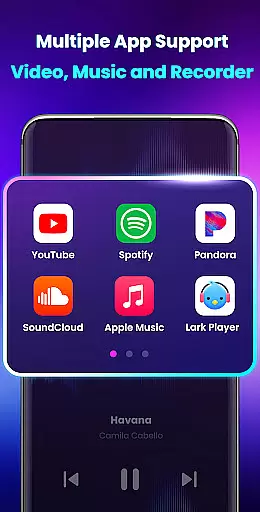
Moreover, the application supports different audio sources such as external speakers, headphones, and Bluetooth devices, enhancing its compatibility and making it versatile like a comprehensive music library that covers multiple genres and formats.
By offering advanced features like stereo surround sound effects and a music spectrum that changes with the melody, this app guarantees an immersive experience similar to exploring a vast and diverse music collection.
Audio quality is paramount when selecting a sound enhancement tool. Volume Booster - Sound Booster excels in providing superior audio quality options by allowing users to boost their device's volume up to 200% without compromising on clarity or depth.
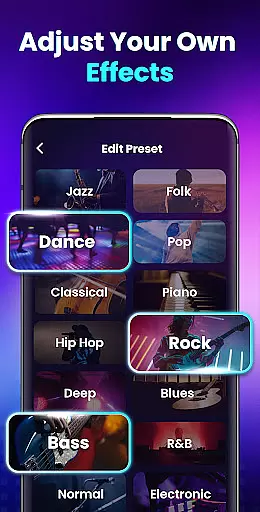
This app includes eight sound modes which enable precise adjustments tailored to individual preferences, much like choosing between different audio quality settings in a music player. These modes ensure optimal performance whether you're listening to music, watching videos, or playing games.
In addition to boosting volume levels, the app also enhances the overall auditory experience through built-in music player controls that display song details and album art, akin to enjoying high-fidelity audio tracks with complete metadata information.
Furthermore, the ability to run in the background and control via widgets ensures uninterrupted access to enhanced audio quality at all times, paralleling the seamless playback experience expected from premium music libraries.
User-friendly interface
Boosts volume up to 200%
Supports background operation
Comes with 8 sound modes
Includes music player controls
No iOS version available
May drain battery faster
Potential hearing risk if misused
Limited customization options
Occasional crashes reported

Fun & Easy Voice Changer – Record, Edit & Add Hilarious Effects!
 4.50
4.50 4.70
4.70
Simply convert wav to mp3. Clear. Reliable. Safe.
4.2
Time Guru will strengthen your internal sense of musical time via random muting.
4.30
Make music anywhere. Turn your device into an instrument.
4.2
Visualize the guitar fretboard, master scales & play through changes like a pro!
4.50
Next generation modular control surface
4.10
Recording studio w/ 10k beats, pro vocal FX and a network of 20M rappers & fans!
4.60
A sleek, no-frills player designed for true music lovers.
4.20
24,000 free audio books and no ads!
4.90
Walkout Song DJ is the most intuitive app to manage your sports music.
4.70
SqueezePlayer turns your Android phone or tablet into a SqueezeBox on its own!
4.60
A complete sound package for the sound engineer or enthusiast
4.60
Guzheng Master supports many playing techniques as an acoustic Guzheng
4.50
Formerly known as Spotistats! View your top tracks, artists, albums and more!
4.40
Manage your Sonos system directly from your home-screen!
4.40
Your HD audio recorder on the go for music, meetings, ambience, animal sounds…
4.30
A High-Precision Audio Spectrum Analysis App
4.20
The Cubase remote control app
3.60


User Reviews