
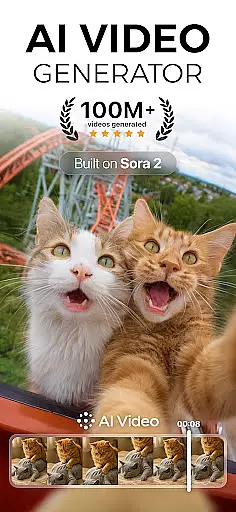
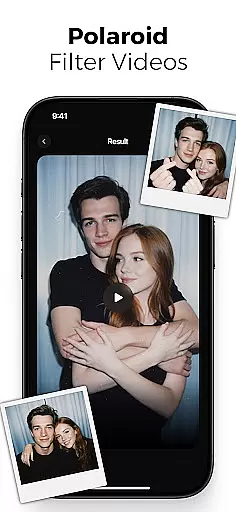
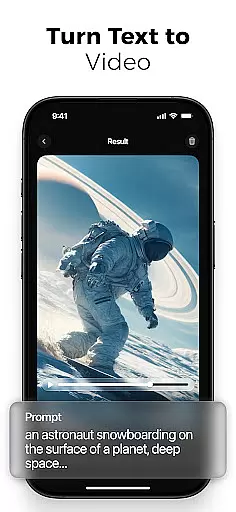
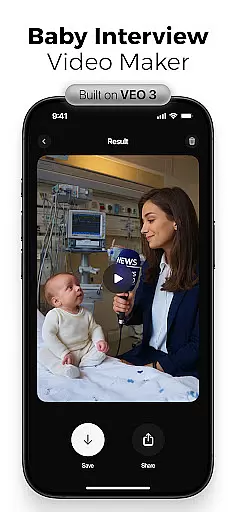
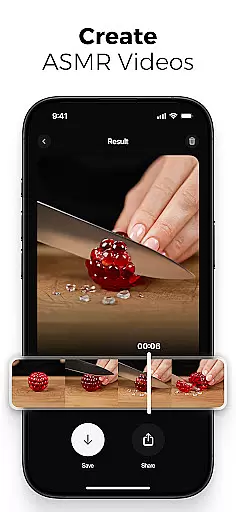
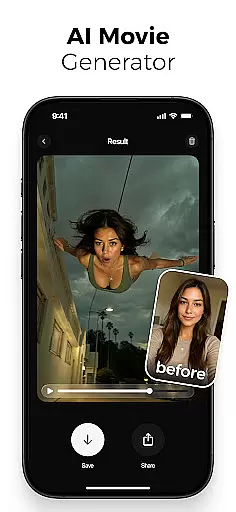
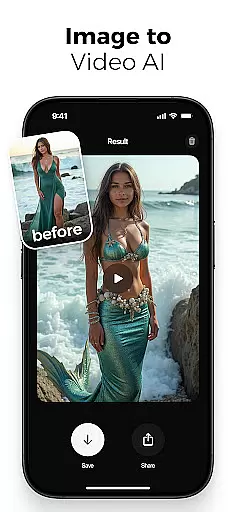
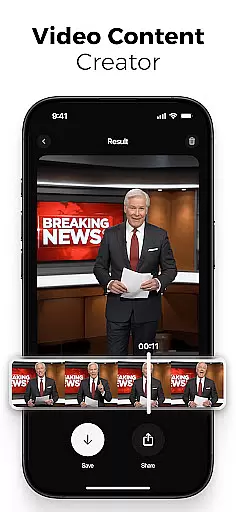
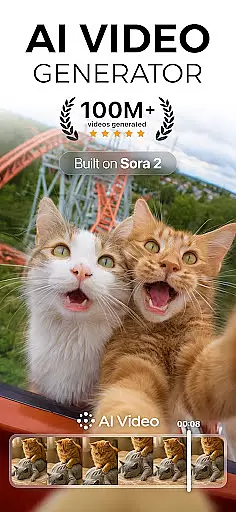
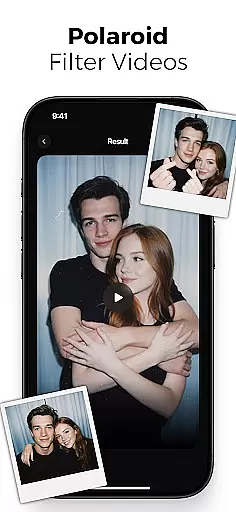
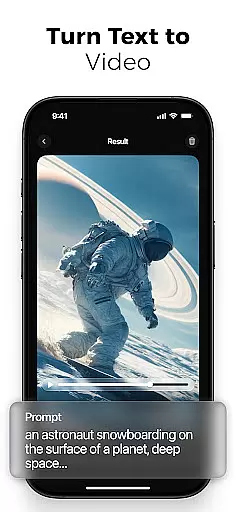
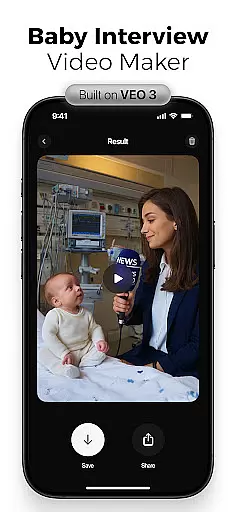
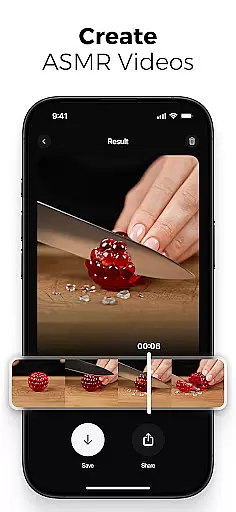
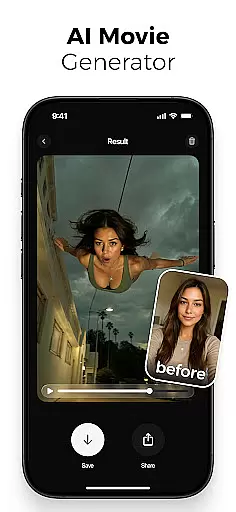
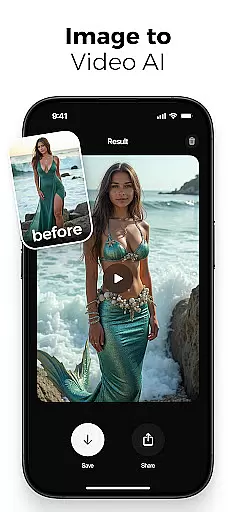
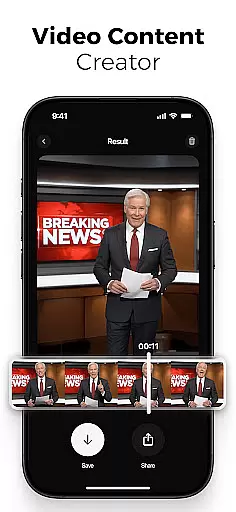
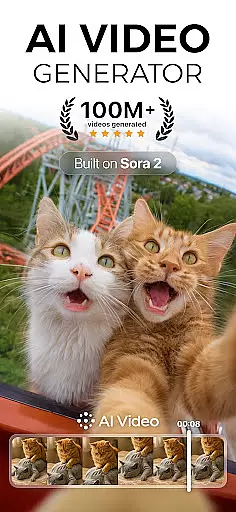
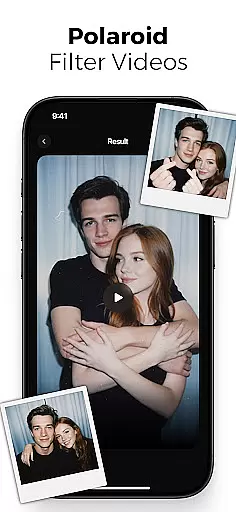
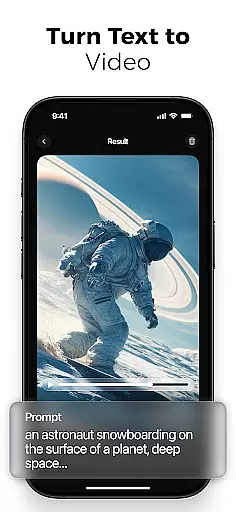
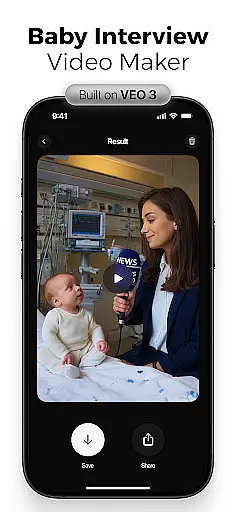
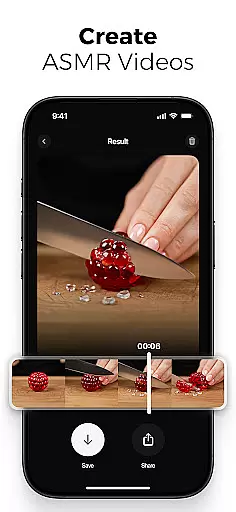
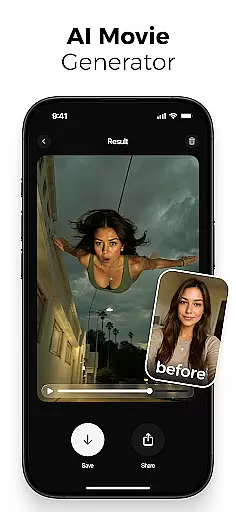
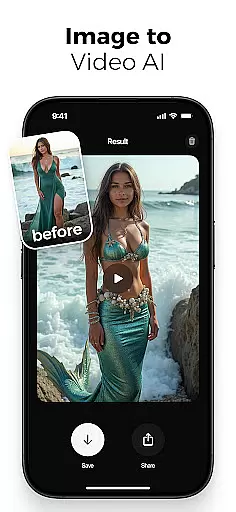
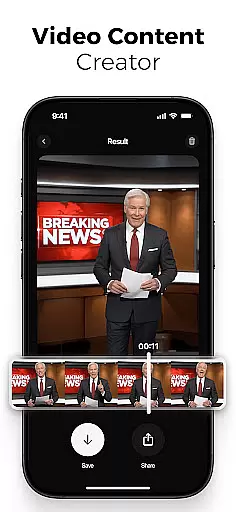
AI Video is a revolutionary photography app that transforms static images and text into dynamic, high-quality animated videos. This all-in-one AI video generator allows users to create stunning visuals with minimal effort, featuring advanced tools like polaroid filters, character animations, and realistic facial expressions.
The app's powerful AI engine, powered by Google DeepMind's Veo3 model, understands context and emotions to produce emotionally rich characters and scenes. Whether you're a content creator, marketer, or educator, AI Video simplifies the video creation process through its intuitive drag-and-drop interface and extensive customization options.
With support for various creative needs including viral reels, educational explainers, and professional edits, AI Video stands out as an essential tool for modern visual storytelling across platforms like TikTok, Instagram Reels, and YouTube Shorts.
AI Video distinguishes itself through its comprehensive suite of smart creation tools. The app's AI-powered text-to-video generator converts written ideas into fully animated scenes, while the image-to-video creator brings still photos to life with natural motion and expression.
Users can leverage advanced features such as customizable character animations with realistic emotions, automatic lip-sync capabilities, and a vast media library containing backgrounds and sound effects. The app's implementation of Google's Veo3 Fast Model enables unique special effects including mermaid transformations, skydiving actions, and cinematic filters.
What sets AI Video apart is its ability to combine professional-grade tools with user-friendly accessibility. The drag-and-drop interface, combined with HD export options and cross-platform compatibility, makes sophisticated video creation possible for both beginners and experienced creators alike.
Real-time capture and preview functionality is essential for any photography app, allowing users to see exactly what their final output will look like while setting up a shot. AI Video offers this feature by leveraging advanced algorithms that process images instantly, ensuring minimal lag between the action and its representation on screen.
The app's real-time capabilities extend beyond simple photo capture. Users can apply various filters, effects, and animations in real time, seeing how different options alter the scene before committing to a choice. This immediate feedback loop enhances creativity and allows for quick adjustments, which is particularly useful when working with dynamic subjects or fleeting moments.
For content creators who rely on precise timing and framing, AI Video's real-time preview ensures that every detail is captured as intended. Whether it's adjusting character emotions, tweaking motion paths, or fine-tuning visual effects, the ability to preview changes live streamlines the editing process and results in higher-quality videos.
Ultimately, the real-time capture and preview features empower users to produce professional-grade content without needing extensive technical knowledge. By providing an intuitive interface coupled with powerful AI tools, AI Video democratizes video creation, making it accessible to everyone from casual hobbyists to seasoned professionals.
AI beauty and enhancement features have become increasingly popular in photography apps, offering users the ability to refine and perfect their images with just a few taps. AI Video stands out in this area by focusing on naturalness, ensuring that enhancements look realistic rather than over-processed or artificial.
The app employs sophisticated AI models to analyze facial features and apply subtle adjustments that enhance natural beauty. For instance, it can smooth skin textures, brighten eyes, and add a healthy glow to complexionsu2014all while maintaining the unique characteristics that make each face distinct. This approach avoids the pitfalls of excessive retouching, which can often lead to unnatural appearances.
Beyond basic beautification, AI Video also includes advanced enhancement tools that improve overall image quality. These features adjust lighting, contrast, and color balance to create visually appealing photos that retain their authenticity. Users can customize the intensity of these enhancements, giving them control over the final outcome and ensuring that their edits align with their creative vision.
By prioritizing natural-looking results, AI Video not only enhances the aesthetic appeal of photos but also preserves the integrity of the original image. This commitment to realism sets the app apart from competitors and makes it a valuable tool for anyone looking to elevate their photography without sacrificing genuineness.
User-friendly interface
Advanced AI capabilities
Extensive feature set
High-quality output
Versatile applications
Subscription fees apply
Learning curve present
Resource-intensive
Limited free features
Internet connection required

[3DSteroid Pro] is a stereoscopic application for Android.
 4.30
4.30
Create funny photos and videos with the popular Time Warp Scan filter.
4.90
Light-weight Media Gallery app for Android made with Jetpack Compose
4.60
Amazing Photo Effects - The most fun you can have with your photos!
4.70
Easily view, share, delete photos with Gallery.
4.70
Hair color changer, AI haircut app, fun hair editor and buzz cut filter for all!
3.80
Astrophotography with your smartphone, photo live stacking and much more!
3.90
Discover & download millions of art for The Frame TV or Hisense CanvasTV
4.60
A unique animation app. Powerful, easy to use, and lots of fun.
4.30
Cartoon and artistic effects for your photos and videos
4.70
See your baby AI baby face generator AI baby maker Face generator babymaker fun!
4.70
PhotoSync Bundle Add-On License. Enables all features and services in PhotoSync.
4.60
AI photo editor with hair editor, retouch tools, hair color changer & filters!
4.50
Future baby face generator: AI kids generator, kid face! What my baby look like?
4.40
Professional photography on your mobile phone
4.20
What celebrity do you look like? Celebs will find your celebrity match!
4.10
Photo editor: face & body editor, beauty cam, filters and quality enhancer.
4.00
Turn photos into cartoons & avatars! - Photo Editor, Cartoon Face!
3.90
Superimpose one photo on top of another using the original Superimpose app!
3.20


User Reviews