
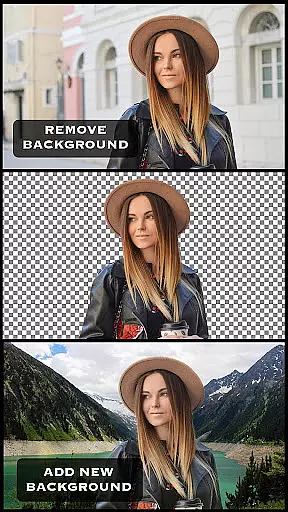
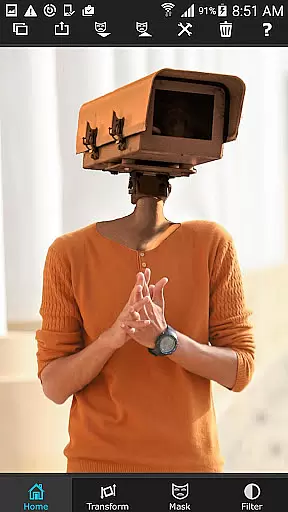
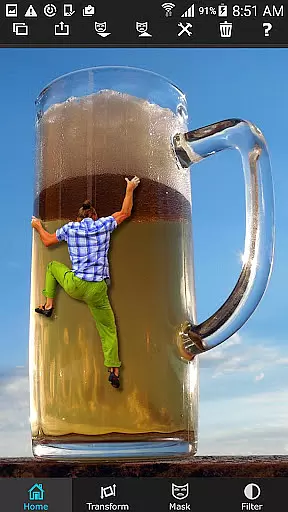
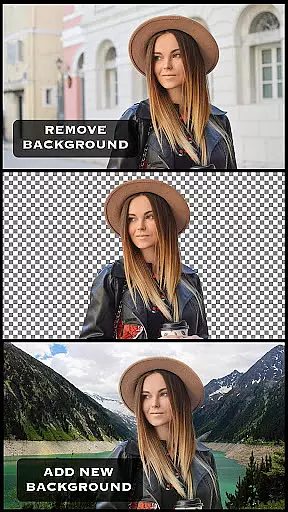
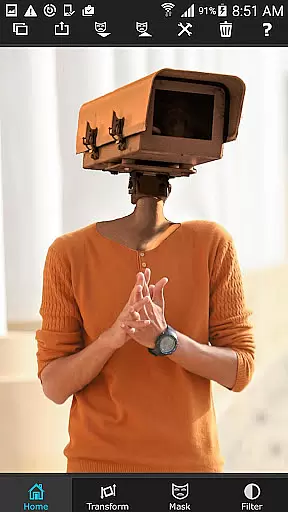
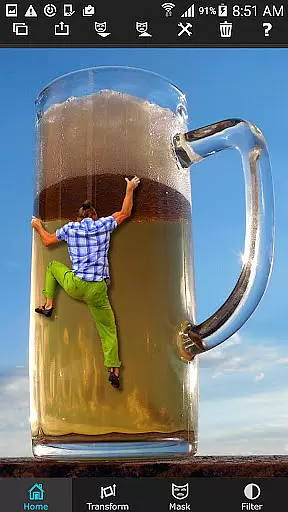
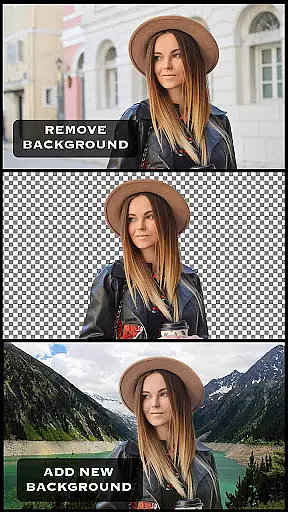
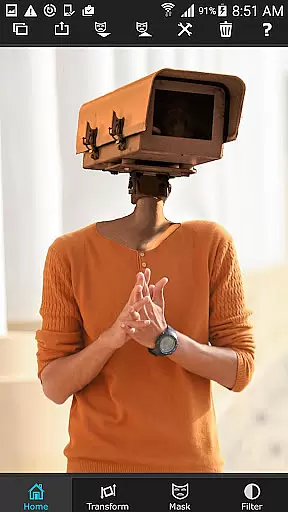
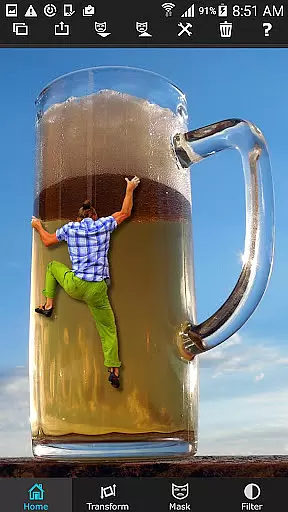
Superimpose is a powerful mobile application that allows users to create professional-grade superimposed or juxtaposed photos directly on their iPhones. With just a few taps, you can seamlessly blend images without the need for a computer or expensive software.
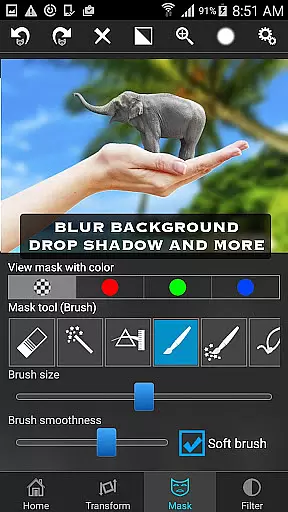
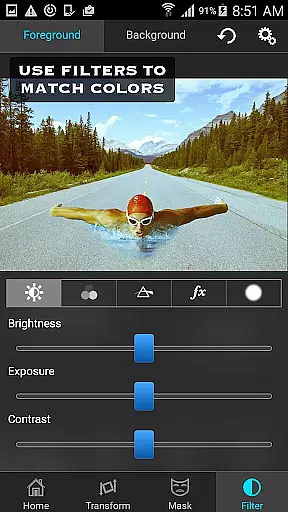
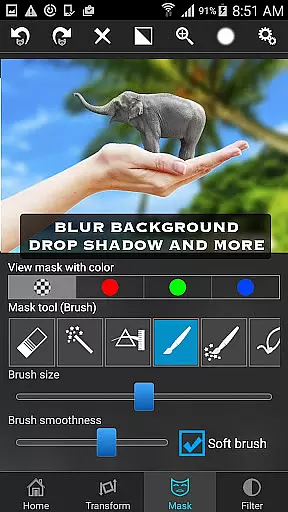
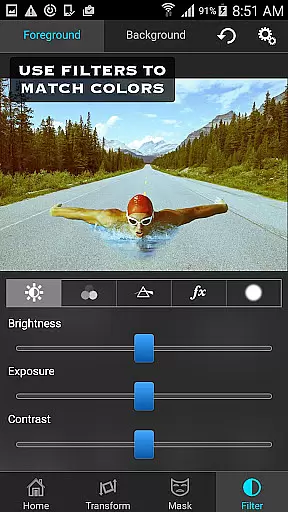
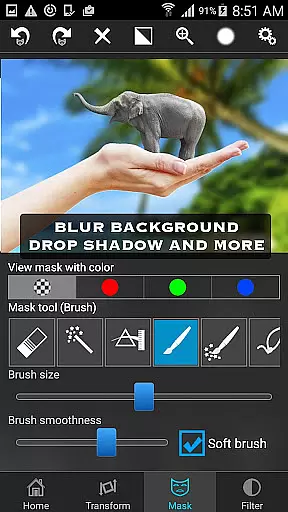
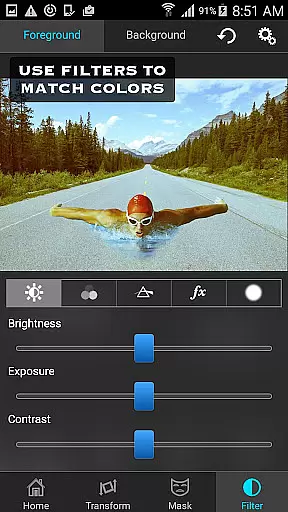
The app offers an extensive range of masking tools to remove unwanted portions of the foreground image and smoothen edges for a polished look. Users can move, scale, resize, rotate, and flip the foreground image to position it perfectly on the background. Additionally, color adjustments such as exposure, contrast, hue, and saturation ensure both images match in terms of colors.
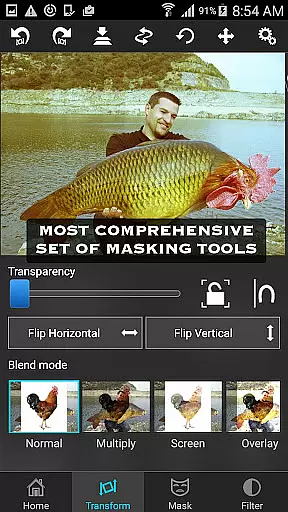
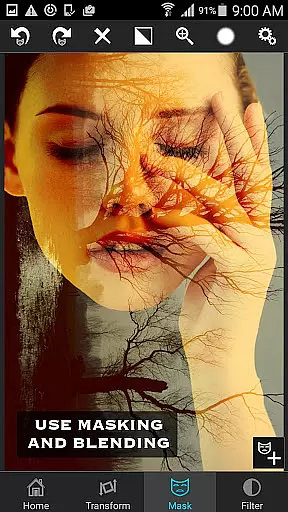
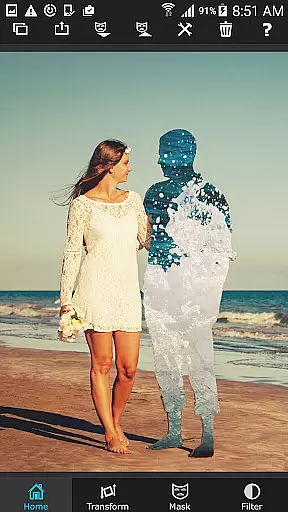
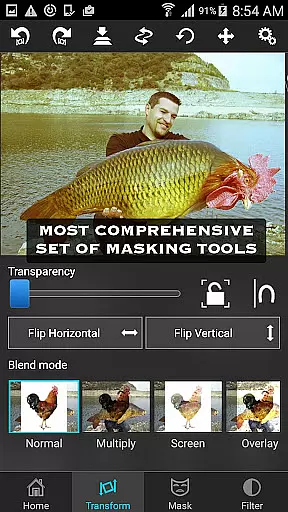
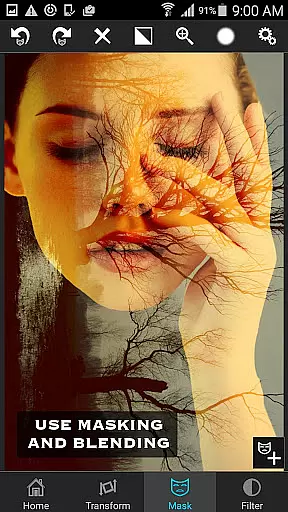
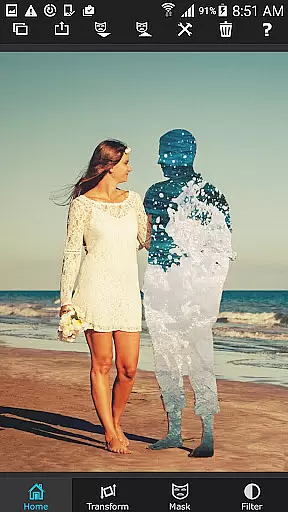
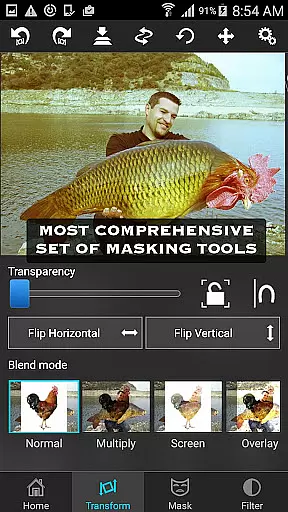
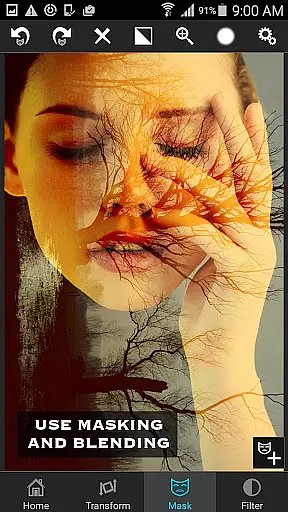
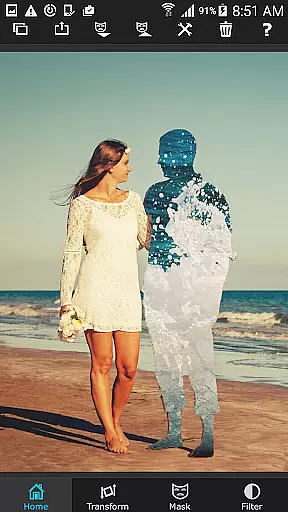
Whether you're looking to blend textures, overlay borders, or perform double exposure with adjustable transparency and 18 blending modes, Superimpose provides all the necessary tools to achieve stunning results.
Superimpose stands out with its comprehensive suite of features designed for both casual users and professional photographers. The app includes a wide array of masking tools such as brush, lasso, global color similarity, rectangle, ellipse, linear, bi-linear, and radial gradient masking.
Users can adjust various parameters like exposure, contrast, hue, and saturation to ensure the foreground and background images are perfectly matched in color. The app also supports blending textures and overlaying borders, making it versatile for different creative projects.
One of the standout features is the ability to perform double exposure with adjustable transparency and 18 blending modes. This functionality allows users to create visually striking compositions that would otherwise require advanced desktop software.
Real-time capture and preview functionality is essential for photography apps as it allows users to see the results of their edits instantly. Superimpose offers this feature, enabling users to witness their creative visions come to life without delay.
The app provides a dynamic interface where users can load background and foreground images, then immediately view the effects of applying masks, adjusting colors, or resizing elements. This instant feedback loop enhances the creative process, allowing photographers to make precise adjustments on the fly.
With real-time processing, Superimpose ensures that every change, from exposure tweaks to complex masking operations, is displayed instantly. This empowers users to create professional-grade superimposed images with confidence, knowing exactly how the final image will look.
Ultimately, the real-time capture and preview feature in Superimpose streamlines photo editing, making it accessible and efficient for both amateur and professional photographers who rely on seeing immediate results to perfect their work.
AI beauty and enhancement features are increasingly important in photo editing, offering tools that improve image quality while maintaining a natural appearance. Superimpose incorporates advanced AI algorithms to enhance photos without sacrificing authenticity.
Users can leverage Superimpose's AI-driven tools to adjust colors, exposure, contrast, hue, and saturation with precision. These enhancements ensure that edited images retain their original essence, avoiding the over-processed look that can occur with less sophisticated software.
In addition to basic adjustments, Superimpose's AI capabilities extend to blending textures, overlaying borders, and performing double exposures with adjustable transparency. The app's intelligent systems analyze the image data to apply these effects seamlessly, preserving the photo's natural aesthetics.
By prioritizing natural-looking enhancements, Superimpose stands out as a tool that not only elevates the quality of images but also respects the integrity of the original content, providing users with polished yet genuine results.
User-friendly interface
Extensive masking tools
Advanced color adjustments
Versatile blending modes
High-quality results
iPhone only
Feature overload for beginners
No Android version
Subscription fees
Limited customer support

Photo editor: AI filters, photo enhancer, pic collage maker, AI art generator.
 4.80
4.80
Amazing Photo Effects - The most fun you can have with your photos!
4.70
See your baby AI baby face generator AI baby maker Face generator babymaker fun!
4.70
AI Photo Editor with 100+ Filters, Effects! Remove BG, Retouch & Photo Enhancer.
4.80
Fit multiple photos on one post. Create carousels & scroll layouts for Instagram
4.50
Snap photos remotely using your Garmin watch as the camera trigger
4.5
Professional camera app that brings DSLR manual photography controls to Android.
4.20
The original Rarevision VHS look seen everywhere!
4.70
Solocator stamps photos you take with GPS location, Compass Direction, Date/Time
3.80
Collage your moments in one tap: 1000+ layouts, filters, stickers, and texts.
4.90
A must-have app for landscape photographers
4.60
Photo Exif Editor allows to view, add and modify EXIF data of multiple photos
4.50
HD Camera Pro with HD Video shooting, Panorama, Photo editor , Beauty Camera.
4.50
AI photo enhancer with Sora 2! Enhance, descratch, and colorize your old photos.
4.50
Create AI Photos, Improve and restore quality of blurry, old or damaged pics.
4.20
Professional quality photo edits with the new Snapseed.
4.00
Professional video recording application with manual controls for filmmakers!
2.80
Raw Image Viewer. Gallery with support of raw images (.cr3, .cr2, .nef, .raf).
2.00
Over 800 film simulation recipes for Fujifilm. Black Friday Offer!
4.3


User Reviews