
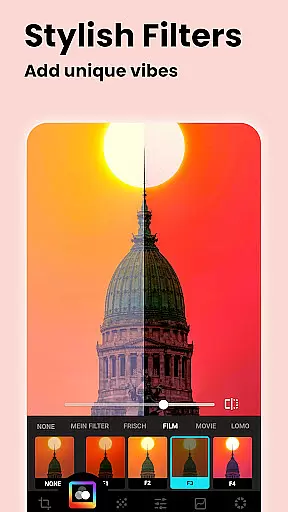
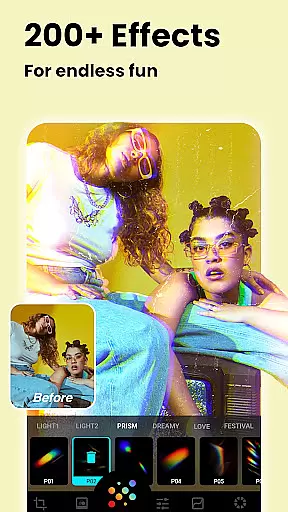
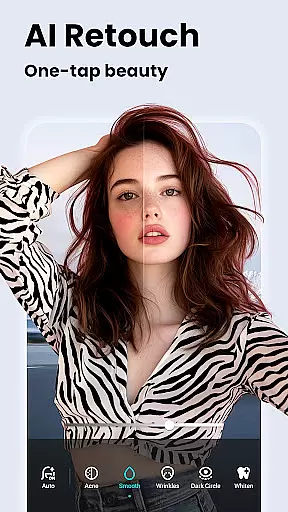


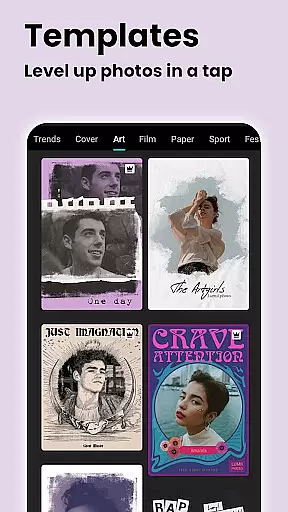
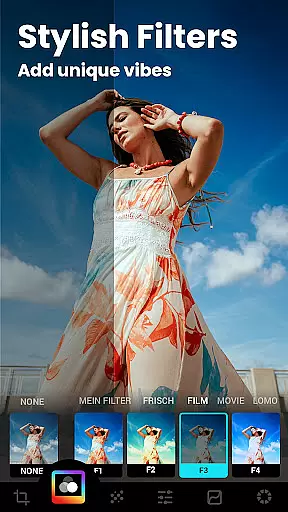

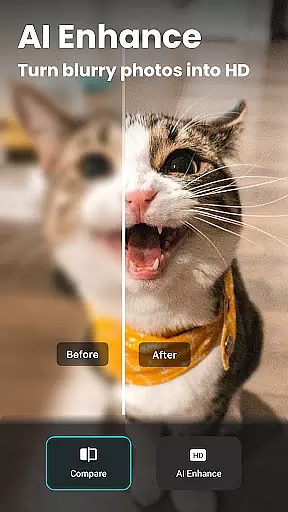
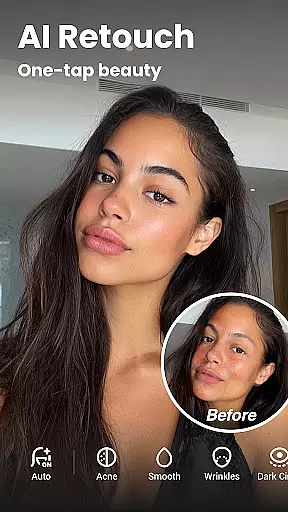

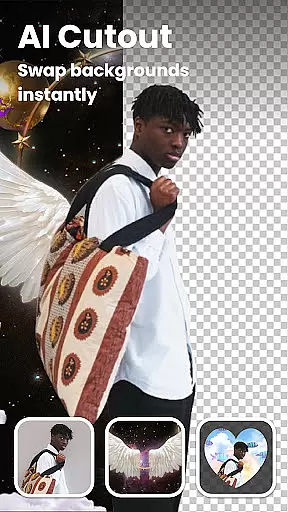
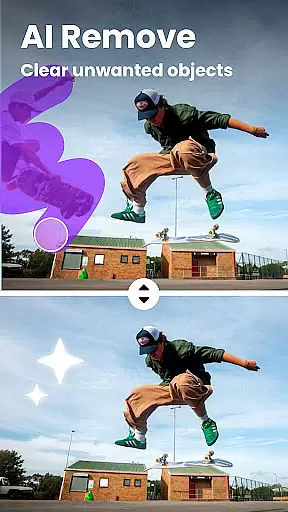

Lumii is a powerful AI Photo Editor that combines professional tools with smart AI editing features. Easily enhance photo quality, remove backgrounds, retouch selfies, and apply 100+ trendy photo filters and effects to edit photos. Create artistic, high-quality photos effortlessly — no professional skills required.
As one of the best photo maker and presets photography apps, Lumii makes photo editing simple, fast, and fun. No ads while editing. With all the powerful and distinctive features above, Lumii helps you become an expert in photo editing (enhance, photo filters and effects), and discover endless fun during the time.
Lumii offers a comprehensive suite of photo editing tools designed for both amateur and professional users. The app includes advanced AI-powered features such as Auto Background Eraser, AI Photo Enhancer, and AI Avatar creation. These tools allow users to easily repair or erase unwanted parts, enhance image quality, and create unique avatars.
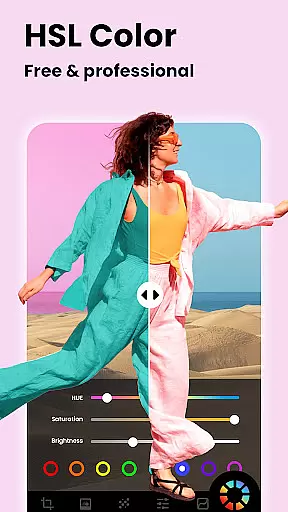
In addition to its AI capabilities, Lumii provides over 100 photo effects and filters, including Glitch, Light Leak, and Double Exposure. Users can customize their images with HSL color adjustments, curves, text overlays, and double exposure effects. The app also supports basic editing functions like brightness, contrast, and cropping, making it a versatile choice for all your photo editing needs.
Real-time capture and preview functionality is essential for any photography app, allowing users to see exactly what their photo will look like before taking the shot. Lumii offers a seamless real-time preview experience that ensures every detail is captured as intended.
The app's advanced AI algorithms enhance the live view, providing instant feedback on lighting, focus, and composition. This helps photographers of all levels to adjust settings on-the-fly and achieve the perfect shot without post-processing hassles.
With Lumii's real-time capabilities, users can apply filters and effects instantly, seeing how different adjustments impact the image in real time. This feature not only saves time but also enhances creativity by enabling experimentation with various styles and looks while shooting.
Ultimately, Lumii's real-time capture and preview empower users to take better photos with confidence, knowing precisely how the final image will appear. This immediacy transforms the photography process into an intuitive and enjoyable experience.
AI beauty and enhancement features are crucial for modern photo editors, aiming to improve images naturally without making them look overly processed. Lumii excels in this area by offering sophisticated AI tools that enhance portraits and selfies with remarkable subtlety.
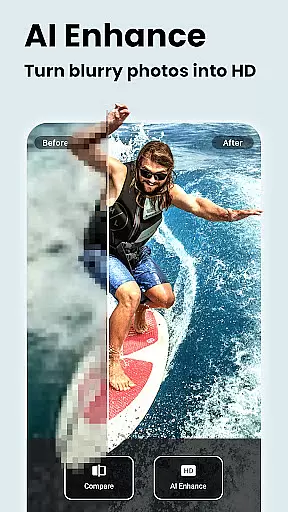
The AI Photo Enhancer tool within Lumii unblurs and sharpens images, turning even low-quality portraits into high-definition masterpieces. It intelligently smooths skin, whitens teeth, and removes blemishes, ensuring subjects look their best while maintaining authenticity.
Lumiiu2019s AI-driven enhancements extend beyond basic retouching; it includes options like background blur and bokeh effects that add depth and focus to portraits. These features mimic professional camera effects, giving photos a polished yet natural appearance.
By prioritizing natural-looking enhancements, Lumii ensures that edited photos retain their original charm and character. Users can achieve stunning results effortlessly, enhancing their photos' aesthetic appeal without sacrificing genuineness.
User-friendly interface
Advanced AI features
Over 100 photo effects
No ads during editing
Comprehensive editing tools
Some features may require learning
Occasional performance issues
Limited offline functionality
Premium features locked behind paywall
Interface can feel cluttered

Perfect photos with body shaping, BG changer and object remover.
 3.70
3.70
Professional photography on your mobile phone
4.20
AI-powered video creator by MiniMax - Where ideas meet cinema
4.20
Pro version: AR sun/moon tracker for any date. Tool for photographers & planners
4.90
live datamoshing
4.00
Snap photos remotely using your Garmin watch as the camera trigger
4.4
Enhance, upscale, and transform your images — on your device, without limits
4.70
Remote control the phone camera shutter from your smartwatch and take a picture
1.60
Discover & download millions of art for The Frame TV or Hisense CanvasTV
4.60
Collage your moments in one tap: 1000+ layouts, filters, stickers, and texts.
4.90
A must-have app for landscape photographers
4.60
Enhance, retouch & create your story - Share the moment with Photoshop Express.
4.60
Create collages easily! Nice pic collage maker & background eraser for Instagram
4.50
HD Camera Pro with HD Video shooting, Panorama, Photo editor , Beauty Camera.
4.50
Create AI Photos, Improve and restore quality of blurry, old or damaged pics.
4.20
A light meter for true photographers.
4.20
Professional camera app that brings DSLR manual photography controls to Android.
4.20
Remote control of the phone camera from your Wear OS smartwatch
3.70
Application for remote controlling DSLR
3.00


User Reviews