
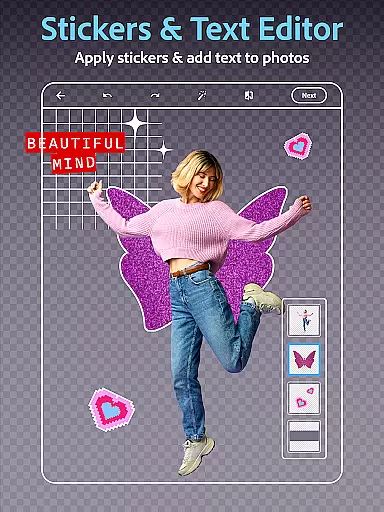
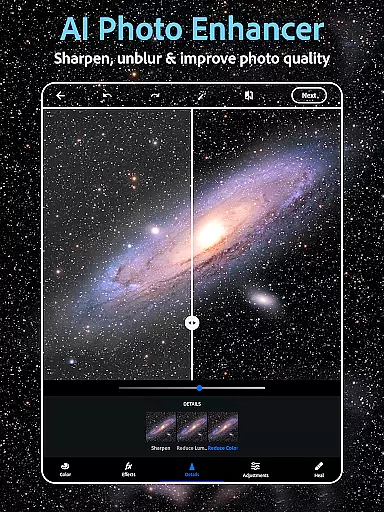
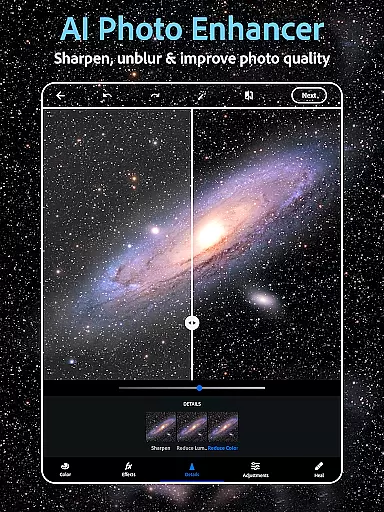
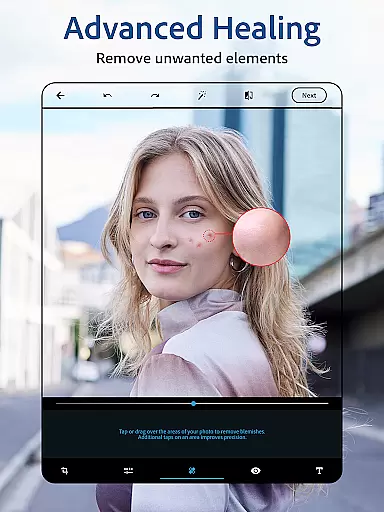
Photoshop Express is a versatile photo editing app that brings professional-level tools to your fingertips. Designed for both amateur and experienced photographers, this application offers a complete suite of features including AI-powered image retouching, one-tap filters, and advanced airbrush tools. Whether you're looking to enhance selfies, create stunning collages, or add creative text overlays, Photoshop Express provides all the necessary tools in an intuitive interface.
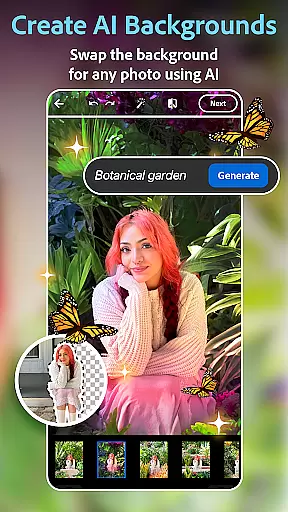
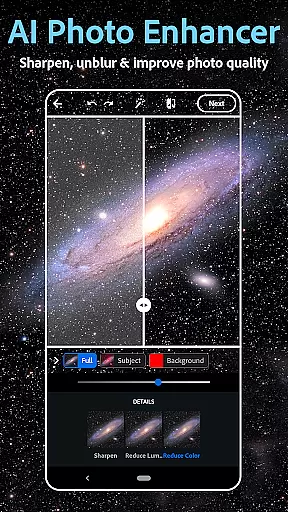
The app stands out with its state-of-the-art AI capabilities, allowing users to replace backgrounds, remove unwanted objects, and even generate custom images through text prompts. Its collage maker and vintage camera filters offer additional creative freedom, while easy sharing options make it perfect for social media enthusiasts. With support for various file formats like RAW and TIFF, Photoshop Express ensures high-quality edits regardless of your source material.
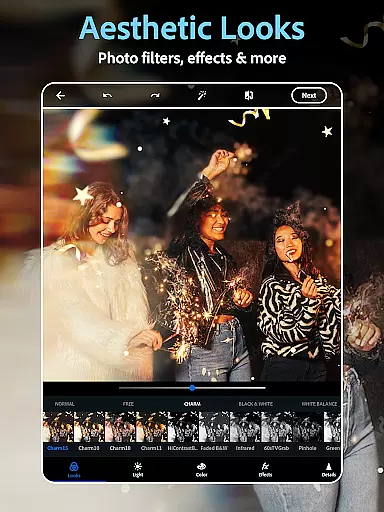
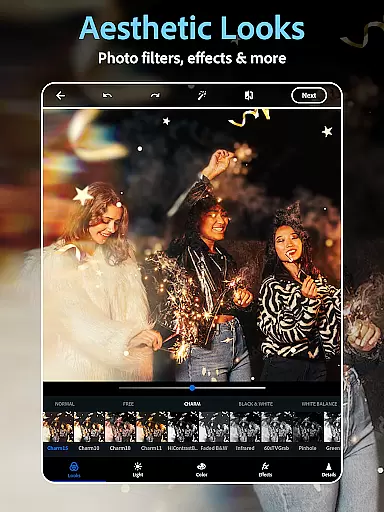
Perfect for transforming everyday moments into artistic expressions, Photoshop Express caters to diverse aesthetic preferences. From vibrant filters to moody film effects, the app helps users achieve their desired look effortlessly. The Premium version unlocks even more precise editing controls, making it a valuable tool for anyone serious about photo editing.
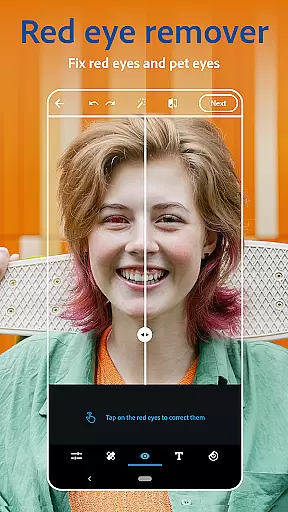
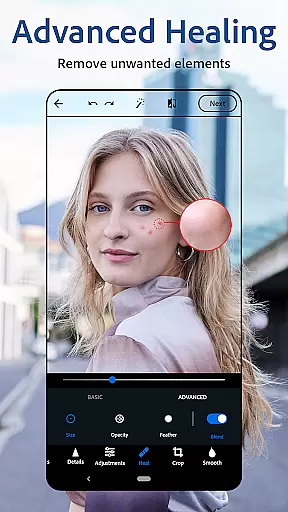
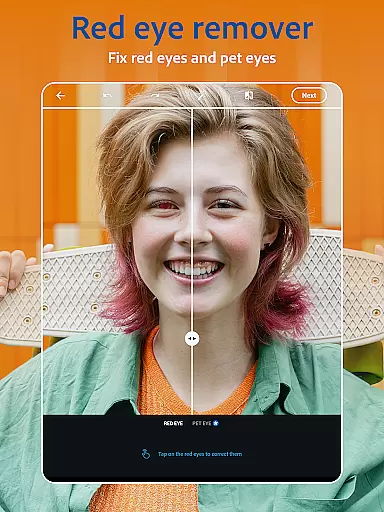
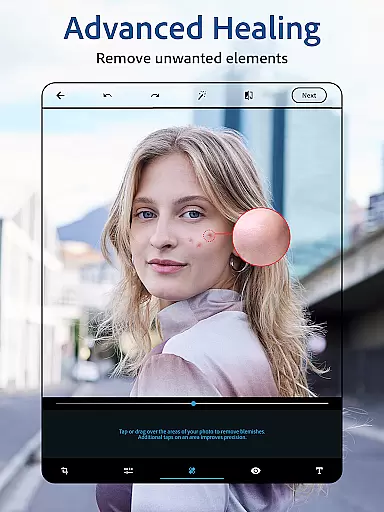
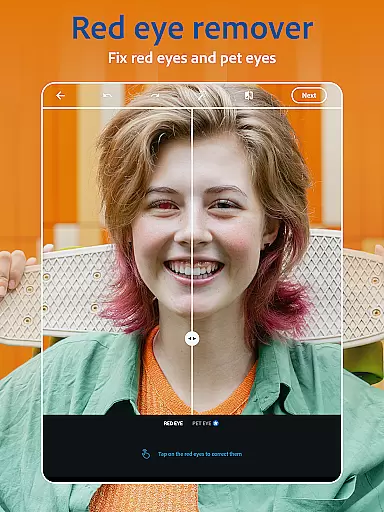
Photoshop Express boasts an impressive array of features designed to elevate your photo editing experience. At its core, the app functions as a powerful AI photo editor, enabling users to perform complex tasks with minimal effort. The face editor app allows for detailed retouching, including blemish removal, red-eye correction, and spot healing, ensuring your selfies look flawless. Additionally, the app's ability to replace image backgrounds and remove blur makes it an indispensable tool for creating professional-quality images.
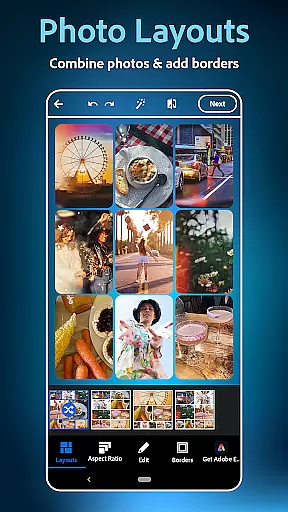
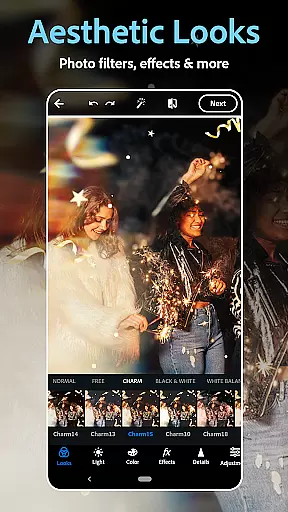
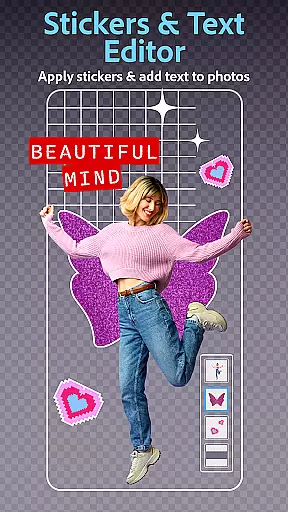
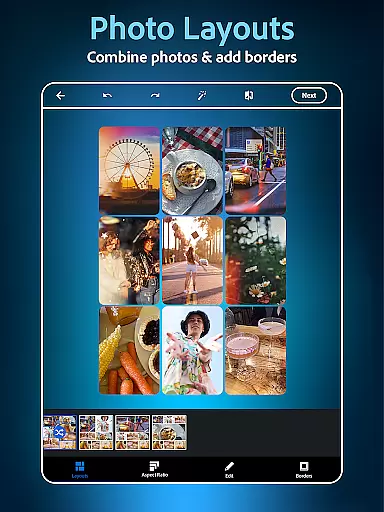
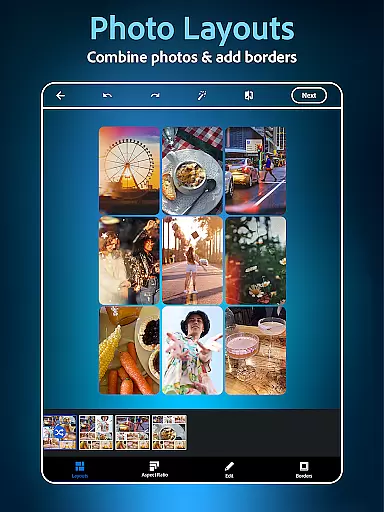
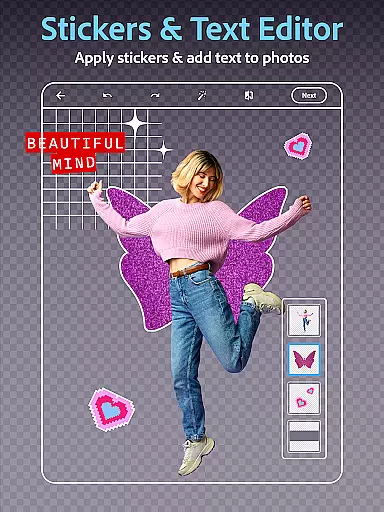
One of the standout features is the collage maker, which lets you combine multiple pictures into pre-designed grids. This feature is complemented by robust text editing capabilities, allowing you to add captions, create memes, and design custom watermarks. The app also includes thousands of camera filters, ranging from vintage styles to modern aesthetics, giving you endless customization options. Furthermore, the AI image generator expands creative possibilities by letting you produce unique visuals based on text prompts.
For those seeking convenience, Photoshop Express supports uploading from various file formats and offers seamless sharing to popular social media platforms. The app's user-friendly interface ensures that these advanced features are accessible to everyone, regardless of their technical expertise. Whether you're enhancing personal photos or working on professional projects, Photoshop Express provides the tools needed to bring your creative vision to life.
Real-time capture and preview functionality is essential for ensuring that every photo taken meets the desired quality standards. With Photoshop Express, users can instantly see the results of their edits as they apply filters, adjust settings, or add text to photos. This immediate feedback allows for quick adjustments and ensures that the final image aligns with creative visions without any surprises.
The app's advanced technology provides a seamless experience when capturing images directly within the application. Users can leverage real-time previews to experiment with different vintage camera filters or film effects before finalizing their choice. This feature empowers photographers of all skill levels to produce professional-looking photos effortlessly.
Additionally, the ability to preview changes in real time enhances the overall editing process by saving time and reducing frustration. Whether it's through using the face editor app to airbrush selfies or applying vibrant camera filters, Photoshop Express ensures that every modification is immediately visible. This capability not only boosts creativity but also makes photo editing more enjoyable and accessible to everyone.
AI beauty and enhancement features have revolutionized the way we edit photos by offering natural-looking improvements without manual intervention. Photoshop Express incorporates state-of-the-art AI tools that automatically enhance facial features while maintaining authenticity. The face editor app utilizes intelligent algorithms to remove blemishes, correct red-eye, and apply spot healing, resulting in polished yet genuine-looking portraits.
One significant advantage of this technology is its ability to provide consistent enhancements across various images. Users can rely on the AI-powered airbrush tool to deliver uniform results whether editing a single selfie or batch-processing multiple photos. By preserving skin texture and avoiding over-processing, the app ensures that edited images retain their original charm and character.
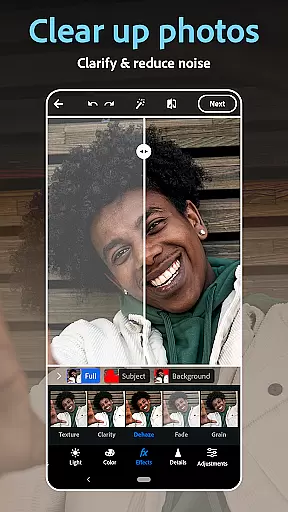
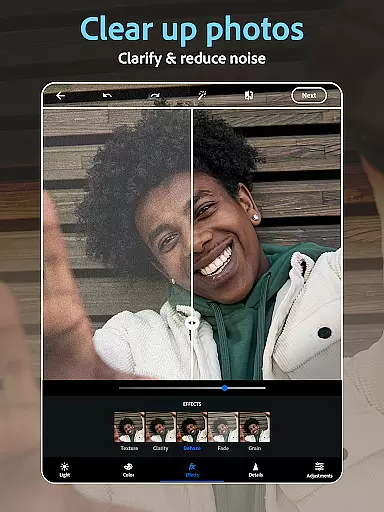
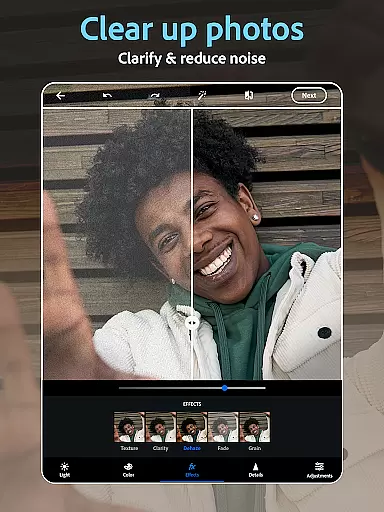
Moreover, the AI-driven enhancements extend beyond just facial retouching; they encompass overall image optimization. From dehazing pictures to replacing backgrounds, Photoshop Express offers comprehensive solutions that elevate photo quality naturally. These sophisticated tools enable users to achieve stunning visual outcomes while keeping the focus on realistic beauty, making professional-grade edits accessible to all skill levels.
User-friendly interface
Advanced AI tools
Versatile filter options
Comprehensive editing suite
Seamless social sharing
Premium features locked
Occasional ads
Steep learning curve
Limited free content
High system requirements

How would you look like with a differently shaped nose, chin or lips?
 3.90
3.90
Search, tag and rate your way to an organized image gallery
4.40
Perfect photos with body shaping, BG changer and object remover.
3.70
Safe & smart flight with Go Fly drone controller for 40+ drone camera, zone map
4.50
Superimpose one photo on top of another using the original Superimpose app!
3.20
Light-weight Media Gallery app for Android made with Jetpack Compose
4.60
See your baby AI baby face generator AI baby maker Face generator babymaker fun!
4.70
Welcome to ProShot, the most powerful camera app on Android.
4.20
Photo & Video Gallery app to manage albums and save WA Status easily.
4.70
Find time and duration of different sunlight phases at any location
4.90
Photo editor: AI filters, photo enhancer, pic collage maker, AI art generator.
4.80
Create AI photos & videos with Enhancer; restore, fix, beautify, enhance photos
4.50
Easily stitch panoramas from multiple photos or video.
4.40
Edit like a pro with Hypic. Apply filters, AI effects, & magic touch.
4.40
All-in-One Editor & AI Photo Enhancer, Beautify & Retouch, Collage, Cartoonify
4.20
Virtual makeup, hair filters & body tuner—edit from face to full body!
4.20
Luminar: Photo Editor - easy picture editing with AI
4.20
All-in-One Editor & AI Photo Enhancer, Collage, Cartoonify, Funny Stickers & BGS
4.10
Remote control the phone camera shutter from your smartwatch and take a picture
1.60


User Reviews