
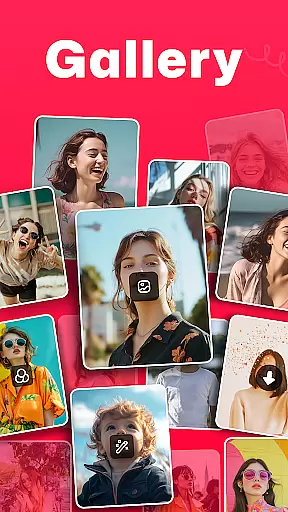
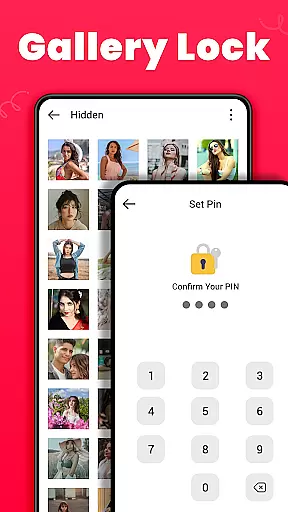
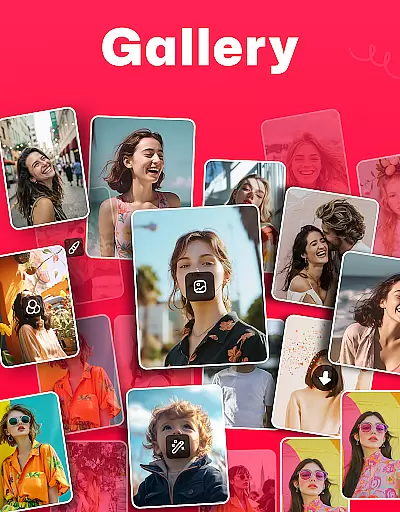
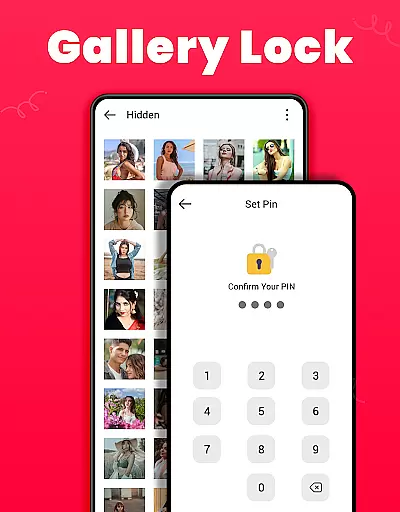
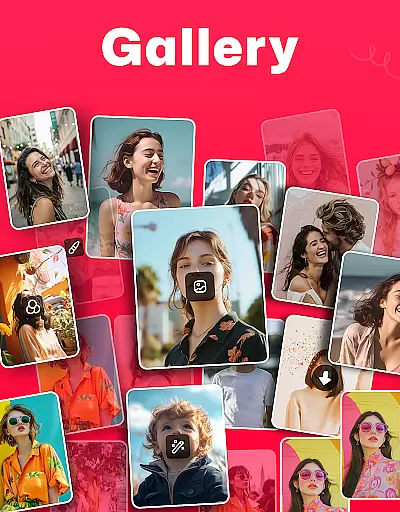
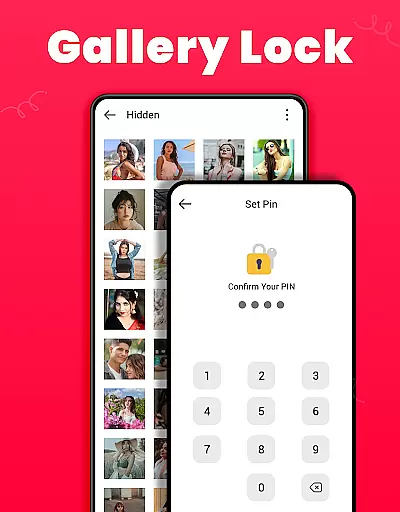
Gallery is a versatile offline photo and video management app designed for Android users. It offers an array of features including editing, sharing, and organizing media files effortlessly. The app stands out with its Gallery Lock feature, which allows users to secure private photos and videos in a protected vault using a PIN or password. This ensures that sensitive content remains private and secure from unauthorized access.
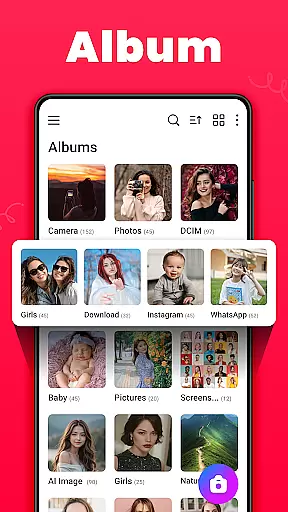
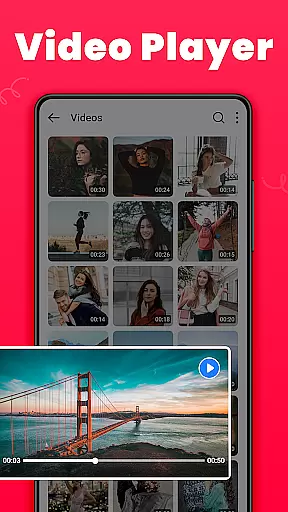
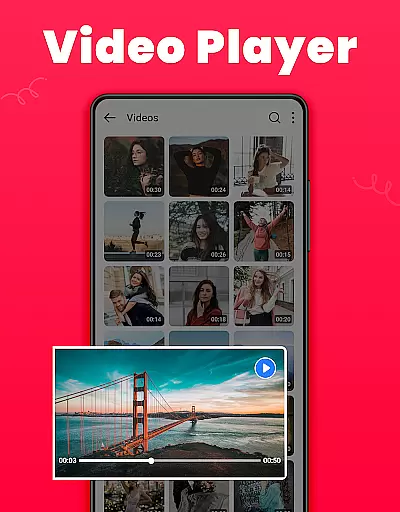
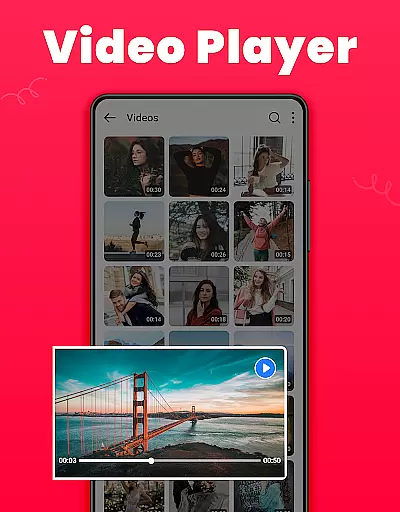
In addition to security, Gallery provides tools for enhancing user experience through its intuitive interface. Users can create albums, set wallpapers, view media details, and even recover accidentally deleted media from the Recycle Bin. With support for HD video playback and various customization options like light or dark mode, it caters to both casual and power users who need a reliable way to manage their digital memories.
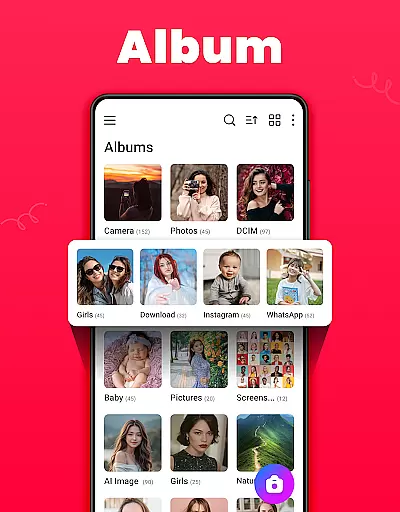
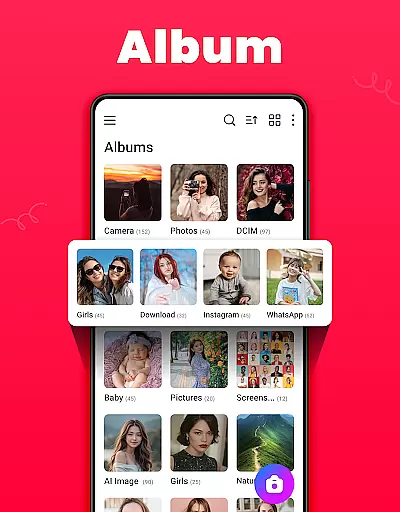
Gallery boasts a comprehensive suite of features tailored for efficient media management. One of its key highlights is the ability to organize media automatically based on file paths, making it easy to locate specific photos or videos. Users can also take advantage of advanced sorting options, such as arranging albums by name, date, or path in ascending or descending order. These organizational tools ensure that your media library remains tidy and accessible at all times.
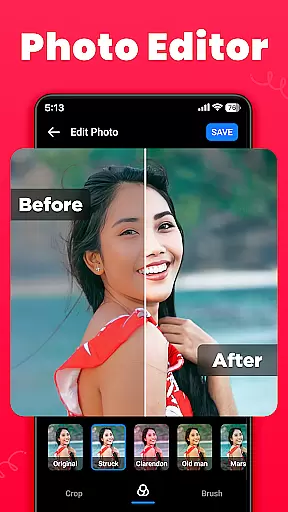
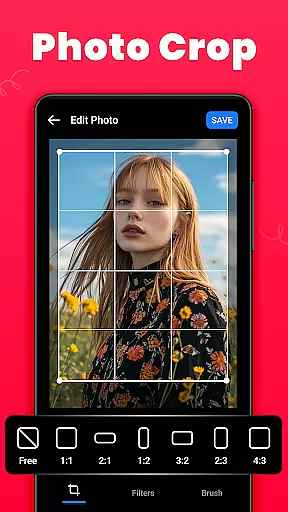
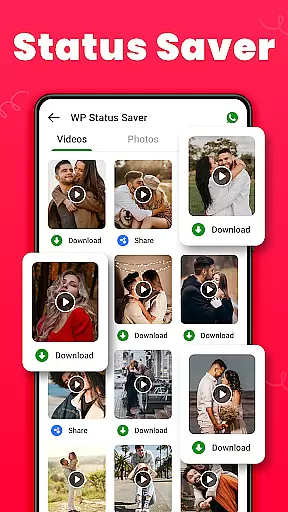
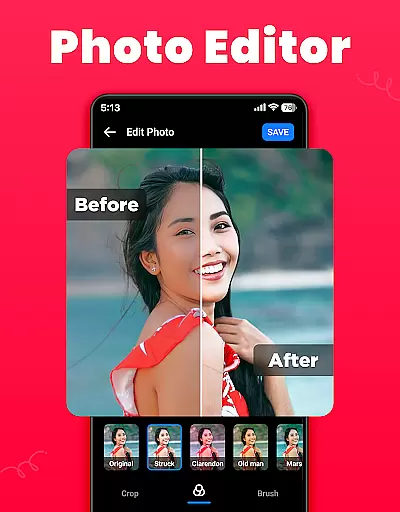
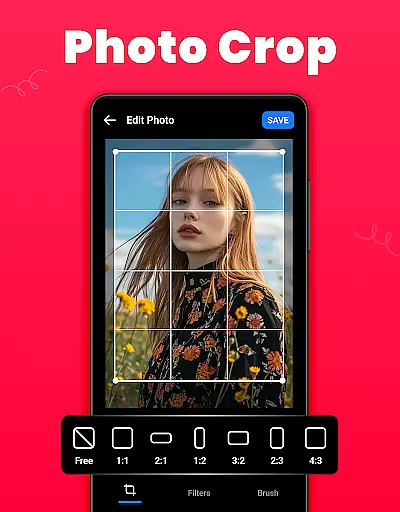
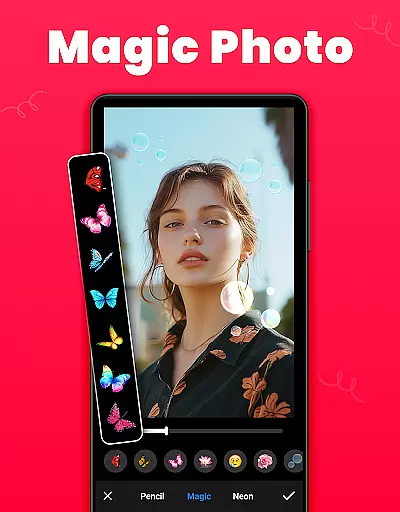
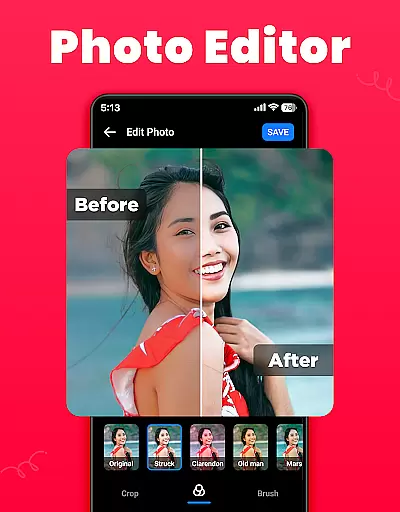
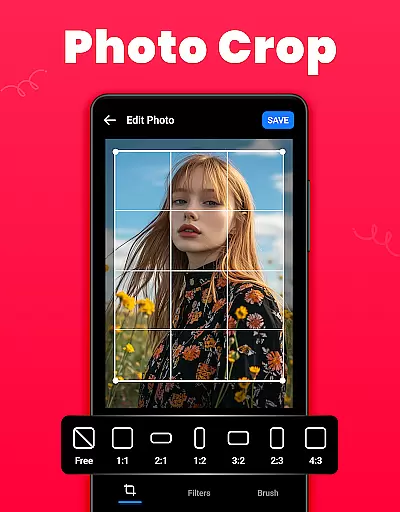
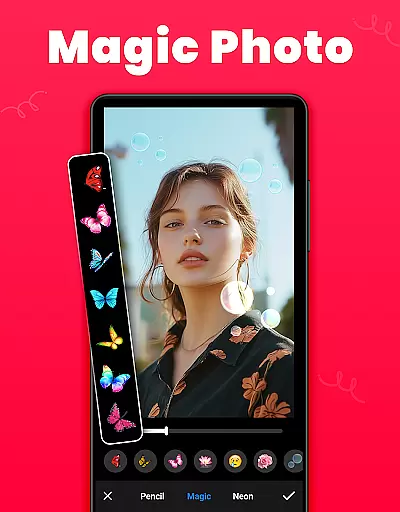
The app includes a built-in photo editor equipped with essential tools like crop, filter, and brush functionalities. Whether you want to apply creative effects or make precise adjustments, these editing capabilities allow for personalized enhancements. Additionally, Gallery supports social sharing, enabling users to distribute their edited images across various platforms directly from the app. Its lightweight design and offline functionality further enhance its appeal, providing a seamless experience without consuming excessive device resources.
Real-time capture and preview functionality is essential for any photography app as it allows users to frame and adjust their shots accurately before capturing. The Gallery app offers a seamless real-time preview, ensuring that what you see on the screen is what you get in your final image or video.
This app provides an intuitive interface where users can instantly switch between photo and video modes without any lag, making it easier to capture spontaneous moments. The clarity of the preview ensures that users can make necessary adjustments to focus, exposure, and other settings, resulting in high-quality captures every time.
For users who value precision in their photography, the real-time preview feature in Gallery enhances the overall experience by providing accurate framing and instant feedback. This ensures that each photo or video taken meets the user's expectations, reducing the need for retakes and enhancing satisfaction with the app.
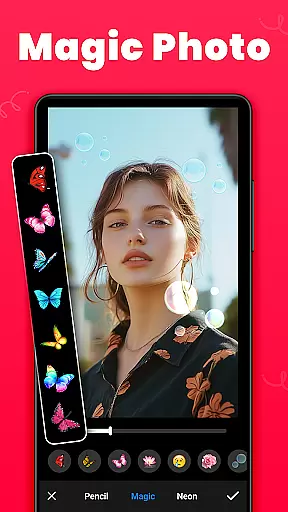
AI beauty and enhancement features have become a staple in modern photography apps, allowing users to refine and beautify their images effortlessly. The Gallery app leverages advanced AI algorithms to enhance photos naturally, ensuring that edits look realistic rather than over-processed.
With this app, users can apply various enhancements such as skin smoothing, blemish removal, and facial feature adjustments with just a few taps. The AI technology intelligently identifies facial features and applies enhancements that complement the natural aesthetics of the photo, preserving the authenticity of the original image.
The benefit of using Gallery's AI enhancement tools is the ability to achieve professional-looking results without requiring extensive editing skills. Users can enjoy enhanced photos that look genuine and pleasing, making their memories stand out while maintaining the natural beauty of the captured moments.
User-friendly interface
Secure gallery lock
HD video playback
Offline functionality
Comprehensive editing tools
Limited cloud integration
No facial recognition
Basic filters only
Occasional bugs
Ads in free version

AI portrait generator and polaroid AI selfie, fun AI generated AI photo creator!
 4.30
4.30
All-in-One Editor & AI Photo Enhancer, Beautify & Retouch, Collage, Cartoonify
4.20
Android Native system HD camera app. Never been so simple and faster.
4.70
Photo prints, cards, & gifts at Walgreens. Easy ordering & fast local pickup !
4.80
Turn your phone into a professional camera - full DSLR manual photography
4.30
Easily view, share, delete photos with Gallery.
4.70
Unblur, enhance & restore photos with powerful AI photo enhancer tools.
4.60
Snap photos remotely using your Garmin watch as the camera trigger
4.1
Unlock the full potential of your DJI drone with Litchi
4.50
Pro version: AR sun/moon tracker for any date. Tool for photographers & planners
4.90
See your baby AI baby face generator AI baby maker Face generator babymaker fun!
4.70
1M influencer's special filter
4.60
Take videos and pictures with the popular TikTok TIME WARP SCAN filter.
4.60
Search, tag and rate your way to an organized image gallery
4.40
Smart, light, and fast photo and video gallery
4.30
A light meter for true photographers.
4.20
Gallery Slideshow is slideshow maker app for slideshow from your gallery photos.
3.90
Astrophotography with your smartphone, photo live stacking and much more!
3.90
Over 800 film simulation recipes for Fujifilm. Black Friday Offer!
4.2


User Reviews