
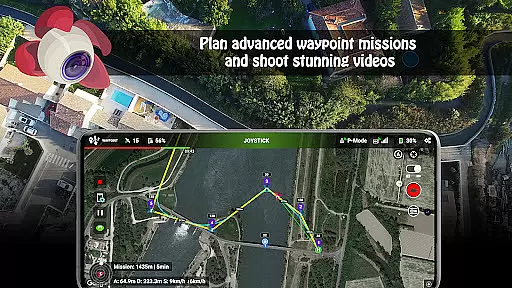
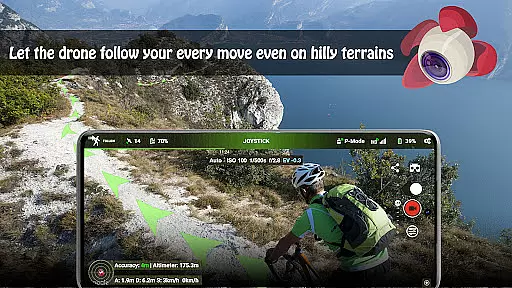
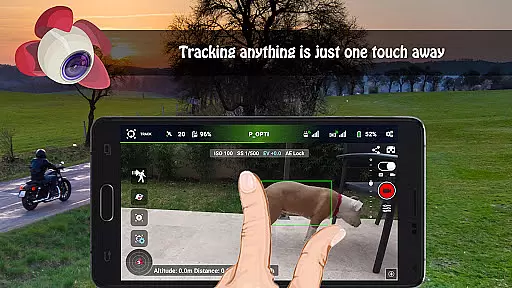
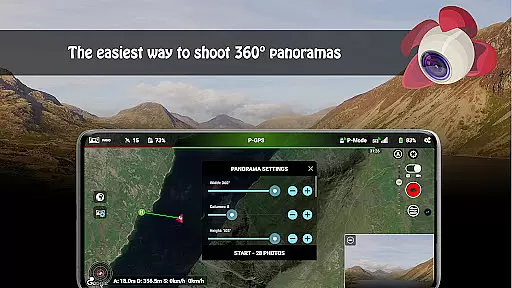
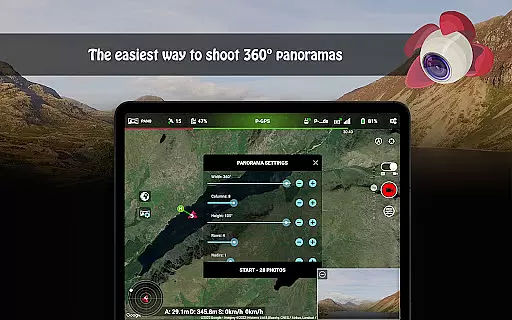
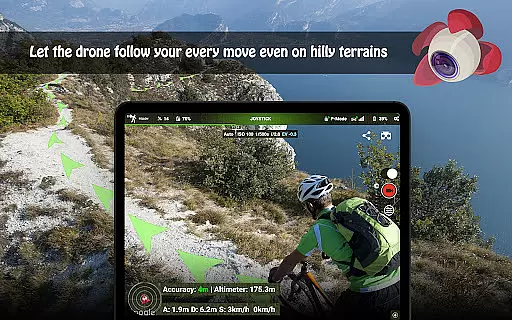
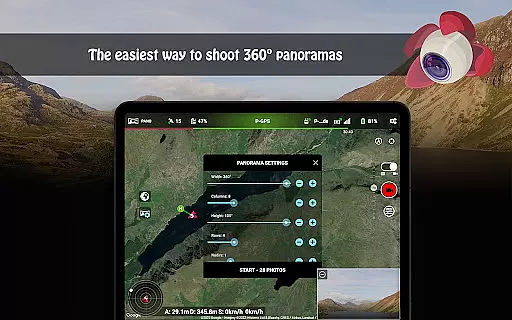
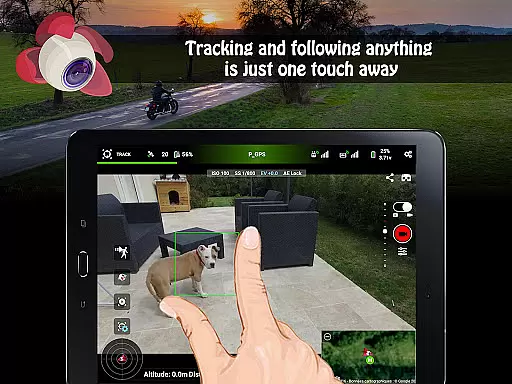
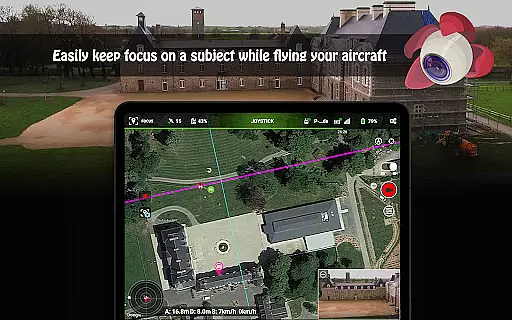
Litchi for DJI Drones is the premier application designed to enhance your drone flying experience. This app unlocks advanced features of compatible DJI drones, offering users an intuitive and powerful waypoint engine, panorama mode, track mode, follow mode, VR mode, and focus mode. These features allow both professionals and beginners to execute complex flight plans with ease while capturing stunning aerial imagery.
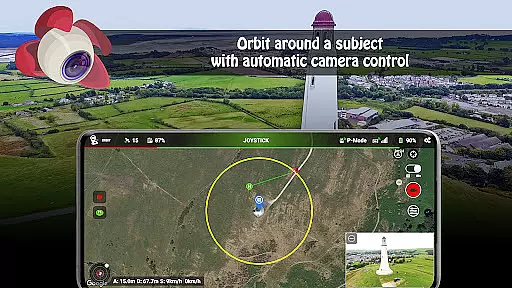
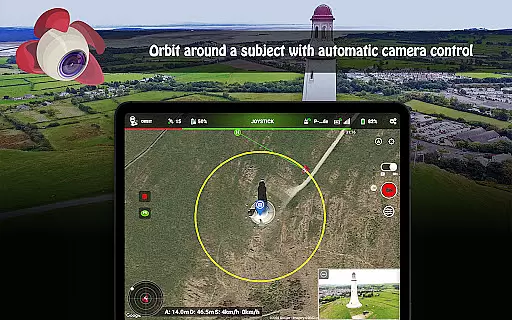
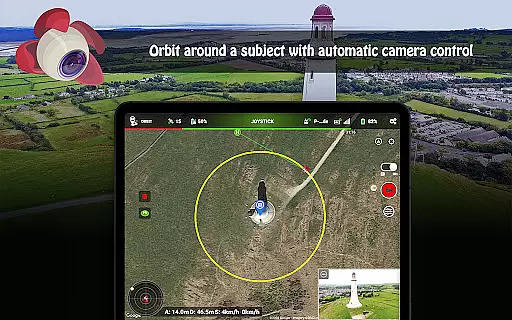
With seamless synchronization across devices, Litchi ensures that all your flight plans are up-to-date no matter where you are. The app also supports live streaming to platforms like Facebook and offers real-time controls for orbiting subjects. Additionally, it provides human-readable flight logs and automatic video recording, making it a comprehensive tool for both hobbyists and professional drone operators.
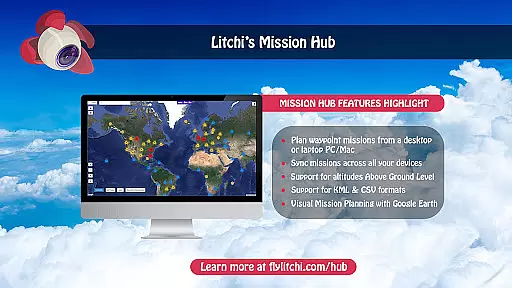
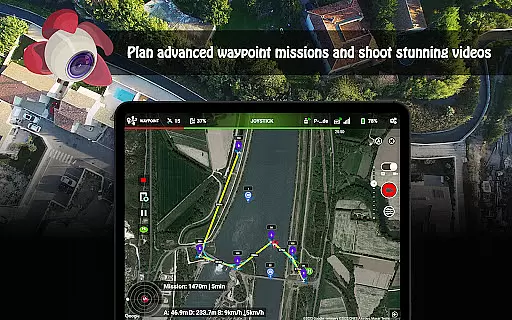
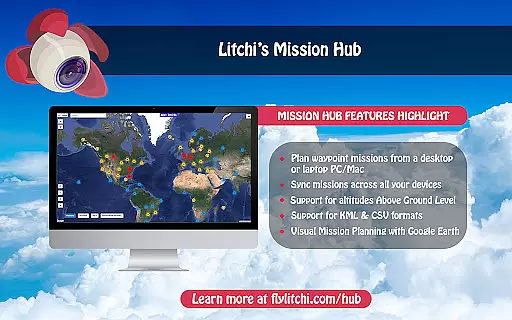
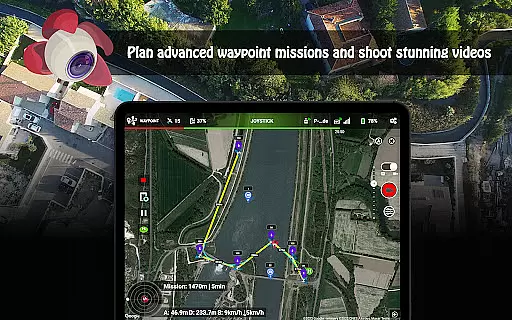
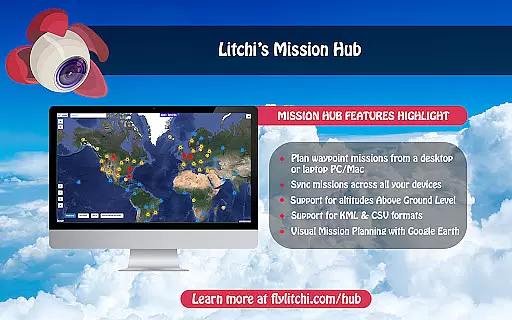
Litchi stands out with its robust feature set tailored for DJI drone enthusiasts. The waypoint mode allows users to create detailed flight paths on various platforms, including PC and Mac, which sync effortlessly across all devices. This ensures that whether you're planning indoors or outdoors, your flight missions remain consistent and reliable.
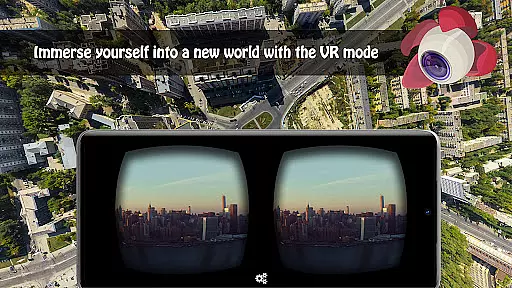
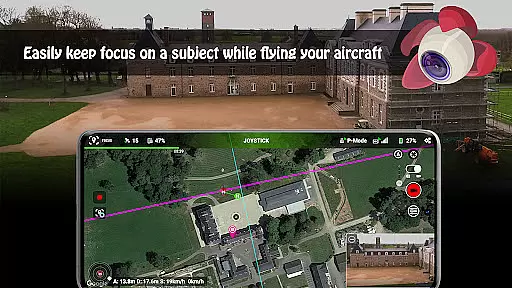
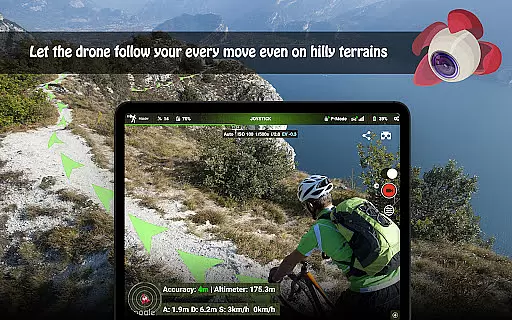
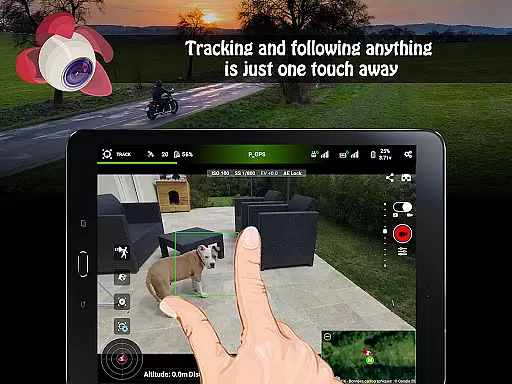
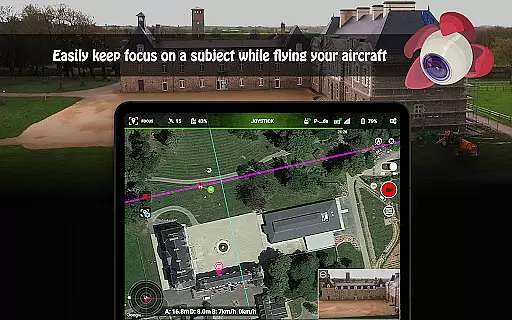
The app's track and follow modes utilize cutting-edge computer vision algorithms to keep subjects perfectly framed. Users can also enjoy immersive experiences through VR mode, which leverages mobile technology for an unparalleled FPV encounter. Furthermore, Litchi supports livestreaming, custom RC key functions, and integration with Airdata UAV for comprehensive flight analysis, providing a versatile toolkit for diverse flying needs.
Real-time capture and preview functionality is essential for drone photography, allowing users to see exactly what the camera captures as it happens. Litchi for DJI Drones excels in this area by providing a seamless live feed from the drone's camera directly to the user's device.
The app ensures minimal latency in video transmission, which is crucial when navigating and framing shots. This real-time feedback empowers photographers and videographers to make instant adjustments to their drone's position and camera settings, ensuring they capture the perfect shot every time.
With compatibility across various devices, including smartphones and tablets, Litchi offers flexibility in how users monitor their flights. The crisp and clear preview helps in executing complex maneuvers while maintaining complete control over the final output.
This feature not only enhances the overall flight experience but also significantly improves the quality of aerial photography and videography. Users can confidently explore creative angles and dynamic shots, knowing they have precise control over what is being captured.
While primarily focused on drone control and photography, Litchi incorporates advanced image enhancement features that bring out the best in every captured moment. Although not marketed specifically as an AI beauty tool, its enhancement capabilities ensure natural-looking results.
The application processes images with algorithms that enhance colors, contrast, and sharpness without creating artificial-looking effects. This approach maintains the authenticity of landscapes and subjects while elevating the overall visual appeal of photographs.
Users benefit from automatic optimization features that work behind the scenes to produce professional-quality images. These enhancements are applied subtly, ensuring that the final output remains true to the original scene captured by the drone's camera.
This balance between enhancement and natural appearance makes Litchi a valuable tool for both amateur enthusiasts and professional photographers seeking to elevate their aerial photography without compromising on authenticity.
User-friendly interface
Advanced waypoint planning
Seamless cross-device sync
Comprehensive support options
Innovative VR and tracking modes
Not compatible with latest DJI models
Requires internet for initial setup
Additional cost for full features
Separate goggles needed for VR
Complexity may overwhelm beginners

Perfect photos with body shaping, BG changer and object remover.
 3.70
3.70
Trendy TikTok time warp scan funny filter app brings you unique photos & videos.
4.40
What celebrity do you look like? Celebs will find your celebrity match!
4.10
Perfect body tune & face app - photo retouch, makeup, slim body & beautify face.
4.80
Cartoon and artistic effects for your photos and videos
4.70
A reflected light meter with spot metering and incident light metering.
4.40
Add a dreamy vibe to your selfies and videos with soft style filters
4.2
Use AI Video Generator to turn your words to ai generated videos.
4.50
Discover How to Plan any Sun, Moon and Milky Way Photo You Imagine in Seconds
4.70
Photo prints, cards, & gifts at Walgreens. Easy ordering & fast local pickup !
4.80
The original Rarevision VHS look seen everywhere!
4.70
Safe & smart flight with Go Fly drone controller for 40+ drone camera, zone map
4.50
Create AI photos & videos with Enhancer; restore, fix, beautify, enhance photos
4.50
AI photo enhancer with Sora 2! Enhance, descratch, and colorize your old photos.
4.50
Effortlessly organize, view and share your photos & videos with Gallery app!
4.40
Photobooth mini FULL app will allow you to add more fun to your parties
4.00
live datamoshing
4.00
Astrophotography with your smartphone, photo live stacking and much more!
3.90
Create amazing frames with up to five photos. Rounded corners, effects and more!
3.60


User Reviews