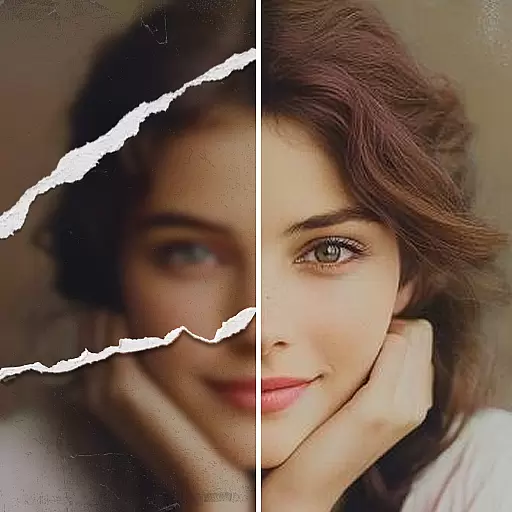
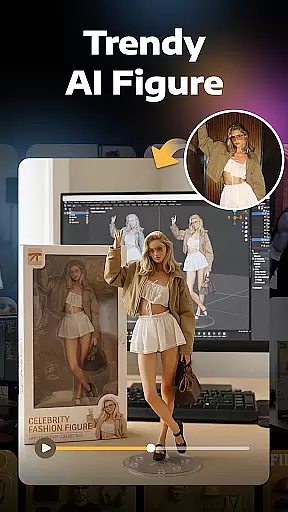
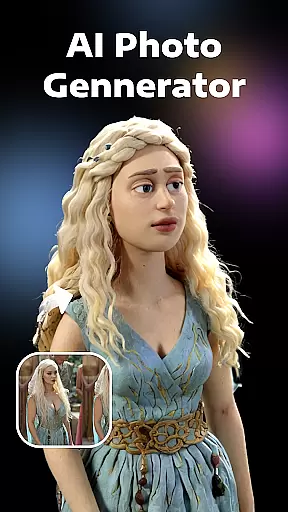


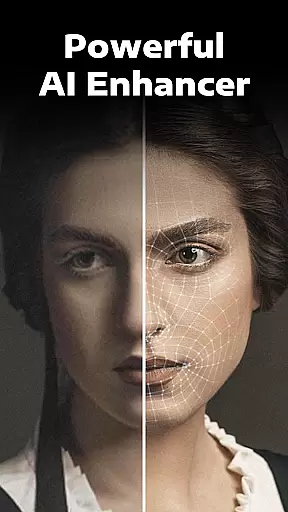
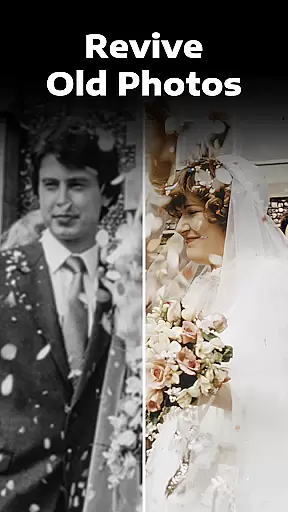
Evoke - AI Photo Enhancer is a cutting-edge photography app designed to breathe new life into your old and damaged photos. Using advanced AI technology, this app specializes in photo restoration, enhancement, and colorization, making it an essential tool for anyone looking to revive their cherished memories.
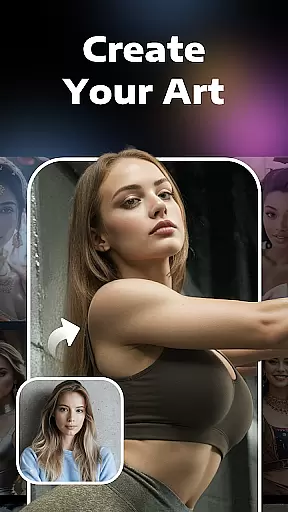
The app's core functionality lies in its ability to fix various issues with old photographs, including blurriness, scratches, discoloration, and fading. Beyond simple restoration, Evoke also offers creative features like AI Portraits that let users explore alternate versions of themselves. Whether you're preserving family history or experimenting with AI-generated art, this app provides professional-grade tools at your fingertips.
Perfect for photographers, historians, and nostalgic individuals alike, Evoke makes high-quality photo restoration accessible to everyone. The app's intuitive interface and powerful processing capabilities ensure that even complex restorations can be completed quickly and efficiently.
Evoke - AI Photo Enhancer distinguishes itself through several innovative features that set it apart from traditional photo editing software. At its core, the app utilizes Google's Gemini 2.5 Flash Image model, which ensures consistent detail preservation and natural-looking enhancements across all processed images.
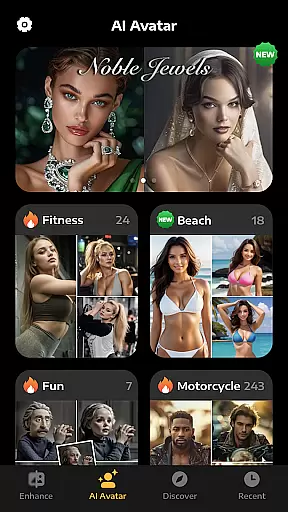
The app's feature set includes multiple specialized tools: Enhance restores clarity to blurry images while preserving minute details; Colorize brings black-and-white photos to life with vibrant colors; Descratch removes imperfections from damaged photos; and AI Portraits generates imaginative alternate versions of users' images. Each tool employs sophisticated algorithms that work in harmony to produce professional-quality results.
What truly makes Evoke stand out is its intelligent facial recognition system, which accurately identifies and enhances human features while maintaining authenticity. This capability, combined with the app's support for AI video generation and integration with advanced models like Veo 3 and Kling AI 2.5, creates a comprehensive solution for both still image enhancement and dynamic content creation.
Real-time capture and preview functionality is essential for photography applications as it allows users to see exactly what the camera is capturing before taking a shot. This ensures that the framing, lighting, and composition are perfect before the shutter is pressed.
AI Photo Enhancer leverages advanced AI technology to provide real-time enhancements even during the capture phase. The app intelligently recognizes scenes and optimizes settings such as exposure, contrast, and color balance instantly. This means users can expect high-quality previews that closely resemble the final enhanced image.
The benefit of this feature is immense for users who want to ensure their photos are optimized without needing extensive post-processing. With real-time adjustments, photographers can focus on creativity rather than technicalities, knowing that the app will handle the details.
This real-time enhancement capability not only saves time but also elevates the overall photography experience by providing instant feedback and allowing for immediate improvements. Users can trust that their captured moments will be vivid, clear, and ready to share or print right from the start.
AI beauty and enhancement features have become increasingly popular in photo editing apps, offering tools that smooth skin, enhance facial features, and adjust aesthetics naturally. The challenge lies in maintaining authenticity while enhancing beauty, ensuring that edited photos still look like the original subject.
AI Photo Enhancer addresses this with its sophisticated algorithms designed to preserve natural looks while making subtle improvements. Whether it's restoring old photos or refining new ones, the app intelligently enhances facial details without over-processing, resulting in images that retain their genuine essence.
Users benefit greatly from this approach as it allows them to rejuvenate their photos while keeping them realistic. The appu2019s ability to delicately restore every strand of hair, refine skin textures, and enhance accessories ensures that memories are preserved authentically yet beautifully.
By focusing on natural enhancement, AI Photo Enhancer sets itself apart, offering users an unparalleled editing experience that respects the integrity of their cherished moments. This commitment to quality ensures satisfaction and delivers stunning results that feel both fresh and true to life.
Advanced AI restoration
Multiple enhancement tools
Fast processing speed
User-friendly interface
Creative AI features
Premium features locked
Internet connection required
File size limitations
Occasional processing errors
Limited free usage
Cut and paste photo editor & eraser to customize photos easy and swap faces fun
 4.50
4.50
AI photo editor with hair editor, retouch tools, hair color changer & filters!
4.50
Be your best in every shot! Fix, edit and retouch your face in selfies & photos.
3.70
Automatically backup your photos and videos to computer, NAS and Cloud services
4.60
Raw Image Viewer. Gallery with support of raw images (.cr3, .cr2, .nef, .raf).
2.00
Transform Photos: Edit, Beautify and Craft Memories & Make Collages!
4.10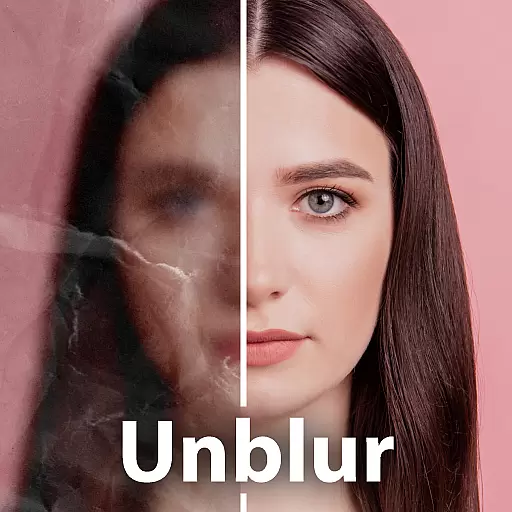
Unblur, enhance & restore photos with powerful AI photo enhancer tools.
4.60
Your personal guide to the sun and moon. Plan ahead, visualize and predict!
4.70
Remote control the phone camera shutter from your smartwatch and take a picture
1.60
The original Rarevision VHS look seen everywhere!
4.70
Enhance, upscale, and transform your images — on your device, without limits
4.70
Safe & smart flight with Go Fly drone controller for 40+ drone camera, zone map
4.50
Transform photos into videos! Create realistic or anime-style images easily!
4.50
Photo editor & gallery. Crop pictures & edit photos offline, no wifi!
4.50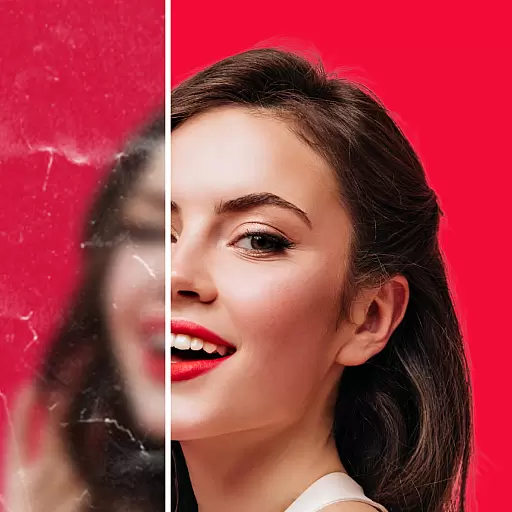
Create AI photos & videos with Enhancer; restore, fix, beautify, enhance photos
4.50
RAW video capture with advanced controls
4.40
Smart, light, and fast photo and video gallery
4.30
Professional camera app that brings DSLR manual photography controls to Android.
4.20
Remote control of the phone camera from your Wear OS smartwatch
3.70


User Reviews