
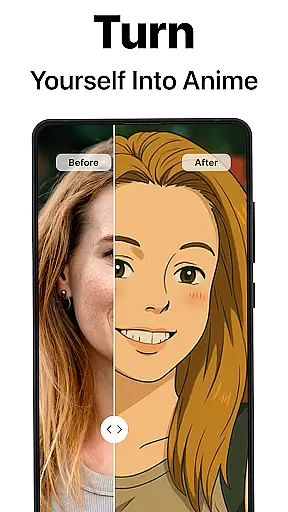
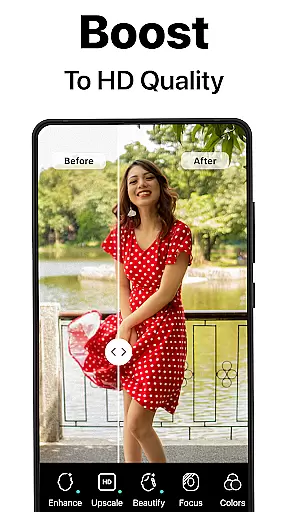
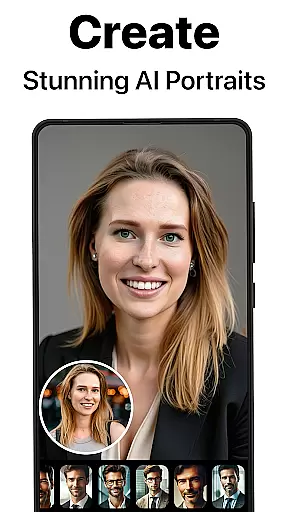
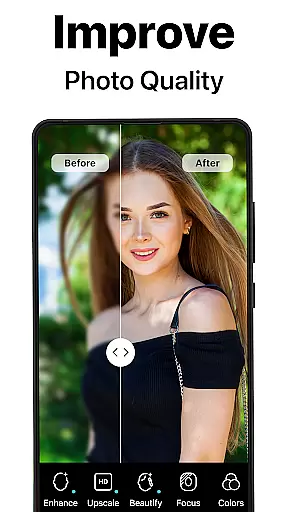
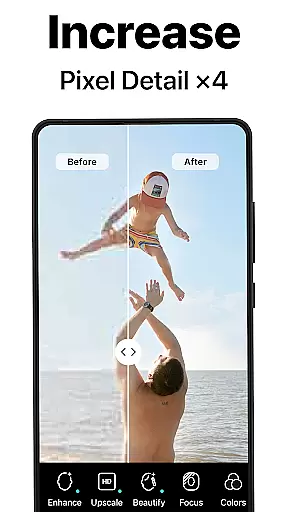
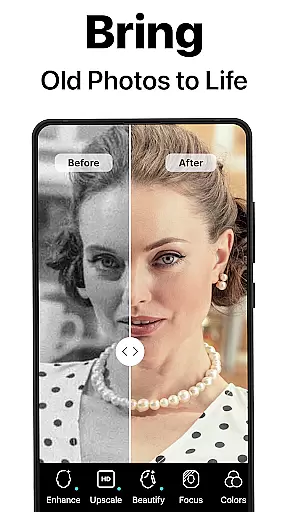
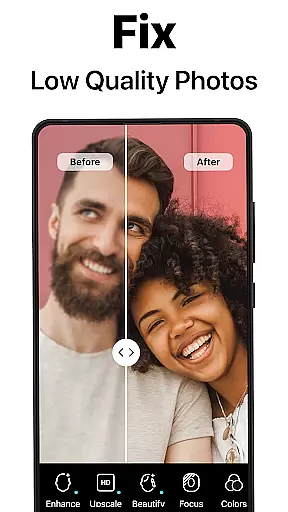
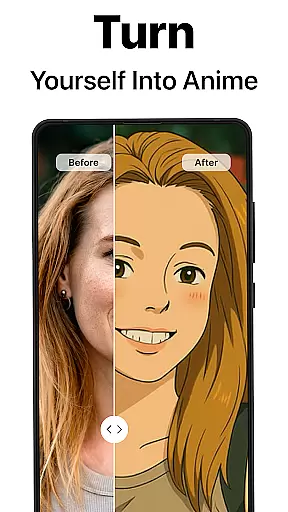
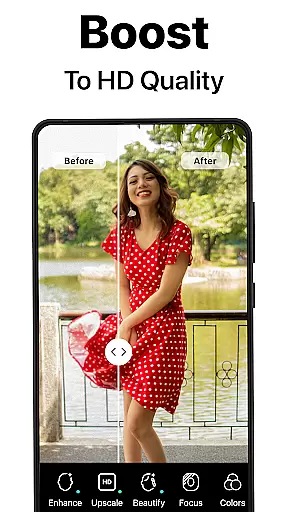
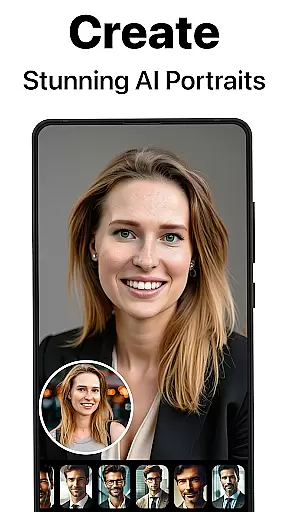
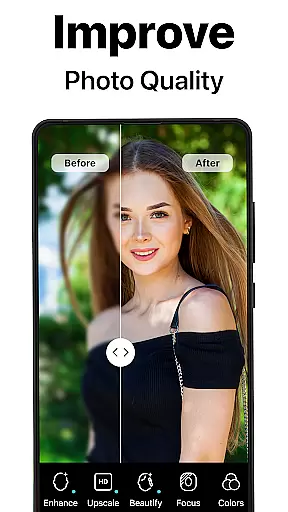
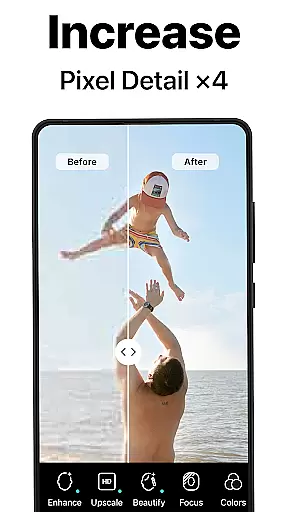
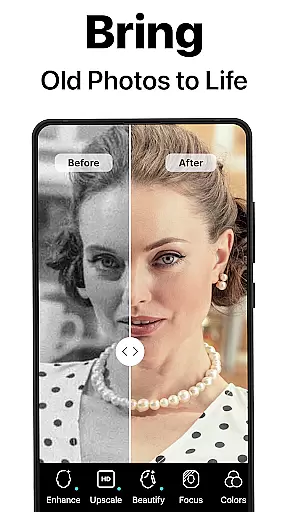
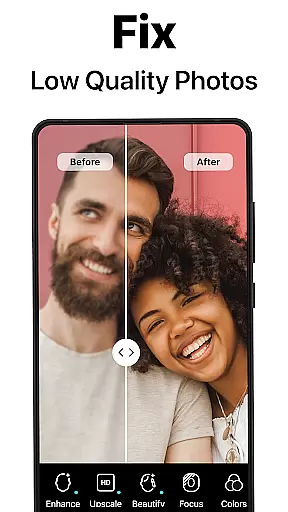
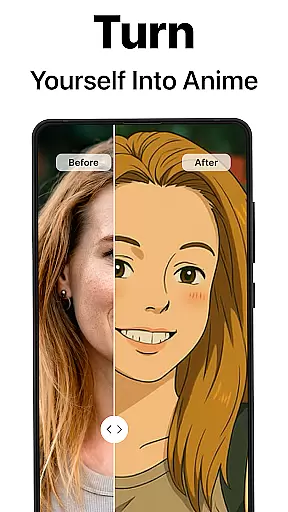
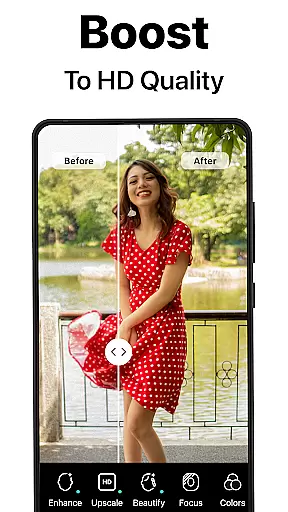
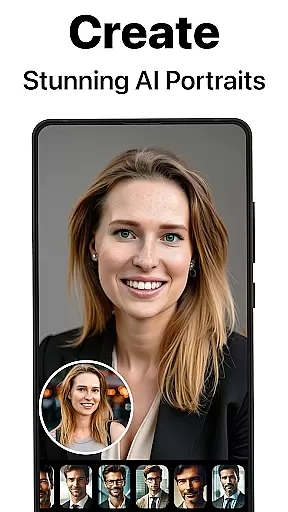
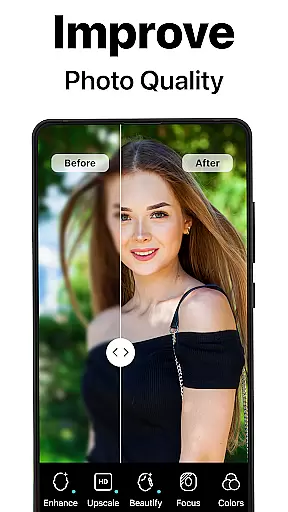
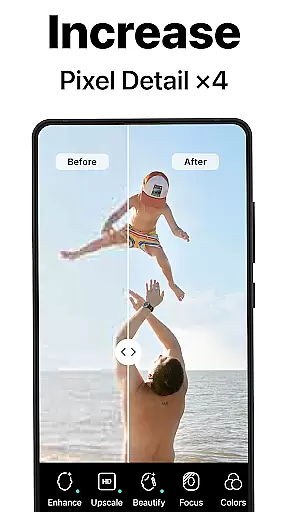
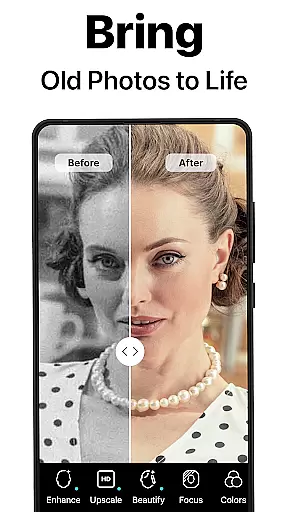
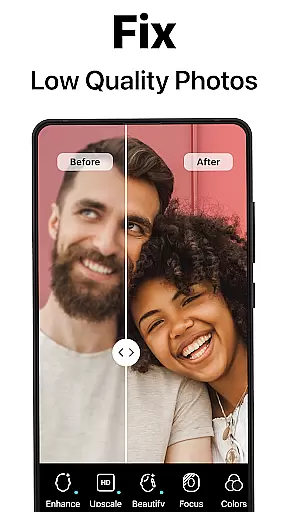
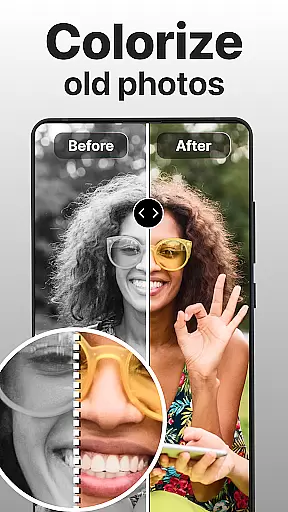
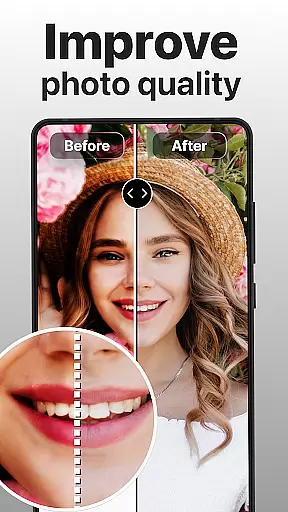
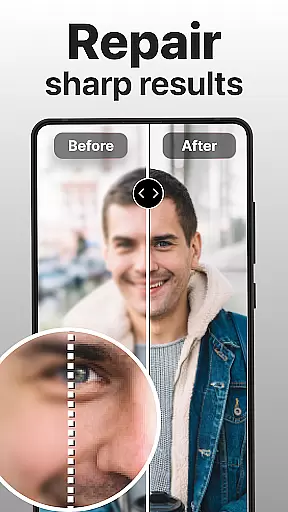
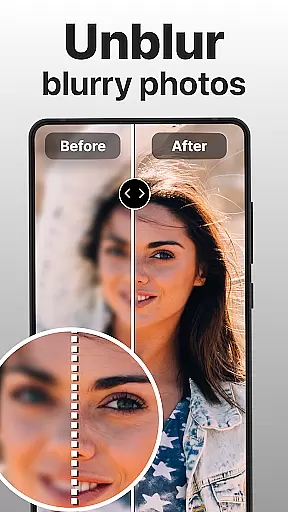
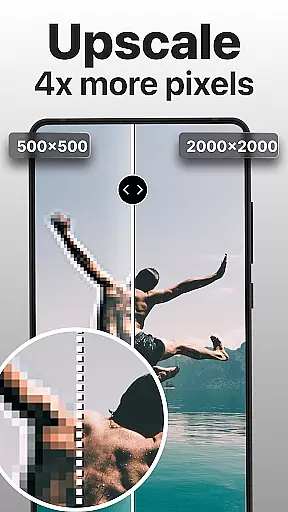
PhotoBoost is a powerful photography app designed to enhance, restore, and transform your photos using cutting-edge AI technology. The app specializes in sharpening blurry images, reviving pixelated photos, and restoring cherished memories with precision. Additionally, PhotoBoost offers an innovative AI Avatars feature that allows users to create stunning avatars in various artistic styles, making it versatile for both personal and professional use.
With its advanced photo upscaling, colorization of old images, and creative avatar themes, PhotoBoost caters to photographers, social media enthusiasts, and anyone looking to preserve or reimagine their favorite moments. Whether you're repairing vintage family albums or generating sleek headshots, this app provides tools that are fast, reliable, and tailored to meet diverse needs.
PhotoBoost stands out with its robust set of features powered by state-of-the-art AI technology. One of its core capabilities is instant photo sharpening, which transforms low-resolution or blurry images into high-definition masterpieces. This makes it ideal for enhancing social media posts or preserving important memories. Another key feature is the restoration of old and damaged photos, where users can repair scratches, fix faded colors, and even add vibrant hues to black-and-white images.
The app also includes advanced AI upscaling, enabling users to enlarge photos without losing quality—perfect for printing or framing. Additionally, the unique AI Avatars function lets users experiment with endless creative possibilities, from festive holiday themes to fantasy-inspired art styles. With regular updates introducing new themes and unparalleled speed (results in under 3 seconds), PhotoBoost ensures a seamless experience for all types of projects.
Real-time capture and preview functionality is essential for ensuring that every photo taken meets the user's expectations. With PhotoBoost, users can see exactly how their image will look before capturing it, allowing for precise adjustments to framing, lighting, and focus.
The app leverages advanced AI technology to enhance the real-time preview, offering suggestions for improvements directly within the viewfinder. This ensures that even novice photographers can achieve professional-quality results by following simple on-screen guidance.
By providing an accurate representation of the final image, PhotoBoost empowers users to take full control over their photography process. Whether capturing a stunning landscape or creating unique AI avatars, this feature guarantees that the end result matches the envisioned outcome.
Ultimately, real-time capture and preview not only streamline the photo-taking experience but also elevate the overall quality of images. Users can confidently experiment with different styles and themes, knowing that what they see in the preview is what they will get in the final product.
AI beauty and enhancement features are crucial for refining photos while maintaining a natural appearance. PhotoBoost specializes in delivering enhancements that preserve authenticity, avoiding the artificial look often associated with digital editing tools.
Using state-of-the-art AI algorithms, the app intelligently identifies areas for improvement without over-processing. From smoothing skin textures to enhancing facial features, every adjustment is made with subtlety and care, ensuring that edited photos retain their original charm and character.
This approach allows users to transform ordinary selfies into polished portraits or festive avatars without losing the essence of the subject. The AI-driven enhancements adapt to various styles, whether aiming for professional headshots or playful fantasy themes.
With PhotoBoost, users can trust that their enhanced images will appear genuine and appealing across all platforms, from social media posts to printed memorabilia. This commitment to natural enhancement sets PhotoBoost apart as a leader in the photography app space.
User-friendly interface
Fast processing speed
Versatile editing tools
Unique AI Avatars
High-quality results
Paid subscription required
Limited free trial
Internet connection needed
Some features may overwhelm beginners
Occasional wait times during peak usage

Add Watermark - Sign your pictures with a text or logo. Effective, quick, easy!
 4.50
4.50
Easily stitch panoramas from multiple photos or video.
4.40
Android Native system HD camera app. Never been so simple and faster.
4.70
Raw Image Viewer. Gallery with support of raw images (.cr3, .cr2, .nef, .raf).
2.00
AI Photo Editor with 100+ Filters, Effects! Remove BG, Retouch & Photo Enhancer.
4.80
Enhance, retouch & create your story - Share the moment with Photoshop Express.
4.60
AI-powered video creator by MiniMax - Where ideas meet cinema
4.20
Turn photos into cartoons & avatars! - Photo Editor, Cartoon Face!
3.90
Astrophotography with your smartphone, photo live stacking and much more!
3.90
Find time and duration of different sunlight phases at any location
4.90
See your baby AI baby face generator AI baby maker Face generator babymaker fun!
4.70
Transform photos into videos! Create realistic or anime-style images easily!
4.50
Effortlessly organize, view and share your photos & videos with Gallery app!
4.40
Future baby face generator: AI kids generator, kid face! What my baby look like?
4.40
What celebrity do you look like? Celebs will find your celebrity match!
4.10
The #1 app for B&W film developing featuring an advanced darkroom timer.
4.10
Transform Photos: Edit, Beautify and Craft Memories & Make Collages!
4.10
An interval timer to automate photo taking process for timelapse
2.90
HD Photo gallery and photo manager to edit, hide private photos, videos & albums
4.1


User Reviews