
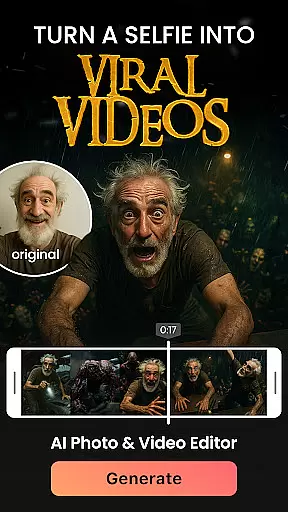

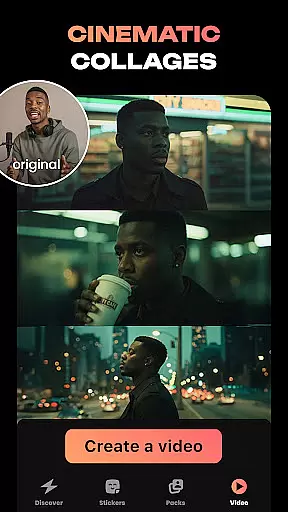
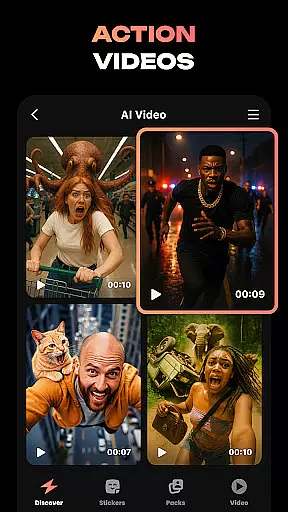
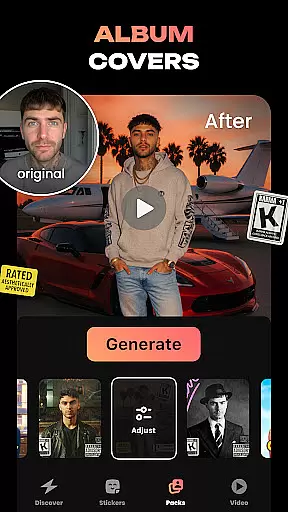
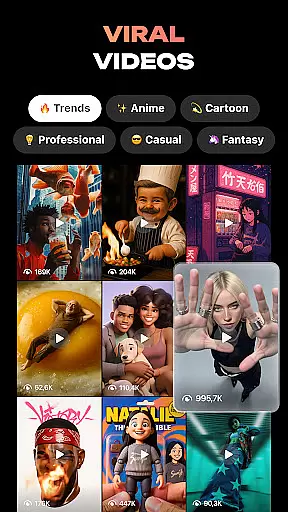
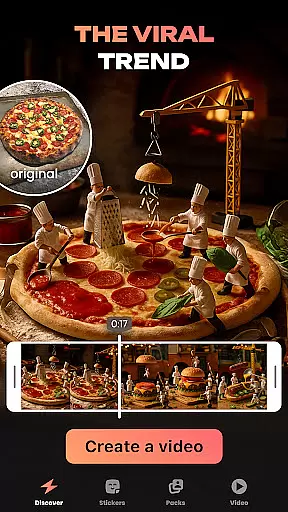
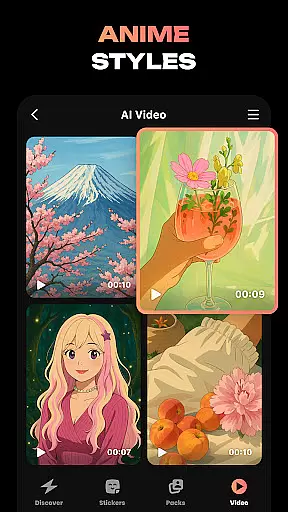
Hula is an innovative photography app that leverages AI technology to transform your photos and videos into creative art forms. With this app, you can create personalized avatars, viral video content for social media reels, and even convert photos into animated videos or stickers.
The app offers a wide range of features including style regeneration, baby generator predictions, and time-travel effects that let you visualize yourself in different eras. Whether you want to refresh your profile picture or create custom stickers for messaging apps, Hula provides endless possibilities for self-expression through digital art.
Hula stands out with its diverse set of AI-powered tools designed to enhance your digital content. You can turn selfies into trendy videos set in iconic locations like Paris, generate predictions of what your future baby might look like, and produce personalized sticker sets for various chat platforms.
Additionally, the app allows users to experiment with different artistic styles such as retro, luxury, and anime transformations. The time-travel feature enables you to see how you would appear in past decades or futuristic settings, all with just one photo. These capabilities make Hula not just a photo editor but a comprehensive creativity suite.
Real-time capture and preview functionality is essential for any photography app, allowing users to see exactly what their final output will look like before they commit to the process. Hula excels in this area by providing dynamic previews of AI-powered transformations, ensuring that users can experiment with different styles and effects without any guesswork.
The app leverages advanced AI algorithms to instantly apply various artistic filters and transformations to both photos and videos. Whether you're turning a selfie into an anime character or creating a viral video, Hula's real-time preview ensures that you can fine-tune every detail until it meets your expectations.
This feature significantly enhances user experience by reducing the trial-and-error typically associated with photo and video editing. Users can seamlessly switch between different styles, such as retro, luxury, or sitcom vibes, and immediately see the results, empowering them to express their creativity more freely and effectively.
Hula incorporates sophisticated AI beauty and enhancement features designed to elevate the natural appeal of photos and videos while maintaining authenticity. Unlike traditional filters that can sometimes appear artificial, Hula's AI-driven enhancements focus on preserving the genuine essence of the subject, offering subtle yet impactful improvements.
Users can transform their images into various artistic styles, from vintage glamour to futuristic aesthetics, all while retaining a natural look. The app intelligently adjusts elements such as lighting, color balance, and facial features to create stunning visuals that still feel true to life. This approach ensures that every transformation looks believable and not overly processed.
By prioritizing naturalness in its AI enhancements, Hula caters to users who seek high-quality, realistic results. Whether you're generating stickers, predicting future baby faces, or traveling through time with different eras, the app delivers polished outcomes that enhance rather than overshadow the original content, making it a reliable tool for creative expression.
User-friendly interface
Wide range of styles
Unique AI features
High-quality output
Fun and engaging
May require paid subscription
Some features may be complex
Privacy concerns with personal data
Occasional bugs reported
Limited free options

Photo editor: face & body editor, beauty cam, filters and quality enhancer.
 4.00
4.00
All-in-One Editor & AI Photo Enhancer, Beautify & Retouch, Collage, Cartoonify
4.20
What celebrity do you look like? Celebs will find your celebrity match!
4.10
Over 800 film simulation recipes for Fujifilm. Black Friday Offer!
4.5
Photo Exif Editor allows to view, add and modify EXIF data of multiple photos
4.50
Movie camera, supports pro recording settings for filming. Try it and be amazed!
4.50
Add a dreamy vibe to your selfies and videos with soft style filters
4.1
live datamoshing
4.00
The original Rarevision VHS look seen everywhere!
4.70
Gallery show photo, video, slideshow, is perfect 3D effect private photo albums.
4.80
Amazing Photo Effects - The most fun you can have with your photos!
4.70
Viewfinder, Light meter, Reciprocity failure time, DOF & Bellows Extension
4.60
Add Watermark - Sign your pictures with a text or logo. Effective, quick, easy!
4.50
Fit multiple photos on one post. Create carousels & scroll layouts for Instagram
4.50
RAW video capture with advanced controls
4.40
Shooting photos and records video easily and efficient with professional Camera
4.30
AI-powered video creator by MiniMax - Where ideas meet cinema
4.20
Create amazing frames with up to five photos. Rounded corners, effects and more!
3.60
Remote control the phone camera shutter from your smartwatch and take a picture
1.60


User Reviews