
Photo Exif Editor Pro is a powerful tool for photographers and enthusiasts who need to manage the metadata of their images. This application allows users to view, edit, and modify Exif data with ease, providing essential information about each photo's settings and location.
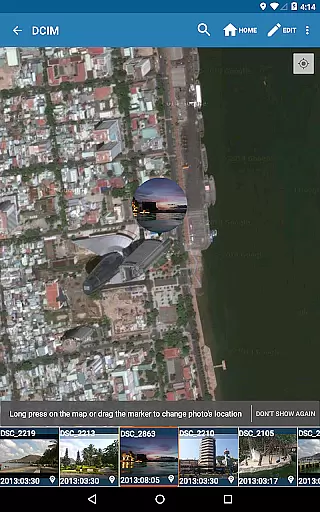
The app features an intuitive interface that makes it simple to correct missing details or update existing information. With capabilities such as batch editing, Google Maps integration for geotagging, and full raw data display, Photo Exif Editor Pro offers professional-level functionality without compromising usability. Whether you're organizing a photo library or preparing images for publication, this app ensures your files are accurately tagged and easily searchable.
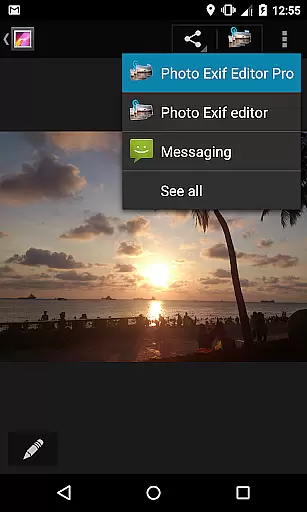
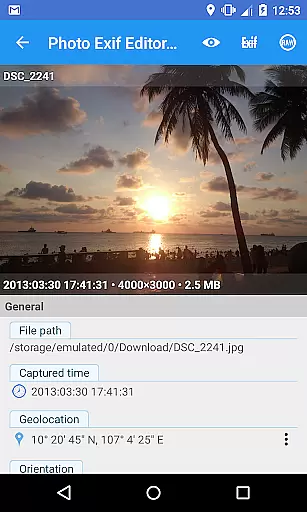
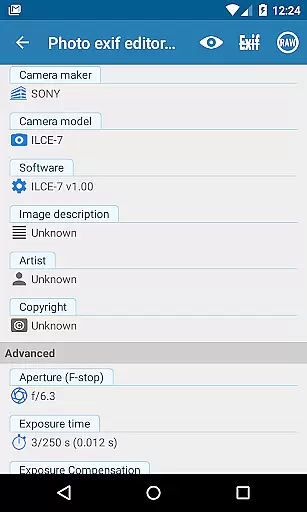
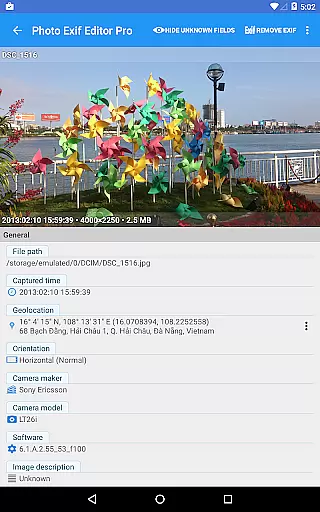
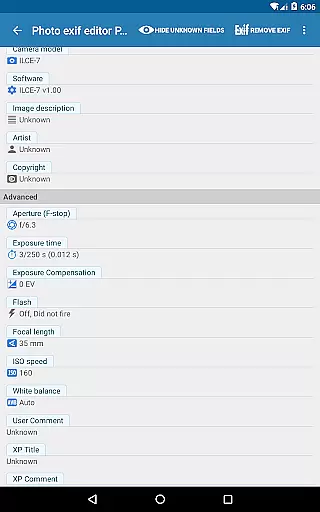
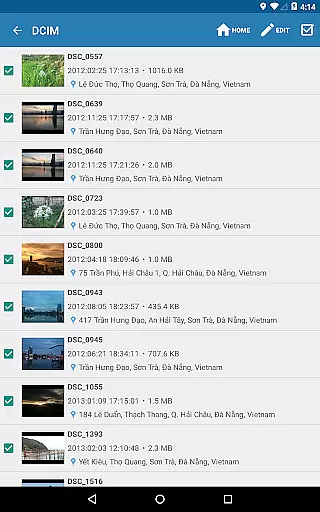
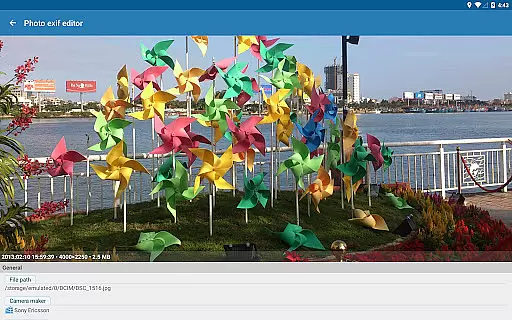
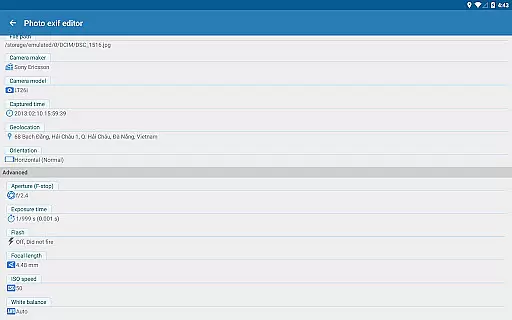
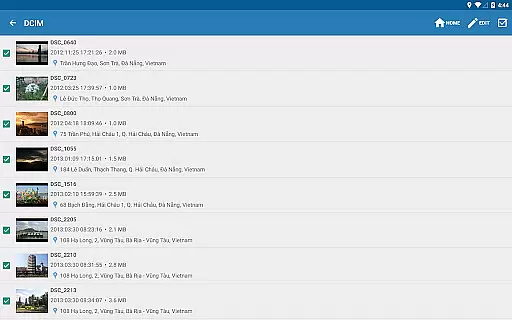
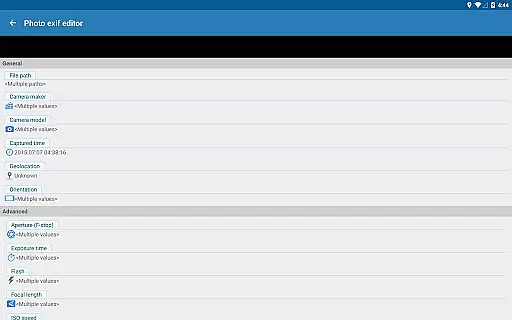
Photo Exif Editor Pro stands out with its comprehensive feature set tailored for detailed image management. The app provides users with the ability to browse and view Exif information directly from Android Gallery or through its integrated photo browser. This includes critical camera settings like aperture, shutter speed, focal length, ISO, and white balance, as well as GPS data indicating where the photo was taken.
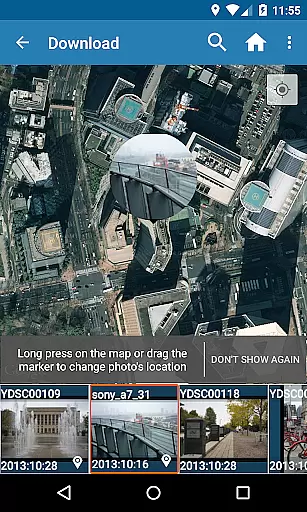
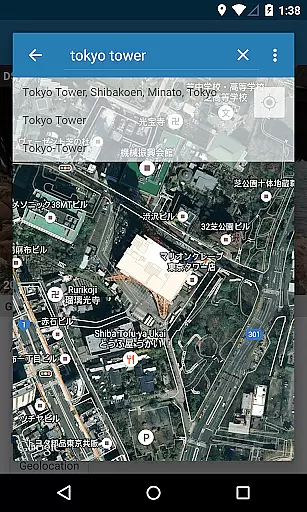
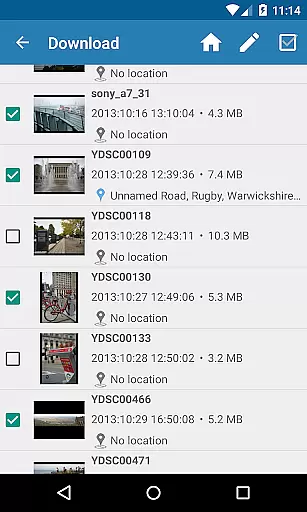
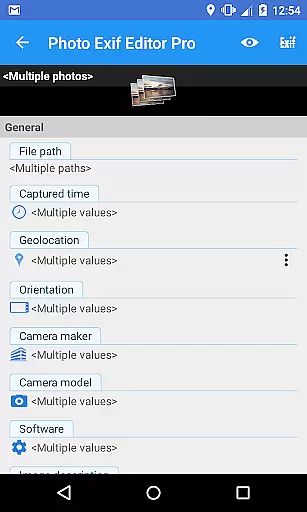
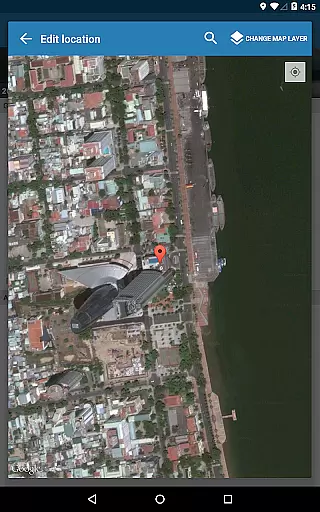
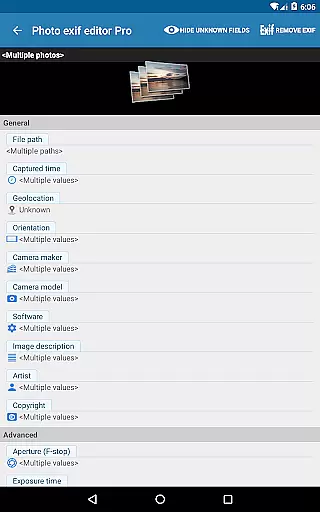
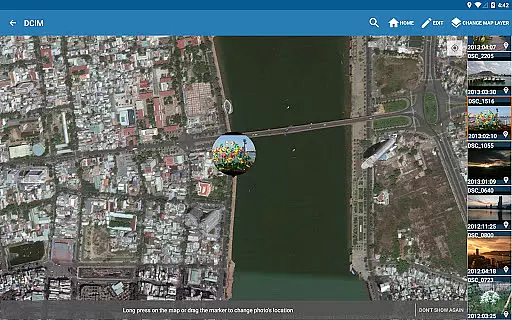
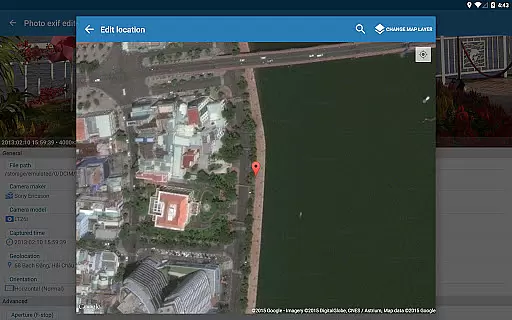
One of the key highlights is the batch editing functionality, allowing users to modify multiple photos simultaneously. Additionally, the app supports adding or correcting location data using Google Maps, ensuring accurate geotagging. Advanced users will appreciate the ability to edit a wide range of EXIF tags including camera model, maker, captured time, and orientation. These robust features make Photo Exif Editor Pro an indispensable tool for anyone serious about managing their digital assets efficiently.
Real-time capture and preview functionality is essential for photography applications as it allows users to see exactly what the camera sees before taking a shot. This ensures that the framing, lighting, and composition are all correct before capturing an image.
Photo Exif Editor Pro offers a seamless experience by integrating real-time data viewing capabilities directly into its interface. Users can access detailed Exif information while browsing through their gallery or using the app's built-in photo browser, ensuring they have all necessary details at their fingertips.
The ability to view Exif data in real time provides photographers with valuable insights into their shooting parameters. By understanding settings such as aperture, shutter speed, ISO, and focal length, users can make informed adjustments to achieve desired photographic effects without leaving the app environment.
This feature not only enhances user engagement but also empowers photographers to refine their skills by learning from past shots. With comprehensive Exif data readily available during both capture and review stages, Photo Exif Editor Pro becomes an indispensable tool for anyone serious about improving their photography craft.
AI beauty and enhancement features aim to improve the aesthetic quality of photos naturally without making them look overly processed or artificial. These enhancements focus on subtle improvements that retain the authenticity of the original image while elevating its visual appeal.
In Photo Exif Editor Pro, advanced AI algorithms work behind the scenes to enhance images based on Exif metadata. The app intelligently adjusts elements like brightness, contrast, color balance, and sharpness according to specific camera settings captured in each photou2019s Exif tags, resulting in more natural-looking edits.
Users benefit greatly from these smart enhancements as they save time and effort compared to manual editing processes. Whether correcting minor imperfections or optimizing overall picture quality, the AI-driven enhancements ensure every edited photo maintains its genuine character.
By prioritizing naturalness in AI-powered enhancements, Photo Exif Editor Pro delivers professional-grade results accessible even to amateur photographers. This commitment to preserving the integrity of original images sets the application apart in the competitive field of mobile photography tools.
User-friendly interface
Batch editing support
Google Maps integration
Comprehensive EXIF tag editing
No ads in Pro version
Limited to Android 4.4+
External SD card write issues
Optional location permission
Premium price for Pro
Requires network for maps

Photo editor: face & body editor, beauty cam, filters and quality enhancer.
 4.00
4.00
All-in-One Editor & AI Photo Enhancer, Beautify & Retouch, Collage, Cartoonify
4.20
1M influencer's special filter
4.60
Viewfinder, Light meter, Reciprocity failure time, DOF & Bellows Extension
4.60
How old age camera Gender Swap App Face Shape Hairstyle App Hair Styler App fun!
4.00
Amazing Photo Effects - The most fun you can have with your photos!
4.70
Future baby face generator: AI kids generator, kid face! What my baby look like?
4.40
AI Photo Editor with 100+ Filters, Effects! Remove BG, Retouch & Photo Enhancer.
4.80
Collage your moments in one tap: 1000+ layouts, filters, stickers, and texts.
4.90
Find time and duration of different sunlight phases at any location
4.90
Easily stitch panoramas from multiple photos or video.
4.40
[3DSteroid Pro] is a stereoscopic application for Android.
4.30
Natural Beauty, Selfie Retouch
4.30
AI-powered video creator by MiniMax - Where ideas meet cinema
4.20
All-in-One Editor & AI Photo Enhancer, Collage, Cartoonify, Funny Stickers & BGS
4.10
How would you look like with a differently shaped nose, chin or lips?
3.90
Gallery Slideshow is slideshow maker app for slideshow from your gallery photos.
3.90
Professional video recording application with manual controls for filmmakers!
2.80
Long exposure camera with computational photography
2.60


User Reviews