
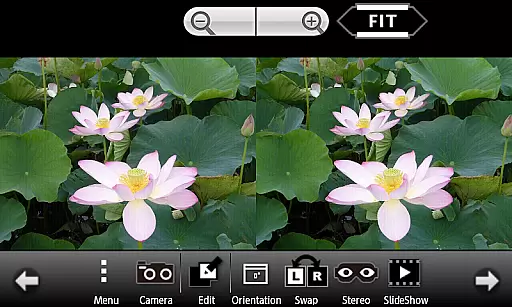
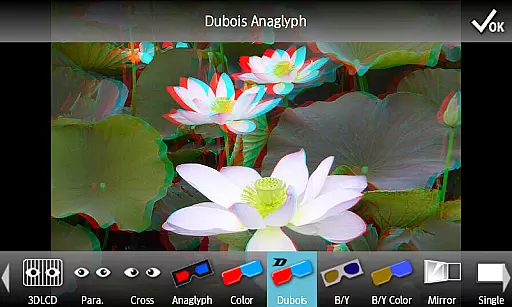
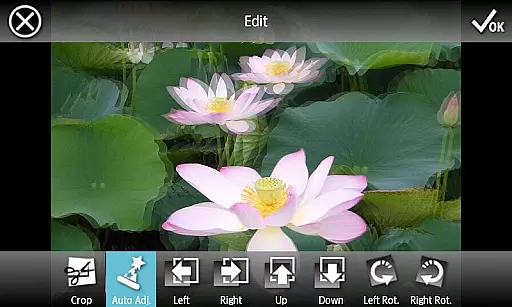
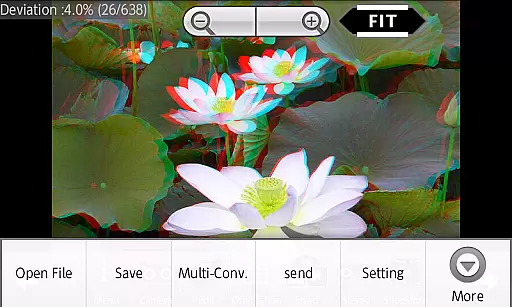
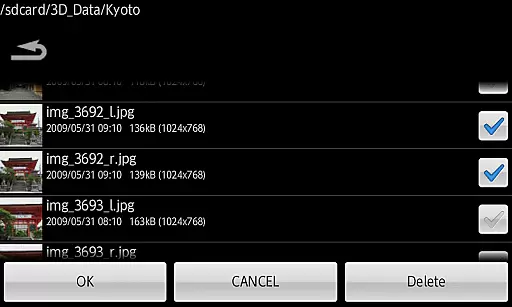
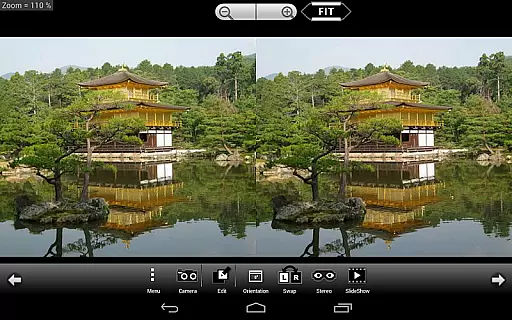
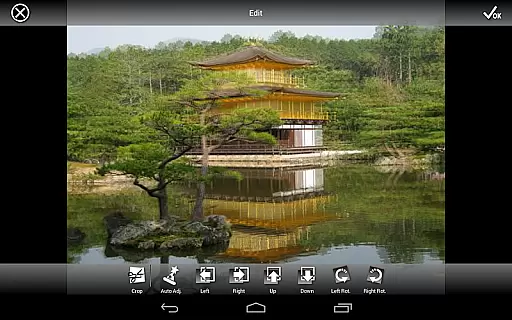
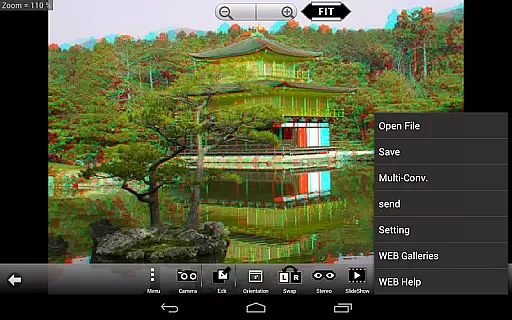
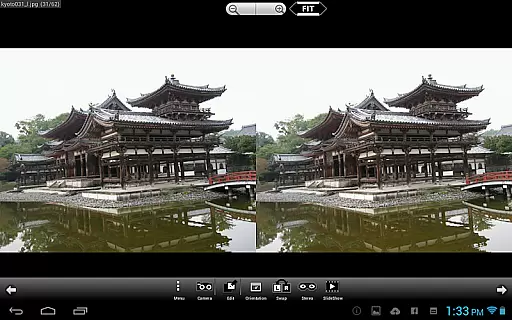
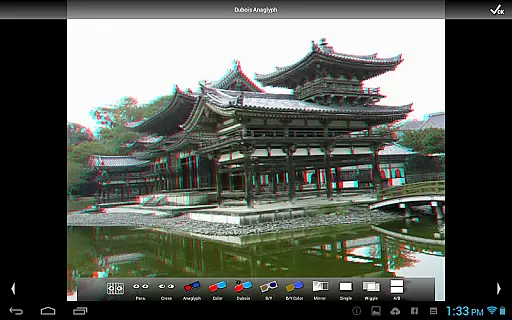
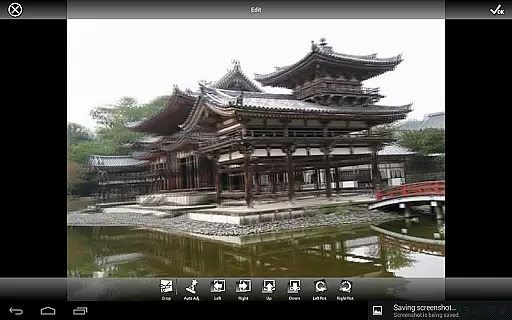
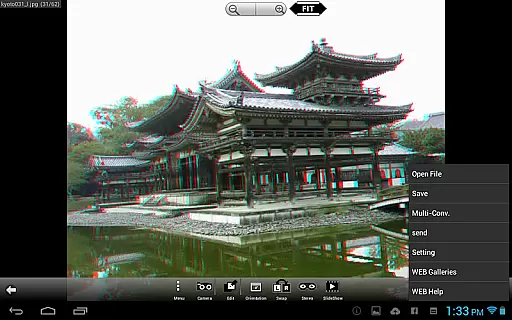
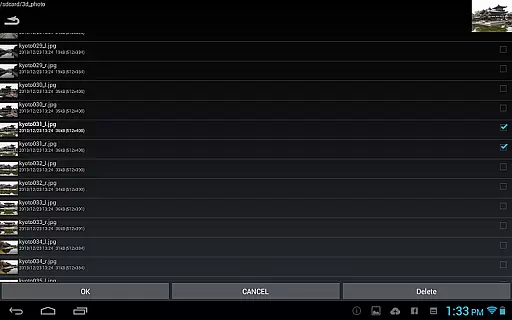
3DSteroid Pro is a premium stereoscopic application designed for Android devices, offering advanced 3D image editing and viewing capabilities. The app supports various input formats including L/R independent, SBS (side-by-side), and MPO files, making it versatile for different types of 3D content. With the ability to auto-align L/R images, adjust positions, rotation, and size errors, users can achieve precise control over their 3D creations.
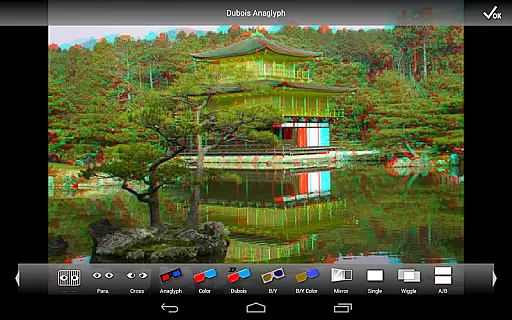
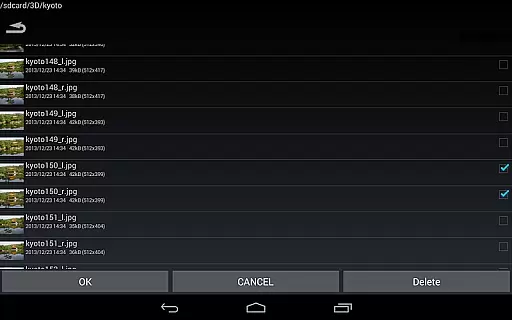
This professional version stands out with exclusive features such as saving edited images, batch conversion, and access to an extensive web gallery with over 1000 images. It also provides multiple display methods including 3D LCD, SBS, Mirror, Wiggle, 2D, and Anaglyph, catering to diverse viewing preferences. Ideal for photography enthusiasts and professionals alike, 3DSteroid Pro enhances the 3D imaging experience on mobile devices.
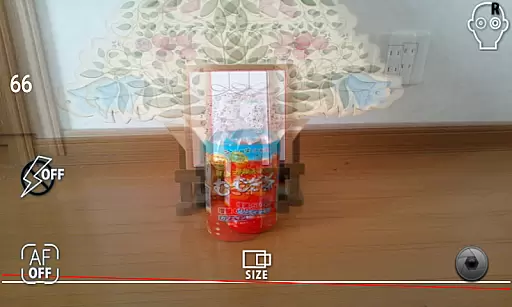
3DSteroid Pro boasts a comprehensive set of features tailored for 3D photography enthusiasts. One of its standout capabilities is the auto-alignment of left/right (L/R) images, which simplifies the process of creating perfectly aligned stereoscopic images. Users can also take L/R pictures directly using the device's internal camera, providing a seamless capture-to-edit workflow.
The app offers advanced editing tools that allow users to adjust L/R image positions, correct rotation and size errors, and save the final edited images - a feature exclusive to the Pro version. Additionally, it supports batch conversion of multiple files, streamlining the editing process for large projects. With support for various display methods and compatibility with specific 3D LCD models, 3DSteroid Pro ensures optimal viewing experiences across different devices.
Real-time capture and preview functionality is essential for ensuring that users can take stereoscopic 3D images with precision. The app allows users to take left/right pictures using the internal camera, providing a live view that helps in composing the shot accurately.
The application offers real-time adjustments for left/right image positions, rotation error, and size error. This ensures that even amateur photographers can align their images correctly, making the final output more professional and visually appealing.
With this feature, users can immediately see the results of their captures and make necessary corrections on the spot. This saves time and effort, eliminating the need for post-processing adjustments and enhancing the overall photography experience.
By delivering immediate feedback through the preview, the app empowers users to experiment with different compositions and settings confidently, knowing they can rely on the accuracy of the real-time preview.
AI beauty and enhancement features are crucial for refining images while maintaining their natural look. Although 3DSteroid Pro does not explicitly market AI enhancements, its robust editing tools serve a similar purpose by allowing detailed adjustments to 3D images.
The app provides functionalities such as auto-alignment of left/right images, adjusting positions, correcting rotation and size errors. These features collectively contribute to producing aesthetically pleasing yet natural-looking 3D photographs without over-processing.
Users benefit from these enhancements by achieving high-quality edits that preserve the authenticity of the original images. This is particularly important in stereoscopic photography, where maintaining the depth and realism of the scene is paramount.
Ultimately, the ability to enhance images naturally ensures that the final output meets professional standards, offering users reliable tools to produce stunning and realistic 3D content effortlessly.
Advanced 3D editing
Batch file conversion
Extensive format support
Auto-alignment feature
Comprehensive web gallery
No MPO support on Android 11+
Limited older device support
Pro version costs money
Complex for beginners
Fewer sharing options

A collection of tools and reference tables for DPs, ACs, DITs and Operators.
 4.70
4.70
What celebrity do you look like? Celebs will find your celebrity match!
4.10
How old age camera Gender Swap App Face Shape Hairstyle App Hair Styler App fun!
4.00
Perfect body tune & face app - photo retouch, makeup, slim body & beautify face.
4.80
Amazing Photo Effects - The most fun you can have with your photos!
4.70
Add a dreamy vibe to your selfies and videos with soft style filters
4.3
See your baby AI baby face generator AI baby maker Face generator babymaker fun!
4.70
Unlock the full potential of your DJI drone with Litchi
4.50
Photo & Video Gallery app to manage albums and save WA Status easily.
4.70
Photo prints, cards, & gifts at Walgreens. Easy ordering & fast local pickup !
4.80
Easily create custom gifts, cards, photo books & more on the Shutterfly app!
4.60
Photo Exif Editor allows to view, add and modify EXIF data of multiple photos
4.50
Use AI Video Generator to turn your words to ai generated videos.
4.50
Effortlessly organize, view and share your photos & videos with Gallery app!
4.40
Virtual makeup, hair filters & body tuner—edit from face to full body!
4.20
Create AI Photos, Improve and restore quality of blurry, old or damaged pics.
4.20
Luminar: Photo Editor - easy picture editing with AI
4.20
Turn photos into cartoons & avatars! - Photo Editor, Cartoon Face!
3.90
Astrophotography with your smartphone, photo live stacking and much more!
3.90


User Reviews