
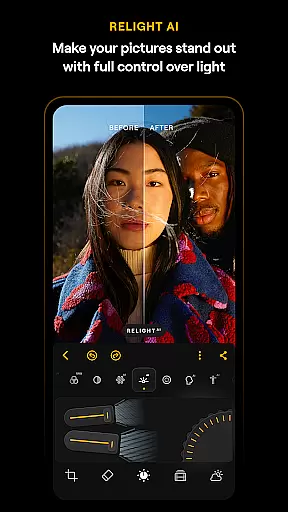
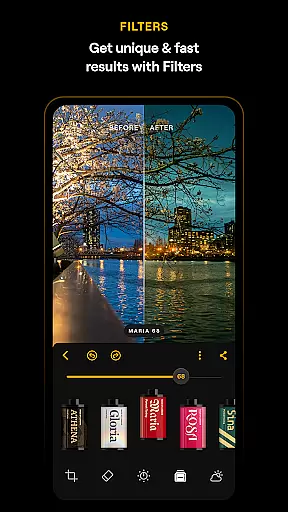
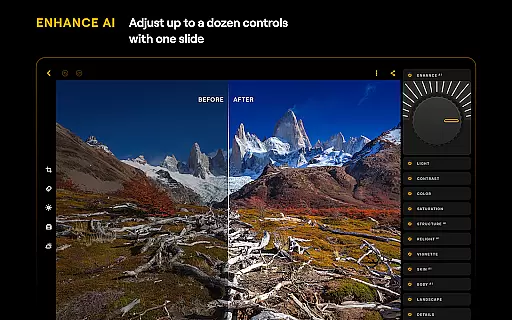
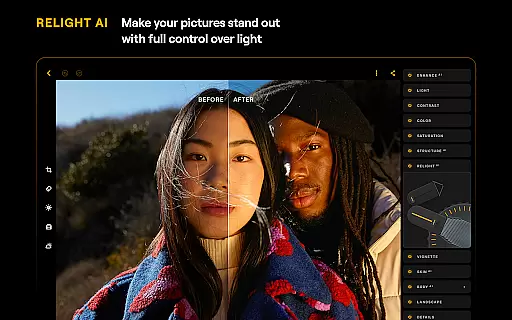
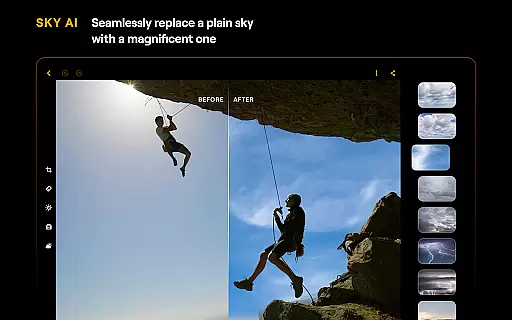
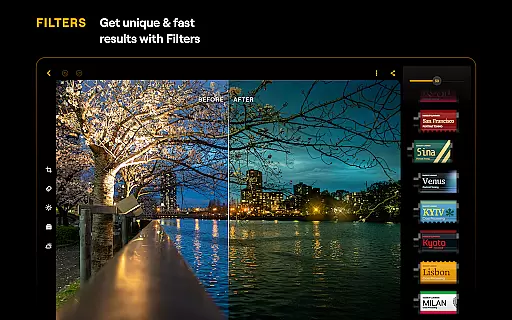
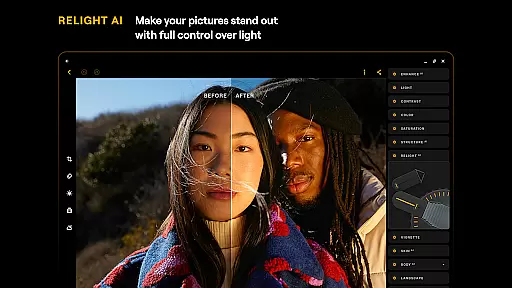
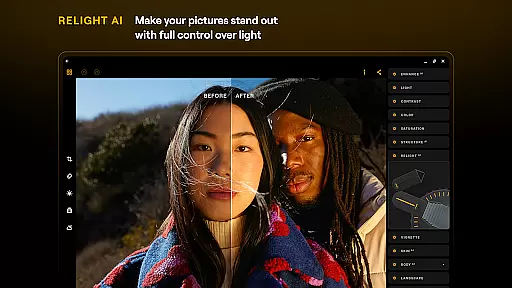
Luminar: Photo Editor is a comprehensive mobile photo editing application designed for both Android and ChromeOS users. This app combines powerful AI-driven tools with an intuitive, interactive interface that responds to touch, sound, and motion, making photo editing more engaging and efficient. With features like SkyAI, EnhanceAI, StructureAI, RelightAI, and SkinAI, Luminar allows users to transform their images with professional-quality enhancements in seconds.
The application offers a streamlined design focused on user experience, eliminating complicated functions and processes. Users can edit photos using intuitive gestures, smoothly gliding sliders, and spinning dials that respond realistically to touch. Whether you're enhancing landscapes, retouching portraits, or converting images to monochrome, Luminar provides all the necessary tools in one place, ensuring maximum creativity with minimal effort.
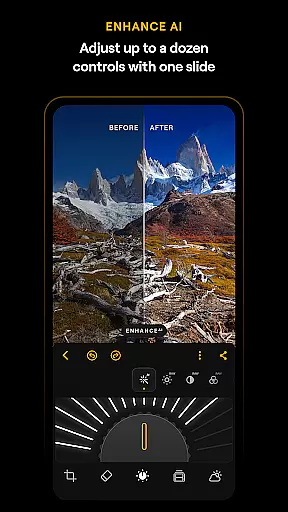
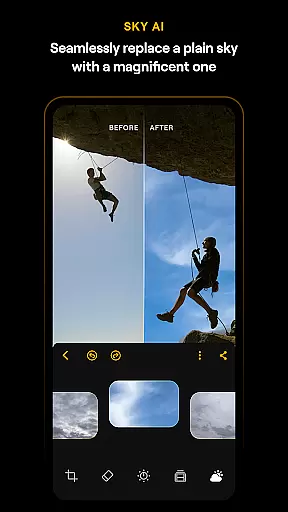
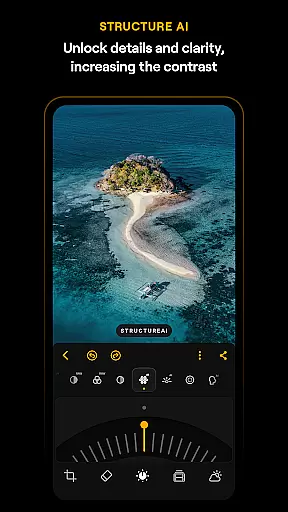
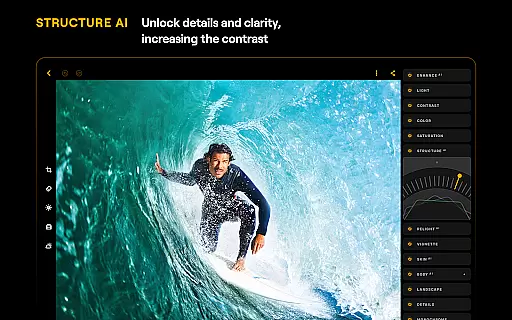
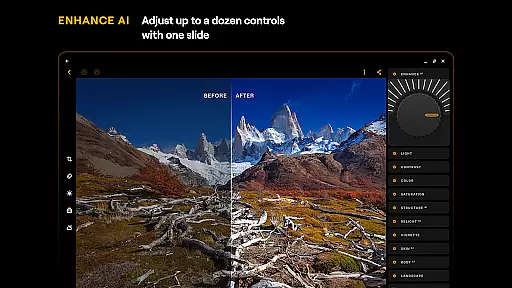
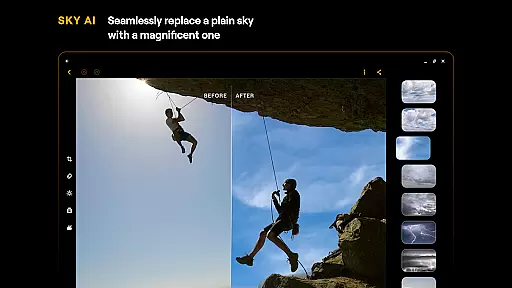
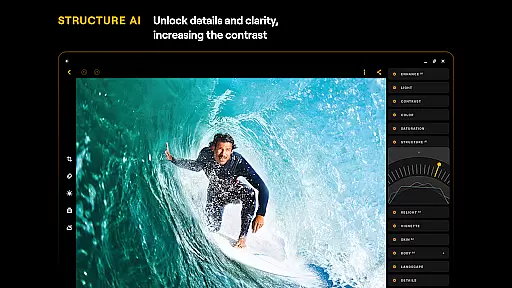
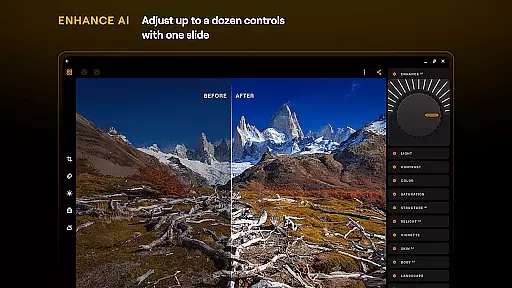
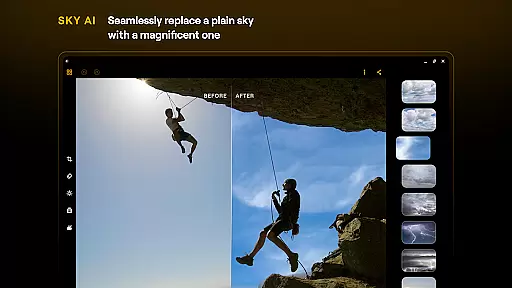
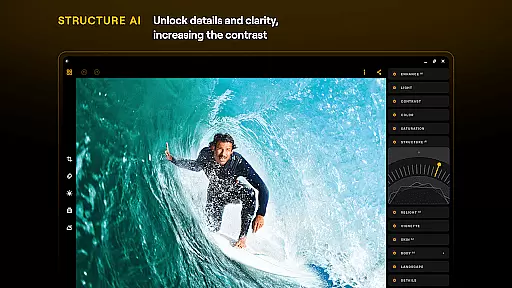
Luminar: Photo Editor stands out with its advanced AI-powered features tailored to meet various photo editing needs. The SkyAI tool enables users to replace dull skies with vibrant ones, creating impressive backdrops instantly. EnhanceAI simplifies the enhancement process by allowing users to adjust color, tone, and clarity with a single slide, delivering professional results quickly. StructureAI focuses on unlocking hidden details and improving image contrast and texture for striking visual impact.
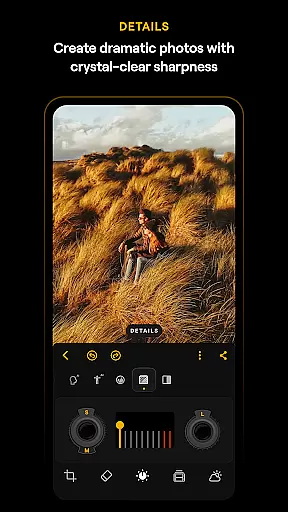
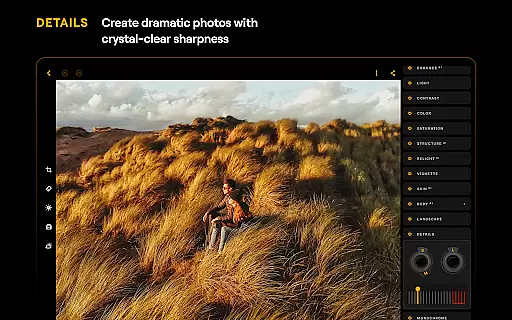
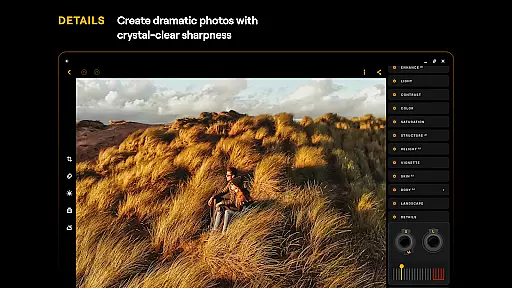
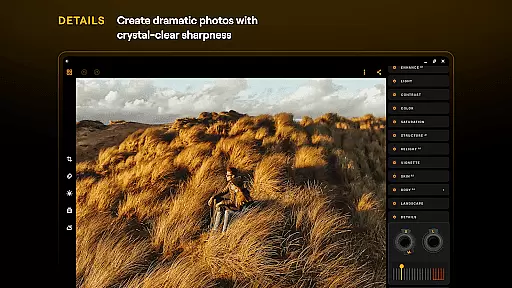
In addition to these innovative features, Luminar includes practical tools such as Curves for precise color adjustments, Details for enhancing image clarity, and Crop for perfect composition. The app also supports RAW file editing, ensuring high-quality post-processing flexibility. Designed specifically for Android 11 or later and ChromeOS devices, Luminar integrates seamlessly into users' workflows, providing a smooth and responsive editing experience whether on a phone or Chromebook.
Real-time capture and preview functionality is essential for ensuring that photographers can accurately frame and adjust their shots on the fly. Luminar: Photo Editor offers a streamlined design with unparalleled control, allowing users to edit photos using intuitive gestures.
The application's interface includes smoothly gliding sliders and spinning dials that respond realistically to touch, providing immediate visual and auditory feedback. This responsive design ensures that users can make precise adjustments without any lag, enhancing the overall photo-taking experience.
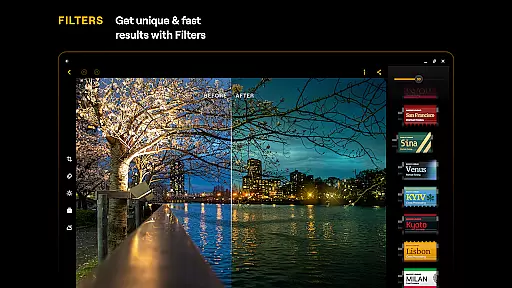
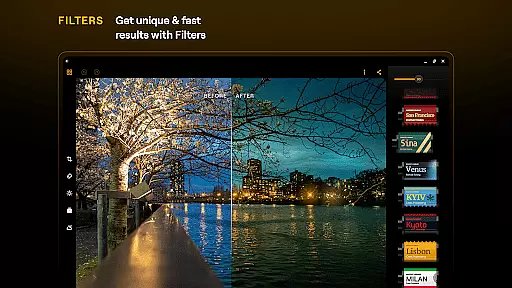
With Luminar's real-time capabilities, users can see the effects of filters and adjustments instantly, making it easier to achieve the desired outcome without guesswork. This feature is particularly beneficial for those who need to make quick edits in dynamic environments, such as events or outdoor shoots.
Ultimately, the real-time capture and preview function empowers users to take full control over their creative process, delivering professional results with minimal effort. Whether you're a beginner or a seasoned photographer, this feature ensures that your vision is realized accurately and efficiently.
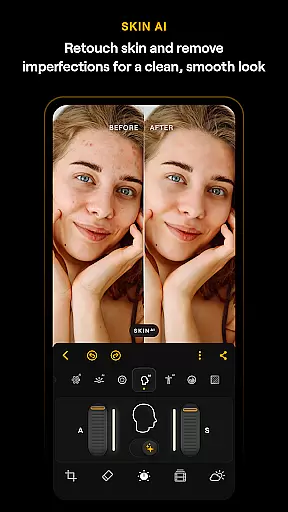
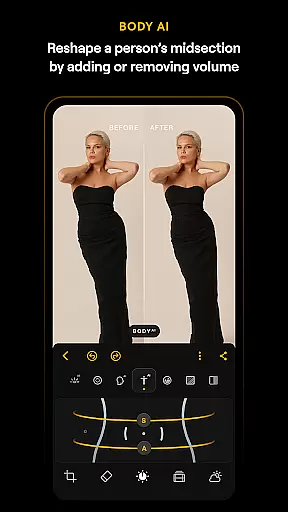
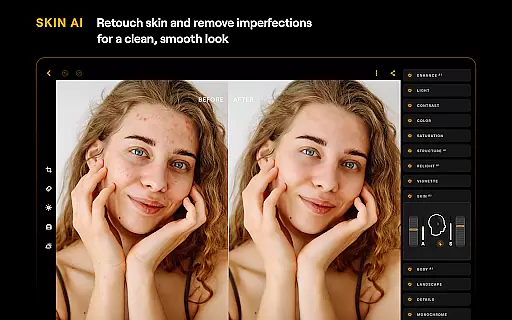
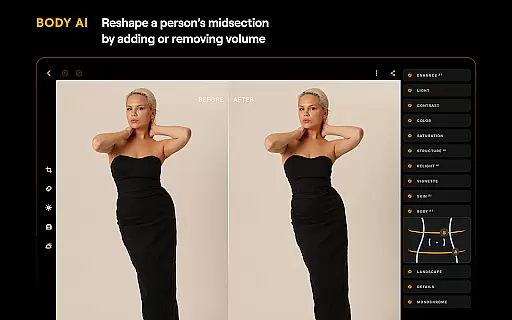
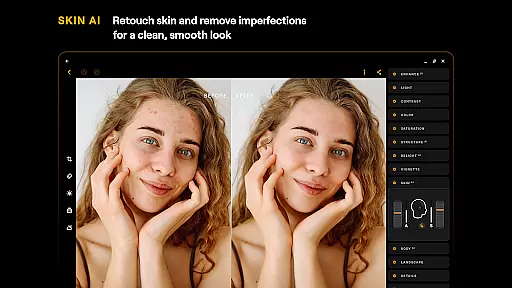
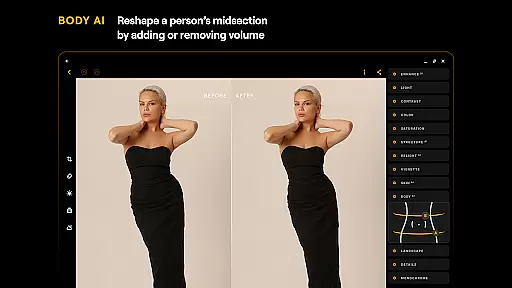
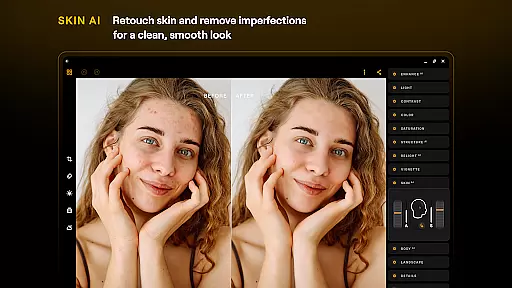
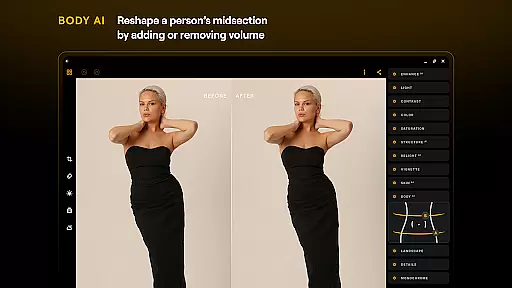
AI-driven beauty and enhancement features are crucial for achieving natural-looking results in photo editing. Luminar: Photo Editor leverages advanced AI tools like SkinAI and BodyAI to automatically retouch skin and adjust body shapes in a realistic manner.
SkinAI removes imperfections while maintaining the texture and authenticity of the subject's skin, resulting in a clean and smooth appearance without looking overly processed. Similarly, BodyAI allows for subtle adjustments to a subjectu2019s midsection, adding or removing volume in a way that looks natural and retains the original character of the photo.
These AI enhancements ensure that edited photos retain their genuine feel, avoiding the artificial look that often comes with heavy editing. Users can achieve professional-grade retouching with just a few taps, significantly reducing the time and effort required for post-processing.
By integrating these sophisticated AI tools, Luminar: Photo Editor provides users with the ability to enhance their photos naturally, preserving the essence of the original image while elevating its aesthetic appeal. This makes it an invaluable tool for both amateur and professional photographers seeking authentic and polished results.
Powerful AI tools
User-friendly interface
Comprehensive editing options
Supports RAW files
Seamless device integration
Paid subscription required
Limited free features
Advanced tools may overwhelm beginners
Compatibility issues with older devices
Auto-renewal of subscriptions

Photo Album Watch Face shows your favorite pictures as a Watchface.
 1.90
1.90
Long exposure camera with computational photography
2.60
All-in-One Editor & AI Photo Enhancer, Beautify & Retouch, Collage, Cartoonify
4.20
All-in-One Editor & AI Photo Enhancer, Collage, Cartoonify, Funny Stickers & BGS
4.10
Superimpose one photo on top of another using the original Superimpose app!
3.20
Gallery Slideshow is slideshow maker app for slideshow from your gallery photos.
3.90
Transform Photos: Edit, Beautify and Craft Memories & Make Collages!
4.10
Turn photos into cartoons & avatars! - Photo Editor, Cartoon Face!
3.90
A unique animation app. Powerful, easy to use, and lots of fun.
4.30
A must-have app for landscape photographers
4.60
Create Business Headshots, Polaroid Filter, Retake Photos,Profile Pics,AI Photos
4.50
Photo editor & gallery. Crop pictures & edit photos offline, no wifi!
4.50
Fit multiple photos on one post. Create carousels & scroll layouts for Instagram
4.50
AI portrait generator and polaroid AI selfie, fun AI generated AI photo creator!
4.30
Turn your phone into a professional camera - full DSLR manual photography
4.30
Smart, light, and fast photo and video gallery
4.30
Virtual makeup, hair filters & body tuner—edit from face to full body!
4.20
Astrophotography with your smartphone, photo live stacking and much more!
3.90
Add a dreamy vibe to your selfies and videos with soft style filters
4.4


User Reviews