
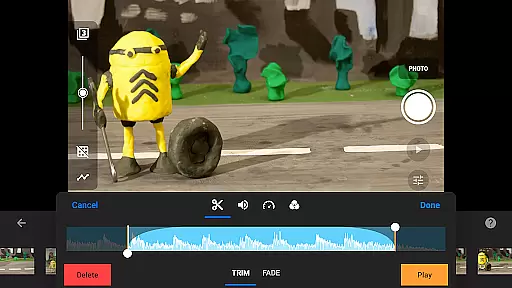
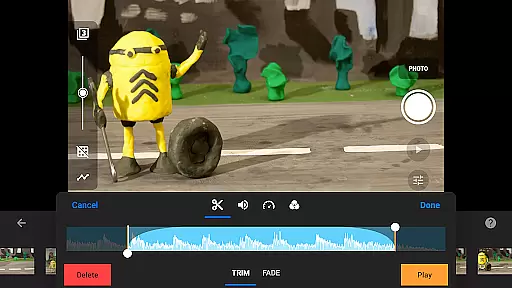
Stop Motion Studio Pro is the ultimate app for stop motion enthusiasts, offering a complete suite of tools to create professional-quality animations. With its intuitive interface and powerful features, this app makes it easy to produce stunning stop motion movies.
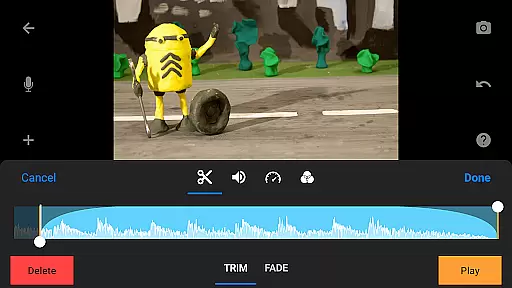
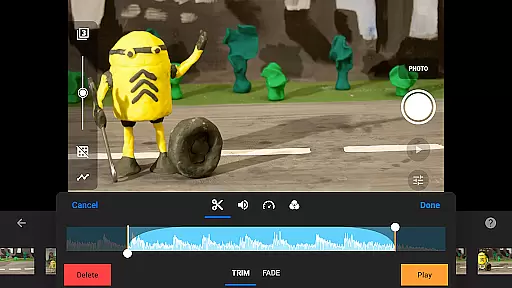
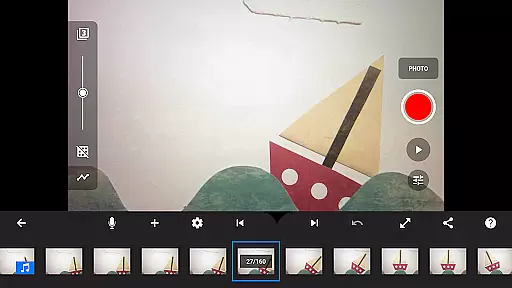
The app provides advanced functionalities such as overlay mode, animation guides, and an interactive timeline, ensuring smooth workflow even with complex projects. Whether you're crafting unique titles, applying video filters, or creating soundtracks, Stop Motion Studio Pro has everything you need to bring your creative vision to life.
Ideal for both beginners and experienced animators, this app supports capturing with adjustable time intervals and full camera control. You can also use a second device as a remote camera, making it versatile for various shooting scenarios.
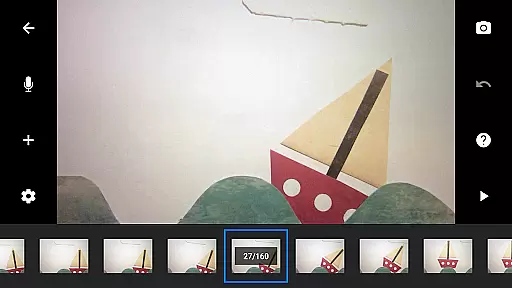
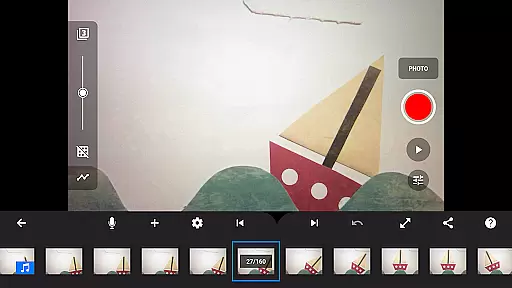
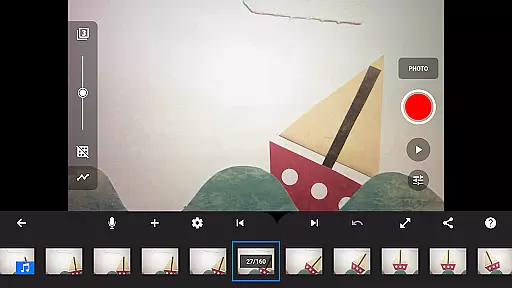
Stop Motion Studio Pro stands out with its comprehensive feature set tailored for stop motion animation. The app includes a simplistic yet powerful interface that allows users to manage hundreds of frames effortlessly through an interactive timeline.
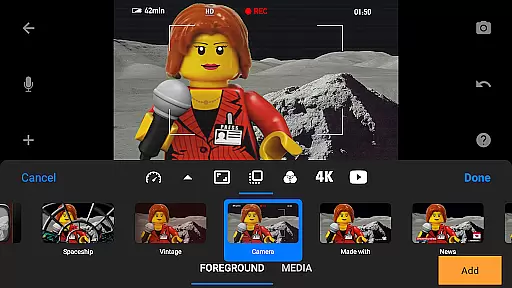
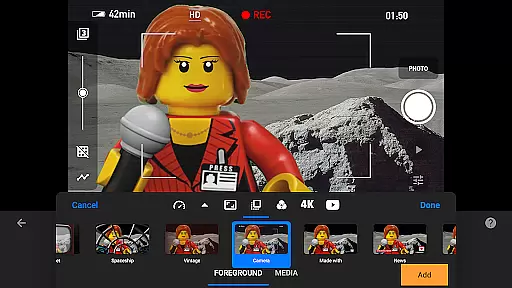
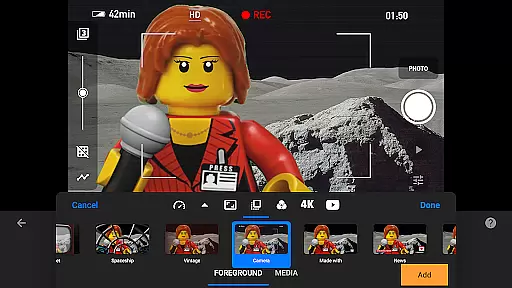
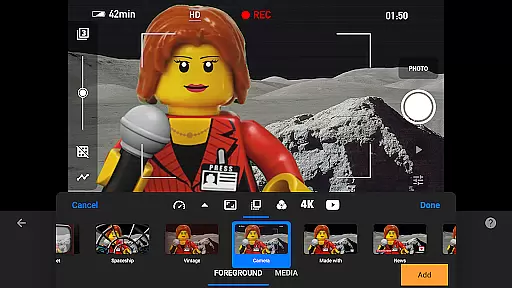
One of the key highlights is the ability to enhance your movies with various effects. Users can apply different foregrounds, backgrounds, aspect ratios, and fade effects. Additionally, the rotoscoping and green screen features enable creators to achieve impressive visual results by drawing over imported video clips or changing scene backgrounds.
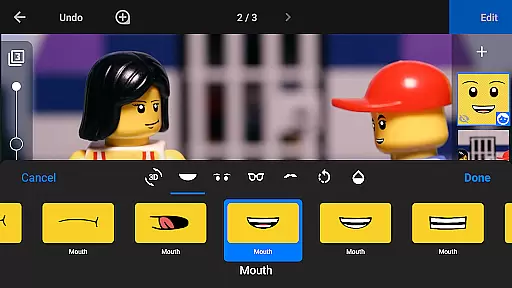
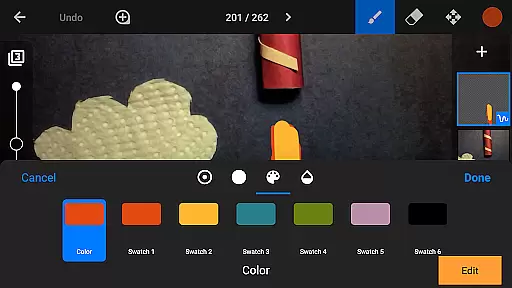
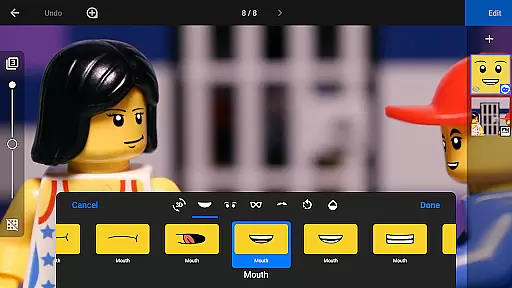
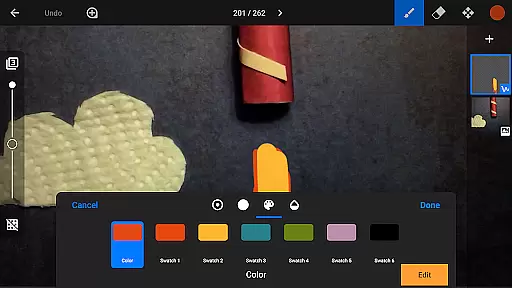
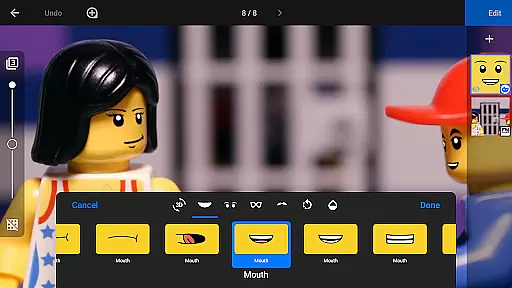
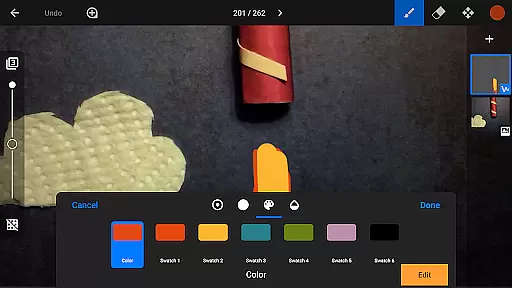
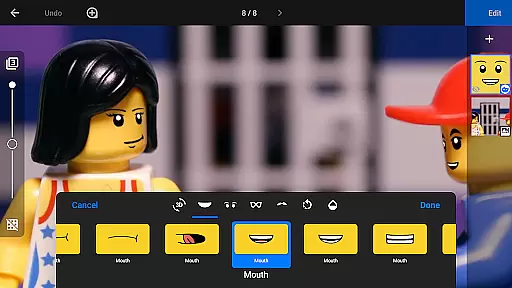
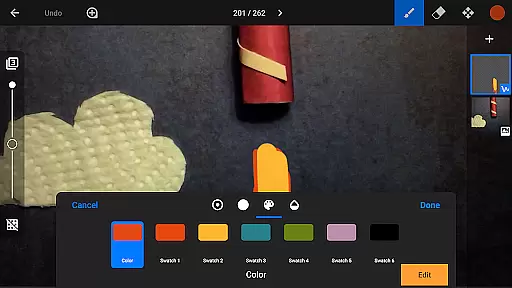
The built-in layer-based image editor further extends creative possibilities. It lets users add text, speech bubbles, facial expressions, and more. With tools for touch-ups and merging frames, animators can refine their work to perfection before sharing it with friends and family.
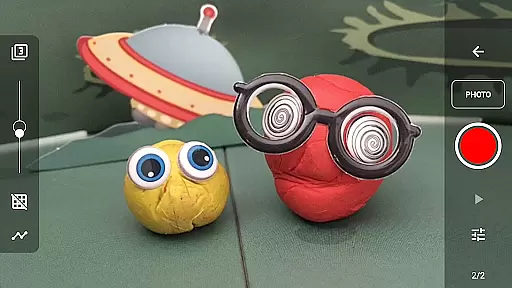
Real-time capture and preview functionality is essential for ensuring that every frame of your stop motion animation is exactly as you envision it. Stop Motion Studio Pro offers a sophisticated yet user-friendly interface that allows creators to capture frames with precision.
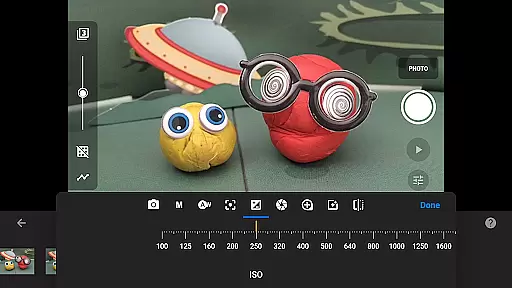
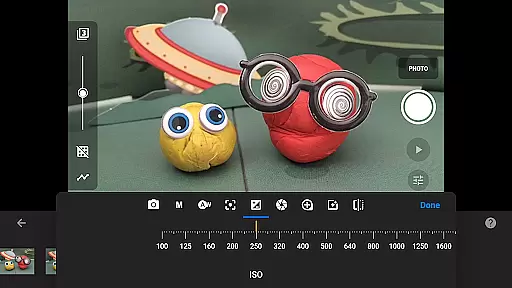
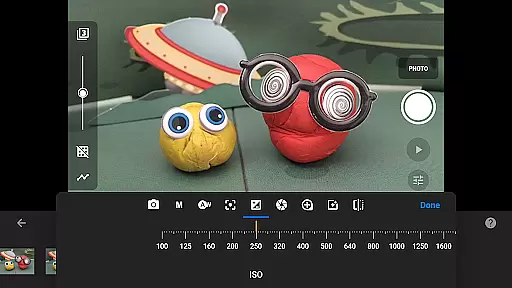
The app provides adjustable time interval features, enabling users to set specific intervals between shots, which is crucial for maintaining consistency in their animations. Additionally, full camera control options such as automatic or manual white balance, focus, exposure, ISO, and shutter speed ensure that each shot meets professional standards.
With the ability to use a second device as a remote camera, animators can achieve unique angles and perspectives, enhancing the storytelling aspect of their projects. This feature not only streamlines the workflow but also opens up creative possibilities that were previously difficult to achieve without expensive equipment.
Ultimately, these real-time capture and preview capabilities empower both amateur and professional animators to produce high-quality stop motion films with confidence, knowing they have complete control over every visual element.
While primarily focused on stop motion animation, Stop Motion Studio Pro also incorporates AI beauty and enhancement features that contribute to the naturalness of the final product. These tools are designed to subtly improve the visual quality of each frame without compromising the authenticity of the animation.
The built-in layer-based image editor allows users to add text, speech bubbles, and titles, as well as touch up images with precision. This ensures that any enhancements made are seamless and enhance the overall aesthetic of the film without being distracting.
Features like facial expression adjustments and object removal using the eraser tool enable animators to refine their characters and scenes meticulously. By merging frames, users can simulate fast movements, adding dynamism to their animations while maintaining a natural flow.
These AI-driven enhancements provide an extra layer of polish to stop motion projects, allowing creators to elevate their work to professional levels. The result is a more engaging and visually appealing film that retains the charm and character of traditional stop motion techniques.
User-friendly interface
Comprehensive editing tools
Advanced camera controls
Versatile sharing options
Extensive learning resources
Higher cost compared to basic apps
Requires significant storage space
Steep learning curve for novices
Limited free version availability
Occasional performance lags

Gallery show photo, video, slideshow, is perfect 3D effect private photo albums.
 4.80
4.80
All-in-One Editor & AI Photo Enhancer, Beautify & Retouch, Collage, Cartoonify
4.20
Add Watermark - Sign your pictures with a text or logo. Effective, quick, easy!
4.50
Find time and duration of different sunlight phases at any location
4.90
Superimpose one photo on top of another using the original Superimpose app!
3.20
Transform Photos: Edit, Beautify and Craft Memories & Make Collages!
4.10
Snap photos remotely using your Garmin watch as the camera trigger
4.2
Discover & download millions of art for The Frame TV or Hisense CanvasTV
4.60
Welcome to ProShot, the most powerful camera app on Android.
4.20
Photo editor & gallery. Crop pictures & edit photos offline, no wifi!
4.50
Cut and paste photo editor & eraser to customize photos easy and swap faces fun
4.50
Create AI photos & videos with Enhancer; restore, fix, beautify, enhance photos
4.50
Search, tag and rate your way to an organized image gallery
4.40
Easily stitch panoramas from multiple photos or video.
4.40
Edit like a pro with Hypic. Apply filters, AI effects, & magic touch.
4.40
AI portrait generator and polaroid AI selfie, fun AI generated AI photo creator!
4.30
Turn your phone into a professional camera - full DSLR manual photography
4.30
Professional video recording application with manual controls for filmmakers!
2.80
HD Photo gallery and photo manager to edit, hide private photos, videos & albums
4.3


User Reviews