
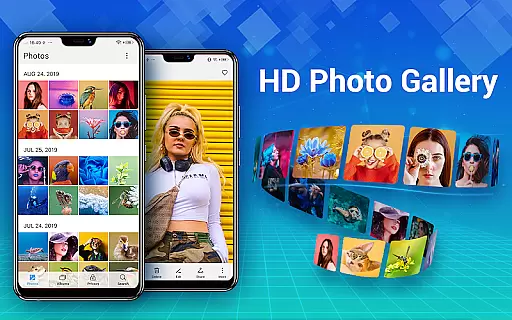
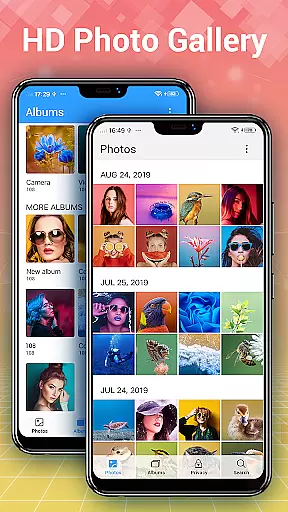
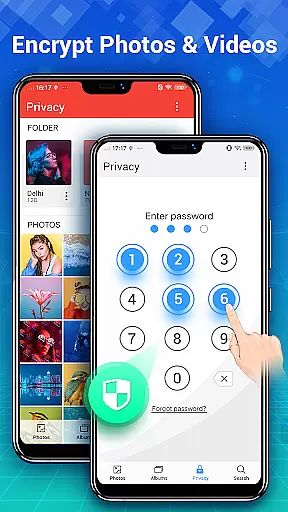
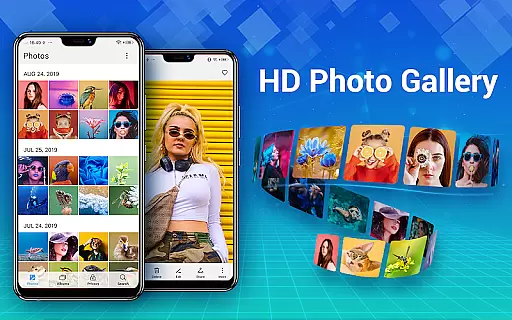
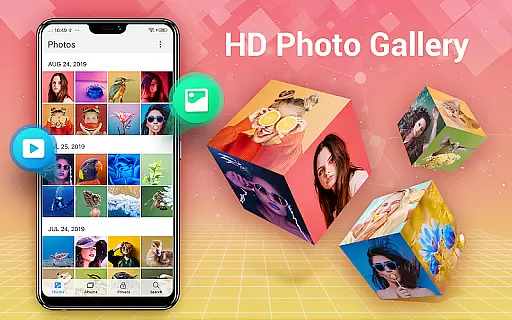
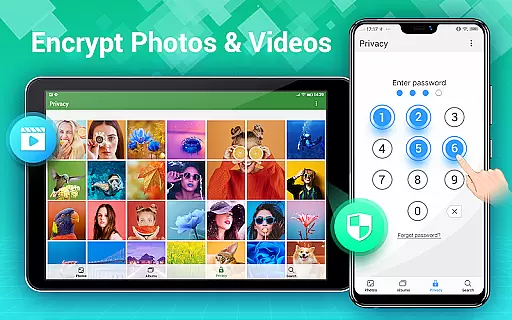
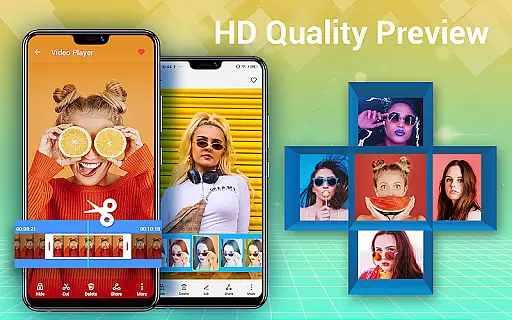
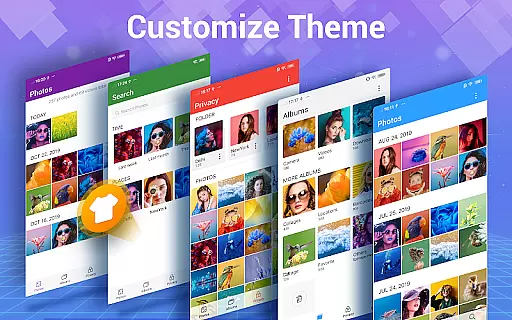
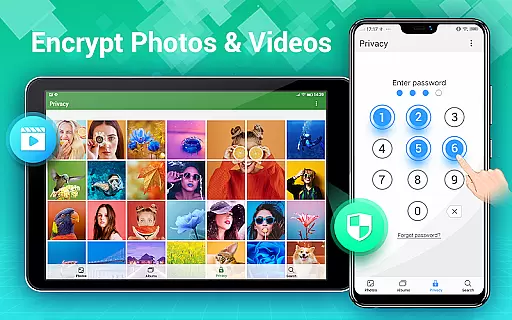
Photo Gallery is a comprehensive photography app designed for Android users, offering an all-in-one solution for managing photos and videos. This app automatically organizes your media files into albums, supports HD browsing, and allows easy sharing options. It also features a secure vault to protect your private content with password encryption.
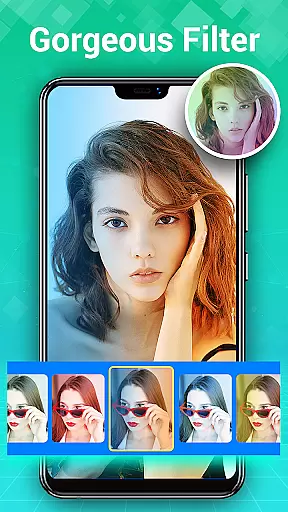
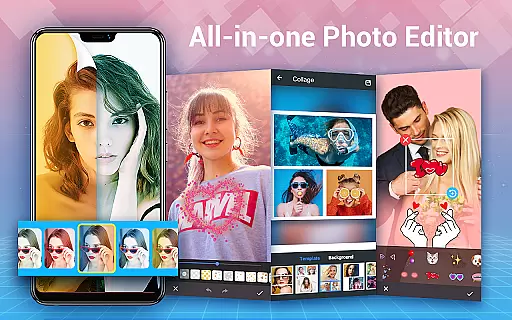
In addition to its organizational capabilities, Photo Gallery provides powerful editing tools. Users can enhance their images with filters, adjust lighting, add text or stickers, and create photo collages. The app's intuitive interface makes it easy to navigate through thousands of photos and videos, while advanced features like slideshow playback and wallpaper setting enhance the overall user experience.
This application is particularly useful for individuals who need both privacy protection and creative editing options. Whether you're looking to keep personal photos secure or produce visually appealing social media content, Photo Gallery delivers a complete package that caters to various user needs in one streamlined platform.
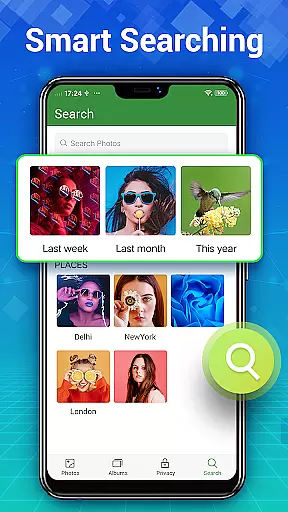
Photo Gallery stands out with its extensive feature set tailored for both casual and professional photographers. One of its key strengths is the automatic organization system, which sorts photos and videos by date, album, size, or name. This ensures that users can quickly find specific files without hassle. Additionally, the app supports folder management and SD card storage, allowing flexible file organization across different storage locations.
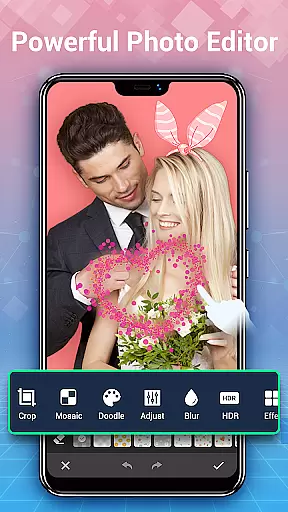
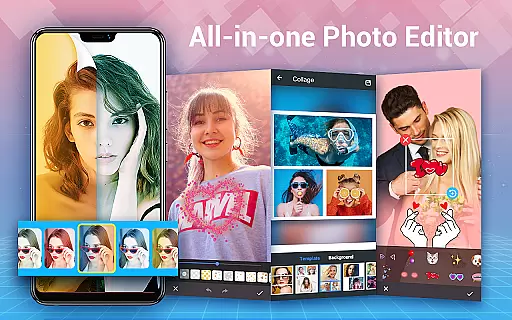
The built-in photo editor offers a range of creative tools such as auto-enhance, stylish stickers, text overlays, doodles, mosaics, cropping, lightening, blurring, and more. These features enable users to transform ordinary images into stunning works of art effortlessly. Moreover, the photo collage maker lets you combine multiple pictures into unique layouts using free-style or grid templates, perfect for sharing on social platforms like Instagram or Facebook.
For those concerned about privacy, Photo Gallery includes robust security measures. The gallery lock function hides sensitive photos and videos behind password protection, ensuring they remain invisible to unauthorized users. Furthermore, deleted files are kept in a trash folder for a customizable period, giving users peace of mind knowing they can recover accidentally removed items if needed.
Real-time capture and preview functionality is essential for any photography app as it allows users to see exactly what the camera is capturing before taking a shot. This ensures that photos are framed and focused correctly, reducing the need for retakes.
Photo Gallery - Album, Vault offers an intuitive real-time capture experience with features like automatic organization of photos and videos, making it easier for users to manage their media files efficiently. The app's ability to refresh gallery collections quickly enhances the overall user experience.
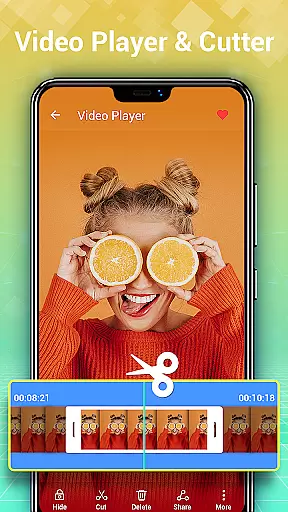
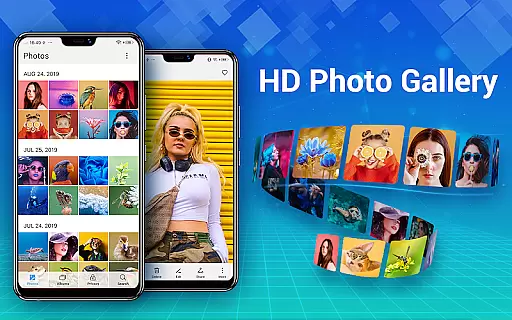
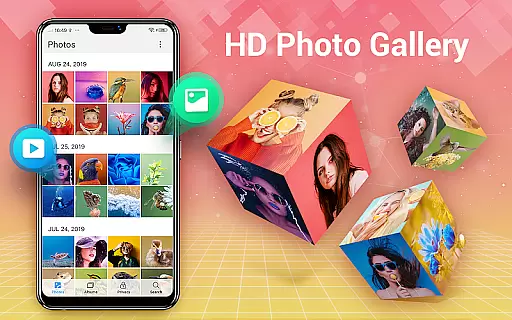
Users benefit from the app's HD browsing capabilities, which allow them to view thousands of photos and videos in high definition. With options to delete, copy, and move files, organizing gallery albums becomes a seamless task.
The inclusion of folder and SD card support further enriches the real-time capture and preview feature by enabling users to organize their photos in customizable ways. Easy transfer of media files to and from SD cards adds convenience, ensuring users spend less time managing their files and more time enjoying their pictures.
AI beauty and enhancement features have become increasingly popular in photography apps, offering users the ability to enhance their photos naturally without over-processing. This is crucial for maintaining the authenticity of images while still improving their overall quality.
Photo Gallery - Album, Vault includes advanced photo editing tools that leverage AI technology to provide enhancements such as auto-enhance, which optimizes photos with just one tap. Users can apply various filters, adjust lighting, and add stylish stickers and text, ensuring their photos look their best.
In addition to basic editing, the app offers creative options like doodles, mosaics, cropping, lightening, and blurring. These features enable users to create unique and personalized images that stand out on social media platforms like Instagram, Facebook, and Twitter.
By combining powerful editing tools with natural enhancement capabilities, Photo Gallery ensures that users can achieve professional-looking results without sacrificing the genuine essence of their photos. This balance between enhancement and natural beauty is what sets the app apart in the realm of mobile photography.
User-friendly interface
Powerful editing tools
Secure vault protection
Automatic organization
Flexible file management
Requires permissions
May drain battery
Limited cloud integration
Ads in free version
Occasional bugs

Viewfinder, Light meter, Reciprocity failure time, DOF & Bellows Extension
 4.60
4.60
Photo prints, cards, & gifts at Walgreens. Easy ordering & fast local pickup !
4.80
Transform photos into videos! Create realistic or anime-style images easily!
4.50
A must-have app for landscape photographers
4.60
Create amazing frames with up to five photos. Rounded corners, effects and more!
3.60
Photo editor & gallery. Crop pictures & edit photos offline, no wifi!
4.50
Professional camera app that brings DSLR manual photography controls to Android.
4.20
The original Rarevision VHS look seen everywhere!
4.70
Unlock the full potential of your DJI drone with Litchi
4.50
Find time and duration of different sunlight phases at any location
4.90
Photo editor: AI filters, photo enhancer, pic collage maker, AI art generator.
4.80
Android Native system HD camera app. Never been so simple and faster.
4.70
Your personal guide to the sun and moon. Plan ahead, visualize and predict!
4.70
HD Camera Pro with HD Video shooting, Panorama, Photo editor , Beauty Camera.
4.50
Turn your phone into a professional camera - full DSLR manual photography
4.30
All-in-One Editor & AI Photo Enhancer, Beautify & Retouch, Collage, Cartoonify
4.20
Create AI Photos, Improve and restore quality of blurry, old or damaged pics.
4.20
Pet Camera
3.70
HD Photo gallery and photo manager to edit, hide private photos, videos & albums
4.2


User Reviews