
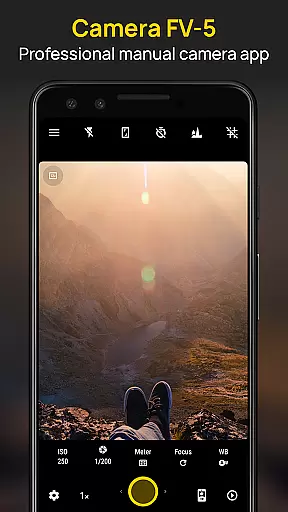
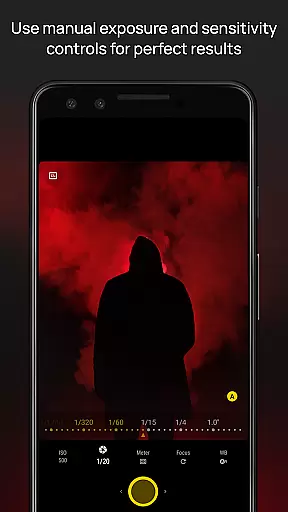
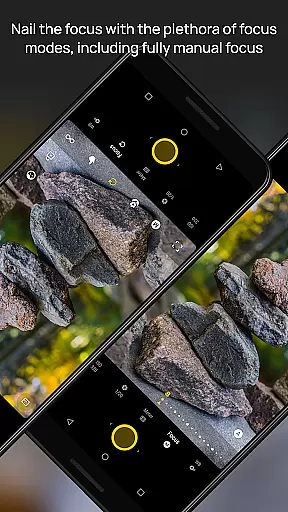
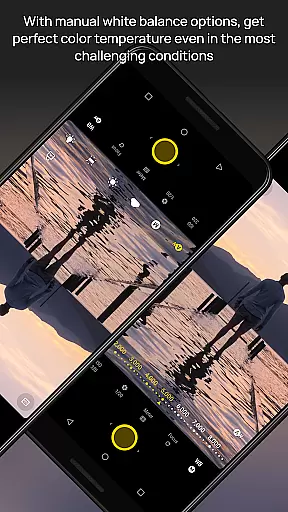
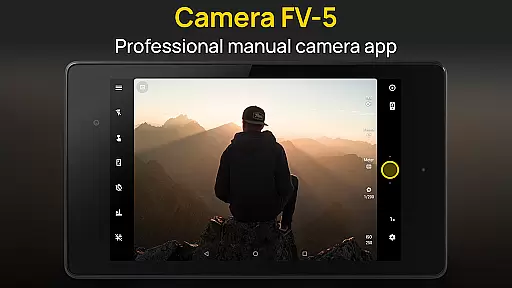
Camera FV-5 is a professional-grade camera application designed for mobile devices, offering DSLR-like manual controls. It caters to enthusiast and professional photographers by providing the capability to capture high-quality raw photographs for post-processing. The app's comprehensive control over photographic parameters allows users to unleash their creativity without limitations.
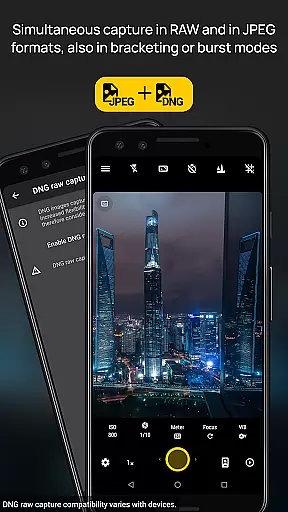
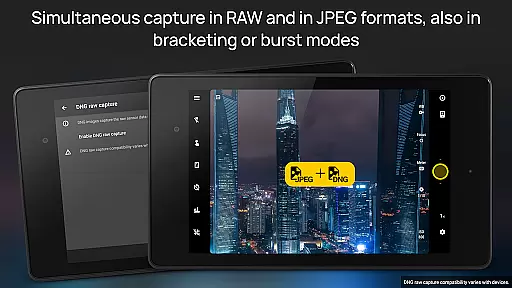
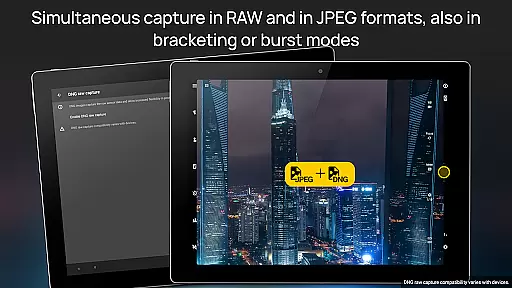
This application supports an extensive range of functionalities including exposure bracketing, intervalometer for timelapses, and various photo capturing formats like JPEG, true 16-bit RAW in DNG format, and lossless PNG. With features such as manual shutter speed adjustments, focus modes, and real-time viewfinder display, Camera FV-5 ensures users can achieve stunning results akin to those possible with a DSLR camera.
Whether capturing night photos with long exposure or utilizing the advanced electronic viewfinder with live RGB histogram, this app provides tools that are essential for producing professional-quality images directly from a mobile device.
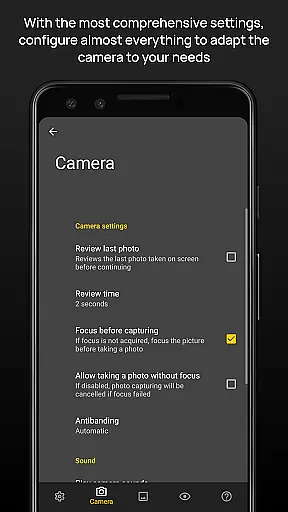
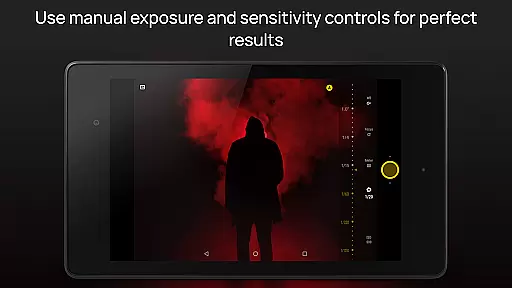
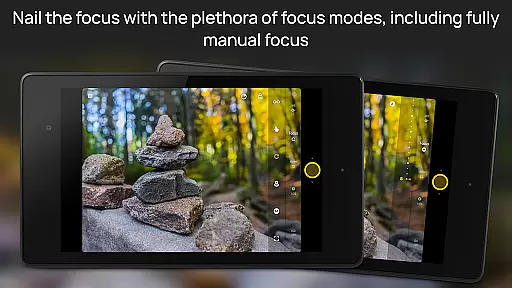
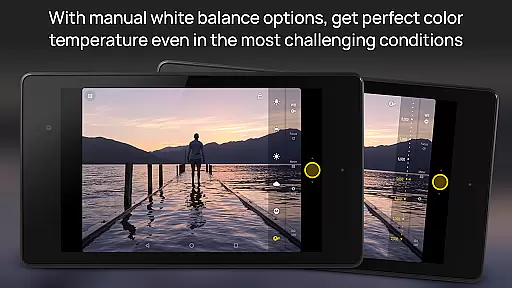
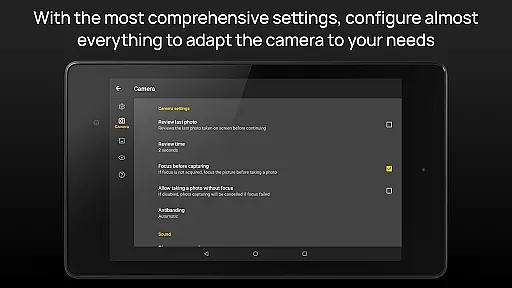
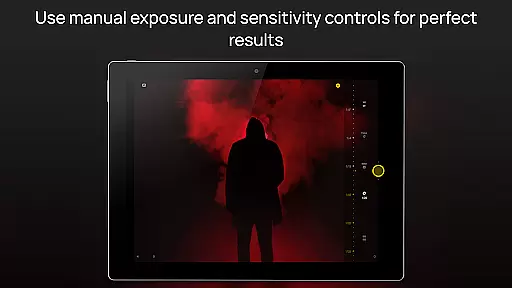
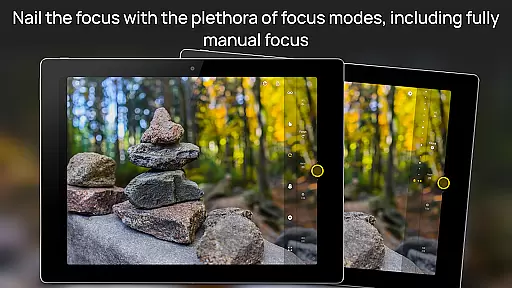
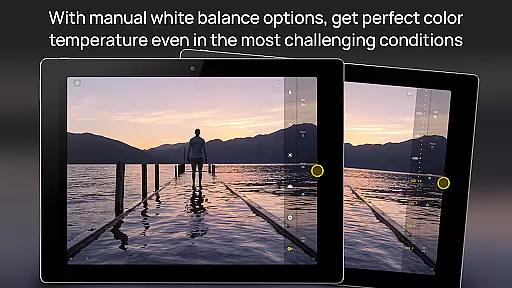
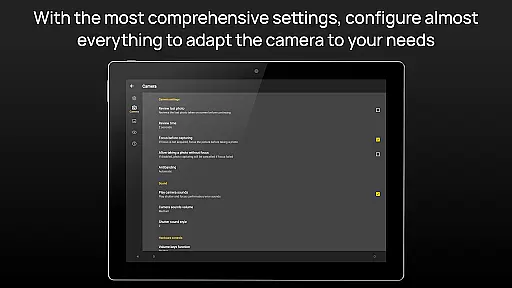
Camera FV-5 stands out with its rich feature set tailored for photography enthusiasts. One of its key aspects is the ability to manually adjust all photographic parameters such as ISO, light metering, focus modes, white balance, and more, which are easily accessible within the app interface.
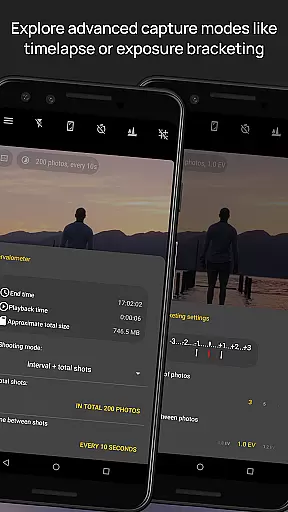
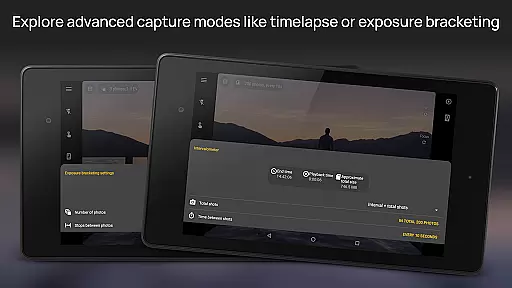
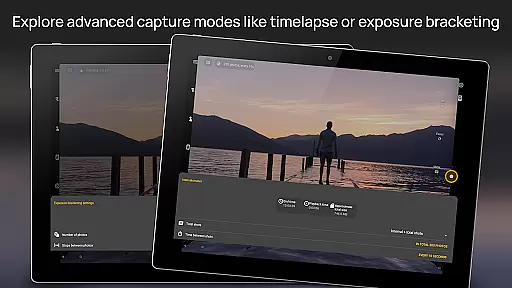
The app includes a DSLR-like viewfinder that displays crucial settings like exposure time and aperture in real-time, alongside full-fledged exposure bracketing capabilities supporting up to 7 frames. Another innovative feature is the built-in intervalometer allowing users to create impressive timelapses with ease.
Additional functionalities include program and speed-priority modes, digital zoom using multitouch gestures, and powerful organization options for managing storage locations and customizing file names. These features collectively ensure a seamless and professional photography experience on mobile platforms.
Real-time capture and preview functionality is essential for photographers who need precise control over their shots. Camera FV-5 excels in this area by providing a DSLR-like viewfinder display that shows critical information such as exposure time, aperture, and stops with EV and bracketing settings in real-time.
The application offers an advanced electronic viewfinder featuring a live RGB histogram, 10 composition grid overlays, and 9 crop guides. These tools allow photographers to frame and adjust their shots accurately before capturing the final image, ensuring optimal exposure and composition.
With full manual control over photographic parameters like ISO, white balance, and focus modes, users can fine-tune settings on the fly. This level of control ensures that photographers can respond quickly to changing lighting conditions and capture the perfect shot without delay.
Ultimately, the real-time capture and preview features of Camera FV-5 empower photographers to make informed decisions, resulting in higher quality images and greater creative freedom. This capability is particularly beneficial for professionals who require exacting precision in their work.
While Camera FV-5 does not focus on AI beauty enhancements, it provides powerful manual controls that allow for natural photo enhancements. The ability to capture true 16-bit RAW images in DNG format ensures that post-processing can be done with minimal loss of quality, preserving the natural look of photographs.
The application supports various photographic formats including JPEG, lossless PNG, and RAW, giving photographers flexibility in how they choose to process their images. This versatility is crucial for achieving natural-looking enhancements without relying on automated AI features.
Camera FV-5 includes advanced exposure bracketing and intervalometer functions, enabling the creation of stunning timelapses and HDR images. These features help in capturing multiple exposures that can be blended to create naturally enhanced photos with balanced lighting and detail.
By focusing on manual controls and professional-grade features, Camera FV-5 ensures that any enhancements made to photos remain under the photographer's control, maintaining the authenticity and natural beauty of the original scene. This approach appeals to purists who prefer hands-on editing techniques.
DSLR-like controls
Manual parameter adjustment
Advanced viewfinder
RAW image support
Comprehensive feature set
Complex for beginners
High battery consumption
Limited device compatibility
No automatic mode
Premium cost

Add Watermark - Sign your pictures with a text or logo. Effective, quick, easy!
 4.50
4.50
An interval timer to automate photo taking process for timelapse
2.90
Natural Beauty, Selfie Retouch
4.30
GCamera allows all GCam features on all phone models! Better photos with GCamera
3.30
See your baby AI baby face generator AI baby maker Face generator babymaker fun!
4.70
Luminar: Photo Editor - easy picture editing with AI
4.20
Easily create custom gifts, cards, photo books & more on the Shutterfly app!
4.60
Effortlessly make high-quality GIFs from images & videos without any watermarks.
4.70
Photo & Video Gallery app to manage albums and save WA Status easily.
4.70
Pro version: AR sun/moon tracker for any date. Tool for photographers & planners
4.90
Perfect body tune & face app - photo retouch, makeup, slim body & beautify face.
4.80
1M influencer's special filter
4.60
A must-have app for landscape photographers
4.60
Effortlessly organize, view and share your photos & videos with Gallery app!
4.40
AI portrait generator and polaroid AI selfie, fun AI generated AI photo creator!
4.30
A light meter for true photographers.
4.20
Professional quality photo edits with the new Snapseed.
4.00
Gallery Slideshow is slideshow maker app for slideshow from your gallery photos.
3.90
USB Storage Access for Photos, Videos, Music and Documents
3.80


User Reviews