
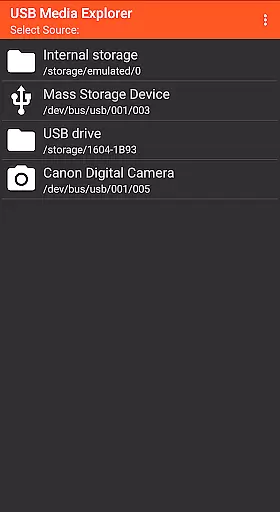
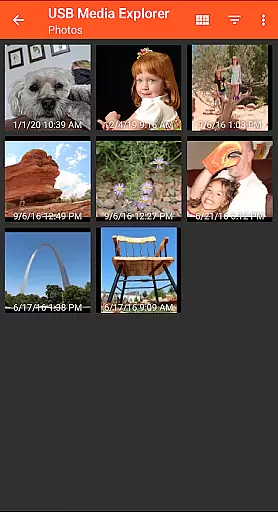
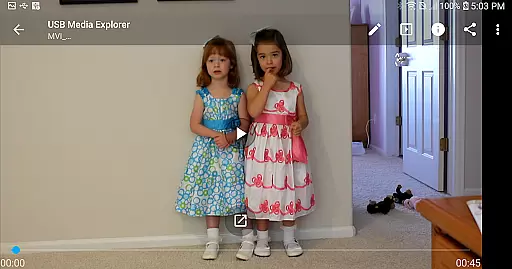
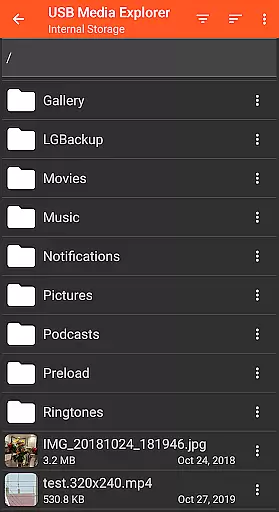
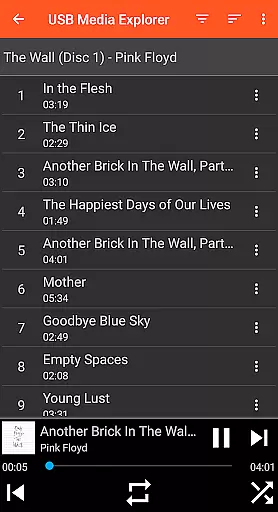
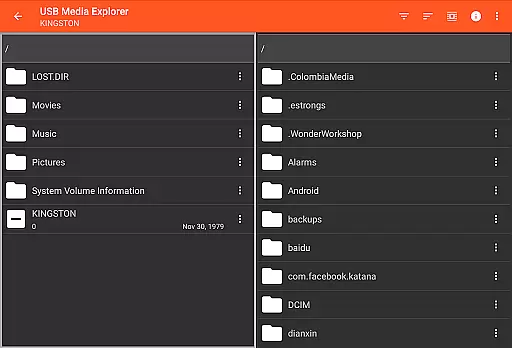
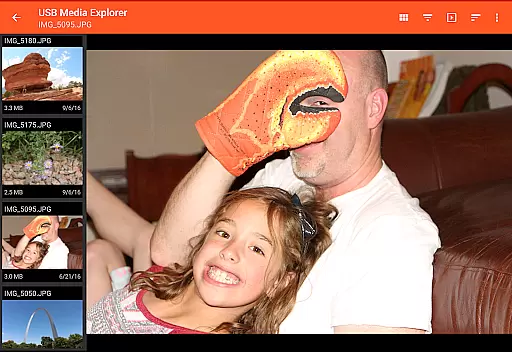
USB Media Explorer (UME) is a versatile photography app that allows users to view photos, stream videos, listen to music, and manage documents from various USB storage devices. With specialized viewing modes for different media types, it provides a comprehensive solution for accessing multimedia content on the go.
The app supports a wide range of devices including flash drives, card readers, hard drives, cameras, and even other Android devices. Its standout feature is the ability to view full-size photos and videos directly without importing, making it an essential tool for photographers and videographers who need instant access to their work.
Whether you're a professional photographer needing to review raw images or a traveler wanting to watch movies stored on a portable drive, USB Media Explorer offers a practical solution that enhances productivity while maintaining ease of use.
USB Media Explorer stands out with its specialized screens for different media types - photos, videos, music, documents, and file management. This thoughtful design ensures optimal viewing and organization of various file formats, providing users with a seamless experience tailored to each media type.
A key feature is the ability to copy files to and from USB devices, enabling effortless file transfer. The app also supports both Jpeg and Raw photo formats, allowing professionals to work with high-quality images directly from their storage devices.
The application's support for various hardware configurations, including OTG cables and USB-C adapters, demonstrates its adaptability to different device setups. While some advanced video formats may require third-party players like VLC, this flexibility ensures compatibility with most common media formats across Android devices.
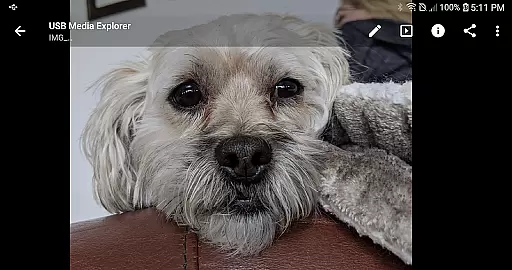
USB Media Explorer offers a unique real-time capture and preview feature that allows users to view photos and stream videos directly from USB storage devices without the need for importing. This functionality is crucial for photographers and videographers who require immediate access to their media files on the go.
The application supports both Jpeg and Raw photo formats, ensuring that professionals can work with high-quality images directly from their cameras or storage devices. The ability to view full-size photos and videos without importing saves valuable time and storage space on your Android device.
Users benefit from specialized viewing screens designed specifically for different media types, providing an optimized experience whether they are browsing photos, watching videos, or managing files. This ensures that creative professionals can efficiently review and select the best shots from their shoots.
Overall, this real-time capture and preview capability enhances workflow efficiency, allowing users to quickly assess their media files and make informed decisions about which files to transfer or further edit.
While USB Media Explorer does not focus heavily on AI beauty and enhancement features, it still provides essential tools for managing and viewing media files that can be used in conjunction with other editing software. The app's primary strength lies in its ability to handle various file formats and deliver them in their original quality.
For users looking to maintain the natural essence of their photos and videos, the application ensures that all media is presented without unnecessary alterations or enhancements. This is particularly beneficial for professionals who prefer to apply their own editing techniques and styles.
Additionally, the app supports a wide range of devices including flash drives, card readers, hard drives, and cameras, making it versatile for different types of projects. By focusing on accurate representation rather than automated enhancements, USB Media Explorer preserves the authenticity of the captured moments.
In summary, while not an AI-driven beauty tool, USB Media Explorer excels in delivering media files in their most genuine form, empowering users to take full control over any subsequent editing processes.
User-friendly interface
Wide device compatibility
Direct file viewing
Comprehensive media support
Efficient file management
Limited camera support
No native AVI support
Hard drive power issues
Proprietary protocol exclusion
DVD functionality restricted

All-in-One Editor & AI Photo Enhancer, Beautify & Retouch, Collage, Cartoonify
 4.20
4.20
Photo Exif Editor allows to view, add and modify EXIF data of multiple photos
4.50
Gallery Slideshow is slideshow maker app for slideshow from your gallery photos.
3.90
A reflected light meter with spot metering and incident light metering.
4.40
Luminar: Photo Editor - easy picture editing with AI
4.20
Collage your moments in one tap: 1000+ layouts, filters, stickers, and texts.
4.90
AI-powered video creator by MiniMax - Where ideas meet cinema
4.20
Snap photos remotely using your Garmin watch as the camera trigger
4.4
Photo & Video Gallery app to manage albums and save WA Status easily.
4.70
A collection of tools and reference tables for DPs, ACs, DITs and Operators.
4.70
Add Watermark - Sign your pictures with a text or logo. Effective, quick, easy!
4.50
Use AI Video Generator to turn your words to ai generated videos.
4.50
Natural Beauty, Selfie Retouch
4.30
Virtual makeup, hair filters & body tuner—edit from face to full body!
4.20
What celebrity do you look like? Celebs will find your celebrity match!
4.10
Catch sunlight, sunrise sunset times and sun phases with the AR sun tracker.
4.10
Photobooth mini FULL app will allow you to add more fun to your parties
4.00
Turn photos into cartoons & avatars! - Photo Editor, Cartoon Face!
3.90
Be your best in every shot! Fix, edit and retouch your face in selfies & photos.
3.70


User Reviews