
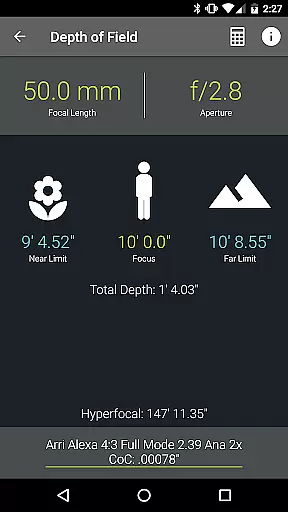
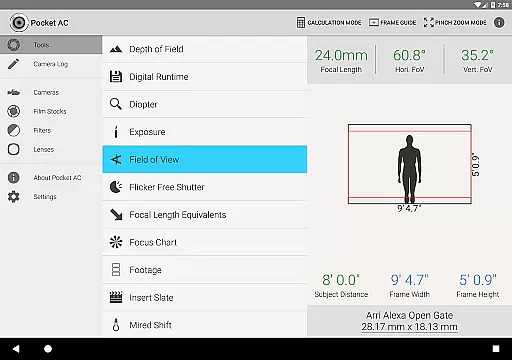
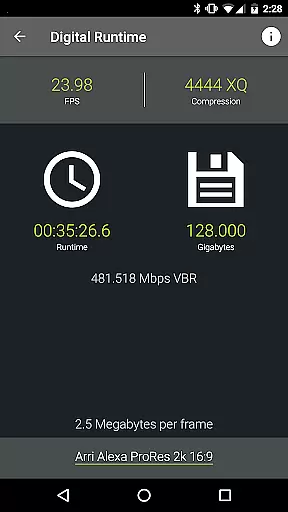
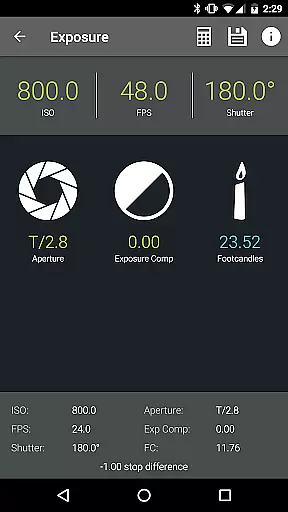
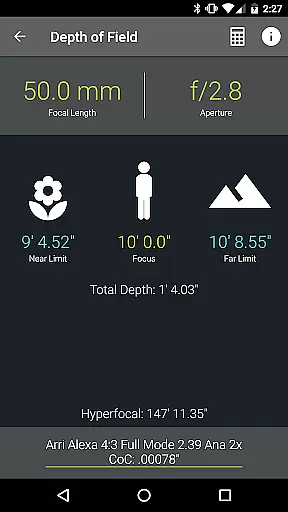
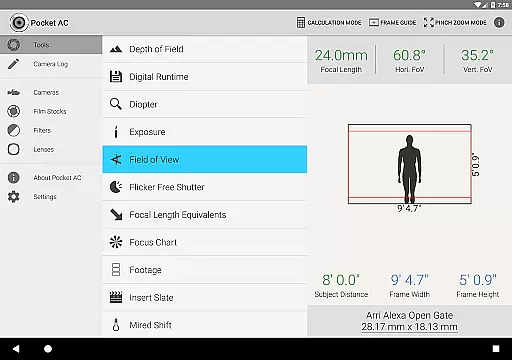
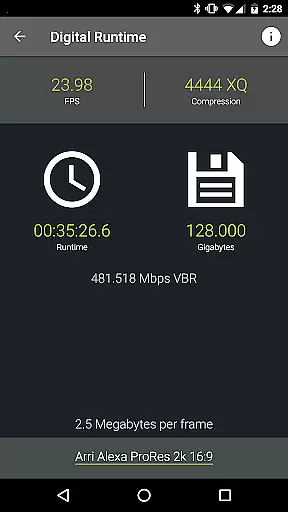
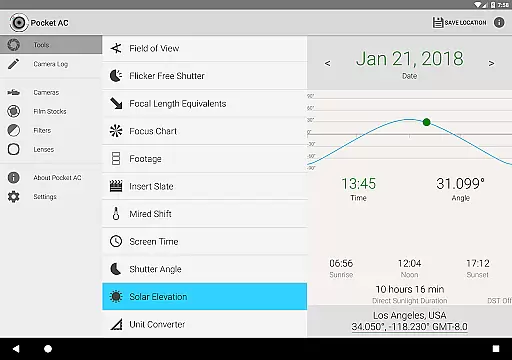
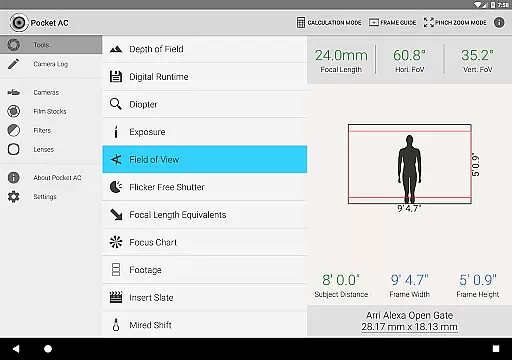
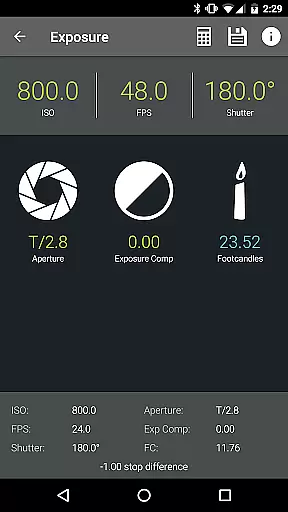
Pocket AC is an essential toolset for cinematographers and videographers, offering a comprehensive suite of calculators and reference materials. The app includes specialized tools such as Depth of Field, Exposure, and Flicker Free Shutter calculators, alongside detailed camera specifications and lens catalogs.
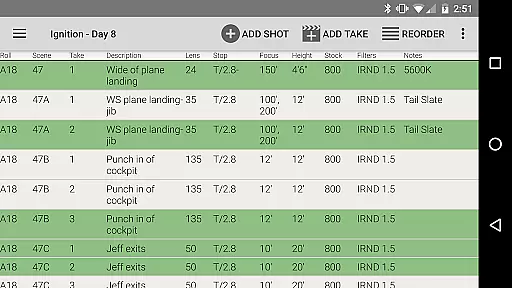
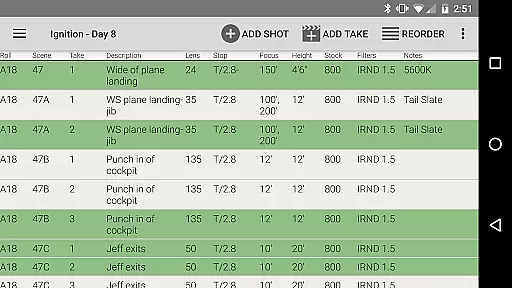
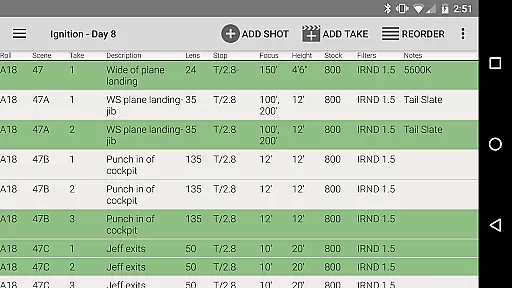
Designed by a camera assistant, Pocket AC streamlines production workflows with features like the Camera Log for shot logging and emailing daily setups. It supports real-time collaboration and provides multiple export formats including PDF and CSV, making it indispensable for efficient film production management.
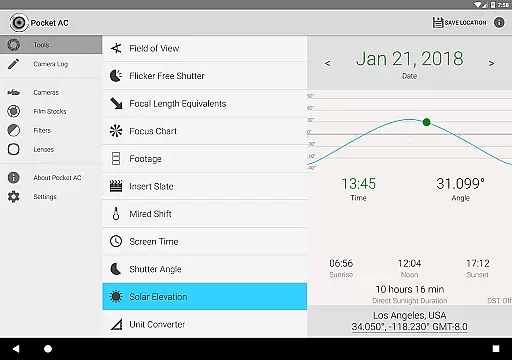
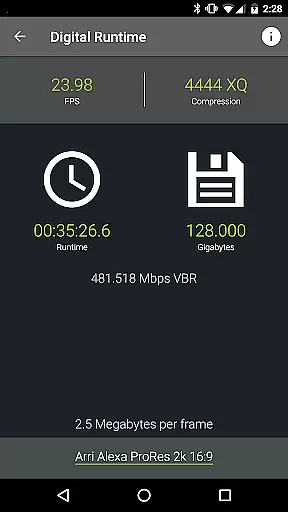
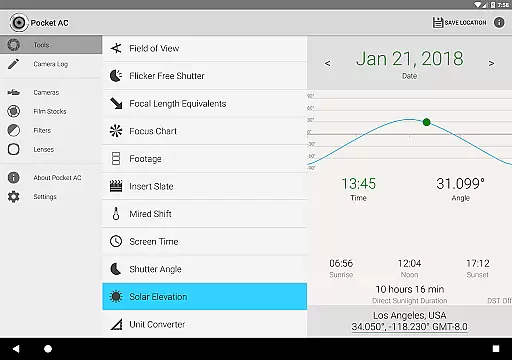
The app boasts an extensive range of professional tools including Data Transfer, Digital Runtime, and Mired Shift calculators. Its Field of View preview supports focal reducers, while the Solar Elevation tool assists in planning shoots. With over 140 camera specifications and 2000 lenses in its catalog, Pocket AC offers unparalleled reference resources.
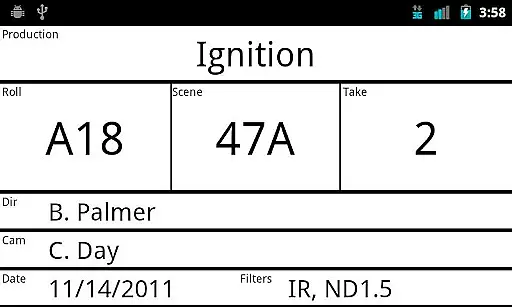
Unique to Pocket AC is its Camera Log feature, enabling real-time collaboration among users. This function allows for quick logging of shots, take management, and exporting logs in various formats. Additionally, the Insert Slate view and Production Details statistics provide valuable insights into the filming process.
Real-time capture and preview functionality is essential for professional cinematographers and videographers who need to ensure their shots are perfectly framed and exposed. Pocket AC offers a comprehensive suite of tools that enable users to accurately plan and execute their shots with precision.
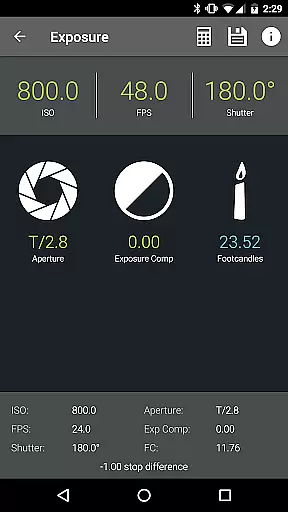
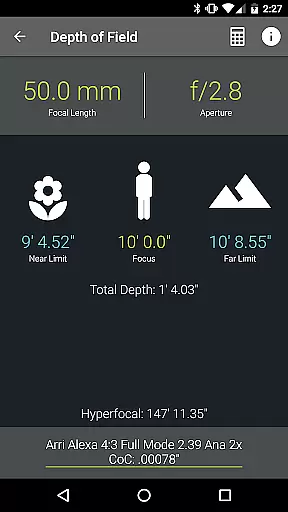
The application provides advanced calculators for depth of field, exposure, and field of view, allowing users to preview their shots before capturing them. This ensures that the final footage meets the desired artistic and technical specifications, saving both time and resources during production.
With features like the Insert Slate function and real-time collaboration on camera logs, users can quickly synchronize and log their setups. This not only streamlines the workflow but also enhances communication among the production team, ensuring everyone is aligned with the day's shooting plan.
By integrating these powerful tools into a single application, Pocket AC empowers cinematographers to focus more on the creative aspects of their work while maintaining technical accuracy, ultimately leading to higher-quality productions.
While Pocket AC does not specifically market itself as an AI beauty enhancement tool, it excels in providing natural and authentic image enhancements through its precise calculators and reference tables. These tools assist cinematographers in achieving the most natural look possible for their footage.
The app includes extensive reference tables for over 140 film and digital cameras, more than 2000 lenses, and various film stocks. These references help professionals select the best equipment and settings to capture scenes as naturally as possible, without relying on artificial enhancements.
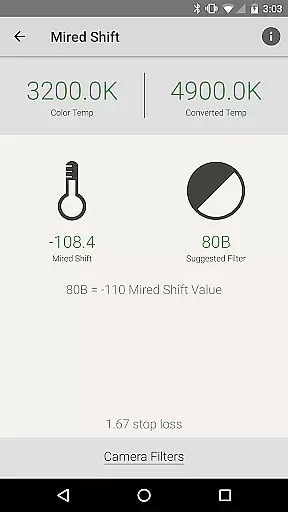
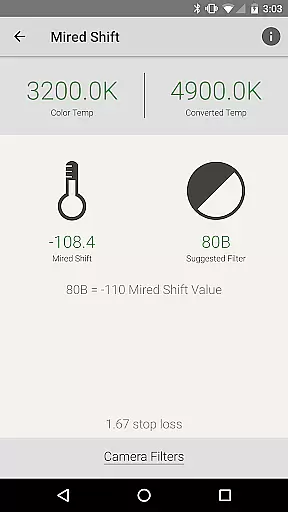
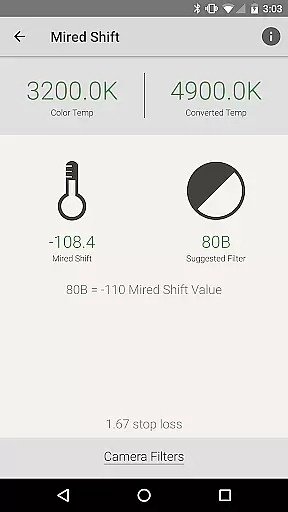
Pocket AC's Mired Shift and Filter Suggestions feature allows users to adjust color temperatures and choose filters that enhance the natural aesthetics of their footage. This approach ensures that any enhancements made are subtle and true to the original scene, preserving the director's intended vision.
By focusing on accurate calculations and providing detailed equipment information, Pocket AC ensures that all enhancements contribute to a natural viewing experience, maintaining the authenticity and integrity of the captured content.
User-friendly interface
Comprehensive toolset
Real-time collaboration
Extensive camera support
Versatile export options
Complex for beginners
Requires constant updates
Limited free features
Occasional bugs
High cost for full access

Photo editor: face & body editor, beauty cam, filters and quality enhancer.
 4.00
4.00
Add Watermark - Sign your pictures with a text or logo. Effective, quick, easy!
4.50
Shooting photos and records video easily and efficient with professional Camera
4.30
Create Business Headshots, Polaroid Filter, Retake Photos,Profile Pics,AI Photos
4.50
Movie camera, supports pro recording settings for filming. Try it and be amazed!
4.50
See your baby AI baby face generator AI baby maker Face generator babymaker fun!
4.70
Collage your moments in one tap: 1000+ layouts, filters, stickers, and texts.
4.90
Remote control the phone camera shutter from your smartwatch and take a picture
1.60
Edit photos with the picture generator: PS2 & AI Clay filters, cartoon effects.
4.50
Photo prints, cards, & gifts at Walgreens. Easy ordering & fast local pickup !
4.80
Your personal guide to the sun and moon. Plan ahead, visualize and predict!
4.70
Enhance, upscale, and transform your images — on your device, without limits
4.70
Easily create custom gifts, cards, photo books & more on the Shutterfly app!
4.60
Turn your phone into a professional camera - full DSLR manual photography
4.30
Photobooth mini FULL app will allow you to add more fun to your parties
4.00
How old age camera Gender Swap App Face Shape Hairstyle App Hair Styler App fun!
4.00
Gallery Slideshow is slideshow maker app for slideshow from your gallery photos.
3.90
Astrophotography with your smartphone, photo live stacking and much more!
3.90
An interval timer to automate photo taking process for timelapse
2.90


User Reviews