
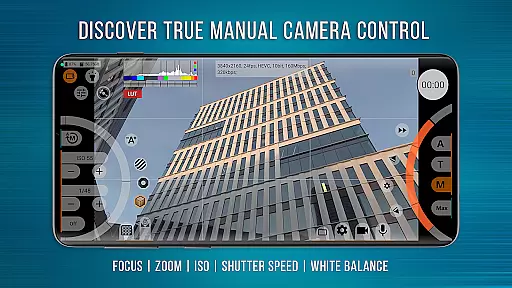
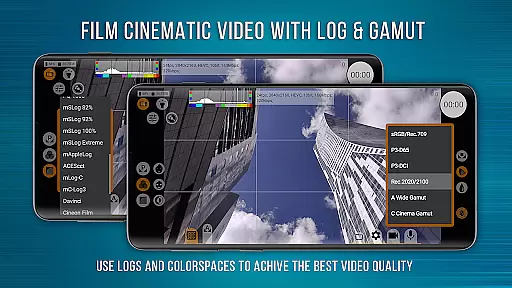
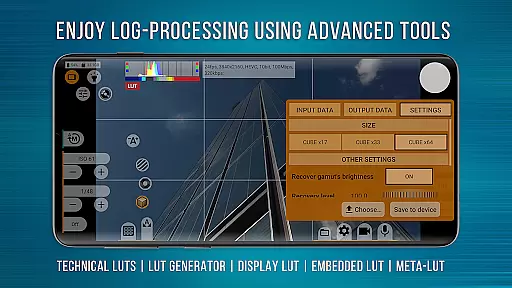
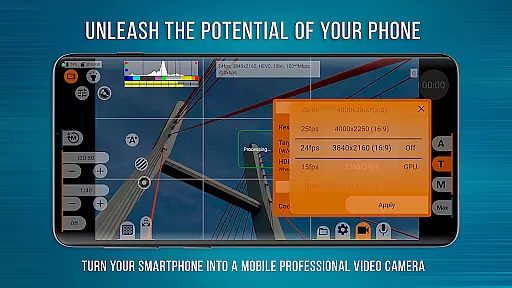
mcpro24fps Manual Video Camera is a professional-grade video camera app designed for Android devices, offering advanced cinematic capabilities previously exclusive to professional camcorders. This app transforms your smartphone into a powerful filmmaking tool, enabling users to shoot high-quality videos with features like 10-bit recording and HDR support.
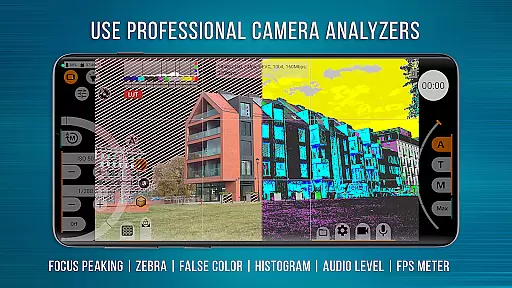
The app provides videographers with extensive control over video settings, including Log profiles, LUTs for post-production, and precise exposure adjustments through Focus Peaking and Zebra tools. With support for external lenses, programmable focus, zoom controls, and GPU-powered enhancements, mcpro24fps caters to both amateur enthusiasts and professional filmmakers looking to create festival films, music videos, or commercials.
One of the standout aspects of mcpro24fps is its rich feature set tailored for professional video production. The app supports shooting in 10-bit color depth with HLG/HDR10, ensuring superior dynamic range and color accuracy. It also allows recording in Log modes without utilizing the GPU, mimicking professional-grade cameras while providing technical LUTs for seamless post-production workflows.
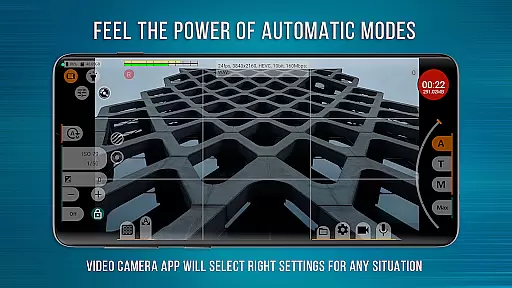
Additional functionalities include advanced audio controls, responsive interface design, and reliable automatic modes complemented by flexible manual settings. Users can take advantage of features such as Focus Peaking, Expo Peaking, Spectral tools, and Zebra patterns for optimal exposure management. Furthermore, compatibility with multiple cameras and resolutions specified by the Camera2 API ensures versatile shooting options adaptable to various devices' capabilities.
Real-time capture and preview functionality is essential for any professional-grade camera application. mcpro24fps offers an advanced real-time video capture system that ensures users can monitor their footage as it's being recorded.
The app supports multiple frame rates including 24 fps, 25 fps, 30 fps, and even up to 60 fps where the device allows. This flexibility in frame rate selection enables videographers to achieve the desired cinematic effect while maintaining smooth motion.
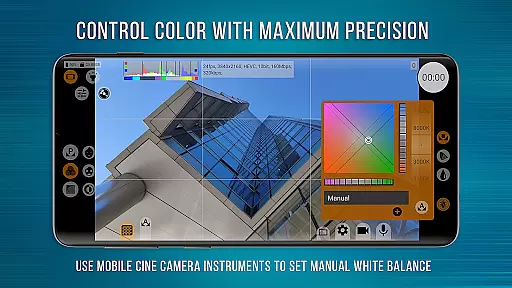
In addition to flexible frame rates, mcpro24fps provides options for adjusting exposure, focus, and white balance in real time. These manual controls empower users to fine-tune their shots according to the specific lighting and artistic conditions they encounter.
Furthermore, the responsive interface of mcpro24fps ensures that all adjustments are reflected instantly in the preview window. This immediacy allows videographers to make precise adjustments on-the-fly, ensuring that every shot meets their exacting standards before committing to the final recording.
While primarily a professional video camera app, mcpro24fps also incorporates features for enhancing video quality through digital means. Although not marketed specifically as an AI beauty enhancement tool, its powerful post-processing capabilities allow for natural-looking improvements.
The application includes various GPU-powered filters and image adjustment tools that can subtly enhance skin tones and textures without creating an artificial appearance. These enhancements are applied with precision, ensuring that the original character of the subjects is preserved.
One notable feature is the ability to record in Log profiles, which captures a wide dynamic range. This allows videographers to apply technical LUTs (Look-Up Tables) during post-production, achieving professional-grade color grading that looks both polished and authentic.
Moreover, mcpro24fps offers noise reduction options that maintain image clarity while minimizing graininess. The combination of hardware-based noise reduction and additional GPU-powered processing results in clean, natural-looking footage that retains its cinematic quality even after enhancement.
Advanced video settings
Professional Log modes
Powerful GPU usage
Reliable auto modes
Precise manual controls
Complex for beginners
Device compatibility issues
High system requirements
No built-in editor
Paid version only

Photo Album Watch Face shows your favorite pictures as a Watchface.
 1.90
1.90
All-in-One Editor & AI Photo Enhancer, Beautify & Retouch, Collage, Cartoonify
4.20
HD Photo gallery and photo manager to edit, hide private photos, videos & albums
4.5
All-in-One Editor & AI Photo Enhancer, Collage, Cartoonify, Funny Stickers & BGS
4.10
Create collages easily! Nice pic collage maker & background eraser for Instagram
4.50
Professional photography on your mobile phone
4.20
Create AI photos & videos with Enhancer; restore, fix, beautify, enhance photos
4.50
Use AI Video Generator to turn your words to ai generated videos.
4.50
Turn photos into cartoons & avatars! - Photo Editor, Cartoon Face!
3.90
Collage your moments in one tap: 1000+ layouts, filters, stickers, and texts.
4.90
Perfect body tune & face app - photo retouch, makeup, slim body & beautify face.
4.80
Photo prints, cards, & gifts at Walgreens. Easy ordering & fast local pickup !
4.80
A collection of tools and reference tables for DPs, ACs, DITs and Operators.
4.70
Amazing Photo Effects - The most fun you can have with your photos!
4.70
AI portrait generator and polaroid AI selfie, fun AI generated AI photo creator!
4.30
Virtual makeup, hair filters & body tuner—edit from face to full body!
4.20
Professional camera app that brings DSLR manual photography controls to Android.
4.20
live datamoshing
4.00
Raw Image Viewer. Gallery with support of raw images (.cr3, .cr2, .nef, .raf).
2.00


User Reviews