
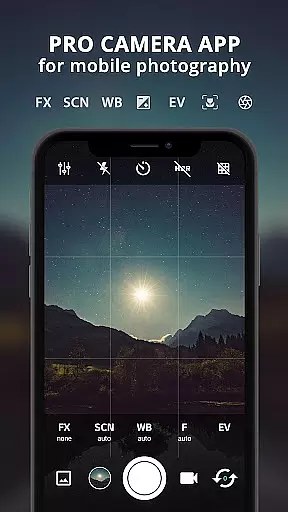
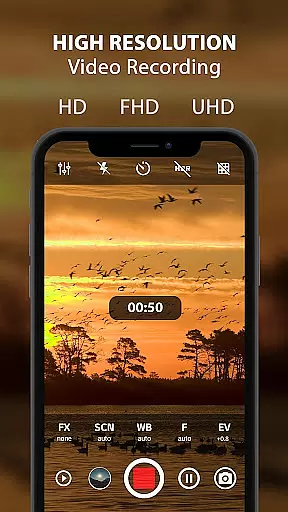
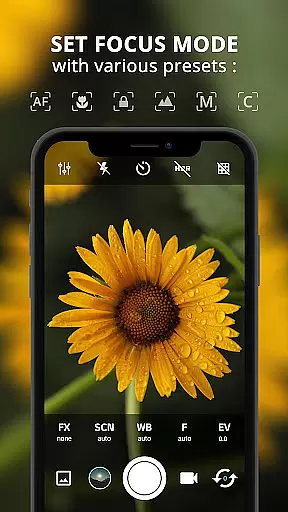
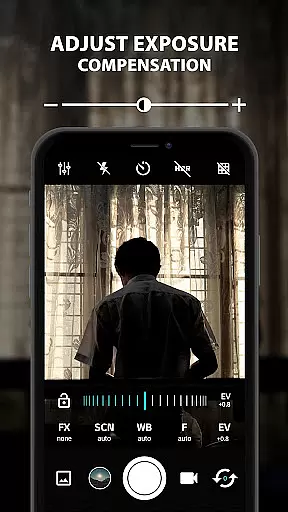
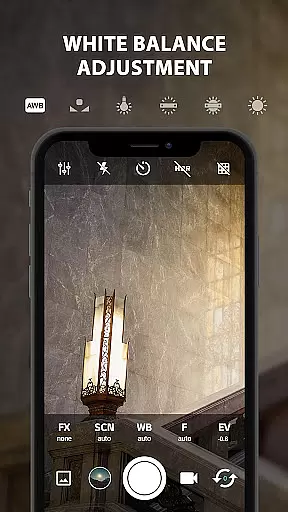
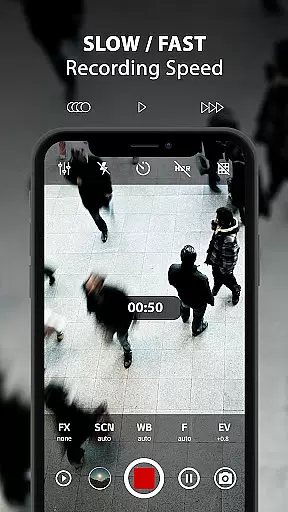
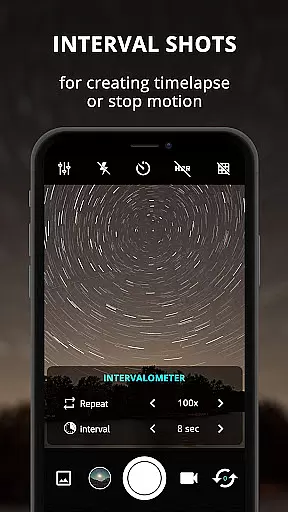
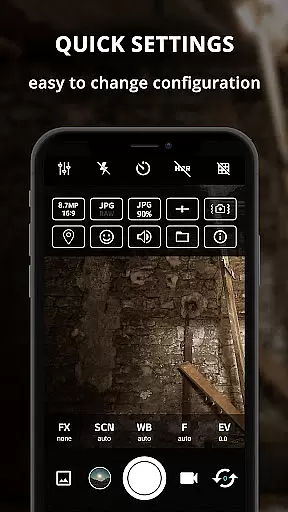
ProCam X transforms your smartphone into a professional-grade camera, offering full manual control over essential photography parameters. With precise adjustments for exposure, focus, white balance, and ISO, this app empowers users to capture high-quality photos and record 4K videos with exceptional clarity. Designed for both amateur enthusiasts and professional photographers, ProCam X brings DSLR-level features to mobile devices.
The application supports advanced functionalities such as burst mode, time-lapse creation, and real-time filters, making it versatile for various shooting scenarios. Its intuitive interface allows seamless switching between front and back cameras while providing essential tools like grid views, anti-shake, and geotagging. Whether you're capturing fast-action moments or creating cinematic masterpieces, ProCam X ensures optimal performance across supported Android devices.
ProCam X stands out with its extensive range of professional camera features packaged in an intuitive interface. The app provides complete manual controls including shutter speed, ISO, focus, and white balance, allowing users to fine-tune every aspect of their shots. These capabilities are further enhanced by specialized modes like Intervalometer for time-lapse photography and Burst Mode for capturing rapid sequences, which are crucial for creative projects.
Additional standout features include support for 4K video recording with optional audio, customizable volume key functions, and a silent shutter option. The app also offers real-time photo filters, golden ratio grids, and geotagging with GPS location tagging. With external microphone compatibility and manual exposure lock, ProCam X caters to videographers needing professional audio-visual control. These comprehensive tools make the app ideal for users seeking DSLR-like functionality on their smartphones.
Real-time capture and preview functionality is essential for any photography app as it allows users to frame their shots accurately before capturing. ProCam X offers a highly responsive real-time preview feature that ensures what you see on the screen is what you get in your final image or video.
The application provides users with precise control over various camera settings such as exposure, white balance, and ISO, which can be adjusted in real time. This immediate feedback empowers photographers to make informed decisions and fine-tune their shots according to the current lighting and environmental conditions.
Additionally, ProCam X supports advanced features like manual focus and shutter speed adjustments, which are crucial for achieving professional-quality results. These capabilities ensure that users can capture sharp images and smooth videos without any lag or delay in the preview window.
By delivering an authentic DSLR-like experience on mobile devices, ProCam X enhances the overall photography workflow, making it an invaluable tool for both amateur enthusiasts and professional photographers who demand high performance and reliability from their mobile camera app.
AI beauty and enhancement features have become increasingly popular in mobile photography, allowing users to improve their photos with natural-looking effects. ProCam X incorporates sophisticated AI algorithms that automatically enhance facial features while maintaining a realistic appearance.
This app goes beyond simple filters by offering advanced options such as skin smoothing, blemish removal, and facial recognition-based enhancements. The AI technology intelligently identifies facial landmarks and applies enhancements that complement the subject's natural beauty without creating an artificial look.
Moreover, ProCam X provides customizable intensity levels for each enhancement feature, giving users full control over the degree of modification applied to their images. This flexibility ensures that every photo retains its unique character while benefiting from subtle improvements that elevate its overall quality.
With these powerful yet easy-to-use tools at their disposal, users can confidently capture stunning portraits and selfies knowing that ProCam X will deliver consistently impressive results with minimal effort required on their part.
Full manual controls
4K video recording
Real-time filters
Intuitive UI design
Burst mode feature
Complex for beginners
High battery usage
Device compatibility
Premium feature cost
Occasional bugs

Remote control of the phone camera from your Wear OS smartwatch
 3.70
3.70
Safe & smart flight with Go Fly drone controller for 40+ drone camera, zone map
4.50
HD Photo gallery and photo manager to edit, hide private photos, videos & albums
4.0
Create collages easily! Nice pic collage maker & background eraser for Instagram
4.50
Be your best in every shot! Fix, edit and retouch your face in selfies & photos.
3.70
Turn your phone into a professional camera - full DSLR manual photography
4.30
Collage your moments in one tap: 1000+ layouts, filters, stickers, and texts.
4.90
The original Rarevision VHS look seen everywhere!
4.70
Your Family Calendar + Photos. Manage your Skylight Calendar and Skylight Frame.
4.40
Find time and duration of different sunlight phases at any location
4.90
Your personal guide to the sun and moon. Plan ahead, visualize and predict!
4.70
PhotoSync Bundle Add-On License. Enables all features and services in PhotoSync.
4.60
Discover & download millions of art for The Frame TV or Hisense CanvasTV
4.60
Cut and paste photo editor & eraser to customize photos easy and swap faces fun
4.50
Create Business Headshots, Polaroid Filter, Retake Photos,Profile Pics,AI Photos
4.50
Fit multiple photos on one post. Create carousels & scroll layouts for Instagram
4.50
Pet Camera
3.70
Photo Album Watch Face shows your favorite pictures as a Watchface.
1.90
Over 800 film simulation recipes for Fujifilm. Black Friday Offer!
4.0


User Reviews