
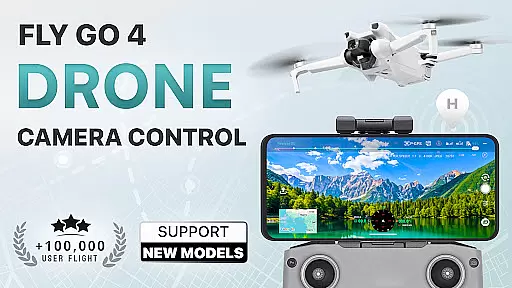
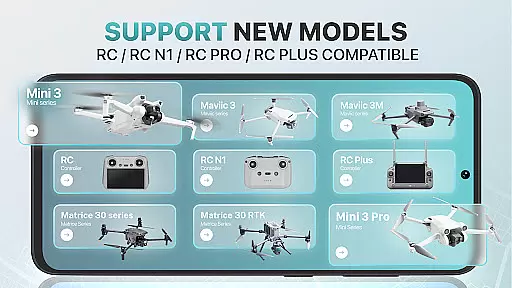
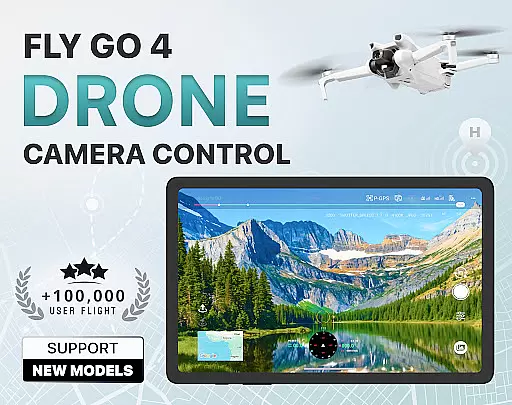
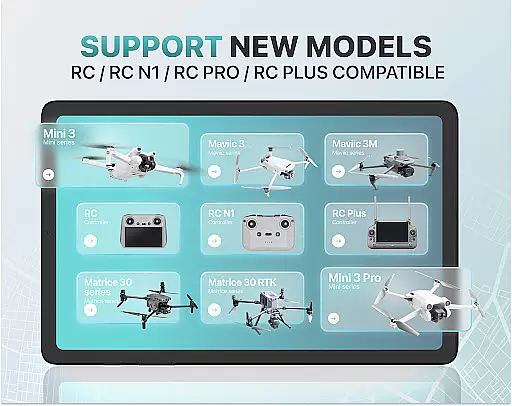
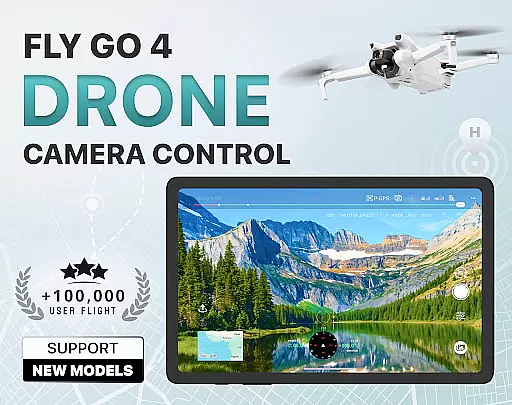
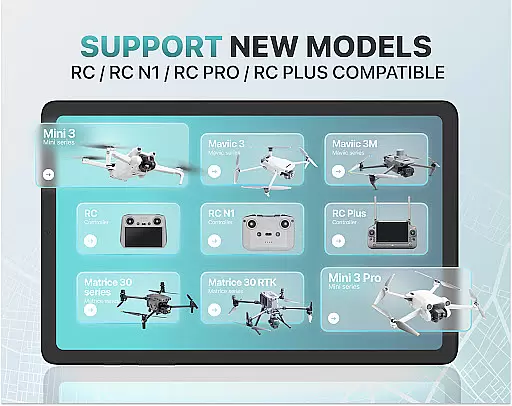
Fly Go 4 Drone Camera Control is a comprehensive drone management app designed for both novice and experienced drone pilots. The application offers seamless compatibility with a wide range of drones, flycams, and UAVs, including popular models like Matrice 350 RTK, DJI Mini 3, and DJI Mavic 3 Enterprise Series. With its intuitive interface, users can effortlessly control their drones directly from their mobile devices.
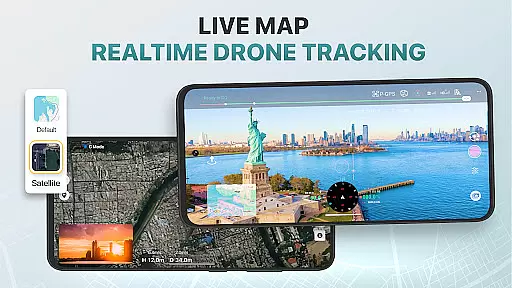
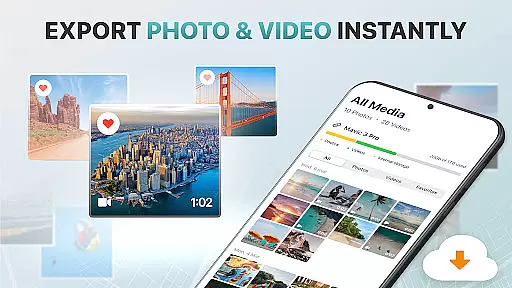
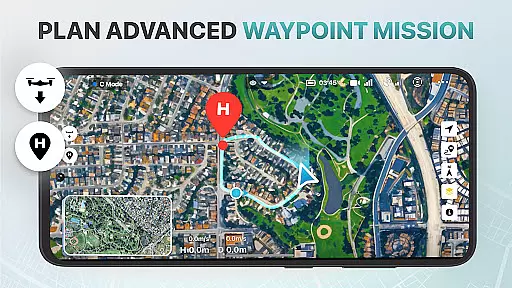
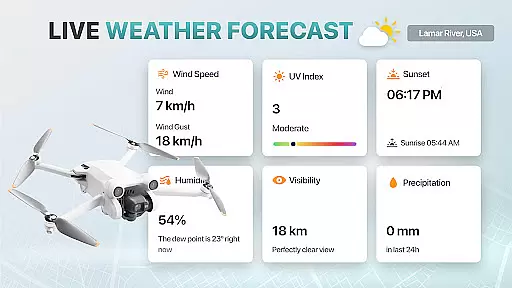
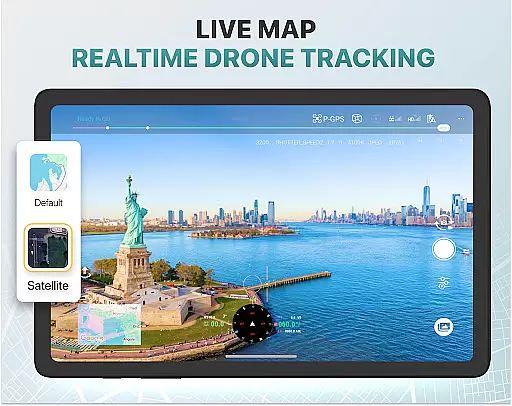
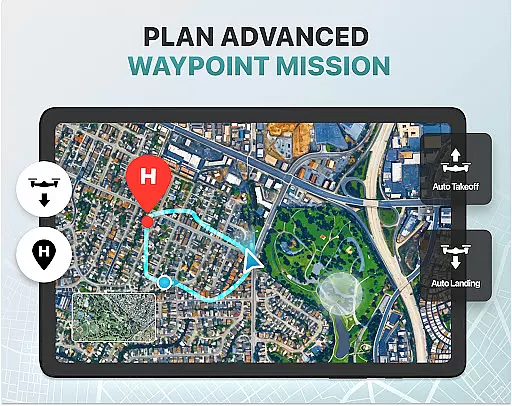
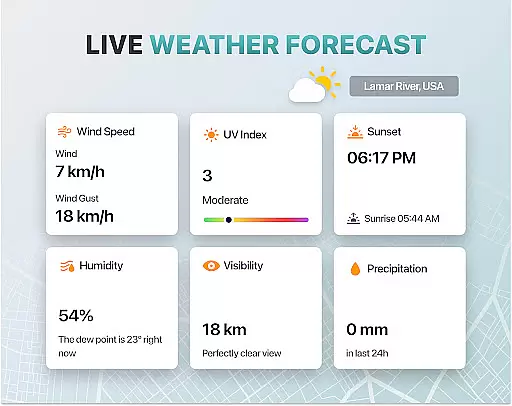
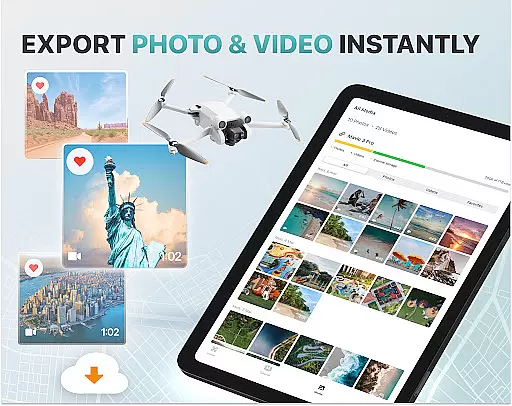
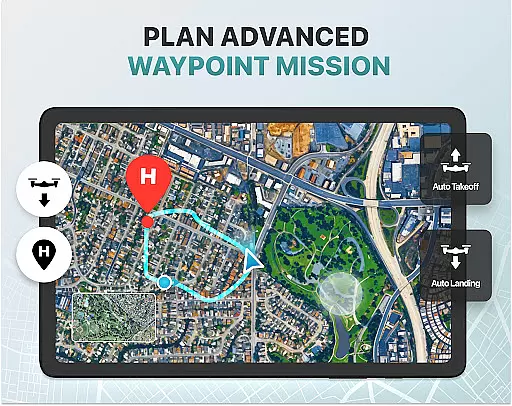
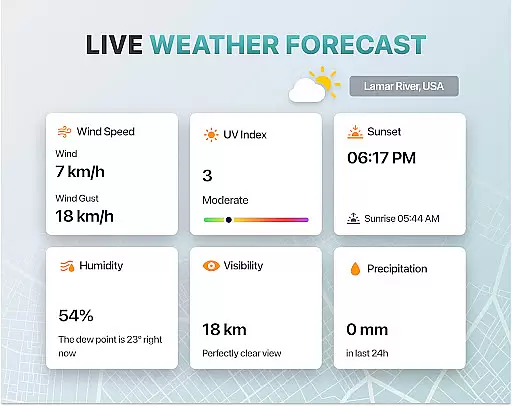
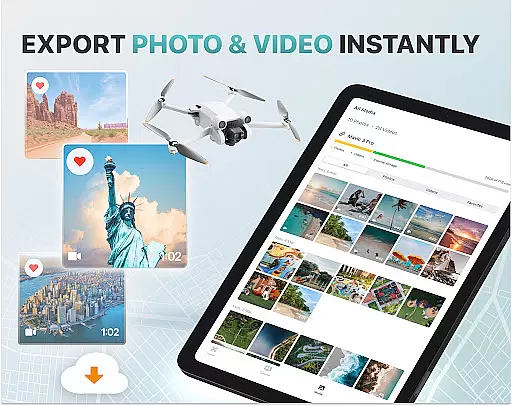
Key features include real-time weather updates to ensure optimal flying conditions, no-fly zone alerts to avoid restricted areas, and smart media export options for easy sharing and editing of captured footage. Additionally, the app provides advanced functionalities such as panoramic photography, GPS tracking to locate lost drones, and home point functionality for safe returns during emergencies.
Whether you're capturing stunning aerial footage or mastering complex flight maneuvers, Fly Go 4 Drone Camera Control ensures a smooth and enjoyable experience. Its extensive support for various drone models and intelligent flight modes make it an essential tool for any drone enthusiast looking to enhance their piloting skills and capture breathtaking views.
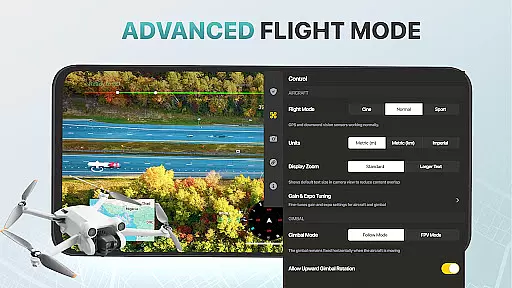
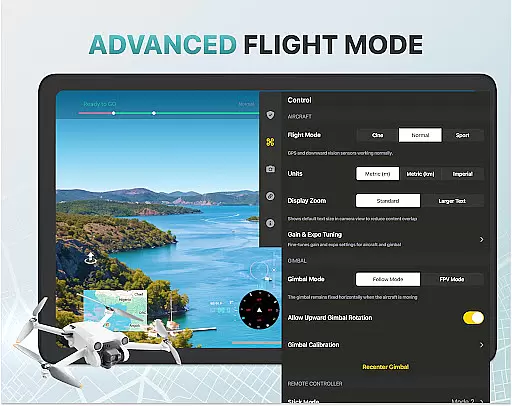
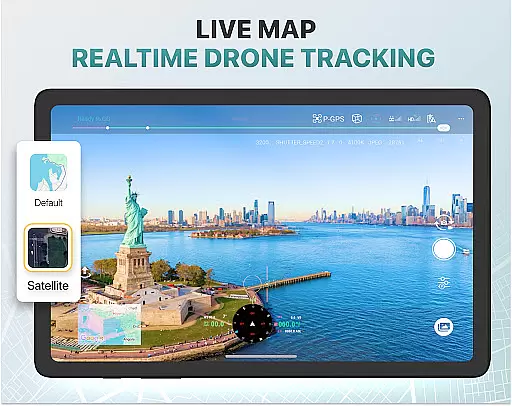
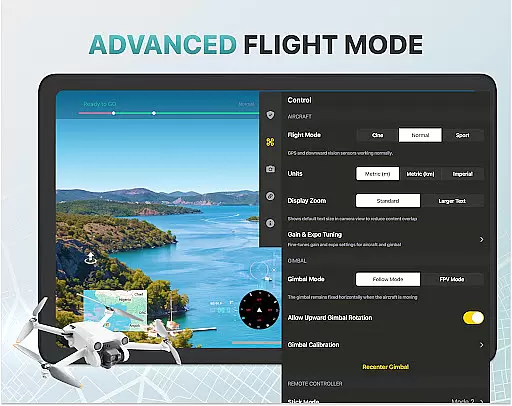
The Fly Go 4 Drone Camera Control app boasts a variety of sophisticated features tailored to elevate your drone piloting experience. One standout feature is the real-time camera feed, which allows users to view lag-free video streams directly on their phone screens, providing precise control over aerial photography. This feature is complemented by advanced drone functionalities such as gimbal direction adjustment and exposure graphs, enabling detailed camera settings management.
Another significant aspect is the app's compatibility with numerous drone models, ensuring that users with different devices can benefit from its capabilities. From Matrice 350 RTK to DJI Mavic 3 Enterprise Series, the app supports a broad spectrum of drones. Furthermore, the inclusion of UAV weather forecasts and no-fly zone alerts enhances safety by keeping pilots informed about environmental conditions and regulatory restrictions.
Additional features include intuitive flight modes that simplify complex maneuvers, making it accessible for beginners while still offering depth for seasoned pilots. The app also offers beginner tutorials, GPS tracking through the 'Find My Drone' function, and smart media export options that support high-quality file formats. These elements collectively contribute to a robust platform that not only facilitates drone operation but also enriches the overall user experience.
Real-time capture and preview functionality is essential for drone photography, allowing users to see exactly what their drone's camera is capturing as it happens. The Go Fly Drone Controller Pro app excels in this area by providing a seamless live video feed directly to the user's phone screen.
This feature ensures that users can make real-time adjustments to their drone's position and camera settings, resulting in perfectly framed shots every time. With minimal lag and high-quality video transmission, the app makes capturing professional-grade aerial footage accessible even to beginners.
The ability to monitor the drone's camera feed in real time also enhances safety, as pilots can avoid obstacles and navigate complex environments more effectively. This immediate visual feedback is invaluable for both creative and practical applications of drone technology.
While primarily focused on drone control, the Go Fly Drone Controller Pro app incorporates AI-powered beauty and enhancement features that elevate the quality of captured images and videos. These tools automatically optimize lighting, color balance, and sharpness to produce more visually appealing results.
The AI enhancements are designed to maintain a natural look, avoiding the over-processed appearance that can occur with some editing tools. This ensures that landscapes, cityscapes, and other subjects retain their authentic character while benefiting from improved clarity and vibrancy.
Users can apply these enhancements during post-processing or in real-time as they capture footage, providing flexibility in how they achieve their desired aesthetic. This combination of advanced AI technology and intuitive controls makes the app a powerful tool for both amateur and professional drone photographers.
User-friendly interface
Wide device compatibility
Real-time weather updates
Advanced camera controls
Comprehensive tutorial library
Premium subscription required
Limited free trial period
No iOS compatibility
Occasional connectivity issues
Not an official manufacturer app

Remote control of the phone camera from your Wear OS smartwatch
 3.70
3.70
Photo editor: face & body editor, beauty cam, filters and quality enhancer.
4.00
Perfect photos with body shaping, BG changer and object remover.
3.70
Trendy TikTok time warp scan funny filter app brings you unique photos & videos.
4.40
Collage your moments in one tap: 1000+ layouts, filters, stickers, and texts.
4.90
Enhance, retouch & create your story - Share the moment with Photoshop Express.
4.60
Use AI Video Generator to turn your words to ai generated videos.
4.50
The original Rarevision VHS look seen everywhere!
4.70
Welcome to ProShot, the most powerful camera app on Android.
4.20
Find time and duration of different sunlight phases at any location
4.90
A collection of tools and reference tables for DPs, ACs, DITs and Operators.
4.70
Cut and paste photo editor & eraser to customize photos easy and swap faces fun
4.50
RAW video capture with advanced controls
4.40
All-in-One Editor & AI Photo Enhancer, Beautify & Retouch, Collage, Cartoonify
4.20
What celebrity do you look like? Celebs will find your celebrity match!
4.10
How would you look like with a differently shaped nose, chin or lips?
3.90
Gallery Slideshow is slideshow maker app for slideshow from your gallery photos.
3.90
Turn photos into cartoons & avatars! - Photo Editor, Cartoon Face!
3.90
Remote control the phone camera shutter from your smartwatch and take a picture
1.60


User Reviews