
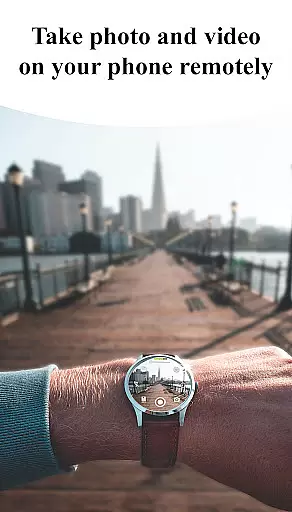
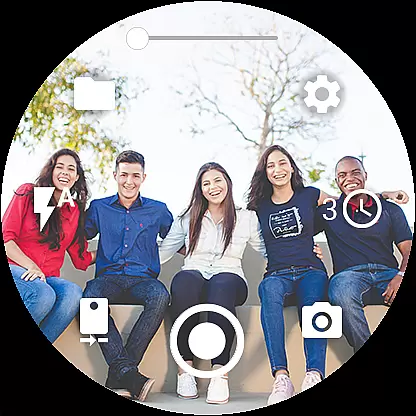
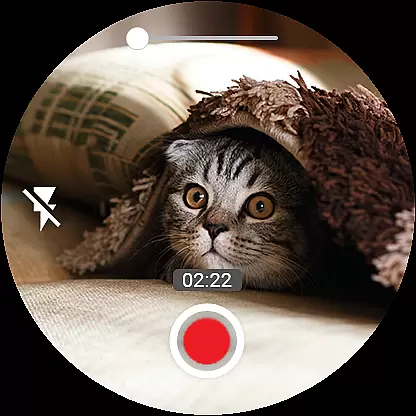

Camera Control for Wear OS is a powerful photography app that allows users to remotely control their phone's camera directly from a Wear OS smartwatch. With this app, you can capture photos, record videos, and even create timelapse sessions effortlessly. It supports advanced camera modes such as Bokeh, HDR, Night, and Auto, ensuring enhanced image quality based on your device's compatibility.
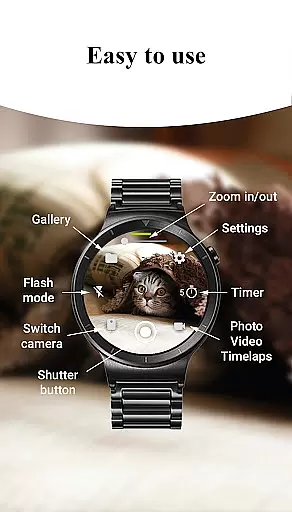
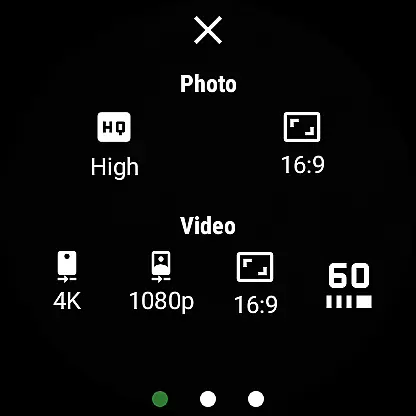
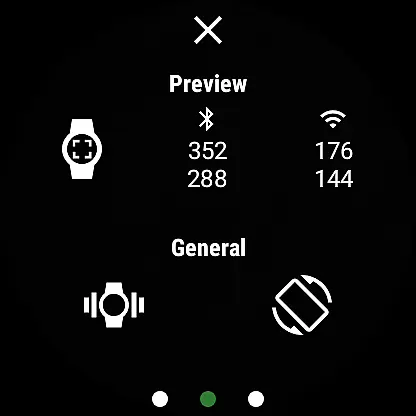
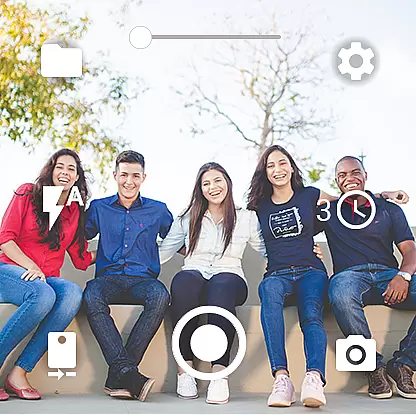
The app offers additional features like flash and flashlight control, quick camera switching between front and rear cameras, and zoom control. You can also adjust photo and video quality settings directly from the watch. Designed for convenience, Camera Control for Wear OS provides seamless wireless connectivity via Bluetooth and Wi-Fi, making it an ideal tool for photographers who need hands-free operation or remote shooting capabilities.
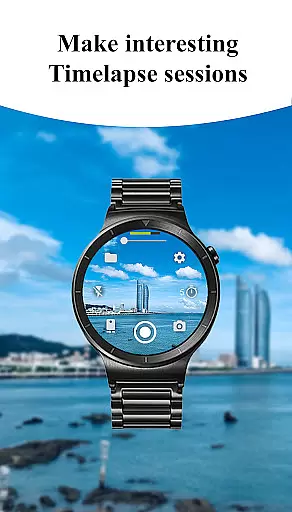
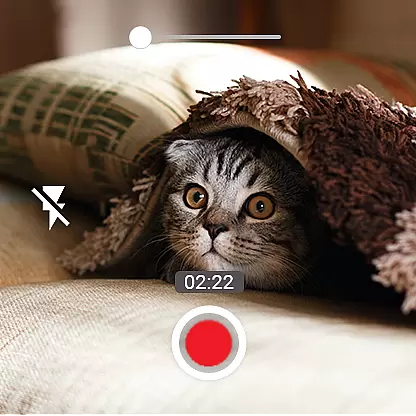
One of the standout features of Camera Control for Wear OS is its three shooting modes: photo capture, video recording, and timelapse creation. Each mode is designed to give users flexibility in how they shoot content. For instance, the timelapse feature automatically groups photos into session-based folders, keeping everything organized.
In addition to basic controls, the app includes advanced functionalities such as Bokeh, HDR, Night Mode, and more, which are accessible depending on your smartphone’s hardware. The timer setup allows precise control over when shots are taken, while flash and flashlight options ensure proper lighting in any environment. Quick camera switching and zoom control further enhance the user experience by providing versatile shooting options without needing to touch the phone.
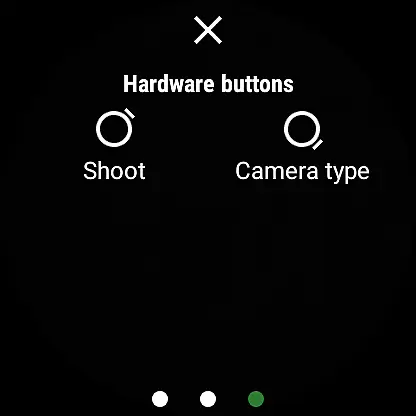
Other notable features include wide-angle camera support, high-framerate video recording at 30 or 60 fps, and aspect ratio selection (4:3 or 16:9). Users can also geotag images, lock camera orientation, and view captured photos directly on the smartwatch. Gesture and button controls add another layer of usability, allowing for intuitive operation during shoots.
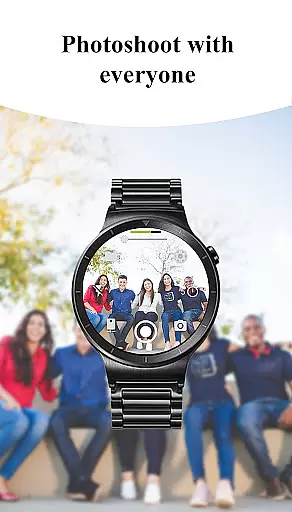
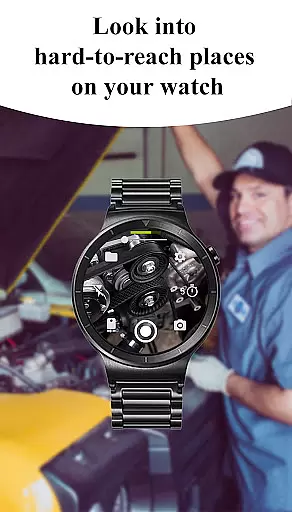
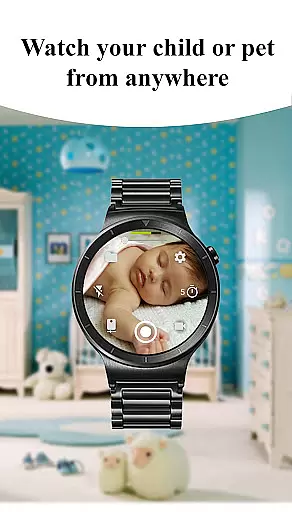
Real-time capture and preview functionality is essential for ensuring that every photo or video taken meets the user's expectations without delay. The Camera Control for Wear OS app excels in this area by providing users with immediate feedback on their smartwatch as they control their phone's camera. This feature allows you to see exactly what your phoneu2019s camera sees, right from your wrist.
The app supports a variety of advanced camera modes such as Bokeh, HDR, Night, and Auto modes, which can be accessed directly from the smartwatch interface. These modes enhance image quality based on the current shooting environment, ensuring optimal results. Additionally, the ability to adjust settings like flash, zoom, and camera orientation directly from the watch makes capturing the perfect shot easier than ever.
With real-time preview, users can also set up timers, switch between front and rear cameras, and manage quality settings seamlessly. This instant access to camera controls not only saves time but also enhances the overall photography experience by allowing users to focus on creativity rather than technical adjustments.
AI beauty and enhancement features have become increasingly popular in photography apps, offering users the ability to improve their photos with just a few taps. The Camera Control for Wear OS app incorporates AI-driven enhancements that ensure natural-looking results while maintaining the authenticity of the original image. This balance between enhancement and realism is crucial for delivering professional-quality photos.
Through sophisticated algorithms, the app intelligently applies beautification effects that smooth skin tones, brighten eyes, and enhance facial features without appearing artificial. Users can activate these enhancements directly from their smartwatches, making it convenient to capture stunning images effortlessly. Moreover, the app provides options for adjusting the intensity of these effects, giving users full control over how much enhancement they desire.
In addition to beautification, the app offers various other AI-powered tools such as automatic image rotation and geotagging. These features work together to streamline the photography process, ensuring that every photo captured is not only beautiful but also perfectly oriented and tagged with location data. By leveraging AI technology, Camera Control for Wear OS delivers an intuitive and powerful photography experience tailored to modern users' needs.
Intuitive interface
Wide feature set
Seamless connectivity
Advanced camera modes
Convenient remote control
Device compatibility issues
Limited smartwatch models
Complex setup process
Battery consumption concerns
Premium feature lock

Photo Album Watch Face shows your favorite pictures as a Watchface.
 1.90
1.90
[3DSteroid Pro] is a stereoscopic application for Android.
4.30
Viewfinder, Light meter, Reciprocity failure time, DOF & Bellows Extension
4.60
Over 800 film simulation recipes for Fujifilm. Black Friday Offer!
4.5
Gallery Slideshow is slideshow maker app for slideshow from your gallery photos.
3.90
Create AI photos & videos with Enhancer; restore, fix, beautify, enhance photos
4.50
RAW video capture with advanced controls
4.40
Your personal guide to the sun and moon. Plan ahead, visualize and predict!
4.70
A unique animation app. Powerful, easy to use, and lots of fun.
4.30
AI Photo Editor with 100+ Filters, Effects! Remove BG, Retouch & Photo Enhancer.
4.80
Easily view, share, delete photos with Gallery.
4.70
Discover & download millions of art for The Frame TV or Hisense CanvasTV
4.60
AI photo editor with hair editor, retouch tools, hair color changer & filters!
4.50
Create Business Headshots, Polaroid Filter, Retake Photos,Profile Pics,AI Photos
4.50
Future baby face generator: AI kids generator, kid face! What my baby look like?
4.40
Create AI Photos, Improve and restore quality of blurry, old or damaged pics.
4.20
What celebrity do you look like? Celebs will find your celebrity match!
4.10
USB Storage Access for Photos, Videos, Music and Documents
3.80
GCamera allows all GCam features on all phone models! Better photos with GCamera
3.30


User Reviews