

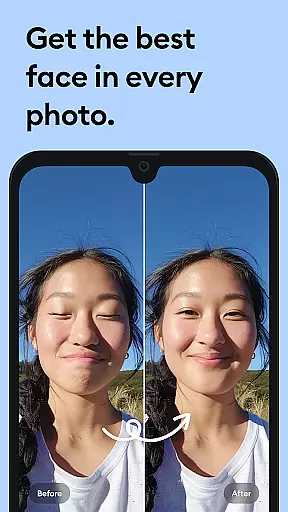
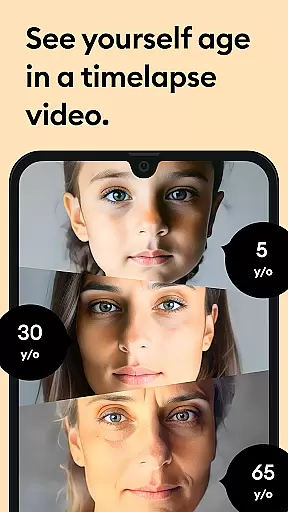



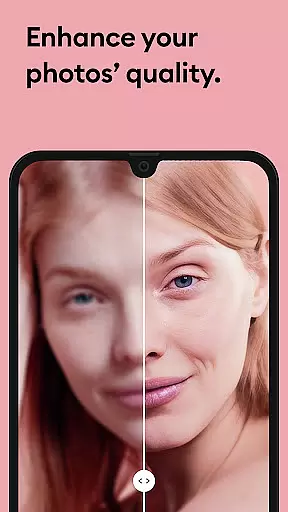


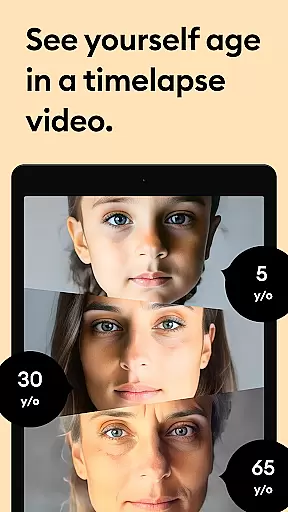



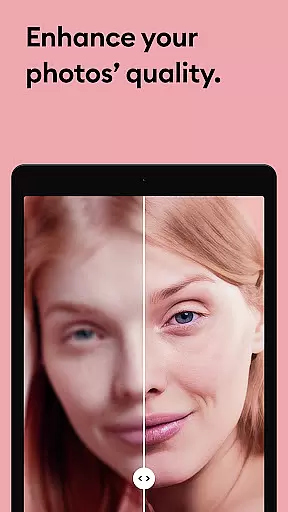


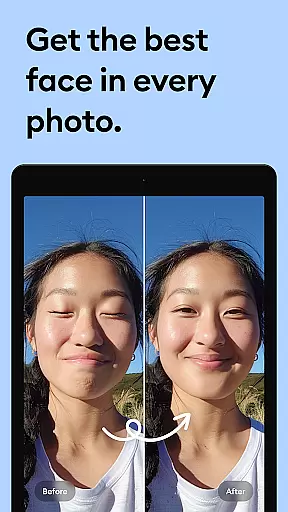



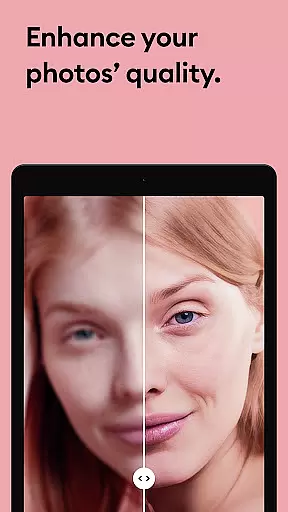

Remini is a powerful photography app that uses advanced Artificial Intelligence to enhance and restore your images. With just one tap, you can turn old, pixelated, or damaged photos into high-definition masterpieces. The app specializes in portrait enhancement, photo restoration, and image sharpening, making it an essential tool for anyone looking to breathe new life into their memories.
The application's AI technology intelligently repairs blurry, scratched, or low-quality pictures while preserving natural details. Whether you're enhancing selfies, restoring vintage family photos, or sharpening out-of-focus images, Remini delivers professional-quality results. Available in multiple languages and with over 100 million revitalized photos, this app has become a global favorite among photography enthusiasts.
Remini stands out with its state-of-the-art AI-powered photo enhancement capabilities. The app offers specialized features such as facial detail enhancement, which makes portraits and group photos look stunningly clear. Its intelligent algorithms repair old and damaged photos by removing scratches, reducing blur, and increasing resolution without compromising the original essence of the image.
Another key feature is its ability to upscale low-quality images, adding more pixels while maintaining clarity. Users can also take advantage of continuous improvements to the AI model, ensuring that the app evolves with better tools and enhancements. With support for multiple languages and a simple interface, Remini caters to a global audience seeking effortless yet professional photo editing solutions.
Real-time capture and preview functionality is essential for photography apps like Remini. This feature allows users to see the potential outcome of their photo enhancements before finalizing them.
Remini employs advanced AI technology to provide instant previews of image enhancements. Users can witness the transformation from blurry to crystal-clear images in real time, ensuring satisfaction with the results before saving or sharing.
This immediate feedback loop not only saves time but also enhances user engagement by allowing quick adjustments and comparisons between the original and enhanced photos.
With this capability, Remini ensures that users can make informed decisions about their photo edits, leading to higher quality outputs and a more intuitive user experience.
The naturalness of AI beauty and enhancement features is crucial for maintaining the authenticity of enhanced photos. In Remini, this translates to realistic improvements that respect the original image's integrity.
Using sophisticated algorithms, Remini intelligently enhances facial details and textures without over-processing, which keeps portraits looking lifelike and genuine. This approach avoids the artificial look that can come from excessive editing.
Users benefit from this balanced enhancement strategy as it preserves the emotional connection to their memories while still delivering professional-grade results.
Ultimately, Reminiu2019s commitment to natural enhancement fosters trust among its users, knowing that their cherished moments are improved with care and precision.
AI-powered enhancement
User-friendly interface
Multi-language support
One-tap photo fixes
Regular updates
Premium subscription required
Limited free features
Old Android versions unsupported
Auto-renewal policy
Internet connection needed

Perfect photos with body shaping, BG changer and object remover.
 3.70
3.70
Cut and paste photo editor & eraser to customize photos easy and swap faces fun
4.50
Virtual makeup, hair filters & body tuner—edit from face to full body!
4.20
Create Business Headshots, Polaroid Filter, Retake Photos,Profile Pics,AI Photos
4.50
Transform photos into videos! Create realistic or anime-style images easily!
4.50
USB Storage Access for Photos, Videos, Music and Documents
3.80
Professional photography on your mobile phone
4.20
Collage your moments in one tap: 1000+ layouts, filters, stickers, and texts.
4.90
Pro version: AR sun/moon tracker for any date. Tool for photographers & planners
4.90
Take videos and pictures with the popular TikTok TIME WARP SCAN filter.
4.60
Create AI photos & videos with Enhancer; restore, fix, beautify, enhance photos
4.50
AI photo enhancer with Sora 2! Enhance, descratch, and colorize your old photos.
4.50
AI portrait generator and polaroid AI selfie, fun AI generated AI photo creator!
4.30
Catch sunlight, sunrise sunset times and sun phases with the AR sun tracker.
4.10
Photobooth mini FULL app will allow you to add more fun to your parties
4.00
Professional quality photo edits with the new Snapseed.
4.00
Superimpose one photo on top of another using the original Superimpose app!
3.20
Professional video recording application with manual controls for filmmakers!
2.80
Long exposure camera with computational photography
2.60


User Reviews