
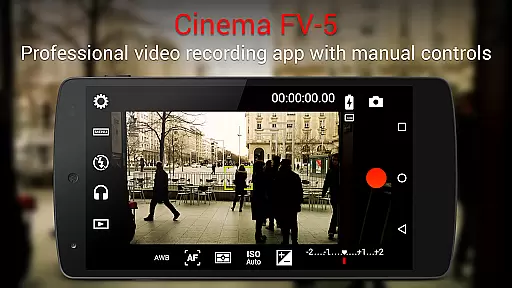
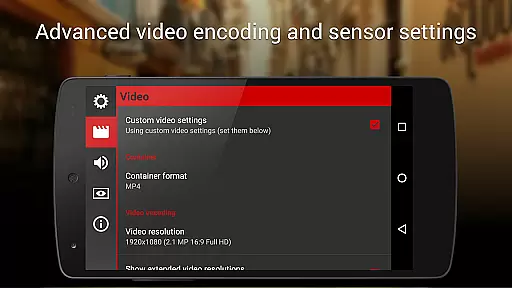
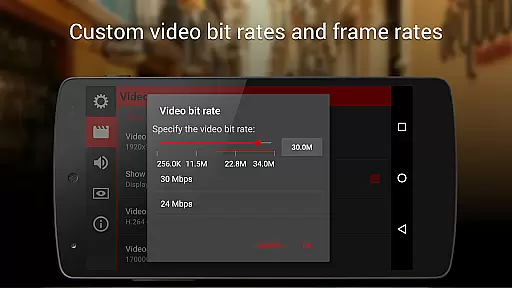
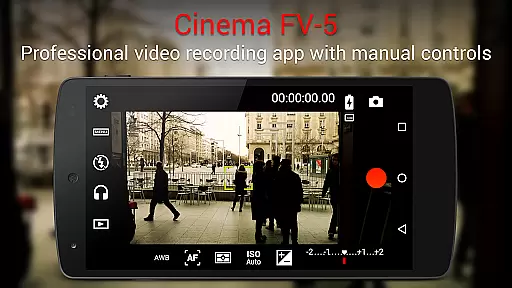
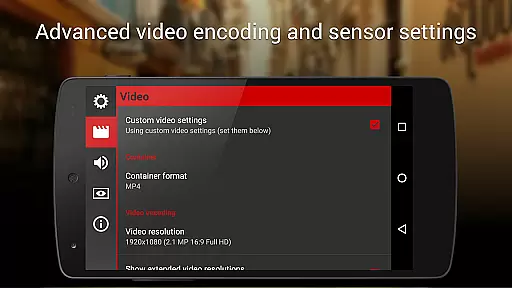
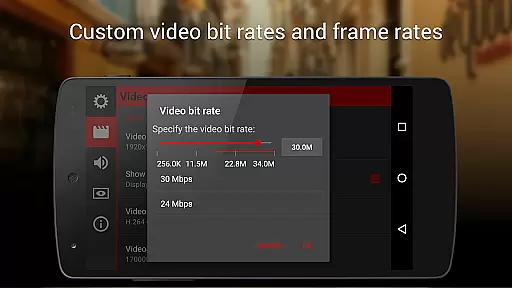
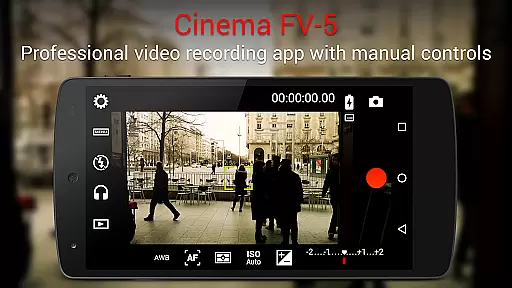
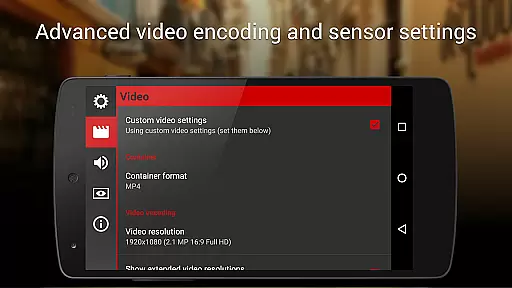
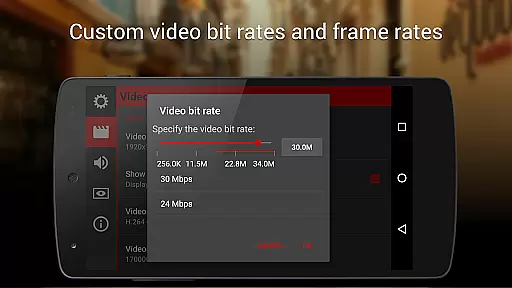
Cinema FV-5 is a professional-grade video camera application designed for mobile devices, offering advanced manual controls that empower videographers and filmmakers. With its comprehensive suite of features, the app allows users to adjust critical image sensor parameters such as ISO, exposure compensation, light metering modes, focus settings, and white balance. These capabilities ensure optimal footage quality for postproduction purposes, making it an ideal tool for both amateur enthusiasts and seasoned professionals.
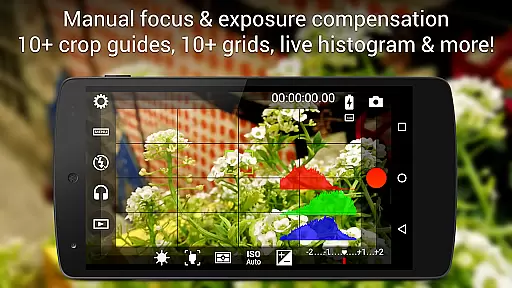
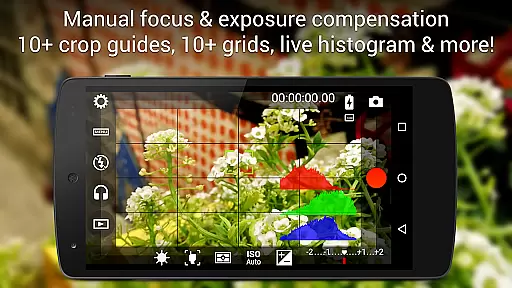
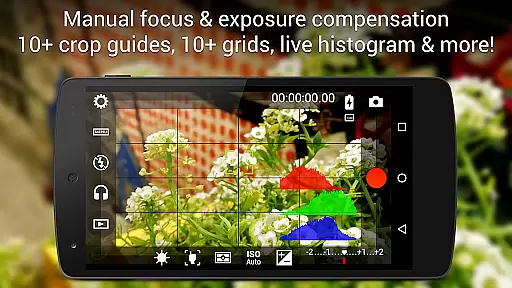
The app stands out with its professional viewfinder options, including compositing grids, crop guides, and live RGB histograms, alongside superior sound metering functionalities. Supporting 4K UHD video recording on compatible devices, Cinema FV-5 also provides flexible audio input choices and extensive video clip organization tools. Whether capturing high-quality visuals or leveraging geotagging support, this app caters to creative needs while ensuring seamless integration with non-linear editing (NLE) software for post-capture editing.
Cinema FV-5 boasts an array of sophisticated features tailored for professional videography. One standout aspect is its ability to modify image sensor parameters in real-time, even during active recording sessions. Users can dynamically adjust ISO levels, exposure compensation, and white balance, allowing precise control over video quality under varying lighting conditions. Additionally, focus adjustments can be made mid-recording, enabling videographers to maintain sharpness on moving subjects or shift focus creatively within scenes.
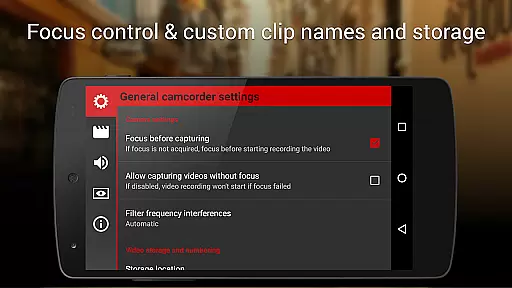
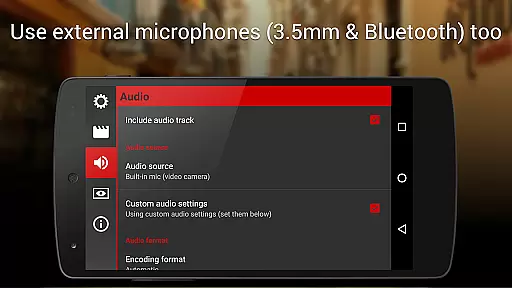
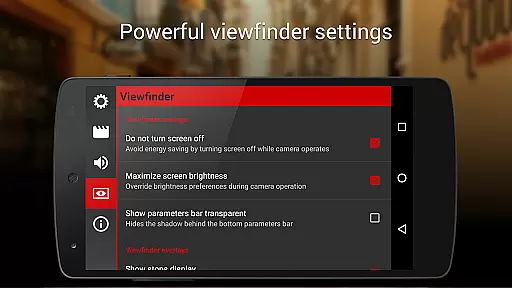
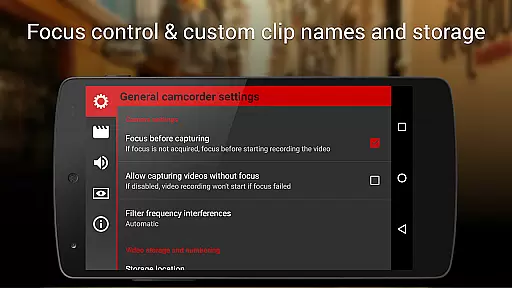
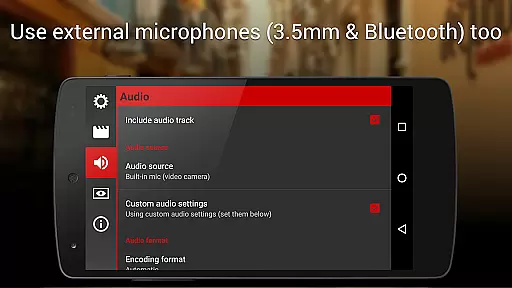
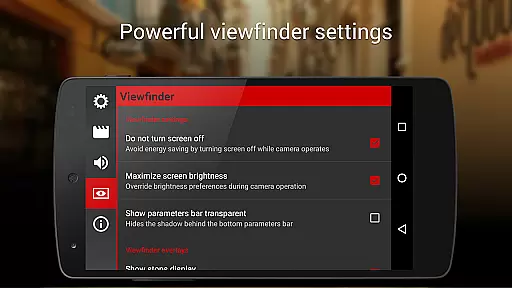
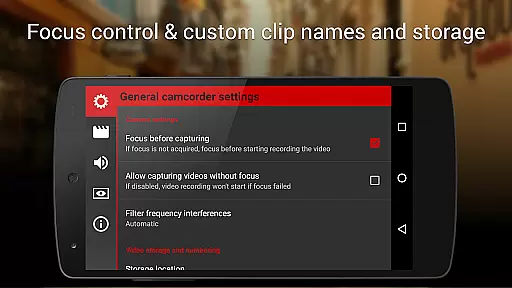
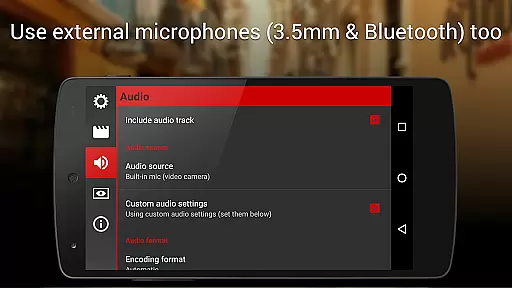
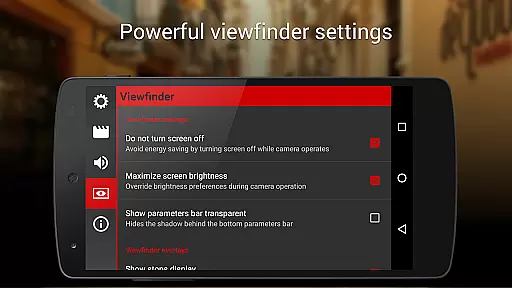
The app's electronic viewfinder offers advanced monitoring tools like live RGB and luminance histograms, which remain accessible throughout recordings. It supports multiple audio sources, including built-in microphones, external wired mics, and wireless Bluetooth headsets, providing versatility in sound capture. Furthermore, customizable file naming conventions and storage locations enhance workflow efficiency by streamlining video clip management. With support for Android-based compact cameras and hardware shutter keys, Cinema FV-5 delivers unparalleled flexibility and precision for capturing professional-grade footage.
Cinema FV-5 excels in providing a real-time capture and preview experience, ensuring videographers can see exactly what they are filming as they film it. This feature is crucial for adjusting settings on the fly and capturing the perfect shot without any guesswork.
The application offers live adjustments of key parameters such as ISO, exposure compensation, and white balance during recording. This means users can modify their footage in real time, responding to changing lighting conditions or creative needs without interrupting the recording process.
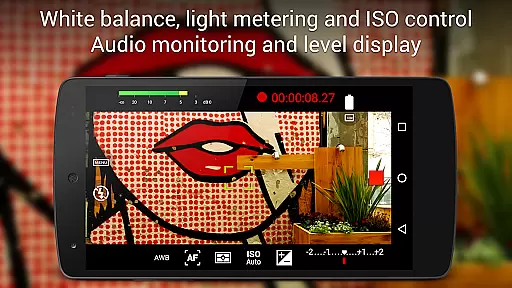
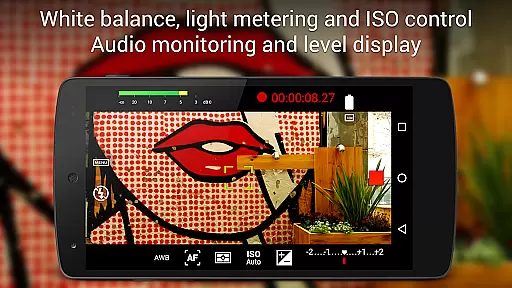
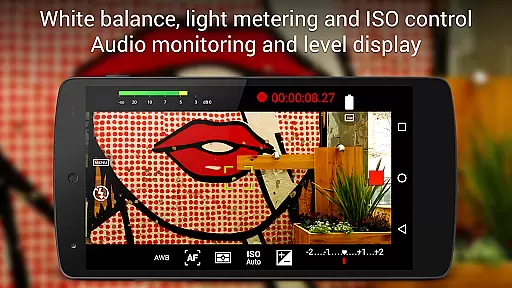
With professional sound metering options, including audio peaks and clipping warnings, Cinema FV-5 ensures that both video and audio quality are maintained at high standards throughout the recording session. This attention to detail guarantees that the final product will meet professional requirements.
Overall, the real-time capture and preview capabilities of Cinema FV-5 empower filmmakers with precise control over their work, enhancing creativity and efficiency on set. The ability to make instant adjustments ensures that every clip meets the desired specifications, saving time in post-production.
While primarily focused on professional videography, Cinema FV-5 also incorporates advanced AI beauty and enhancement features that ensure natural-looking results. These tools are designed to subtly improve the visual quality of footage without introducing artificial effects that detract from the authenticity of the scene.
The app's powerful electronic viewfinder includes live RGB and luminance histograms, which help in achieving balanced exposures and colors. By analyzing these histograms during recording, users can fine-tune their shots to enhance natural beauty while maintaining true-to-life colors and contrasts.
Cinema FV-5 supports various audio input sources, including built-in microphones, external mics, and wireless headsets, allowing for clear and natural sound recording. This flexibility ensures that audio enhancements complement the video, resulting in a harmonious and professional-grade output.
By focusing on natural enhancement rather than heavy-handed editing, Cinema FV-5 provides videographers with the tools needed to produce high-quality, authentic content. This approach not only preserves the integrity of the original footage but also enhances its overall appeal through subtle refinements.
Advanced manual controls
Real-time parameter adjustments
Professional viewfinder tools
Flexible audio input options
4K UHD video support
Steep learning curve
High device compatibility requirements
No beginner-friendly mode
Premium pricing structure
Limited automated features

Virtual makeup, hair filters & body tuner—edit from face to full body!
 4.20
4.20
Android Native system HD camera app. Never been so simple and faster.
4.70
Pet Camera
3.70
Turn your phone into a professional camera - full DSLR manual photography
4.30
Gallery Slideshow is slideshow maker app for slideshow from your gallery photos.
3.90
Professional quality photo edits with the new Snapseed.
4.00
live datamoshing
4.00
Welcome to ProShot, the most powerful camera app on Android.
4.20
Solocator stamps photos you take with GPS location, Compass Direction, Date/Time
3.80
Amazing Photo Effects - The most fun you can have with your photos!
4.70
Easily create custom gifts, cards, photo books & more on the Shutterfly app!
4.60
PhotoSync Bundle Add-On License. Enables all features and services in PhotoSync.
4.60
Discover & download millions of art for The Frame TV or Hisense CanvasTV
4.60
Cut and paste photo editor & eraser to customize photos easy and swap faces fun
4.50
AI photo enhancer with Sora 2! Enhance, descratch, and colorize your old photos.
4.50
Luminar: Photo Editor - easy picture editing with AI
4.20
Hair color changer, AI haircut app, fun hair editor and buzz cut filter for all!
3.80
Create amazing frames with up to five photos. Rounded corners, effects and more!
3.60
An interval timer to automate photo taking process for timelapse
2.90


User Reviews