
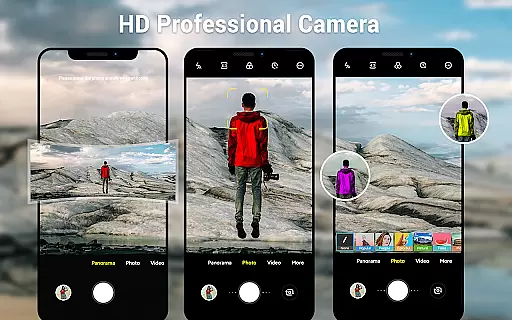
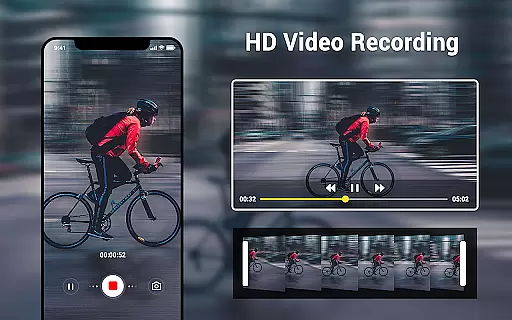
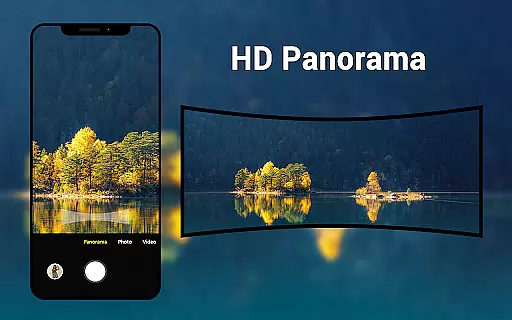
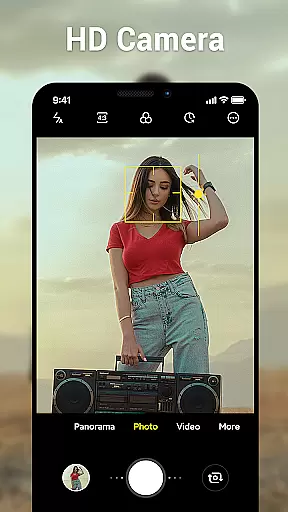
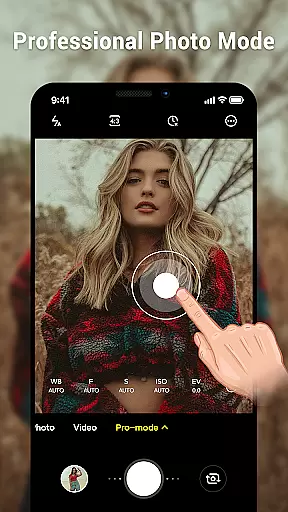
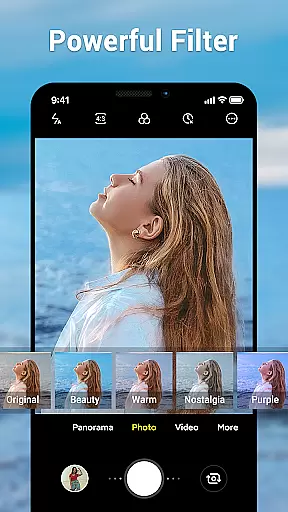
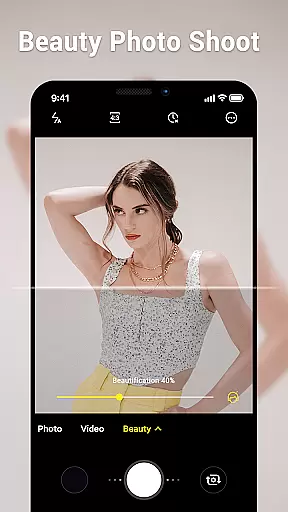
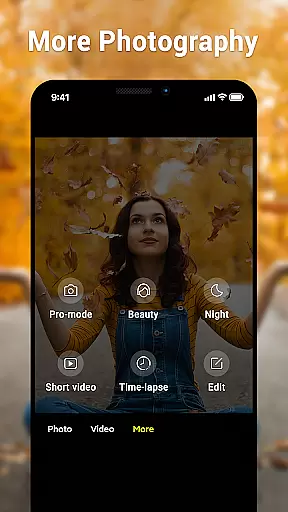
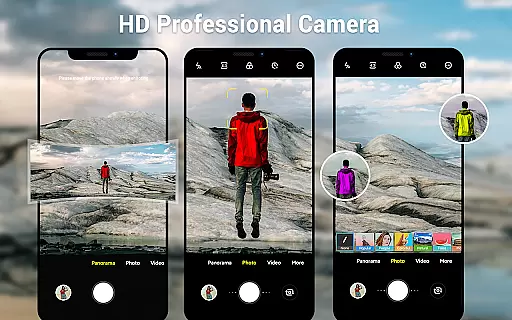
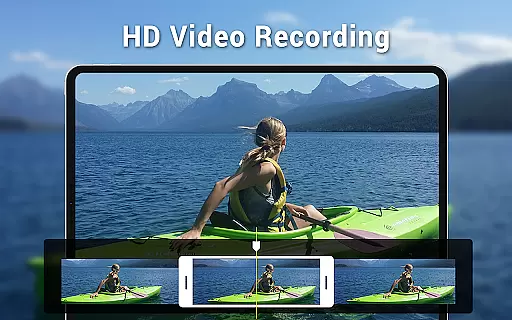
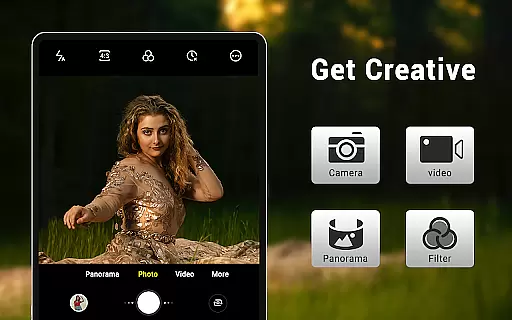
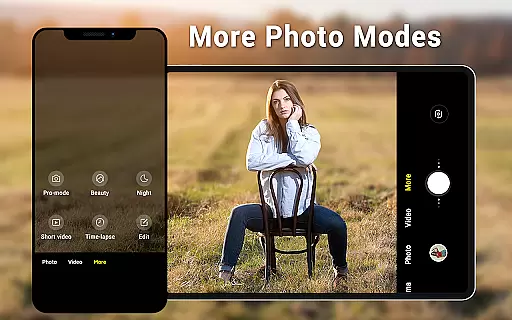
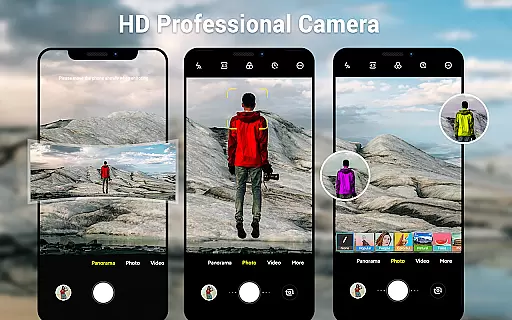
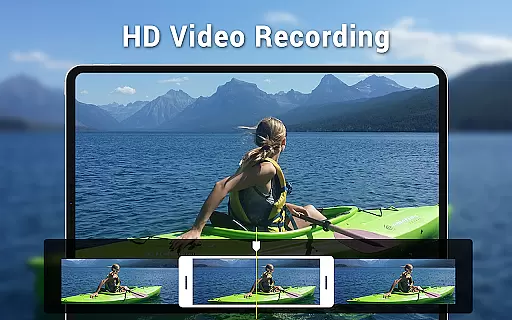
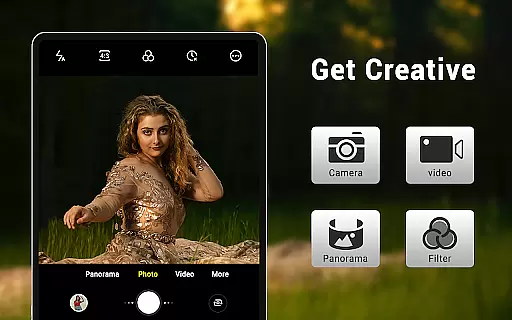
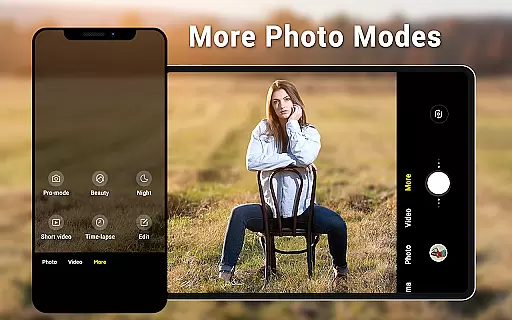
Camera for Android is a native HD camera application designed to provide users with a simple and efficient way to capture high-quality photos and videos. The app supports multiple shooting modes including standard photo capture, video recording, and smart panorama features, making it versatile for various photography needs.
One of the standout features of this app is its intuitive interface that dynamically adjusts based on whether you're using a phone or tablet. It offers advanced settings such as white balance, exposure control, and configurable volume keys, allowing users to customize their photography experience. With options like countdown timers and location targeting, Camera for Android ensures you never miss an important moment.
This app is particularly useful for users who want a reliable camera app that leverages all the advantages of their Android device without unnecessary bloat. Whether capturing casual moments or creating professional content, Camera for Android delivers excellent performance and image quality.
Camera for Android boasts an impressive array of features that cater to both amateur photographers and professionals alike. The app includes three primary modes: a standard camera mode, a video recorder, and a panorama mode, each optimized for different types of photography. Users can enjoy high-definition image and video capture, ensuring every detail is crisp and clear.
Advanced functionalities such as pinch-to-zoom, countdown timers, and dynamic user interfaces enhance the overall user experience. The app also provides extensive customization options, including picture quality settings, white balance adjustments (Incandescent, Fluorescent, Auto, Daylight, Cloudy), and screen mode settings (Action, Night, Sunset, Play). These features allow users to fine-tune their settings based on different environments and lighting conditions.
Additional practical features include exposure control, location targeting, and configurable volume keys, which make capturing photos more convenient and tailored to individual preferences. By utilizing these robust features, Camera for Android stands out as a comprehensive and efficient tool for mobile photography.
Real-time capture and preview functionality is essential for ensuring that users can accurately frame and capture their desired shots without delay. The Camera for Android app leverages the native system's HD camera capabilities to provide instantaneous feedback, allowing users to adjust their shots on the fly.
This application offers a dynamic user interface that adapts to both phone and tablet formats, providing a seamless experience across different devices. With features such as pinch to zoom and exposure settings, users can fine-tune their photography experience while seeing the results in real time before they take the shot.
The importance of real-time capture is highlighted by the app's smart panorama shooting and countdown timer, which further enhance the photographer's ability to prepare and execute complex shots with precision. This ensures that whether capturing a fleeting moment or setting up a detailed panorama, users have all the tools they need within immediate reach.
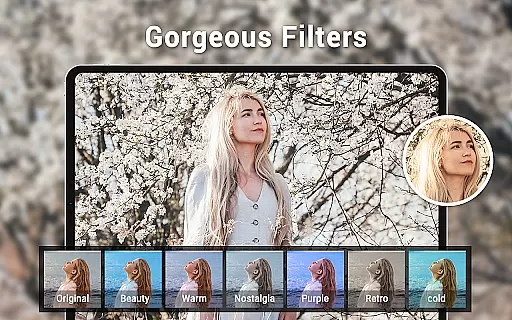
AI beauty and enhancement features are becoming increasingly popular in photography apps, offering users the ability to improve and refine images instantly. The Camera for Android app includes options for picture quality settings, white balance adjustments, and screen mode settings, which work together to produce natural-looking enhancements.
While not explicitly marketed as an AI-driven app, its sophisticated settings like Incandescent, Fluorescent, Auto, Daylight, and Cloudy white balance presets allow for nuanced photo improvements that maintain the authenticity of the original image. These features ensure that enhancements look genuine and do not detract from the realism of the photograph.
By focusing on naturalness, the Camera for Android app caters to users who seek to elevate their photos without sacrificing the true-to-life qualities that make them special. This approach respects the integrity of the captured moment while still providing the benefits of enhanced digital imaging technology.
User-friendly interface
High-definition capture
Versatile shooting modes
Customizable settings
Efficient performance
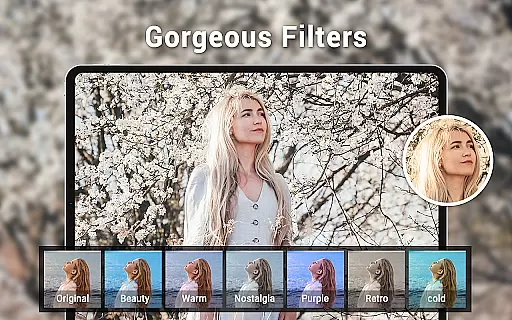
Limited creative filters
No social sharing
Basic editing tools
Occasional bugs
Ads in free version

A collection of tools and reference tables for DPs, ACs, DITs and Operators.
 4.70
4.70
AI portrait generator and polaroid AI selfie, fun AI generated AI photo creator!
4.30
Add Watermark - Sign your pictures with a text or logo. Effective, quick, easy!
4.50
Shooting photos and records video easily and efficient with professional Camera
4.30
Application for remote controlling DSLR
3.00
The #1 app for B&W film developing featuring an advanced darkroom timer.
4.10
See your baby AI baby face generator AI baby maker Face generator babymaker fun!
4.70
AI-powered video creator by MiniMax - Where ideas meet cinema
4.20
Turn photos into cartoons & avatars! - Photo Editor, Cartoon Face!
3.90
Collage your moments in one tap: 1000+ layouts, filters, stickers, and texts.
4.90
Create funny photos and videos with the popular Time Warp Scan filter.
4.90
Perfect body tune & face app - photo retouch, makeup, slim body & beautify face.
4.80
Light-weight Media Gallery app for Android made with Jetpack Compose
4.60
Create collages easily! Nice pic collage maker & background eraser for Instagram
4.50
HD Camera Pro with HD Video shooting, Panorama, Photo editor , Beauty Camera.
4.50
Movie camera, supports pro recording settings for filming. Try it and be amazed!
4.50
What celebrity do you look like? Celebs will find your celebrity match!
4.10
How would you look like with a differently shaped nose, chin or lips?
3.90
Snap photos remotely using your Garmin watch as the camera trigger
4.1


User Reviews