
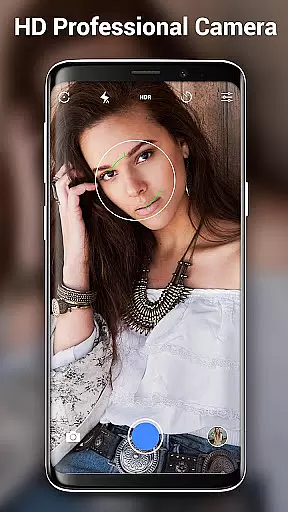


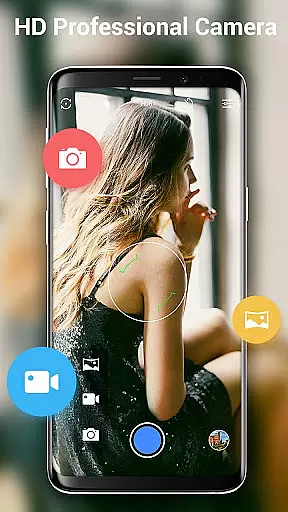
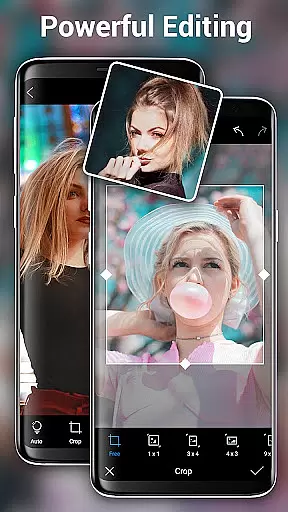

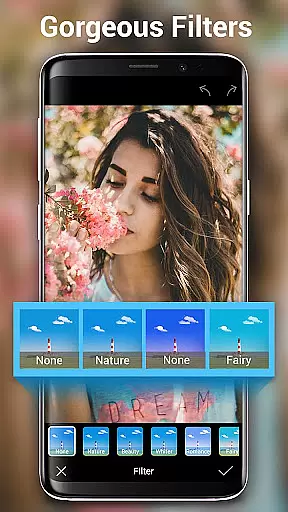
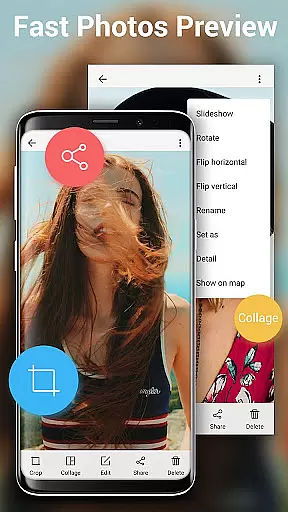
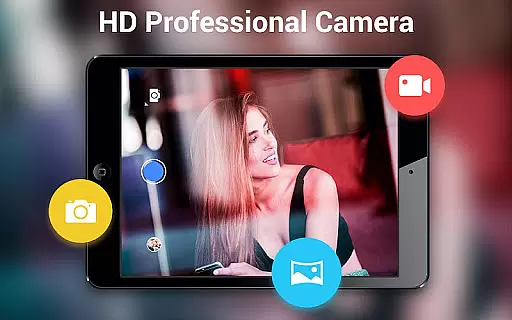
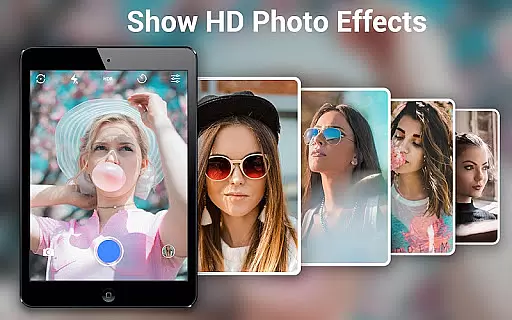
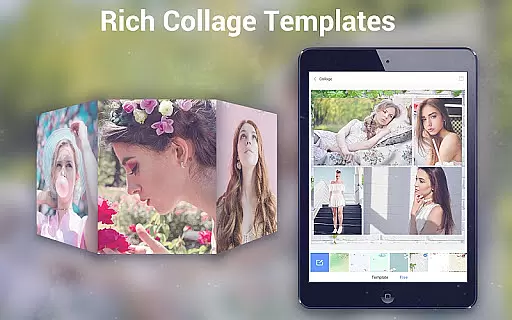
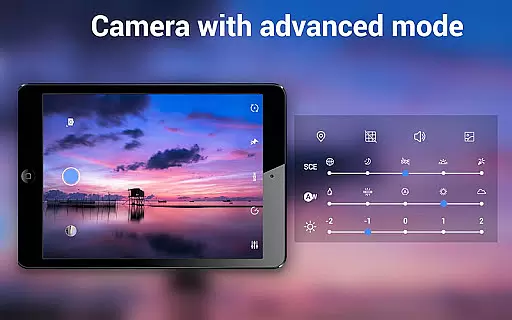
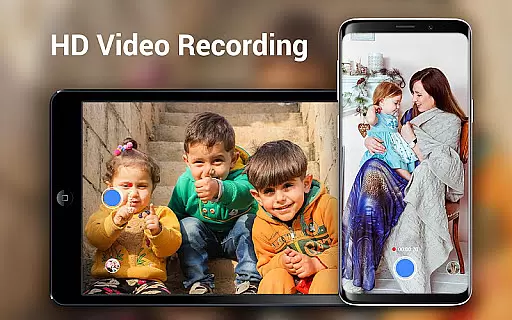
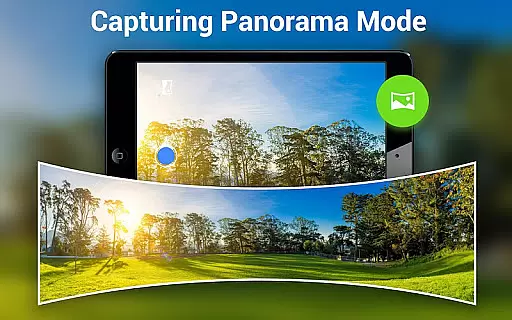
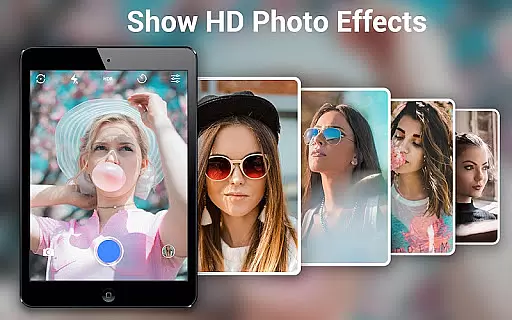
HD Camera Pro Edition is a premium photography application designed for mobile users who demand professional-grade features without advertisements. This app offers an extensive range of functionalities including high-definition photo and video capture, creative panorama modes, and advanced photo editing tools.
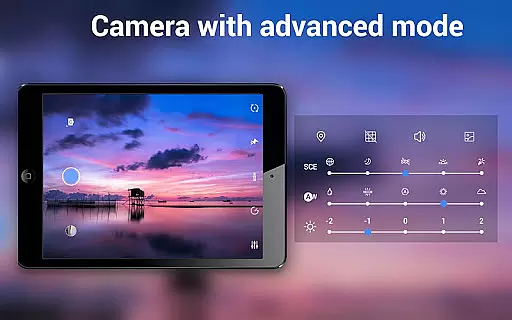
The application stands out with its Quick Snap feature, enabling rapid photo capture, and supports various photography modes such as Photo Sphere and Panorama. It also includes professional settings like white balance adjustments, timer, time-lapse, and focus options, making it versatile for different shooting scenarios.
Whether you're capturing high-resolution images for professional projects or simply taking selfies, HD Camera Pro provides the tools necessary to produce stunning visuals. Its intuitive interface and powerful features make it suitable for both amateur photographers looking to enhance their mobile photography skills and professionals needing a reliable camera app on the go.
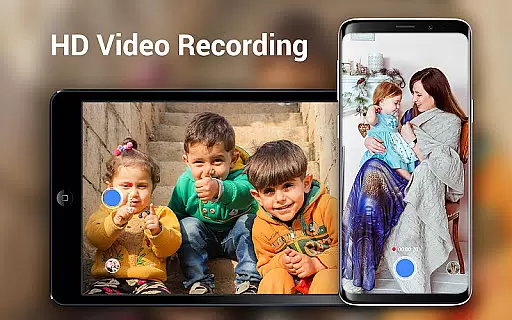
HD Camera Pro boasts an impressive array of features that cater to diverse photography needs. The app's Professional HD Camera mode supports high-quality video recording and still image capture, ensuring crisp and clear results every time.
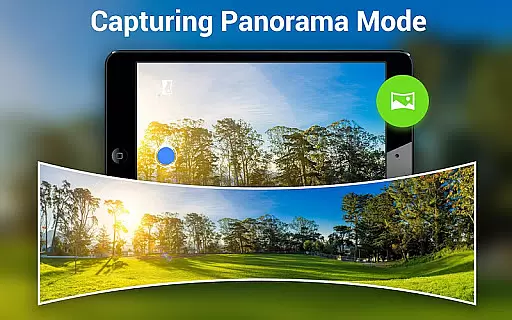
One of the standout features is its Panorama functionality, which allows users to create breathtaking wide-angle shots seamlessly. The app also includes creative filters and beauty modes, perfect for enhancing portraits and selfies. With options like optical/digital zoom, tap-to-focus, and focus halo display, users have precise control over their compositions.
Additional professional features include white balance settings (Auto, Incandescent, Fluorescent, Daylight, Cloudy), timer and time-lapse settings for automated shooting, and advanced photo editing capabilities. These comprehensive tools make HD Camera Pro a complete solution for mobile photographers seeking DSLR-like functionality in their pocket.
Real-time capture and preview functionality is essential for ensuring that users can accurately frame and capture their desired shots without delay. HD Camera Pro Edition excels in this area by providing a seamless experience where what you see on the screen is exactly what you get in your photo.
The app leverages advanced processing capabilities to offer instantaneous feedback, allowing users to adjust settings such as exposure, focus, and white balance on the fly. This immediate responsiveness ensures that photographers can make precise adjustments, enhancing the overall quality of their images.
With features like Quick Snap and high-resolution video recording, HD Camera Pro enables users to capture fleeting moments with clarity and detail. The intuitive interface further simplifies the process, making it accessible even to amateur photographers who want professional-grade results.
Ultimately, the real-time capture and preview feature empowers users to take full control over their photography experience. Whether shooting panoramas or utilizing specialized filters, the ability to see changes instantly on the screen translates into more successful shots and a more satisfying user experience.
AI Beauty and Enhancement features have become increasingly popular in photography apps, offering users the ability to enhance their photos with natural-looking effects. HD Camera Pro Edition stands out by providing sophisticated AI-driven tools that ensure enhancements look genuine and not overly processed.
The app's AI technology intelligently identifies facial features and applies enhancements that complement the subjectu2019s natural beauty. This includes smoothing skin tones, brightening eyes, and enhancing smiles, all while maintaining the authenticity of the original image. Such precision helps prevent the artificial appearance often associated with heavy editing.
HD Camera Pro also offers a variety of filters and beauty modes tailored for different scenarios, such as night shots or sunset portraits. These options allow users to experiment with creative styles while still preserving the natural essence of their photos. The result is a collection of images that are both aesthetically pleasing and true to life.
By focusing on natural enhancement, HD Camera Pro delivers a superior user experience that caters to both casual snappers and serious photographers. Users can trust that their edited photos will reflect reality, only with subtle improvements that highlight their best features.
User-friendly interface
High-quality imaging
No advertisements
Advanced photo editing
Versatile shooting modes
Premium price point
Feature overload for beginners
Occasional performance issues
Limited free version
Large file size

Remote control of the phone camera from your Wear OS smartwatch
 3.70
3.70
AI portrait generator and polaroid AI selfie, fun AI generated AI photo creator!
4.30
Long exposure camera with computational photography
2.60
Search, tag and rate your way to an organized image gallery
4.40
Add Watermark - Sign your pictures with a text or logo. Effective, quick, easy!
4.50
The #1 app for B&W film developing featuring an advanced darkroom timer.
4.10
A reflected light meter with spot metering and incident light metering.
4.40
Pro version: AR sun/moon tracker for any date. Tool for photographers & planners
4.90
A unique animation app. Powerful, easy to use, and lots of fun.
4.30
AI Photo Editor with 100+ Filters, Effects! Remove BG, Retouch & Photo Enhancer.
4.80
Android Native system HD camera app. Never been so simple and faster.
4.70
See your baby AI baby face generator AI baby maker Face generator babymaker fun!
4.70
Create AI photos & videos with Enhancer; restore, fix, beautify, enhance photos
4.50
Future baby face generator: AI kids generator, kid face! What my baby look like?
4.40
[3DSteroid Pro] is a stereoscopic application for Android.
4.30
Turn your phone into a professional camera - full DSLR manual photography
4.30
A light meter for true photographers.
4.20
Photo editor: face & body editor, beauty cam, filters and quality enhancer.
4.00
Raw Image Viewer. Gallery with support of raw images (.cr3, .cr2, .nef, .raf).
2.00


User Reviews