
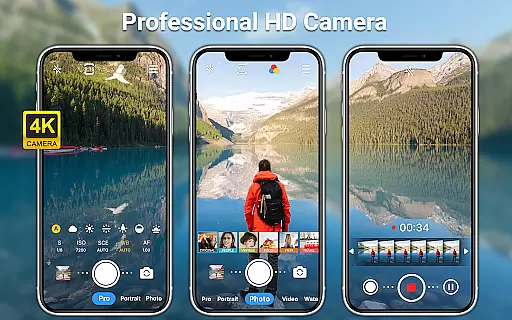
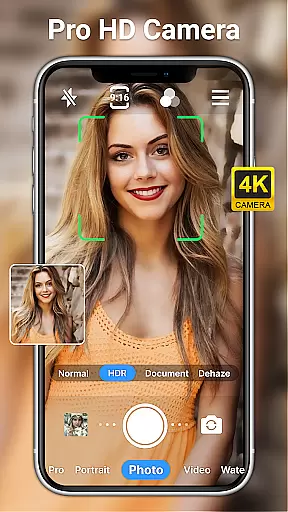
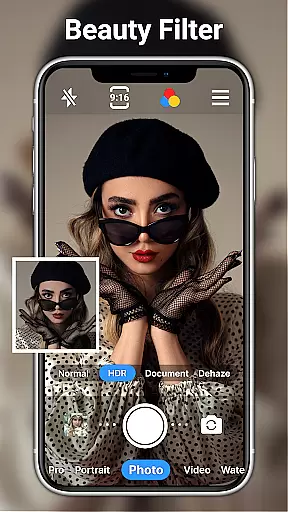
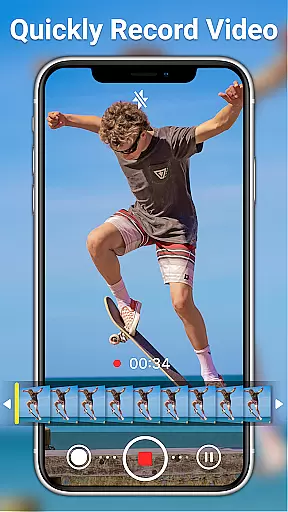
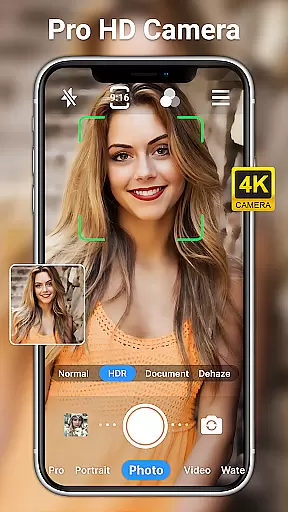
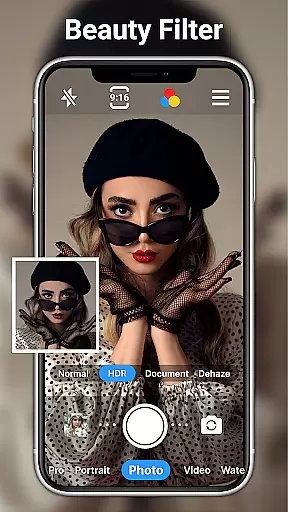
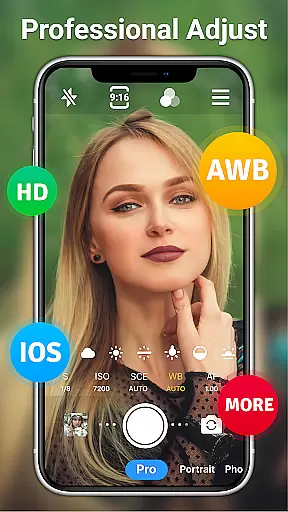
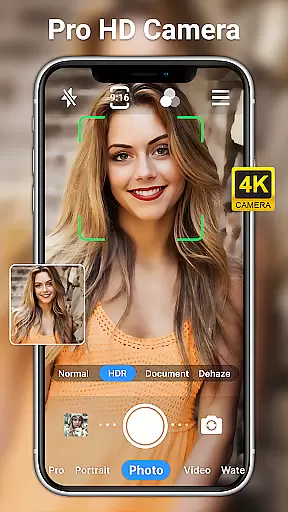
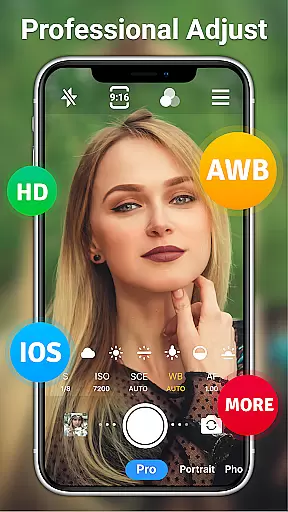
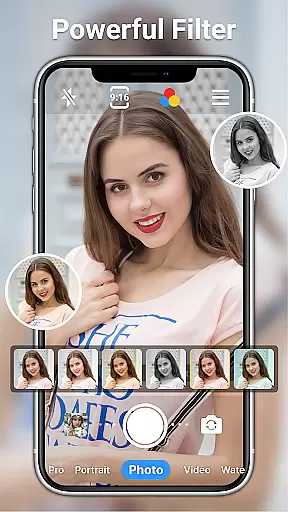
HD Camera for Android is a professional-grade photography app that empowers users to capture high-definition photos and videos with ease. The app supports full HD 1080p resolution, ensuring every shot delivers stunning clarity and vibrant colors. Whether shooting in daylight or low-light conditions, its advanced features like optical/digital zoom, tap to focus, and multiple scene modes make it versatile for any environment.
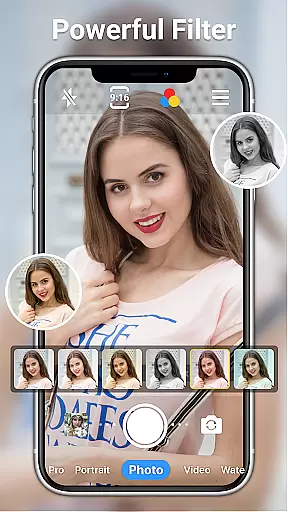
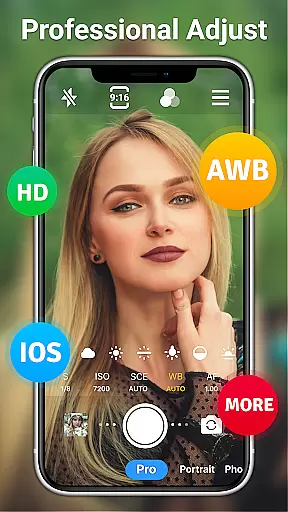
Beyond basic shooting capabilities, the app offers creative tools such as real-time filters, date watermarks, and a variety of manual controls including ISO, shutter speed, and white balance adjustments. These features allow users to customize their photography experience while maintaining professional standards. With additional functionalities like selfie mirror mode, time-lapse, and facial retouching, this app caters to both amateur photographers and professionals seeking a robust mobile camera solution.
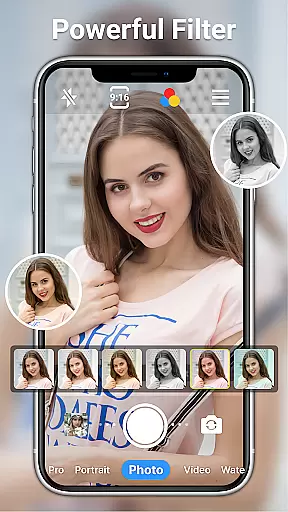
One of the standout aspects of HD Camera for Android is its comprehensive suite of features designed for all types of photographers. It includes over 10 real-time filters, front and rear camera toggling, steady shooting, pinch-to-zoom functionality, and short-video modes. Users can also take advantage of professional shooting modes, timer settings, grid overlays, and level indicators to enhance composition accuracy.
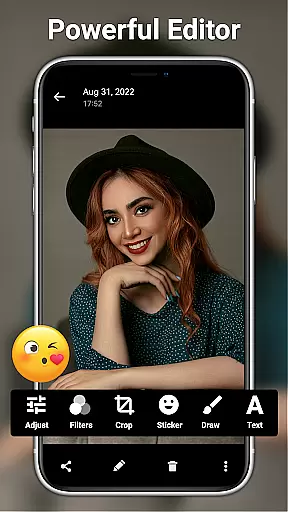
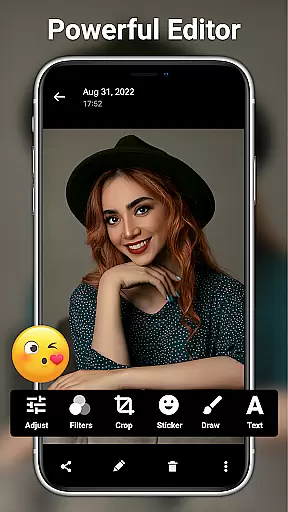
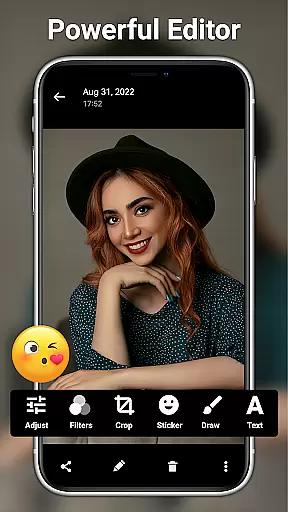
The app further extends its utility through advanced photo editing tools. From adjusting brightness, contrast, saturation, and exposure to applying 20+ unique filters, users have complete creative control. AI-powered restoration and palette options add an innovative touch, while markup tools, stickers, text overlays, and one-click facial retouching simplify post-production tasks. This combination of powerful in-app editing and intuitive camera controls ensures users can produce polished results without needing additional software.
Real-time capture and preview functionality is essential for ensuring that every photo or video taken meets the user's expectations immediately. HD Camera for Android offers a seamless experience by providing an accurate and high-definition preview, allowing users to see exactly what they will capture before taking the shot.
This app leverages 1080p camera capabilities in full HD mode, ensuring that each image and video reflects true colors and fine details. With real-time filters and effects, users can apply different styles to their photos and videos instantly, enhancing creativity without compromising on quality.
Users benefit from features like steady shooting and pinch-to-zoom, which are crucial for capturing clear and detailed images. The ability to toggle between front and rear cameras also adds flexibility, making it easier to take selfies or record from different angles while maintaining a smooth preview experience.
Overall, the real-time capture and preview feature of HD Camera for Android ensures that users can rely on their device to produce professional-quality content effortlessly, whether shooting during the day or night.
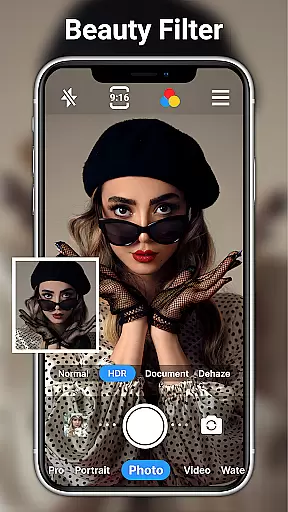
AI beauty and enhancement features have become increasingly popular in photography apps, aiming to provide users with tools to enhance their photos naturally. HD Camera for Android incorporates advanced AI algorithms to offer facial retouching and beautification options that maintain the authenticity of the original image.
The app includes one-click facial retouch functionality, allowing users to quickly improve skin tone and texture while preserving natural features. This ensures that edited photos do not appear overly processed or artificial, maintaining a realistic look that enhances the subject's best attributes.
In addition to facial retouching, HD Camera for Android provides a range of editing tools such as adjusting brightness, contrast, saturation, and exposure. These tools help users fine-tune their images to achieve the desired effect without losing the natural essence of the photograph.
With 20+ photo filters designed for various occasions, users can further enhance their images with styles that suit their preferences. The combination of AI-powered enhancements and a wide array of editing options makes HD Camera for Android a powerful tool for creating stunning yet natural-looking photos.
User-friendly interface
High-quality 1080p output
Advanced manual controls
Versatile filter options
Comprehensive editing tools
Occasional performance lags
Ads may disrupt workflow
Complex for beginners
Limited cloud integration
Battery consumption is high

Gallery show photo, video, slideshow, is perfect 3D effect private photo albums.
 4.80
4.80
Photo Album Watch Face shows your favorite pictures as a Watchface.
1.90
Safe & smart flight with Go Fly drone controller for 40+ drone camera, zone map
4.50
How old age camera Gender Swap App Face Shape Hairstyle App Hair Styler App fun!
4.00
Create & Edit with AI: AI Remove, Enhance, Retouch, Filter
4.10
Create collages easily! Nice pic collage maker & background eraser for Instagram
4.50
Photo editor: AI filters, photo enhancer, pic collage maker, AI art generator.
4.80
Amazing Photo Effects - The most fun you can have with your photos!
4.70
PhotoSync Bundle Add-On License. Enables all features and services in PhotoSync.
4.60
Cartoon and artistic effects for your photos and videos
4.70
Easily view, share, delete photos with Gallery.
4.70
Cut and paste photo editor & eraser to customize photos easy and swap faces fun
4.50
Movie camera, supports pro recording settings for filming. Try it and be amazed!
4.50
Search, tag and rate your way to an organized image gallery
4.40
Easily stitch panoramas from multiple photos or video.
4.40
[3DSteroid Pro] is a stereoscopic application for Android.
4.30
Photobooth mini FULL app will allow you to add more fun to your parties
4.00
Application for remote controlling DSLR
3.00
An interval timer to automate photo taking process for timelapse
2.90


User Reviews