
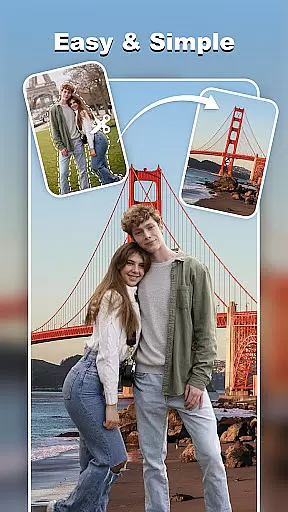
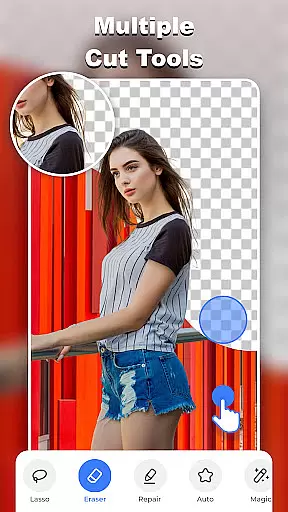
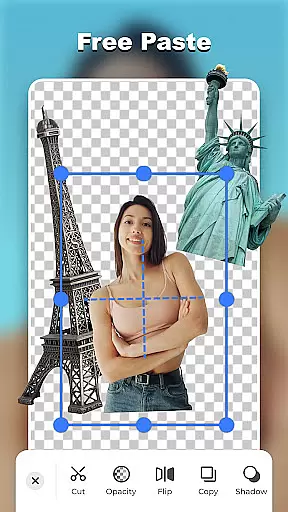
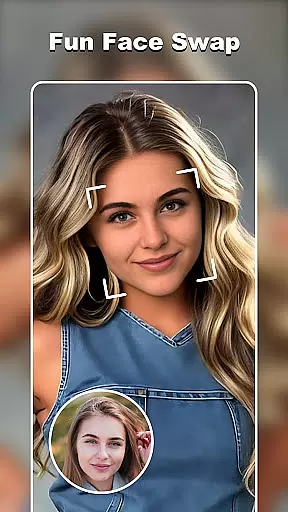

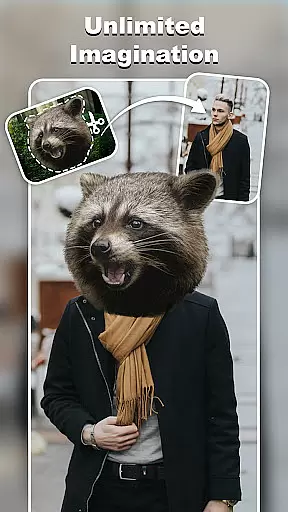
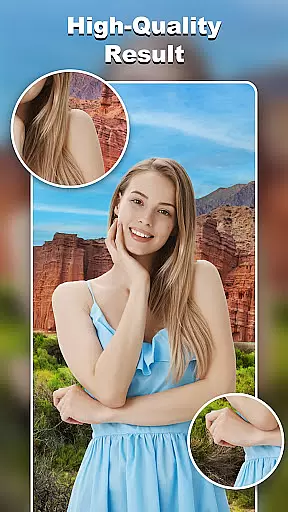
Cut and Paste Photo Editor is an innovative photography app that leverages AI technology to simplify the process of cutting and pasting objects in photos. With just a few taps, users can create high-quality cutouts, perform face swaps, and remove backgrounds effortlessly.
The app's standout feature is its two-step editing process: cut what you need and paste where you want. This intuitive approach allows for seamless photo collages, making it perfect for both casual users and professional photographers looking to enhance their e-commerce product images.
This app offers a comprehensive suite of editing tools including background eraser, lasso, smooth, repair, auto-cut, and magic cut. These features ensure precise object removal and pasting with pixel-level accuracy.
Users can also explore limitless creative possibilities with ready-to-use templates, online background library, and colorful decorations. The inclusion of text magic with 20+ unique fonts adds a personalized touch to any image.
Whether you're looking to create artistic compositions or professional e-commerce photos, Cut and Paste Photo Editor provides all the necessary tools to produce stunning results quickly and easily.
Real-time capture and preview functionality is essential for any photography app as it allows users to see exactly what they are capturing before taking the shot. This ensures that the framing, lighting, and composition are all to the user's satisfaction.
Cut and Paste Photo Editor offers a seamless real-time capture experience by providing users with an intuitive interface that displays the camera feed instantly. The app's advanced algorithms ensure minimal lag between the real-world action and what is seen on the screen, allowing for precise photo-taking.
With this feature, users can make instant adjustments to their shots, such as zooming in or out, applying filters, or tweaking exposure settings. This immediate feedback loop empowers users to take better photos without the need for post-processing.
The value of real-time capture and preview is evident in its ability to save time and enhance creativity. Users can experiment with different visual effects and compositions on-the-fly, resulting in more dynamic and engaging photographs.
AI beauty and enhancement features have become increasingly popular in photography apps, offering users the ability to refine and beautify their images with just a few taps. The key to these features is maintaining the natural look of the photo while enhancing its best qualities.
In Cut and Paste Photo Editor, AI-powered tools work behind the scenes to intelligently smooth skin textures, brighten eyes, and whiten teeth, all while preserving the authenticity of the original image. The app uses sophisticated machine learning models trained on vast datasets to recognize facial features and apply enhancements that look genuine.
This approach not only boosts the aesthetic appeal of photos but also respects the unique characteristics of each individual. Users can adjust the intensity of enhancements to suit their preferences, ensuring that the final result aligns with their vision.
Ultimately, the AI beauty and enhancement capabilities of Cut and Paste Photo Editor provide users with professional-grade editing tools at their fingertips, enabling them to create stunning yet natural-looking portraits that stand out on social media or in personal albums.
User-friendly interface
AI-powered editing tools
Versatile template options
High-quality results
Fun face swap feature
Limited advanced features
Occasional processing delays
In-app purchases required
Basic tutorial guidance
Ads may interrupt workflow

Photo Album Watch Face shows your favorite pictures as a Watchface.
 1.90
1.90
Safe & smart flight with Go Fly drone controller for 40+ drone camera, zone map
4.50
Easily stitch panoramas from multiple photos or video.
4.40
Photobooth mini FULL app will allow you to add more fun to your parties
4.00
Natural Beauty, Selfie Retouch
4.30
Photo prints, cards, & gifts at Walgreens. Easy ordering & fast local pickup !
4.80
Photo editor: AI filters, photo enhancer, pic collage maker, AI art generator.
4.80
Light-weight Media Gallery app for Android made with Jetpack Compose
4.60
Turn photos into cartoons & avatars! - Photo Editor, Cartoon Face!
3.90
Easily view, share, delete photos with Gallery.
4.70
Shooting photos and records video easily and efficient with professional Camera
4.30
Virtual makeup, hair filters & body tuner—edit from face to full body!
4.20
Catch sunlight, sunrise sunset times and sun phases with the AR sun tracker.
4.10
Professional quality photo edits with the new Snapseed.
4.00
live datamoshing
4.00
Create amazing frames with up to five photos. Rounded corners, effects and more!
3.60
Application for remote controlling DSLR
3.00
Long exposure camera with computational photography
2.60
Add a dreamy vibe to your selfies and videos with soft style filters
4.3


User Reviews