

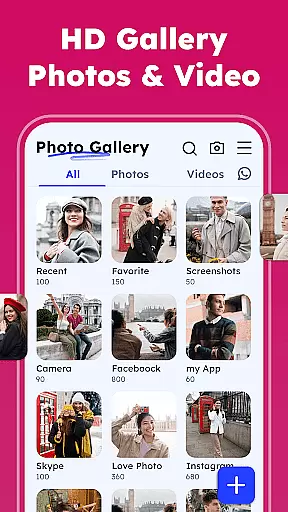


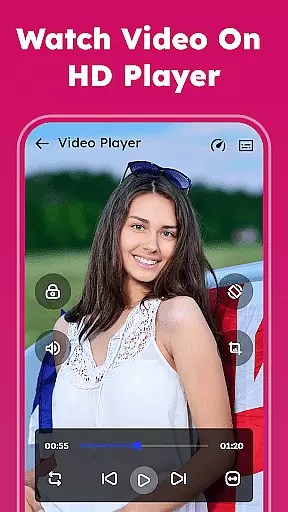

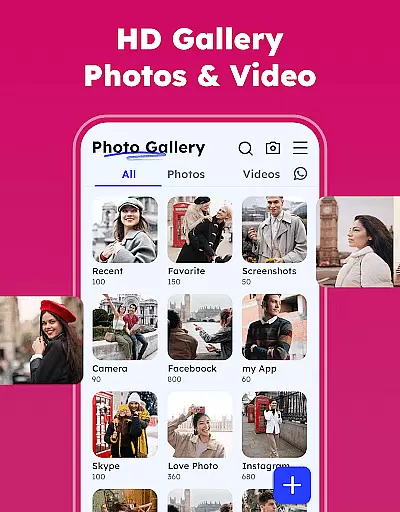

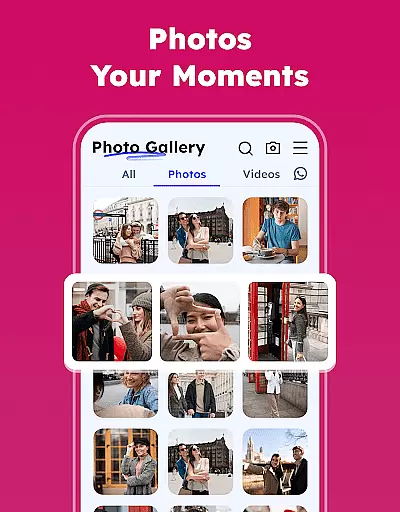
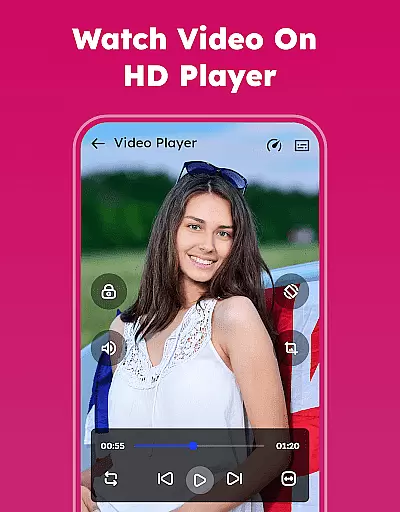

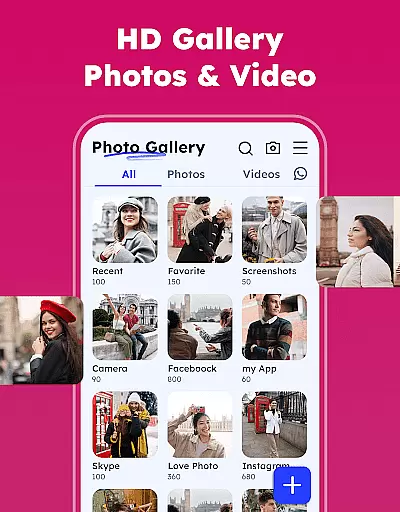

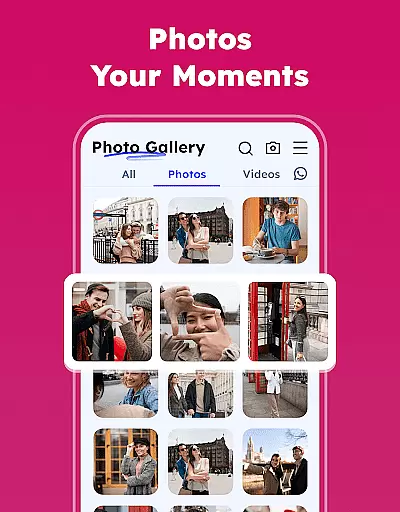
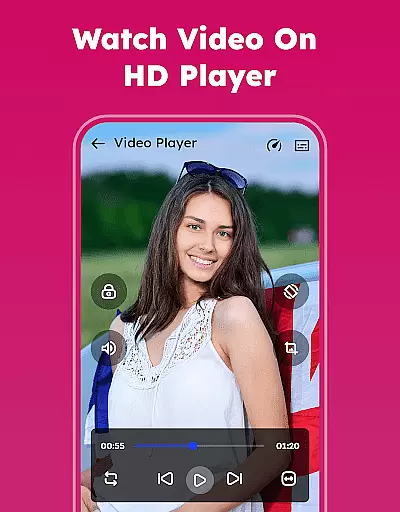
Gallery - Photos & Videos is a feature-rich photography app designed to help users manage, edit, and protect their media files effortlessly. With its lightweight design and intuitive interface, this app allows you to organize photos and videos by categories, dates, or custom albums while providing smooth video playback and efficient duplicate file removal.
The app stands out with its secure gallery lock feature that safeguards private content through PIN protection. It also offers offline access, automatic categorization of media in Explore, and creative editing tools. Whether you're looking to relive favorite memories or optimize storage space, this app provides an all-in-one solution for your daily photo and video management needs.
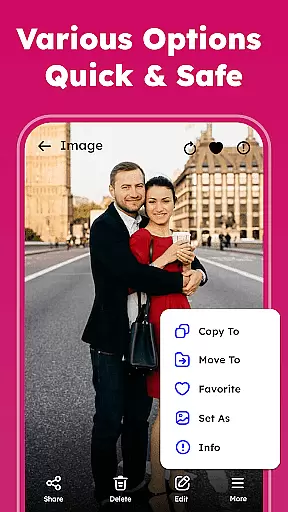
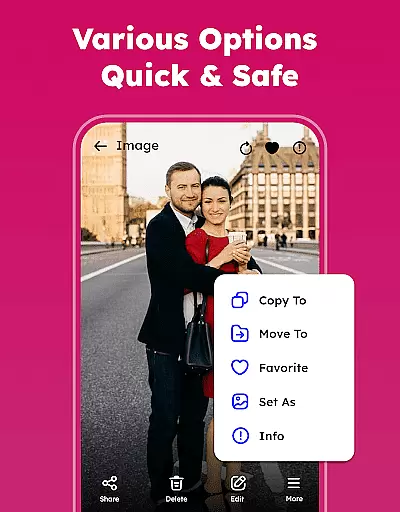
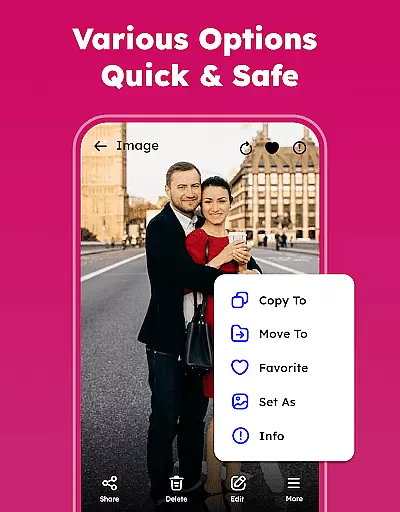
Gallery - Photos & Videos boasts a comprehensive set of features tailored for both casual users and photography enthusiasts. The app supports viewing, renaming, deleting, and sharing media files directly to social platforms. Advanced functionalities include setting images as wallpapers, sorting media by various criteria like size or date, and restoring accidentally deleted files from the trash folder.
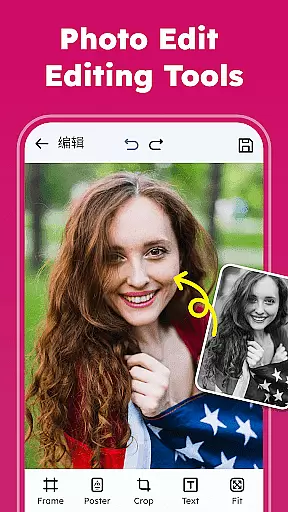
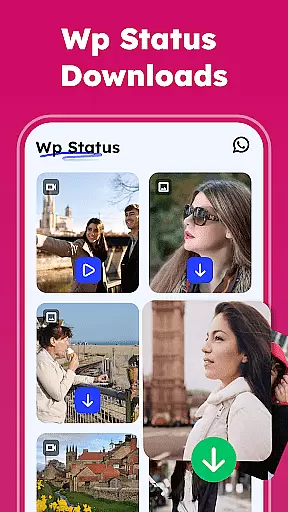
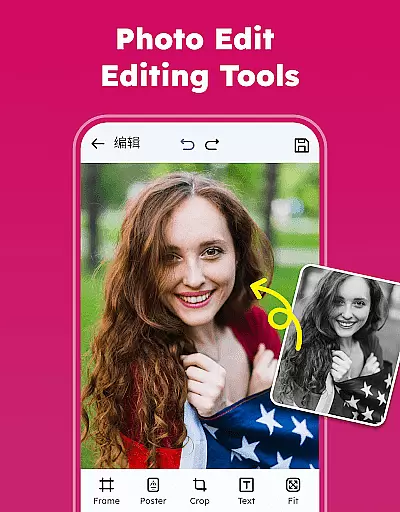
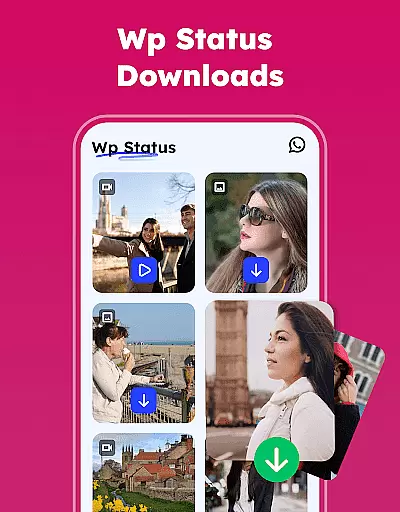
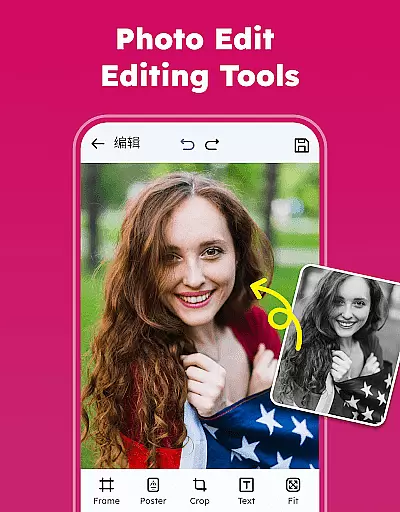
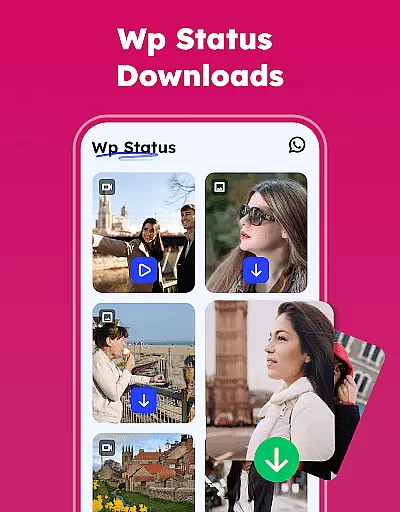
Unique capabilities such as WA Status Saver, professional-grade photo editing tools, and automatic categorization in Explore make this app distinct. Users can customize themes between light and dark modes, remove duplicates to save storage, and enjoy uninterrupted offline access. These robust features ensure a seamless experience while simplifying complex tasks like memory management and privacy protection.
Real-time capture and preview functionality is essential for any photography app as it allows users to see exactly what the camera is capturing before taking a shot. This ensures that photos are framed correctly, lighting is optimal, and unwanted elements are avoided.
The Gallery - Photos & Videos app offers an intuitive real-time capture experience with its advanced camera interface. Users can adjust settings such as exposure, focus, and white balance directly within the app, ensuring every photo taken meets their standards.
Additionally, the app provides instant feedback on images captured, allowing users to quickly review their shots and make necessary adjustments without delay. This seamless integration of real-time capture and immediate preview enhances the overall photography workflow, making it easier than ever to capture high-quality images.
By offering these features, the app empowers photographers to take control of their creative process, resulting in better compositions and more satisfying photographic outcomes.
AI beauty and enhancement features have become increasingly popular in photography apps, providing users with tools to enhance their photos naturally. These features help in smoothing skin tones, brightening eyes, and enhancing facial features while maintaining a realistic appearance.
In the Gallery - Photos & Videos app, AI-driven enhancements are designed to be subtle yet effective. The app uses sophisticated algorithms to analyze facial features and apply enhancements that look natural and not overly processed. This ensures that edited photos retain their authenticity and charm.
Users can customize the level of enhancement according to their preferences, allowing for personalized editing experiences. Whether it's a slight touch-up or a complete makeover, the app delivers results that enhance beauty without compromising on natural looks.
This approach to AI beauty and enhancement not only improves the aesthetic quality of photos but also boosts user confidence by delivering professional-grade edits at their fingertips.
User-friendly interface
Advanced security options
Efficient media organization
Creative editing tools
Offline functionality
Requires permissions on Android 11
Limited advanced filters
No cloud backup
Ads in free version
Occasional bugs

1M influencer's special filter
 4.60
4.60
An interval timer to automate photo taking process for timelapse
2.90
Virtual makeup, hair filters & body tuner—edit from face to full body!
4.20
HD Camera Pro with HD Video shooting, Panorama, Photo editor , Beauty Camera.
4.50
USB Storage Access for Photos, Videos, Music and Documents
3.80
Professional photography on your mobile phone
4.20
Turn photos into cartoons & avatars! - Photo Editor, Cartoon Face!
3.90
Astrophotography with your smartphone, photo live stacking and much more!
3.90
Snap photos remotely using your Garmin watch as the camera trigger
4.4
Gallery show photo, video, slideshow, is perfect 3D effect private photo albums.
4.80
A collection of tools and reference tables for DPs, ACs, DITs and Operators.
4.70
Enhance, retouch & create your story - Share the moment with Photoshop Express.
4.60
Create collages easily! Nice pic collage maker & background eraser for Instagram
4.50
Create AI photos & videos with Enhancer; restore, fix, beautify, enhance photos
4.50
Easily stitch panoramas from multiple photos or video.
4.40
Edit like a pro with Hypic. Apply filters, AI effects, & magic touch.
4.40
A reflected light meter with spot metering and incident light metering.
4.40
RAW video capture with advanced controls
4.40
Photo editor: face & body editor, beauty cam, filters and quality enhancer.
4.00


User Reviews