
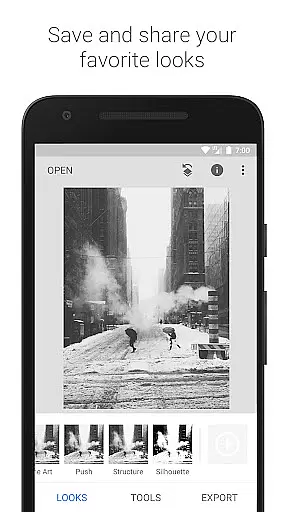
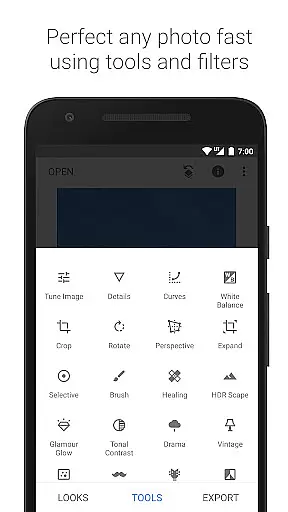
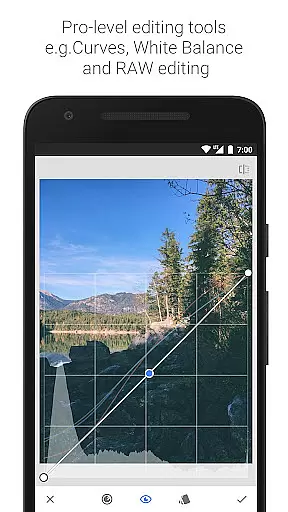
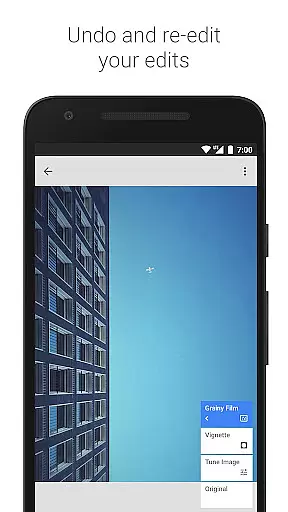
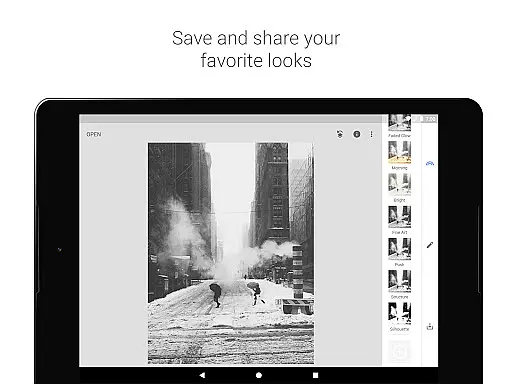
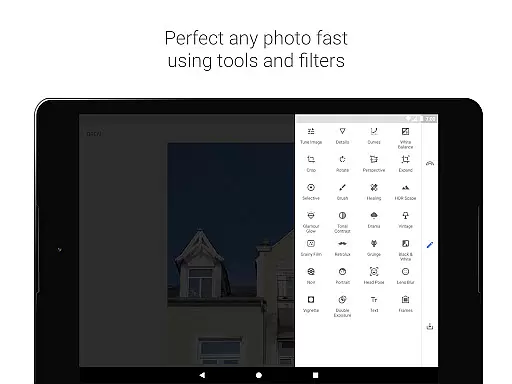
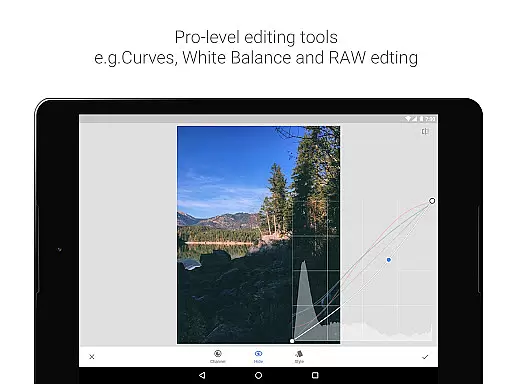
Snapseed is a comprehensive photo editing application developed by Google, offering professional-grade tools for both amateur and expert photographers. The app provides an extensive suite of 29 tools and filters, including options like Healing, Brush, Structure, HDR, and Perspective correction, making it a versatile choice for photo enhancement.
One of Snapseed's standout features is its support for both JPG and RAW file formats, allowing users to work with high-quality images directly on their mobile devices. The selective filter brush and the ability to save personalized looks for future use add layers of customization and convenience. These capabilities ensure that users can achieve precise edits tailored to their specific needs.
Whether you're looking to correct minor imperfections or apply complex filters, Snapseed offers the tools necessary to elevate your photography. Its intuitive interface and powerful editing options make it suitable for a wide range of users, from casual photographers to professionals seeking advanced control over their image adjustments.
Snapseed stands out in the photography category due to its rich set of features designed to offer unparalleled control over photo editing. One of the key highlights is the RAW Develop tool, which allows users to open and tweak RAW DNG files non-destructively, preserving the original image quality while enabling detailed adjustments.
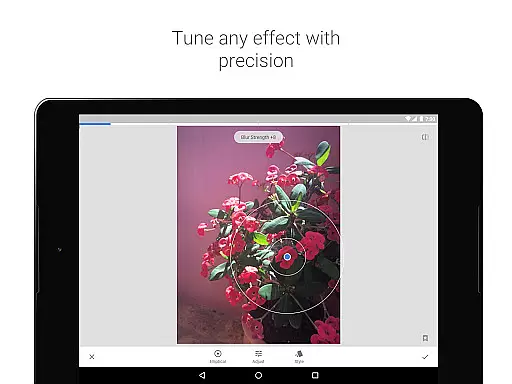
The Tune Image feature provides automatic and manual controls for exposure and color adjustments, ensuring that every photo meets the user's exact specifications. Additionally, the Selective tool employs renowned 'Control Point' technology, where users can place up to 8 points on an image to assign specific enhancements, letting the algorithm handle the rest seamlessly.
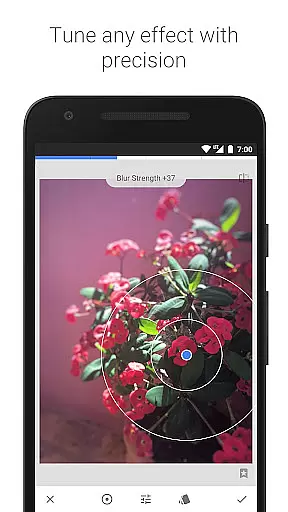
Other notable features include the Healing tool for removing unwanted elements, the Vignette tool for adding artistic darkness around corners, and the Lens Blur function for creating beautiful bokeh effects. Each tool is crafted to provide users with fine, precise control, enhancing their ability to produce stunning, professional-quality images directly from their mobile devices.
Snapseed offers a powerful real-time capture and preview feature that allows photographers to see adjustments as they are made. This immediate feedback is crucial for making precise edits without guesswork.
The application supports both JPG and RAW file formats, ensuring that users can work with high-quality images directly from their cameras. The ability to open and tweak RAW DNG files provides unparalleled control over the editing process.
With selective filter brushes and the renowned Control Point technology, users can apply enhancements exactly where needed. This level of precision ensures that every part of the image reflects the photographer's vision.
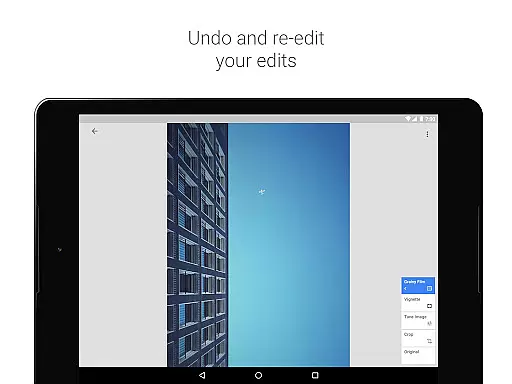
Ultimately, this real-time functionality empowers photographers to experiment freely, knowing they can revert changes or fine-tune settings until the desired effect is achieved. It's an invaluable tool for professionals seeking perfection in their work.
Snapseed incorporates advanced AI beauty and enhancement features that elevate photo editing to new heights. These tools allow for natural-looking improvements that respect the original essence of the photograph.
Among its arsenal of 29 tools and filters, options like Healing and Vignette help remove unwanted elements and add artistic touches. The Glamour Glow and Face Enhance features specifically target portraits, adding focus to eyes and smoothing skin while maintaining authenticity.
Users appreciate the fine, precise control offered by Snapseedu2019s algorithms. Whether adjusting exposure, saturation, or brightness, each modification retains the photo's inherent character, avoiding artificial appearances.
This dedication to natural enhancement makes Snapseed a go-to choice for photographers who demand professional results without compromising on genuineness. Its sophisticated AI-driven tools ensure every edit enhances rather than detracts from the original image.
User-friendly interface
Extensive toolset
Supports RAW files
Customizable filters
Non-destructive editing
Steep learning curve
Overwhelming for beginners
Limited video editing
No layer support
Occasional bugs

Effortlessly organize, view and share your photos & videos with Gallery app!
 4.40
4.40
Pet Camera
3.70
Photo editor: AI filters, photo enhancer, pic collage maker, AI art generator.
4.80
Photo Exif Editor allows to view, add and modify EXIF data of multiple photos
4.50
Create amazing frames with up to five photos. Rounded corners, effects and more!
3.60
Luminar: Photo Editor - easy picture editing with AI
4.20
Pro version: AR sun/moon tracker for any date. Tool for photographers & planners
4.90
live datamoshing
4.00
Solocator stamps photos you take with GPS location, Compass Direction, Date/Time
3.80
Amazing Photo Effects - The most fun you can have with your photos!
4.70
See your baby AI baby face generator AI baby maker Face generator babymaker fun!
4.70
Add Watermark - Sign your pictures with a text or logo. Effective, quick, easy!
4.50
Create AI Photos, Improve and restore quality of blurry, old or damaged pics.
4.20
AI-powered video creator by MiniMax - Where ideas meet cinema
4.20
All-in-One Editor & AI Photo Enhancer, Collage, Cartoonify, Funny Stickers & BGS
4.10
Transform Photos: Edit, Beautify and Craft Memories & Make Collages!
4.10
An interval timer to automate photo taking process for timelapse
2.90
Long exposure camera with computational photography
2.60
Over 800 film simulation recipes for Fujifilm. Black Friday Offer!
4.2


User Reviews