

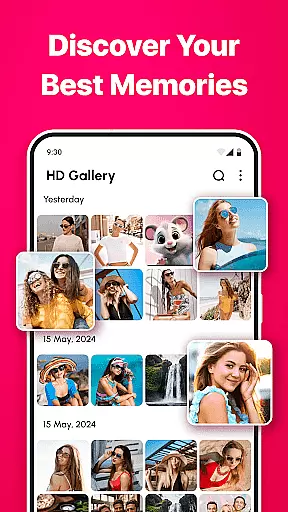
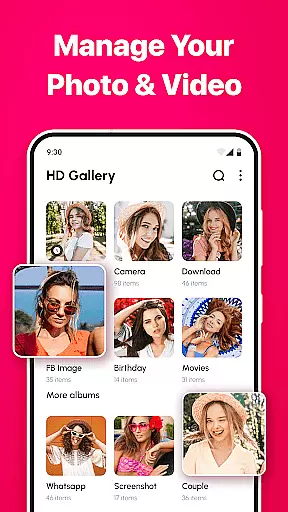
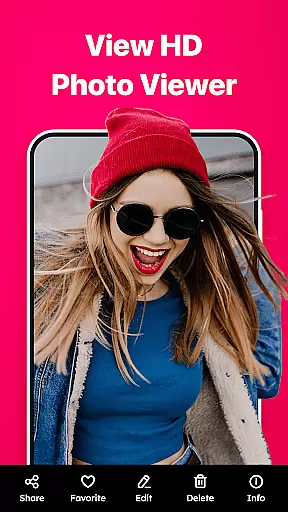

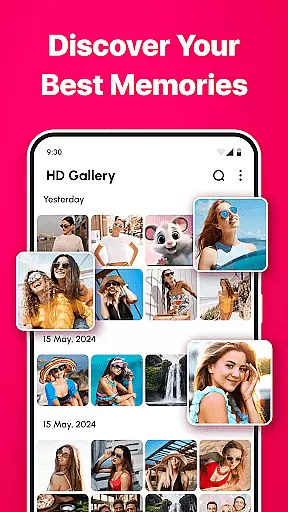
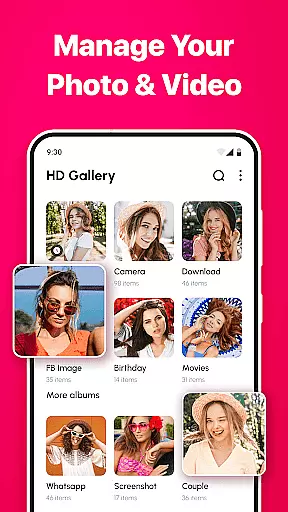
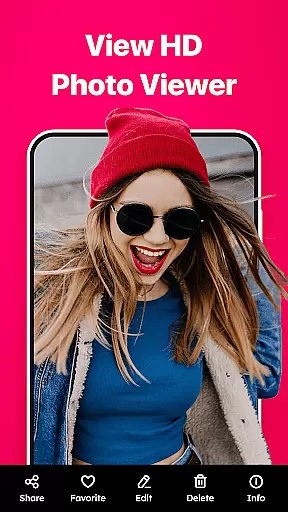
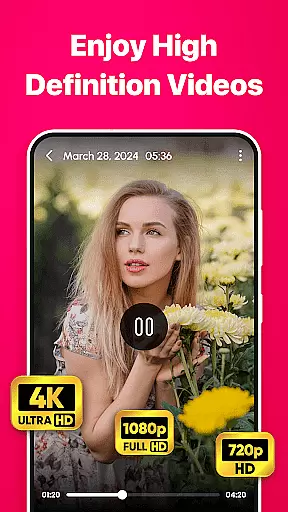

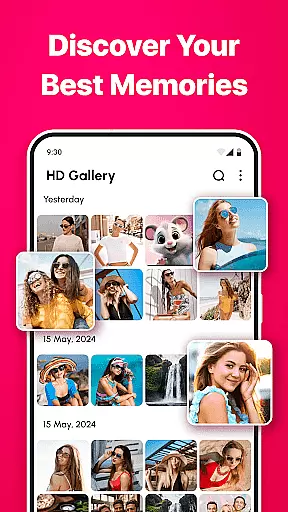
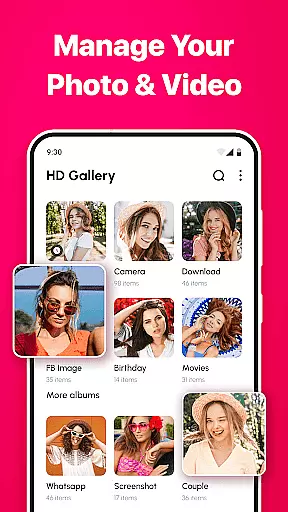
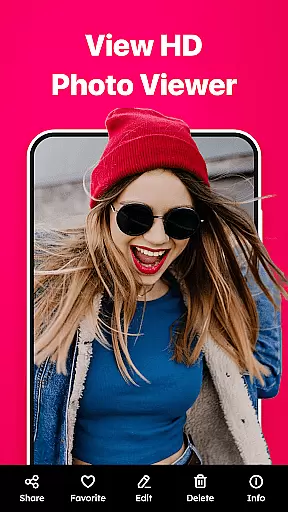

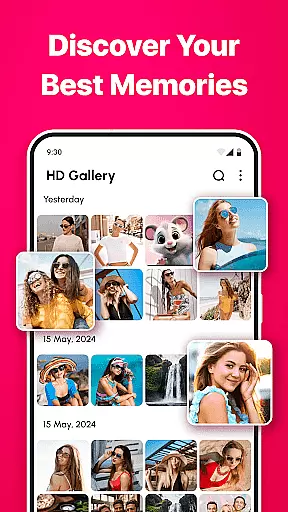
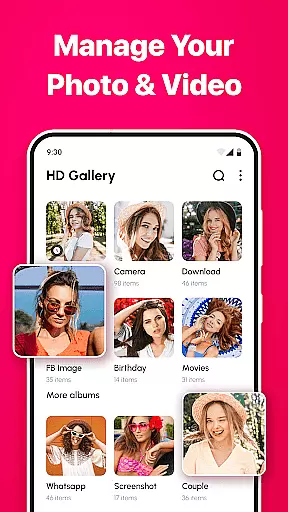
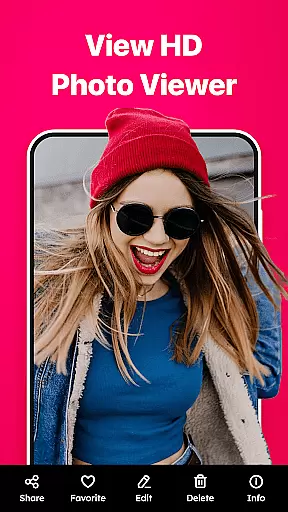
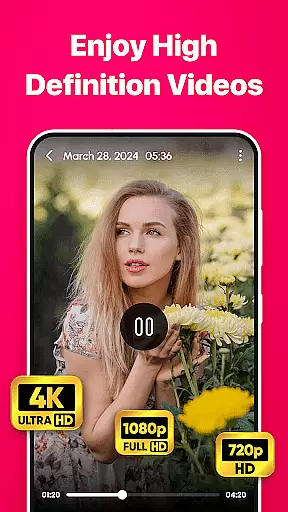
Gallery - photo gallery, album is a comprehensive photo and video management app designed to help users organize, view, and share their cherished moments with ease. The app offers an intuitive interface that supports fluid gestures for swiping, editing, and zooming through media files.
With compatibility across all major Android devices, this app supports various file formats including JPEG, PNG, GIF, and RAW. Users can enjoy advanced features like powerful search options, customizable layouts, and built-in photo editing tools. Whether you're a casual photographer or a professional, Gallery - photo gallery, album provides the necessary tools to keep your memories organized and accessible.
Gallery - photo gallery, album stands out with its wide range of features tailored for efficient media management. The app provides beautiful themes with light and dark modes, multi-language support, and advanced search functionalities to quickly locate specific photos or videos.
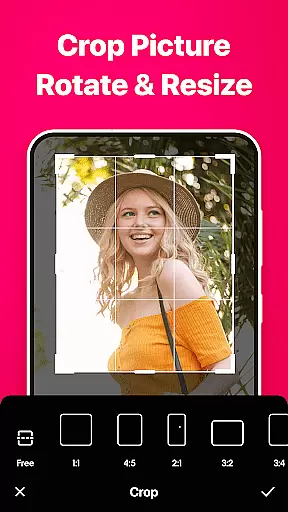
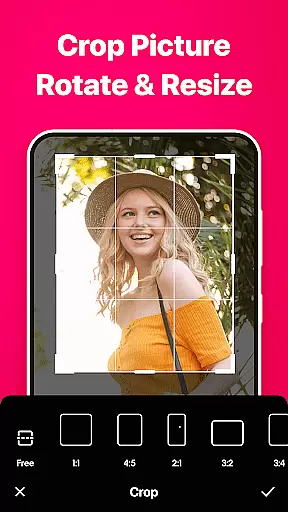
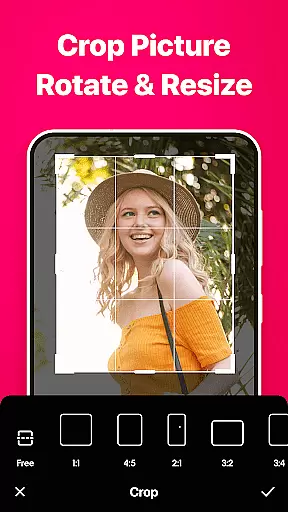
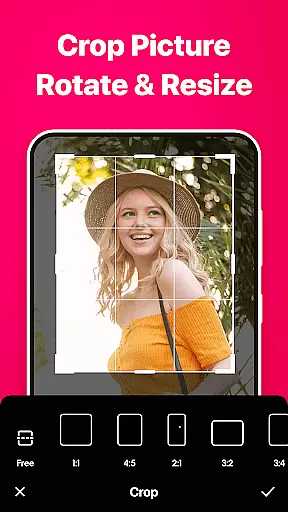
Users can personalize their experience with customizable grid layouts and mark favorite moments for quick access. Additionally, the app includes photo editing tools for cropping, rotating, and adjusting image properties. Sharing media is made easy through integration with social media platforms and messaging apps, ensuring your precious memories are always within reach.
Real-time capture and preview functionality is essential for any photography app as it allows users to see exactly what the camera sees before taking a shot. This ensures that photos are framed correctly and exposure settings are optimal.
Gallery - photo gallery, album offers an intuitive interface where users can instantly view their shots in real time. The app's responsive design provides seamless navigation through your media files, ensuring that you never miss a moment while adjusting settings or reviewing recent captures.
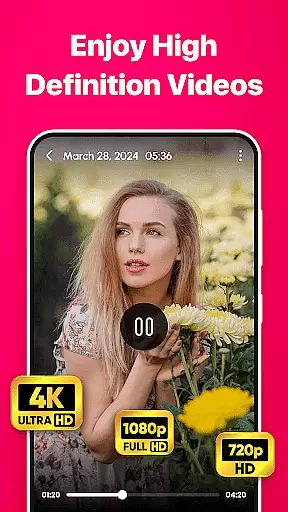
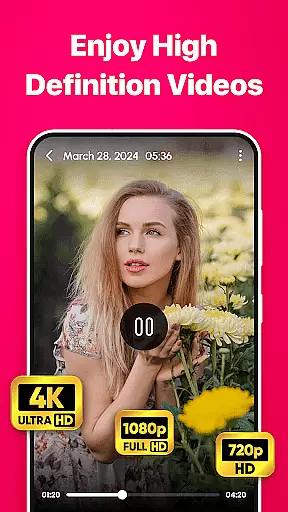
The application supports various file formats including JPEG, PNG, GIF, and RAW, making it versatile for different types of photographers. Whether capturing casual snapshots or professional-grade images, the ability to preview these formats accurately is crucial for achieving desired results.
With advanced search and filter options, users can quickly locate specific photos within their library. This feature enhances the overall experience by allowing photographers to focus on shooting rather than spending time organizing their galleries after each session.
AI beauty and enhancement features have become increasingly popular among photography apps due to their ability to improve image quality without compromising natural aesthetics. These tools help enhance facial features subtly while maintaining authenticity.
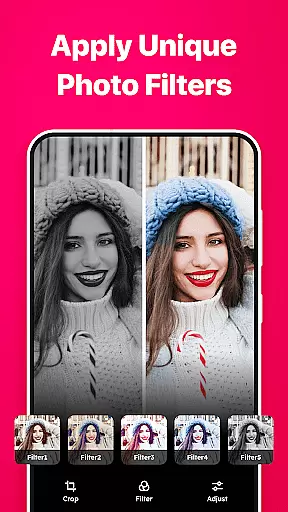
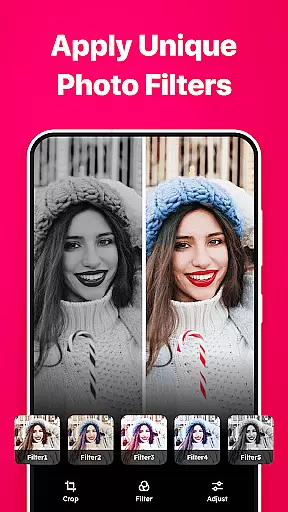
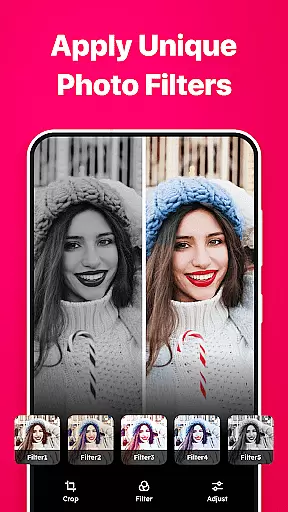
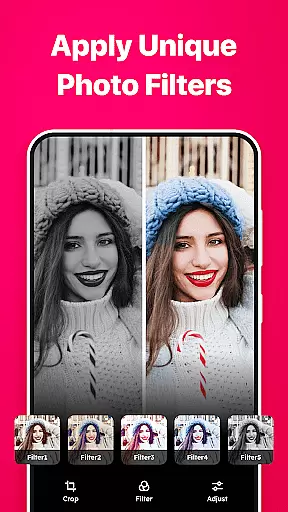
In Gallery - photo gallery, album, built-in editing tools allow users to crop, rotate, apply filters, adjust brightness, contrast, and more. Such functionalities ensure that every photo looks perfect yet remains true to its original form.
The app also includes customizable layouts which enable personalization of how photos are displayed. Users can choose grid layouts with varying column numbers, enhancing visual appeal when viewing enhanced images alongside originals.
Sharing enhanced photos becomes effortless with direct integration into social media platforms or messaging apps. Friends and family will appreciate receiving high-quality images that still retain genuine expressions thanks to AI-driven enhancements provided by this comprehensive photo management solution.
User-friendly interface
Wide file format support
Powerful search and filter
Customizable layouts
Built-in editing tools
Limited to Android
No iOS version
Heavy on storage
Occasional bugs
Ads in free version

All-in-One Editor & AI Photo Enhancer, Collage, Cartoonify, Funny Stickers & BGS
 4.10
4.10
Create collages easily! Nice pic collage maker & background eraser for Instagram
4.50
Take videos and pictures with the popular TikTok TIME WARP SCAN filter.
4.60
Photo Exif Editor allows to view, add and modify EXIF data of multiple photos
4.50
Automatically backup your photos and videos to computer, NAS and Cloud services
4.60
Snap photos remotely using your Garmin watch as the camera trigger
4.2
PhotoSync Bundle Add-On License. Enables all features and services in PhotoSync.
4.60
Welcome to ProShot, the most powerful camera app on Android.
4.20
Photo & Video Gallery app to manage albums and save WA Status easily.
4.70
Cartoon and artistic effects for your photos and videos
4.70
Light-weight Media Gallery app for Android made with Jetpack Compose
4.60
Transform photos into videos! Create realistic or anime-style images easily!
4.50
Natural Beauty, Selfie Retouch
4.30
AI-powered video creator by MiniMax - Where ideas meet cinema
4.20
Create & Edit with AI: AI Remove, Enhance, Retouch, Filter
4.10
Perfect photos with body shaping, BG changer and object remover.
3.70
Pet Camera
3.70
Professional video recording application with manual controls for filmmakers!
2.80
Remote control the phone camera shutter from your smartwatch and take a picture
1.60


User Reviews