
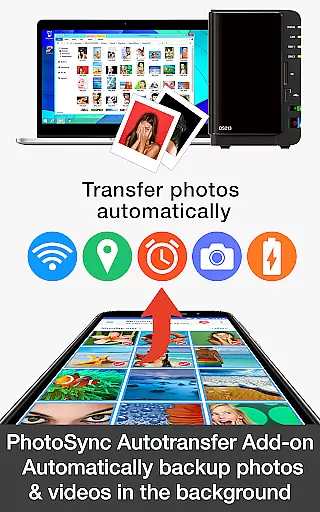

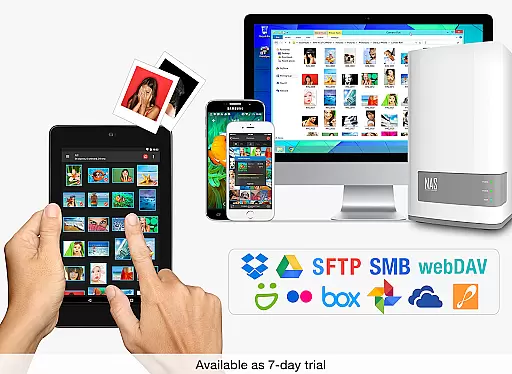
PhotoSync Autotransfer Add-On is an advanced activation license that enhances the free version of PhotoSync by adding automatic wireless backup capabilities and removing ads. This tool allows users to effortlessly back up photos and videos in the background to various destinations, including computers, private clouds, NAS devices, and supported cloud services.
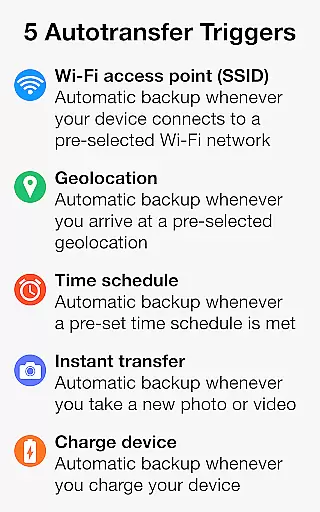
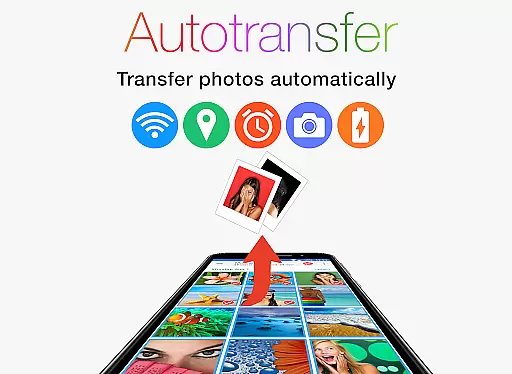
With over 10,000 positive reviews and millions of photo transfers, PhotoSync stands as a reliable cross-platform solution available for Android, iOS, Windows, and Mac. The Autotransfer feature supports five configurable triggers such as Wi-Fi access points, geolocation, time schedules, taking a photo, and charging the device, ensuring your media is always backed up without manual intervention.
This add-on is ideal for users seeking a secure and customizable way to manage their digital assets across multiple platforms while maintaining privacy and control.
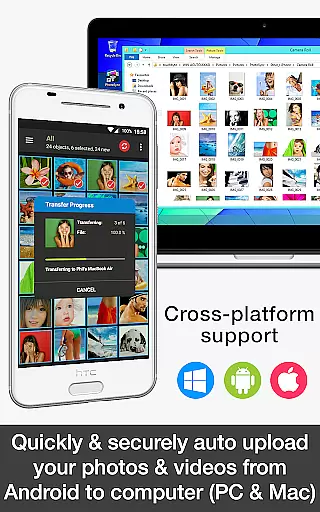
The PhotoSync Autotransfer Add-On offers a comprehensive suite of features designed to streamline photo and video backups. It enables automatic wireless transfers directly from Android devices to computers (PC and Mac) via WiFi or Portable WiFi Hotspot, ensuring your files are securely stored without any hassle.
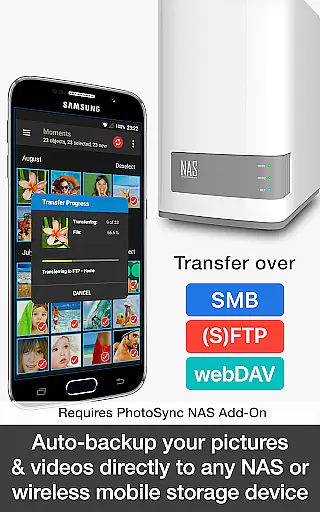
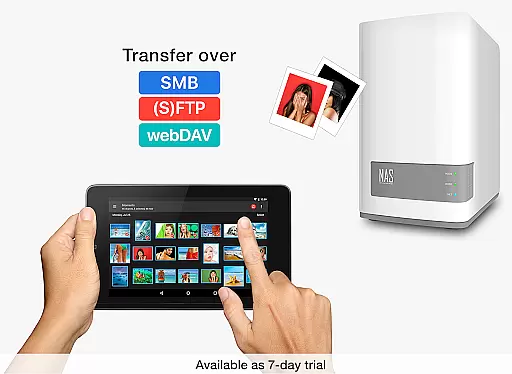
Additionally, it supports uploads to any NAS, wireless mobile storage device, or remote server using protocols like SMB, (S)FTP, or WebDav. For cloud enthusiasts, this add-on facilitates direct transfers to popular services such as Dropbox, Google Drive, and OneDrive through WiFi and cellular networks when combined with the respective add-ons.
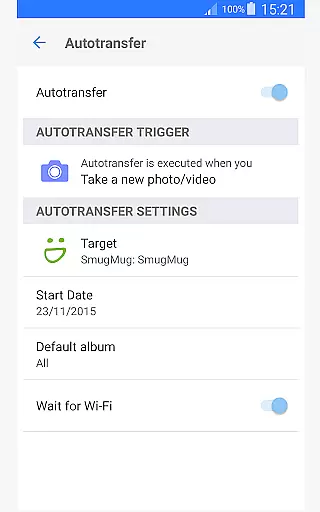
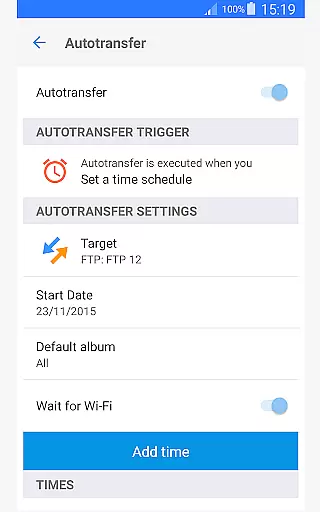
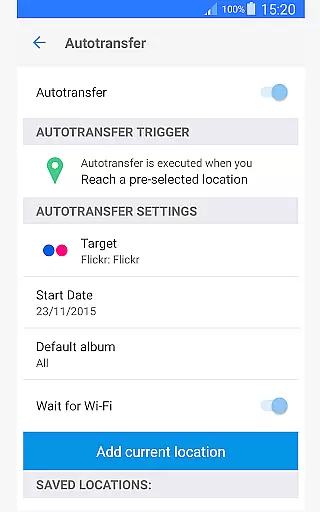
Users benefit from five autotransfer options including instant transfer upon capturing new media, location-based transfers, schedule-based transfers, and more, providing flexibility and convenience tailored to individual preferences.
Real-time capture and preview functionality is essential for ensuring that every photo or video taken meets the desired quality standards. PhotoSync Autotransfer Add-On offers a seamless experience by enabling users to wirelessly and automatically back up their media files in the background.
This application supports instant transfer, which means as soon as a picture or video is captured, it's queued for backup without any user intervention. This feature ensures that no moment is missed due to storage limitations or device malfunctions.
Users benefit from this real-time functionality by having peace of mind that all their important memories are safely stored on their preferred backup location, be it a computer, private cloud, or NAS, without the need to manually initiate transfers.
The true value lies in its ability to integrate with various platforms and devices, making it a versatile tool for photographers and everyday users alike who wish to ensure their data is consistently backed up.
While PhotoSync Autotransfer Add-On does not focus on AI beauty and enhancement features, it emphasizes the naturalness and authenticity of the captured content by ensuring original files are transferred without alterations.
The core strength of this app is its automatic background synchronization capability, which maintains the integrity of photos and videos. It provides users with the confidence that their media is being preserved in its original form.
By supporting a wide range of transfer triggers such as Wi-Fi access points, geolocation, and time schedules, the app delivers an unobtrusive user experience that keeps the focus on genuine content rather than enhanced visuals.
For users prioritizing authentic representation over beautification, PhotoSync Autotransfer Add-On serves as a reliable solution for maintaining a natural and unedited media library across multiple devices and platforms.
Automatic wireless backup
Customizable transfer triggers
Cross-platform compatibility
Secure data handling
Ad-free experience
Requires separate NAS add-on
Cloud support needs extra add-ons
Paid upgrade necessary
Limited standalone functionality
Complex setup for beginners

Remote control of the phone camera from your Wear OS smartwatch
 3.70
3.70
How would you look like with a differently shaped nose, chin or lips?
3.90
All-in-One Editor & AI Photo Enhancer, Beautify & Retouch, Collage, Cartoonify
4.20
Virtual makeup, hair filters & body tuner—edit from face to full body!
4.20
Perfect body tune & face app - photo retouch, makeup, slim body & beautify face.
4.80
Gallery Slideshow is slideshow maker app for slideshow from your gallery photos.
3.90
Photo editor & gallery. Crop pictures & edit photos offline, no wifi!
4.50
Fit multiple photos on one post. Create carousels & scroll layouts for Instagram
4.50
Your Family Calendar + Photos. Manage your Skylight Calendar and Skylight Frame.
4.40
AI Photo Editor with 100+ Filters, Effects! Remove BG, Retouch & Photo Enhancer.
4.80
Easily create custom gifts, cards, photo books & more on the Shutterfly app!
4.60
Transform photos into videos! Create realistic or anime-style images easily!
4.50
Create AI photos & videos with Enhancer; restore, fix, beautify, enhance photos
4.50
Easily stitch panoramas from multiple photos or video.
4.40
Edit like a pro with Hypic. Apply filters, AI effects, & magic touch.
4.40
Luminar: Photo Editor - easy picture editing with AI
4.20
Hair color changer, AI haircut app, fun hair editor and buzz cut filter for all!
3.80
HD Photo gallery and photo manager to edit, hide private photos, videos & albums
4.5
Snap photos remotely using your Garmin watch as the camera trigger
4.1


User Reviews