
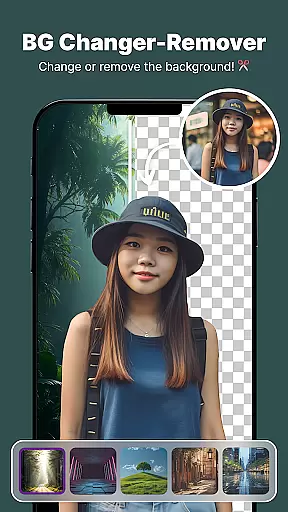
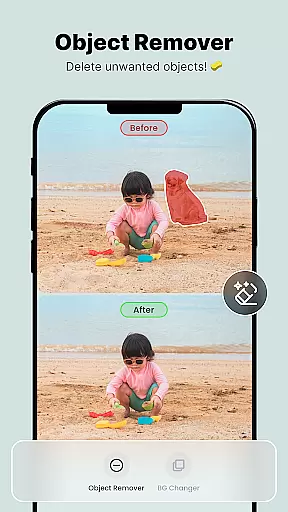
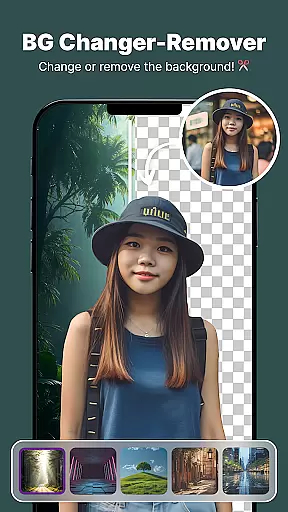
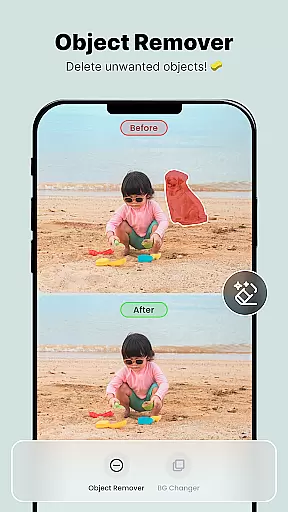
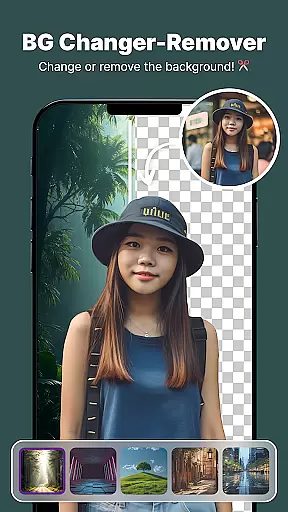
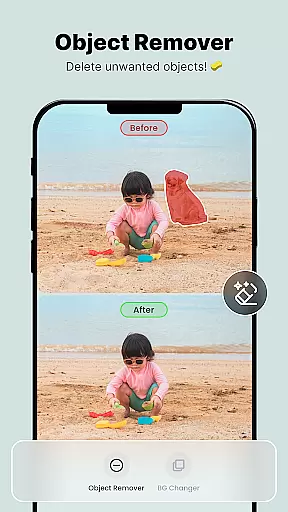
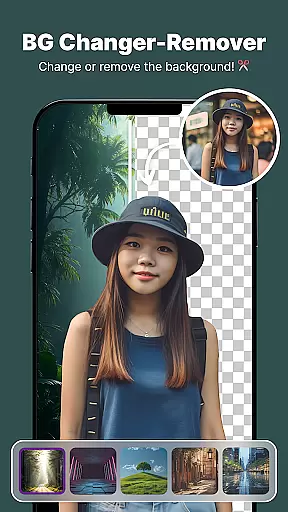
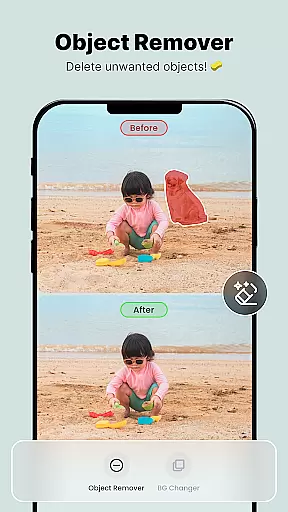
ShotCam is a comprehensive photo editing app designed to enhance your photography experience. This all-in-one editor allows users to sculpt body shapes, create stunning collages, and apply professional background effects effortlessly. Whether you're looking to blur the background for portrait photos or remove unwanted objects, ShotCam provides the necessary tools with precision.
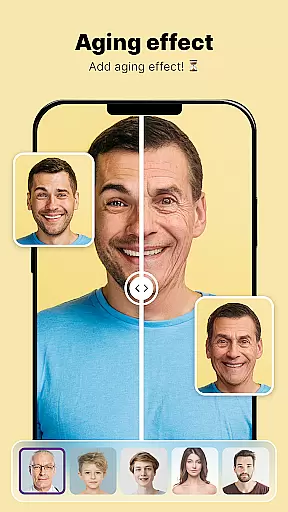
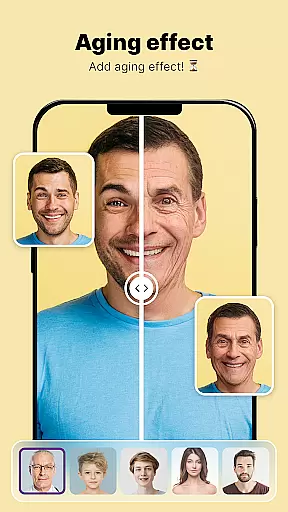
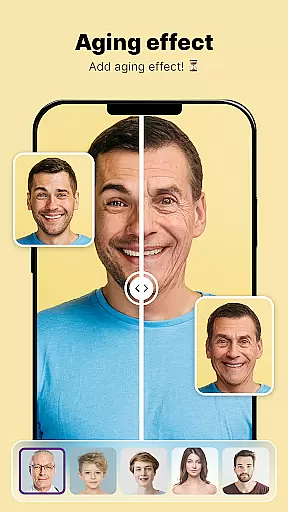
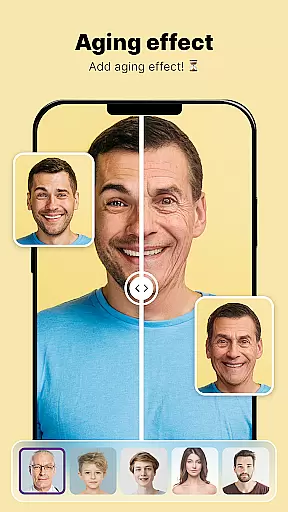
The app also features creative options like Aging Effects and Animate Photo, which bring your images to life by adding motion or showing future transformations. With an intuitive interface and advanced editing capabilities, ShotCam caters to both casual users and professional photographers who want flawless results quickly.
Perfect for social media enthusiasts and content creators, ShotCam ensures every photo stands out with its detailed editing tools and customizable options. From BG Changer to Body Shaper, this app transforms ordinary photos into extraordinary works of art.
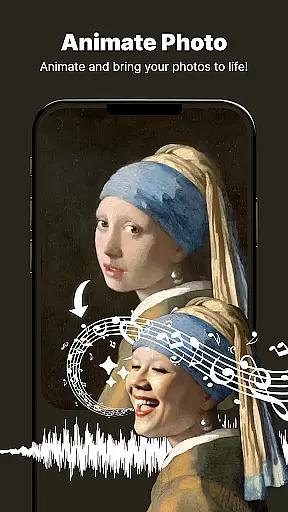
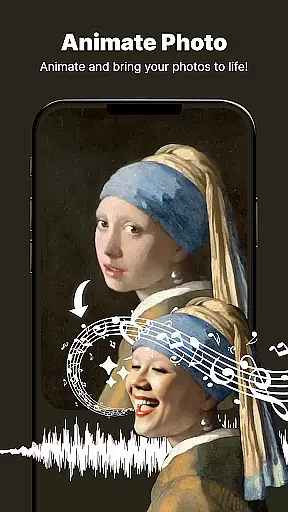
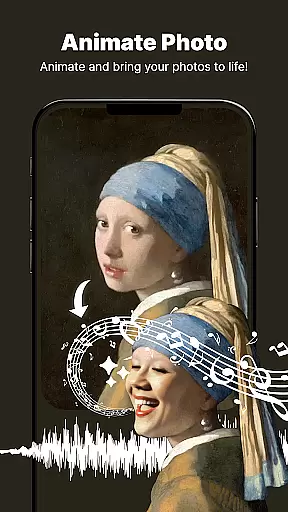
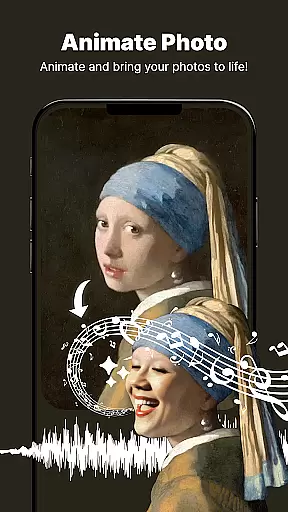
ShotCam offers a rich set of features tailored for diverse photo editing needs. One standout tool is the Animate Photo feature, which turns static images into dynamic animations with just a few taps. This functionality adds an exciting new dimension to your photos, making them more engaging and unique.
Another key feature is the Body Shaper tool, allowing users to fine-tune their body shape with precision. The Collage Maker lets you combine multiple photos into beautiful layouts, while the Background Changer helps replace unwanted backgrounds seamlessly. Additionally, the Object Remover tool cleans up distractions in photos effortlessly.
For those seeking creative flair, the Aging Effects and Background Blur provide artistic touches. These innovative features ensure that every photo looks polished and professional. With ShotCam's extensive toolkit, users can achieve high-quality edits without needing specialized skills.
Real-time capture and preview functionality is essential for ensuring that users can see the results of their photo edits instantly. This feature allows photographers and casual users alike to make adjustments on the fly, ensuring that every edit meets their expectations before finalizing.
ShotCam offers a seamless real-time editing experience by integrating powerful processing capabilities directly into the app's interface. As users apply filters, adjust settings, or use tools like Body Shaper and Background Blur, they can immediately see the impact of these changes on their images.
This instant feedback loop not only enhances user satisfaction but also significantly reduces the time spent on trial-and-error editing. By seeing how each modification affects the overall image quality in real time, users can achieve professional-grade results with minimal effort.
Ultimately, the real-time capture and preview feature empowers users to take full control of their creative process. Whether you're fine-tuning details or experimenting with bold artistic choices, this functionality ensures that your vision comes to life exactly as intended.
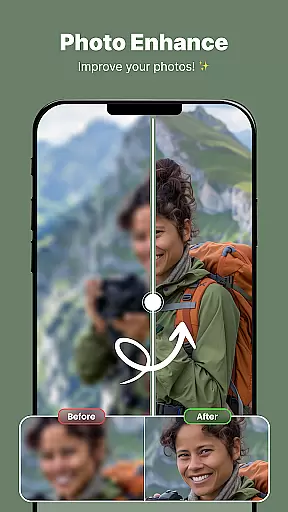
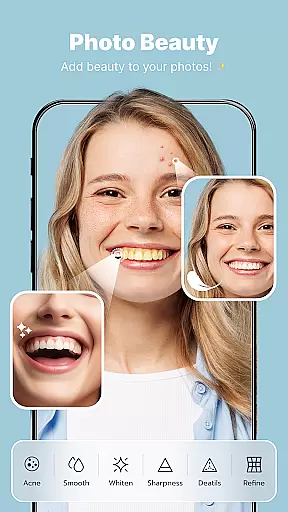
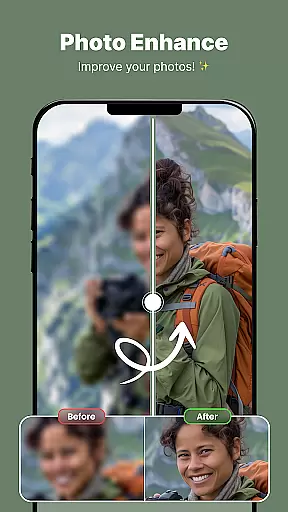
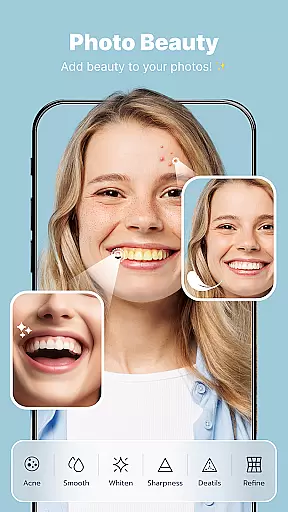
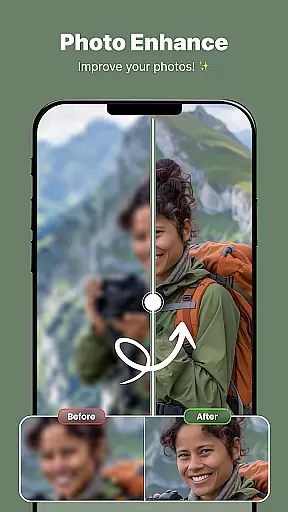
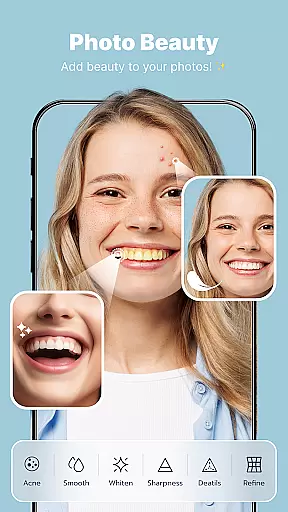
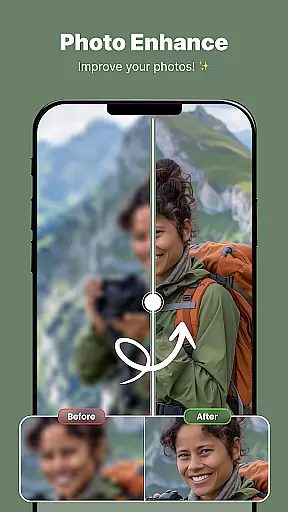
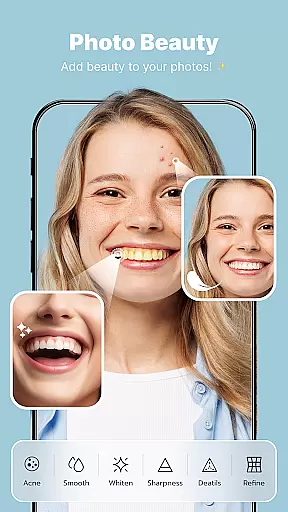
AI beauty and enhancement features are designed to elevate the aesthetic appeal of photos while maintaining a natural look. These tools leverage advanced algorithms to intelligently enhance facial features, skin texture, and overall image quality without appearing overly processed or artificial.
In ShotCam, AI-driven enhancements such as Aging Effects, Body Shaper, and Portrait Blur work harmoniously to deliver stunning yet believable results. For instance, when using the Aging Camera feature, the app carefully adjusts facial characteristics to simulate aging realistically, preserving unique traits and expressions.
The emphasis on naturalness extends to other editing tools like the Object Remover and Background Changer. By intelligently filling in removed objects or blending new backgrounds, the app ensures that edits remain undetectable, providing a polished finish that doesn't compromise authenticity.
By prioritizing natural-looking enhancements, ShotCam caters to users who value subtlety and realism in their photo edits. This approach not only boosts confidence in sharing edited photos but also sets a new standard for what mobile photo editing should achieve.
User-friendly interface
Wide range of editing tools
High-quality results
Creative animation features
Customizable collage options
May overwhelm beginners
Some features require premium access
Occasional performance lags
Limited free templates
Ads can be intrusive

Cut and paste photo editor & eraser to customize photos easy and swap faces fun
 4.50
4.50
Android Native system HD camera app. Never been so simple and faster.
4.70
Take videos and pictures with the popular TikTok TIME WARP SCAN filter.
4.60
Add a dreamy vibe to your selfies and videos with soft style filters
4.2
Easily create custom gifts, cards, photo books & more on the Shutterfly app!
4.60
Transform Photos: Edit, Beautify and Craft Memories & Make Collages!
4.10
Unblur, enhance & restore photos with powerful AI photo enhancer tools.
4.60
Professional camera app that brings DSLR manual photography controls to Android.
4.20
Unlock the full potential of your DJI drone with Litchi
4.50
Find time and duration of different sunlight phases at any location
4.90
Gallery show photo, video, slideshow, is perfect 3D effect private photo albums.
4.80
Photo editor: AI filters, photo enhancer, pic collage maker, AI art generator.
4.80
Enhance, upscale, and transform your images — on your device, without limits
4.70
Movie camera, supports pro recording settings for filming. Try it and be amazed!
4.50
Create & Edit with AI: AI Remove, Enhance, Retouch, Filter
4.10
The #1 app for B&W film developing featuring an advanced darkroom timer.
4.10
Catch sunlight, sunrise sunset times and sun phases with the AR sun tracker.
4.10
Pet Camera
3.70
An interval timer to automate photo taking process for timelapse
2.90


User Reviews