
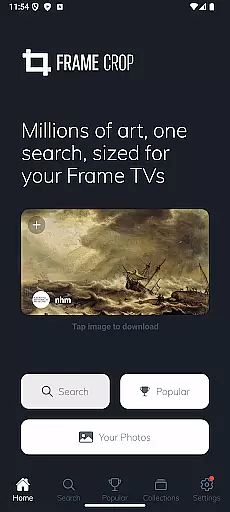
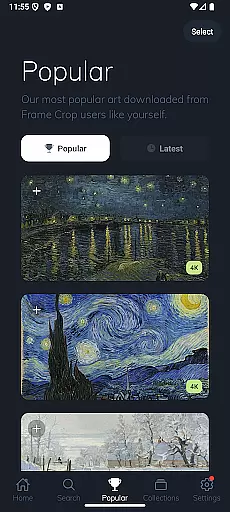
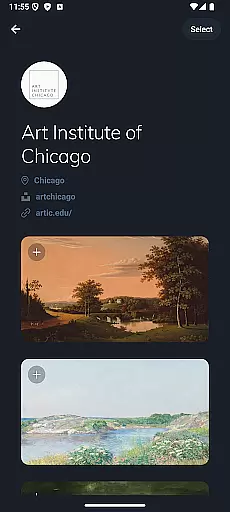
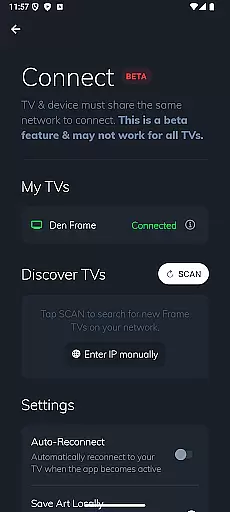
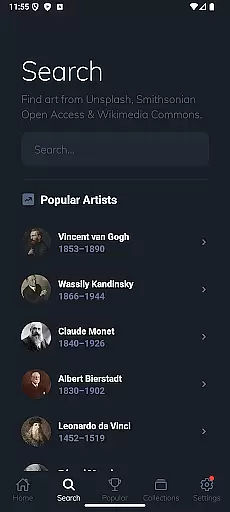
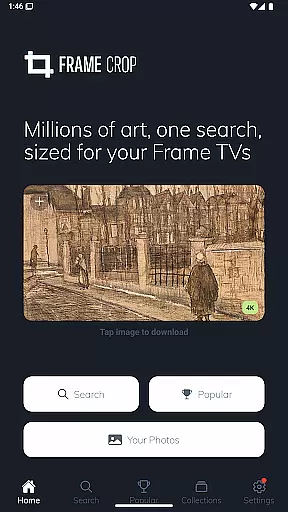
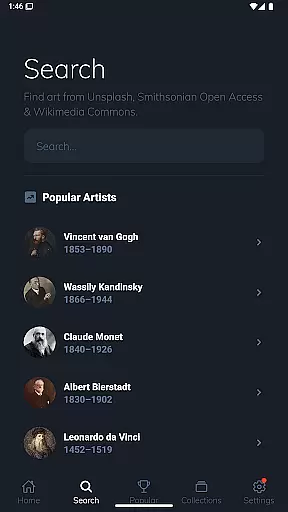
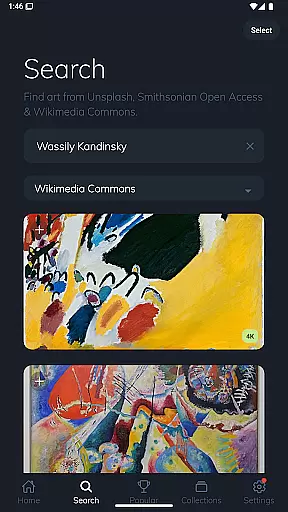
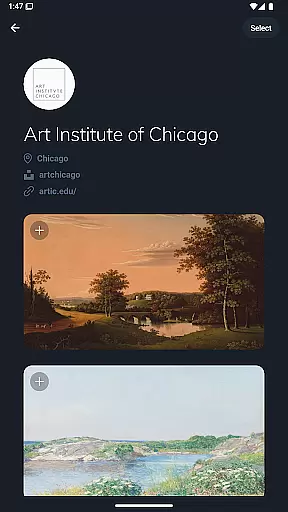
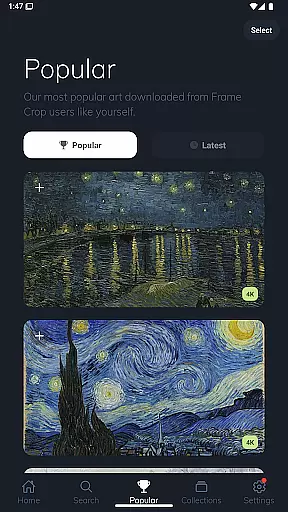
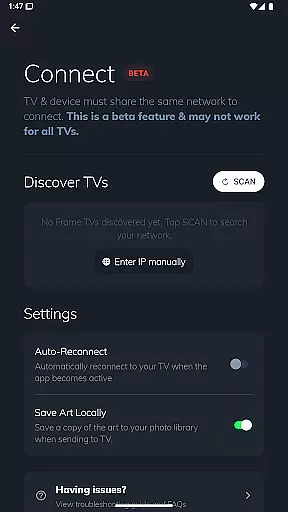
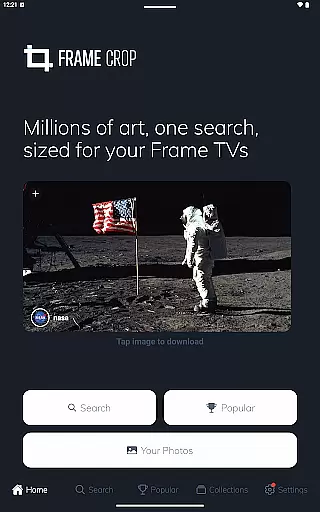
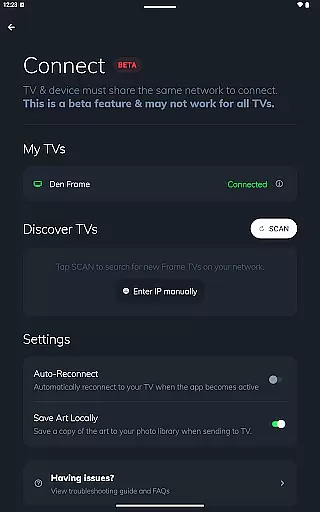
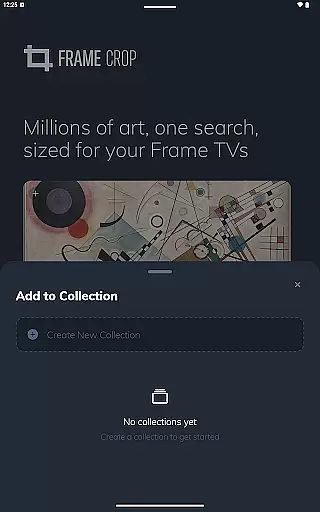
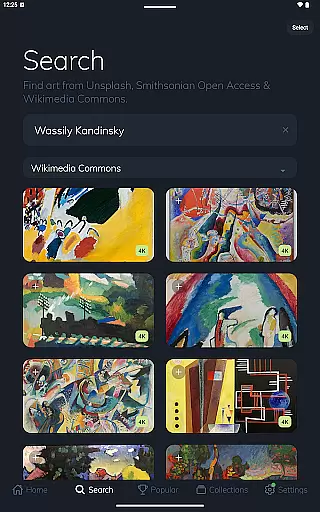
Frame Crop is a specialized application designed for Samsung Frame TV and Hisense CanvasTV owners who wish to enhance their viewing experience with personalized artwork. The app allows users to browse, crop, and download high-quality images from renowned libraries such as Smithsonian Open Access, Unsplash, and Wikimedia Commons. These images can be displayed on the borderless screens of Samsung Frame TVs or Hisense CanvasTVs, transforming them into digital art displays.
With intuitive cropping tools, users can adjust photos to fit their TV screens perfectly, whether in landscape or portrait orientation. This feature ensures that every image, from personal travel photos to professional paintings, is showcased in the best possible way. Frame Crop caters to those looking to match their home decor or mood by offering thousands of stunning, high-resolution images, making it easy to switch art using the SmartThings app for a dynamic and customized viewing experience.
Frame Crop stands out with its powerful yet user-friendly features tailored specifically for digital art enthusiasts. One of its key features is the intuitive photo cropping tool, which enables users to effortlessly adjust images to fit the unique aspect ratios of Samsung Frame TVs and Hisense CanvasTVs. This ensures that every piece of art, from family memories to breathtaking landscapes, is displayed without any distortion or loss of detail.
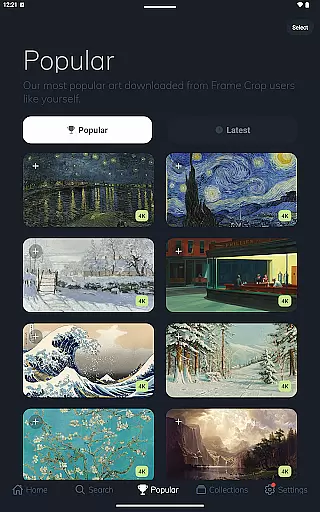
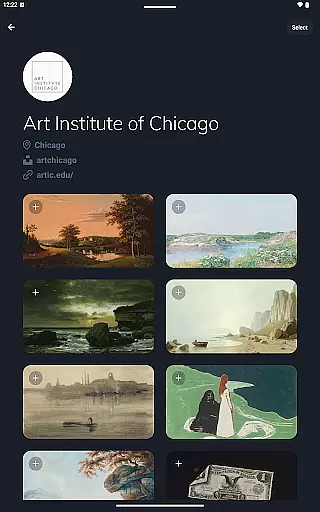
In addition to its robust cropping capabilities, Frame Crop offers access to an extensive library of artwork sourced from prestigious institutions like the Smithsonian and popular platforms such as Unsplash and Wikimedia Commons. Users can explore categories ranging from animals to abstract art, all in stunning high resolution. Furthermore, the app supports portrait-mounted TVs, providing even more flexibility in how art is displayed. With these features, Frame Crop empowers users to create a personalized and ever-changing gallery within their homes.
Real-time capture and preview functionality is essential for photography apps like Frame Crop. This feature allows users to see exactly how their selected artwork or personal photos will look on their Samsung Frame TV or Hisense CanvasTV before finalizing the display.
Frame Crop excels in this area by providing intuitive cropping tools that enable users to adjust images precisely to fit the unique borderless display of their TVs. The app supports both landscape and portrait orientations, ensuring that every piece of art looks its best regardless of the TV's mounting.
Users benefit from the ability to instantly preview changes, which enhances the creative process and ensures satisfaction with the final result. This real-time feedback loop empowers users to experiment with different compositions and aspect ratios without any guesswork.
The value of real-time capture and preview extends beyond convenience; it transforms the way users interact with digital art. By offering a seamless and responsive editing experience, Frame Crop elevates the enjoyment of curating personalized art displays, making it an indispensable tool for enhancing home aesthetics through technology.
AI beauty and enhancement features are becoming increasingly important in modern photography applications. For Frame Crop, these tools focus on optimizing artwork and photos specifically for display on high-end TVs like Samsung Frame and Hisense CanvasTV.
The application leverages advanced algorithms to enhance image quality while maintaining natural aesthetics. This includes intelligent color correction, detail sharpening, and resolution upscaling tailored for large-screen presentations. Unlike generic photo editors, Frame Crop's enhancements are designed to preserve the artistic integrity of original works.
Users gain significant advantages from these AI-powered enhancements. Professional artwork from Smithsonian Open Access and Unsplash appears more vibrant and detailed, while personal photos achieve gallery-quality presentation without appearing over-processed or artificial.
This careful balance between enhancement and authenticity sets Frame Crop apart from other photography apps. By prioritizing natural-looking results, the application ensures that displayed content maintains its intended emotional impact and visual appeal, whether showcasing family memories or masterpieces from renowned collections.
User-friendly interface
Extensive art library
Perfect image fitting
Supports portrait mode
High-resolution downloads
Limited to specific TVs
No offline editing
Premium content costs
Requires SmartThings
Internet connection needed

1M influencer's special filter
 4.60
4.60
Application for remote controlling DSLR
3.00
Viewfinder, Light meter, Reciprocity failure time, DOF & Bellows Extension
4.60
Create & Edit with AI: AI Remove, Enhance, Retouch, Filter
4.10
Superimpose one photo on top of another using the original Superimpose app!
3.20
The #1 app for B&W film developing featuring an advanced darkroom timer.
4.10
Movie camera, supports pro recording settings for filming. Try it and be amazed!
4.50
Remote control the phone camera shutter from your smartwatch and take a picture
1.60
Photo & Video Gallery app to manage albums and save WA Status easily.
4.70
Perfect body tune & face app - photo retouch, makeup, slim body & beautify face.
4.80
Your personal guide to the sun and moon. Plan ahead, visualize and predict!
4.70
Take videos and pictures with the popular TikTok TIME WARP SCAN filter.
4.60
Cut and paste photo editor & eraser to customize photos easy and swap faces fun
4.50
[3DSteroid Pro] is a stereoscopic application for Android.
4.30
Natural Beauty, Selfie Retouch
4.30
Smart, light, and fast photo and video gallery
4.30
All-in-One Editor & AI Photo Enhancer, Beautify & Retouch, Collage, Cartoonify
4.20
How would you look like with a differently shaped nose, chin or lips?
3.90
Create amazing frames with up to five photos. Rounded corners, effects and more!
3.60


User Reviews