
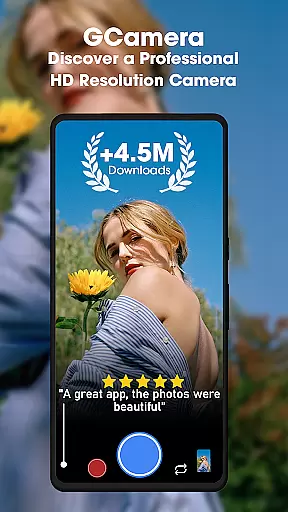
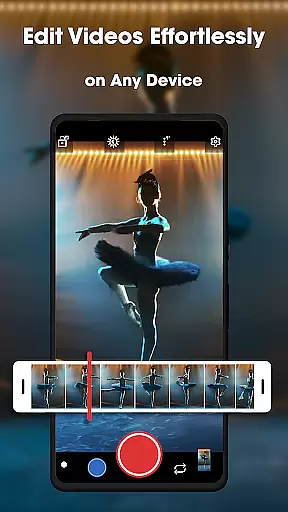
GCamera is a feature-rich photography app that transforms your smartphone into a professional-grade digital camera. With advanced modes like HDR+, Night Sight, and Astrophotography, it ensures stunning image quality in any lighting condition. Whether you're capturing landscapes, portraits, or starry skies, GCamera delivers vibrant colors, sharp details, and impeccable dynamic range.
The app also includes Portrait Mode for artistic bokeh effects and an intuitive user interface that makes professional-quality photography accessible to everyone. Perfect for both amateur enthusiasts and seasoned photographers, GCamera empowers users to create visually striking images with ease.
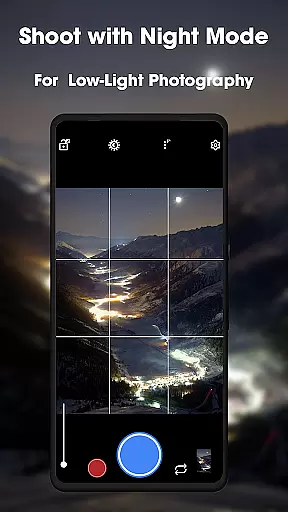
GCamera stands out with its diverse shooting modes tailored for various scenarios. The HDR+ mode combines multiple shots using advanced algorithms to produce images with enhanced color accuracy and dynamic range, making it ideal for outdoor photography. Night Sight revolutionizes low-light photography by capturing clear, detailed photos even in near-dark conditions.
Astrophotography mode allows users to capture the night sky in all its glory, from stars to galaxies, while Portrait Mode creates professional-looking portraits with blurred backgrounds. Additionally, the app's HD Camera Performance ensures every photo is crisp and vibrant, rivaling standalone digital cameras. These features collectively make GCamera a versatile tool for elevating your photography game.
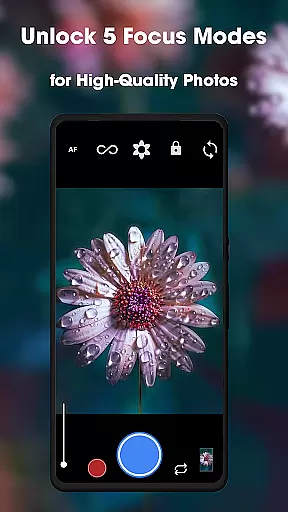
Real-time capture and preview functionality is essential for any photography app, allowing users to see exactly what the camera sees before taking a shot. GCamera excels in this area by providing an intuitive interface that displays accurate colors, lighting, and details as they appear in real time.
The app achieves this through advanced processing algorithms that adjust exposure, white balance, and focus instantly. This ensures that every frame presented on the screen reflects the true environment, giving photographers confidence in their composition. Whether shooting in bright daylight or challenging low-light conditions, GCamera's real-time preview remains reliable.
For users, this feature translates into greater creative control. By seeing precisely how different settings will affect the final image, they can make informed decisions about framing, angles, and timing. This eliminates guesswork and enhances the overall quality of photos captured with the app.
Ultimately, GCamera's real-time capture and preview capability empowers both amateur enthusiasts and professional photographers to achieve consistent results while enjoying a seamless user experience.
AI-powered beauty and enhancement tools have become a cornerstone of modern photography apps, offering users the ability to refine images without compromising natural aesthetics. GCamera stands out by integrating sophisticated AI algorithms that enhance facial features, skin tones, and overall image clarity in a subtle yet impactful way.
The app avoids over-processing, which often leads to unnatural results. Instead, it intelligently identifies key elements such as eyes, lips, and skin texture, applying enhancements that preserve authenticity. For instance, its AI can smooth imperfections while retaining fine details like freckles or pores, ensuring subjects look polished but not artificial.
This approach benefits users who seek professional-grade edits without extensive manual adjustments. From portrait mode shots to group selfies, GCamera delivers consistently high-quality results that feel genuine rather than overly edited. The balance between enhancement and realism sets the app apart from competitors.
By prioritizing naturalness in AI-driven enhancements, GCamera caters to diverse user preferences, making it an ideal choice for anyone looking to elevate their photography while maintaining true-to-life visuals.
User-friendly interface
Advanced HDR+ technology
Excellent low-light performance
Versatile shooting options
Professional-quality results
May drain battery faster
Requires high-end device
Occasional processing delays
Limited manual controls
Not all features work on every phone

Remote control of the phone camera from your Wear OS smartwatch
 3.70
3.70
Photo Album Watch Face shows your favorite pictures as a Watchface.
1.90
Perfect photos with body shaping, BG changer and object remover.
3.70
Safe & smart flight with Go Fly drone controller for 40+ drone camera, zone map
4.50
Photobooth mini FULL app will allow you to add more fun to your parties
4.00
The #1 app for B&W film developing featuring an advanced darkroom timer.
4.10
Professional quality photo edits with the new Snapseed.
4.00
Easily view, share, delete photos with Gallery.
4.70
Enhance, upscale, and transform your images — on your device, without limits
4.70
Your personal guide to the sun and moon. Plan ahead, visualize and predict!
4.70
Discover & download millions of art for The Frame TV or Hisense CanvasTV
4.60
AI photo editor with hair editor, retouch tools, hair color changer & filters!
4.50
Create Business Headshots, Polaroid Filter, Retake Photos,Profile Pics,AI Photos
4.50
Photo Exif Editor allows to view, add and modify EXIF data of multiple photos
4.50
Professional photography on your mobile phone
4.20
What celebrity do you look like? Celebs will find your celebrity match!
4.10
Catch sunlight, sunrise sunset times and sun phases with the AR sun tracker.
4.10
Astrophotography with your smartphone, photo live stacking and much more!
3.90
Application for remote controlling DSLR
3.00


User Reviews