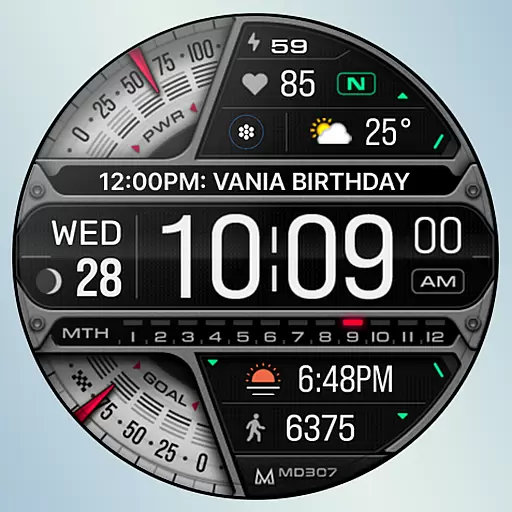
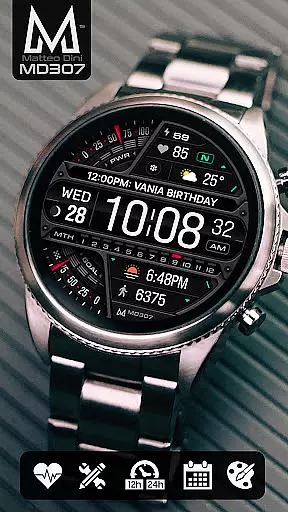
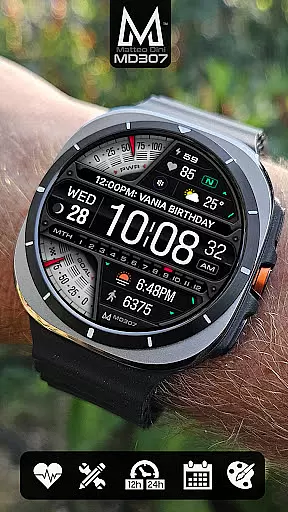
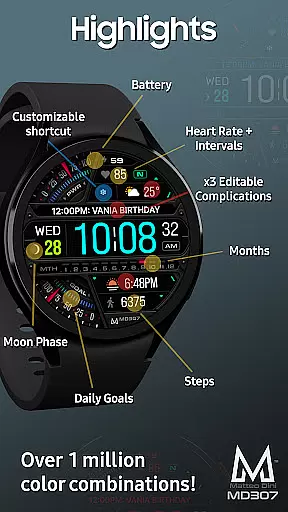
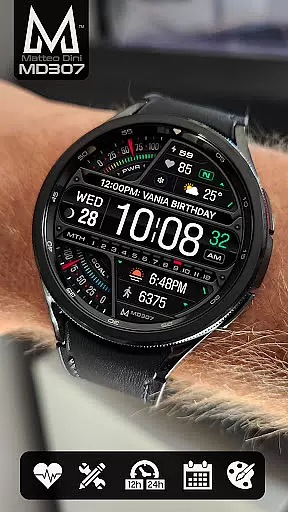
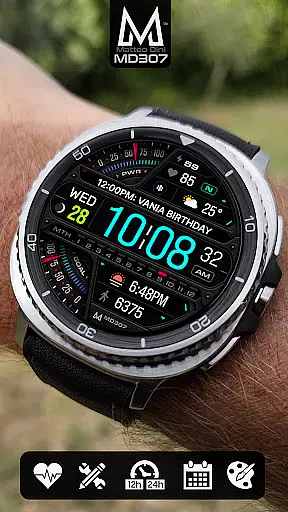
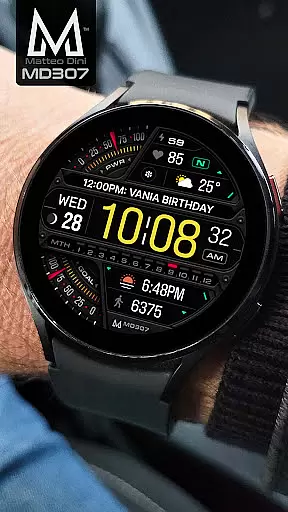
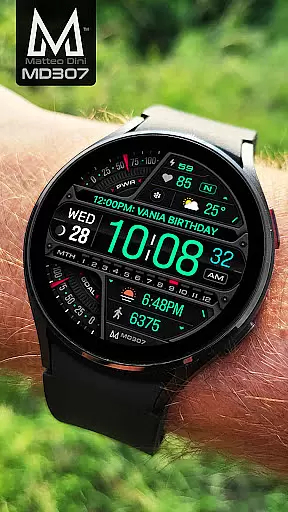
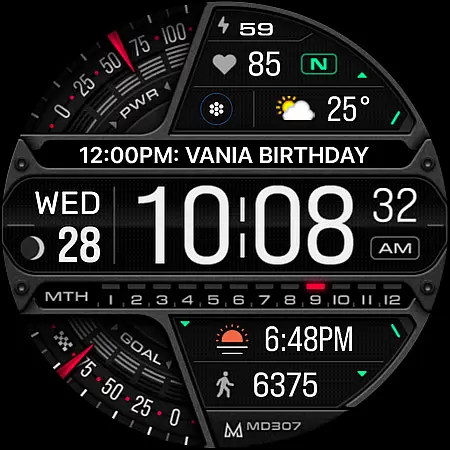
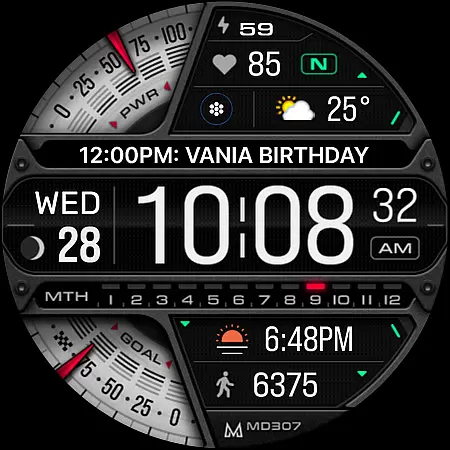
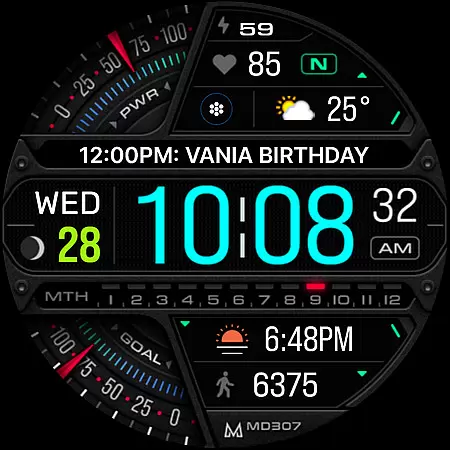
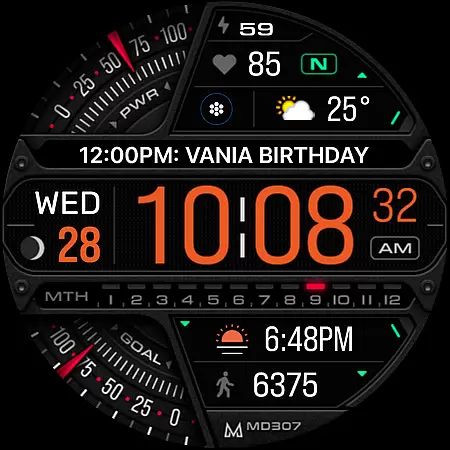
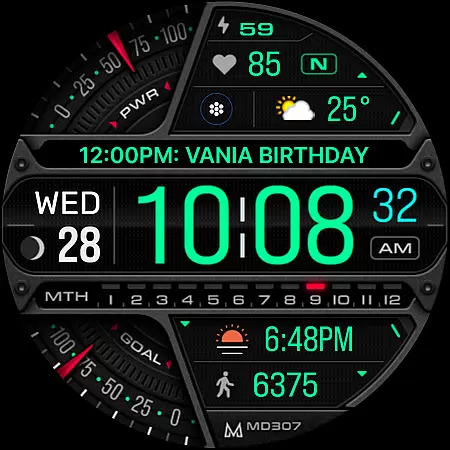
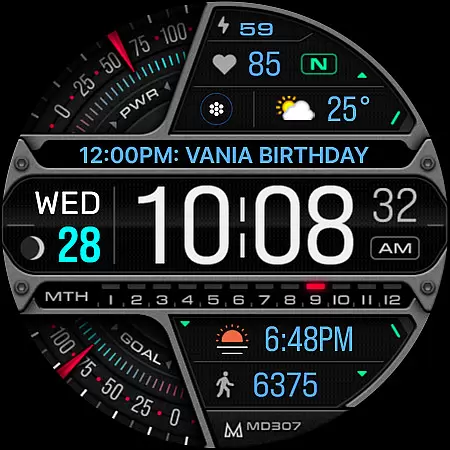
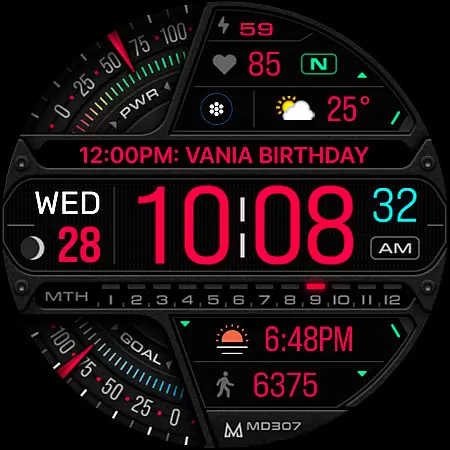
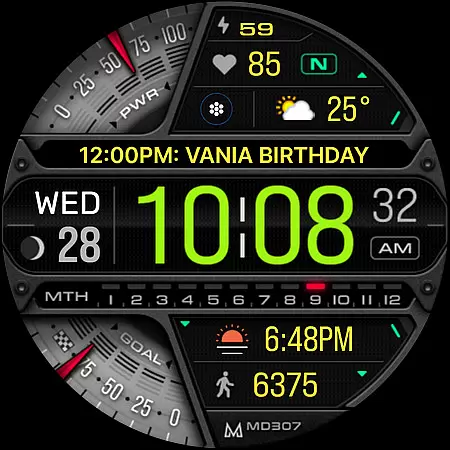
MD307 Digital watch face offers a feature-rich customization experience for Wear OS users. It includes 3 preset app shortcuts, 1 customizable shortcut, moon phase, steps tracker, daily goals, heart rate monitor, and 3 customizable complications. The design supports Always ON Display with changeable colors, ensuring both functionality and personalization.
This watch face is compatible with all Wear OS devices running API Level 33+ (Wear OS 4 and later), including Samsung Galaxy Watch 4-8, Ultra, and Pixel Watch. Users can customize the watch face directly on their device to bypass editor issues in the Samsung Wearable app.
The MD307 Digital watch face stands out with its extensive customization options. Users can modify time formats (12/24hr), display date, moon phase, battery status, heart rate with intervals, step count, and daily goals. The inclusion of 3 preset app shortcuts (Calendar, Battery, Measure HR) and 1 customizable shortcut enhances usability.
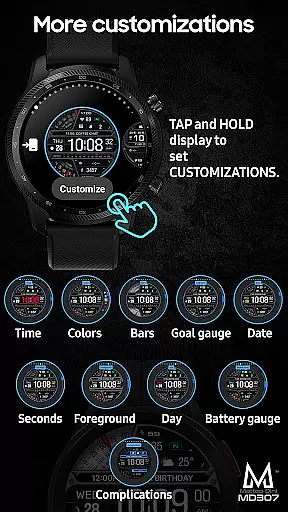
One of the key features is the ability to personalize the appearance. Users can change colors of various elements such as time, date, day, seconds, foreground, bars, goal, and battery gauges. With support for Always ON Display and minimal style, this watch face combines aesthetics with practicality.
Companion app integration is essential for a seamless smartwatch experience. The MD307 Digital watch face offers users the ability to customize their watch face directly on their device, providing a user-friendly solution while Samsung addresses issues with the watch face editor in the Samsung Wearable app.
This digital watch face supports all Wear OS devices with API Level 33+ including Samsung Galaxy Watch 4-8, Ultra, and Pixel Watch. Users can enjoy features such as 12/24hr digital time, date, moon phase, battery status, heart rate monitoring, step counting, and daily goals without needing to rely on a companion app for basic functionality.
For advanced customization, users are encouraged to tap and hold the screen on their watch and select the customize option. This method allows access to changeable colors and settings for complications, ensuring that personal preferences for data display are met without the need for an additional app interface.
The direct-on-device customization ensures that users have a reliable way to personalize their watch face experience, maintaining functionality and aesthetic preferences even when companion app solutions are not optimal.
Ensuring broad device compatibility is crucial for any Wear OS application. The MD307 Digital watch face is designed to support all Wear OS devices with API Level 33+, which includes popular models like the Samsung Galaxy Watch series and Pixel Watch.
With this compatibility, users can take advantage of features such as 12/24hr digital time display, date, moon phase tracking, battery indicators, heart rate monitoring with intervals, step counting, and goal setting. These features are accessible across supported devices, delivering a consistent user experience.
In addition to basic functionalities, the watch face offers three preset app shortcuts and one customizable shortcut, along with three customizable complications. This flexibility allows users to tailor their watch face to display preferred data types, such as weather or time zones, regardless of their specific Wear OS device model.
By focusing on wide-ranging compatibility, the MD307 Digital watch face ensures that users can enjoy a personalized and feature-rich experience on their chosen smartwatch platform without worrying about device limitations.
Highly customizable
Feature-packed design
Always ON Display
Wide device compatibility
User-friendly shortcuts
Complex setup process
Editor loading issues
Limited feature availability
Requires newer OS
Customization learning curve

A Wintery Snow Globe on Your Wrist; now celebrating Christmas!
 4.5
4.5
A heartwarming Christmas scene featuring a cute image of Santa and Rudolf
4.4
Wear Os Watch Face - Animated Snow Effect & Magic Spark - 6 Scenes
4.10
Connect to your Bluelink equipped Hyundai vehicle from your smartphone.
4.50
Reliable phone calls with spam protection, caller ID and more helpful features
4.40
The Chevron App allows you to pay for fuel from the comfort of your car!
4.80
A digital watch face that celebrates Christmas.
4.00
Animated video-game inspired “secret agent” simulation, right on your wrist!
4.20
Your music, your playlists, and more—offline and unlimited.
4.20
Highly customizable hybrid watch face for Wear OS, perfect for everyday use.
4.60
Rose gold watch face with festive lights & customizable features.
4.60
Kia Access makes getting your vehicle information easier than ever
4.60
Monitor health with the stress test and pulse checker in the heart rate app.
4.60
Find EV charging stations
4.30
Daily Weather forecast with 15 weather images for Day & Night plus Big Bold time
4.10
Animated Watch Face and Customizable with 24 Backgrounds. Perfect for Christmas!
3.90
Authentic military-tactical design with ZULU time! Realistic and functional!
3.80
A watch face that fuses motorsport precision with contemporary smartwatch design
4.0
Stunning modern digital watch face with 7 complications and strong contrast
4.4


User Reviews