
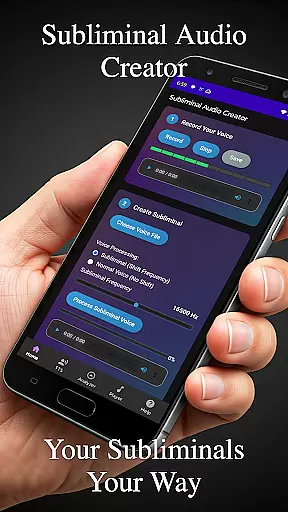
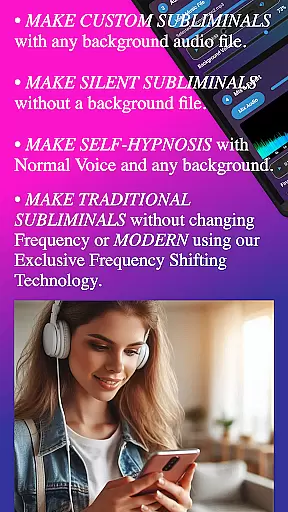
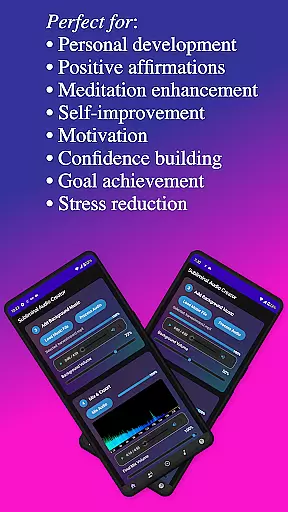
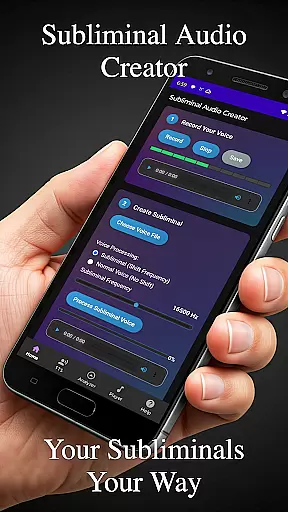
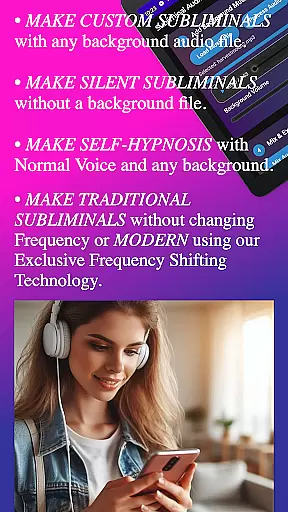
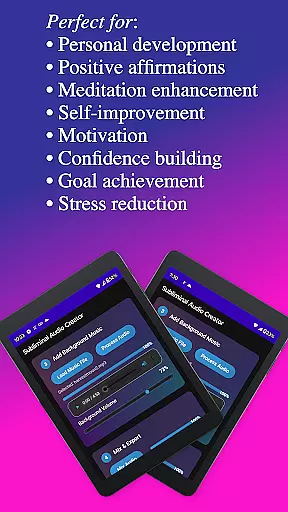
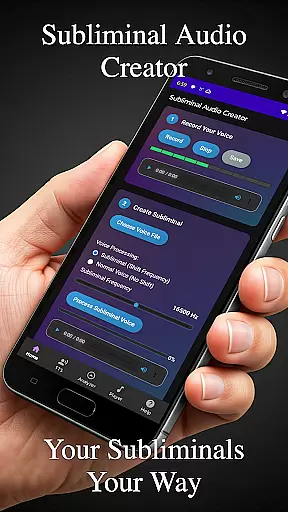
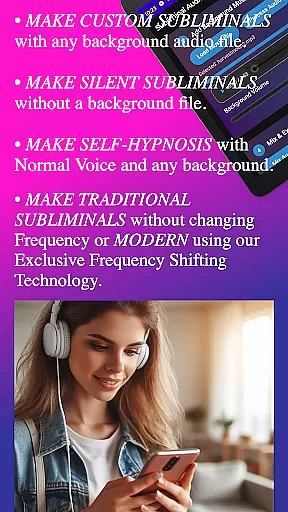
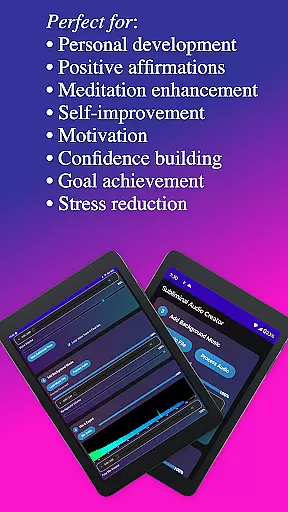
Subliminal Audio Creator is a comprehensive tool designed for creating personalized subliminal audio tracks, self-hypnosis recordings, and meditation music. This professional-grade app allows users to craft high-quality audio files by combining voice recordings or text-to-speech affirmations with background music or ambient sounds. Perfect for those interested in positive affirmations, self-improvement, meditation enhancement, motivation boosting, and personal development.
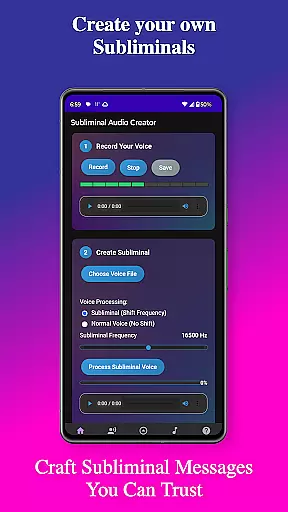
The app features an intuitive interface that guides users through the creation process step-by-step, ensuring ease of use even for beginners. With advanced controls for adjusting frequencies and volumes, real-time audio analysis tools, and support for both MP3 and WAV formats, Subliminal Audio Creator offers everything needed to produce professional-quality subliminal messages. Additionally, its compatibility with Chromecast devices and Bluetooth speakers provides flexible listening options.
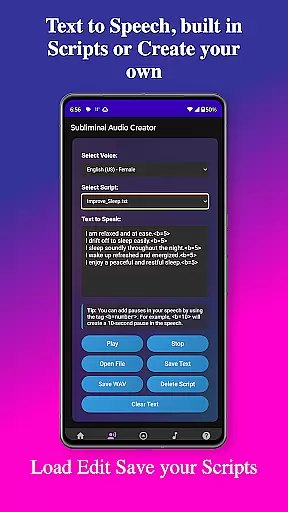
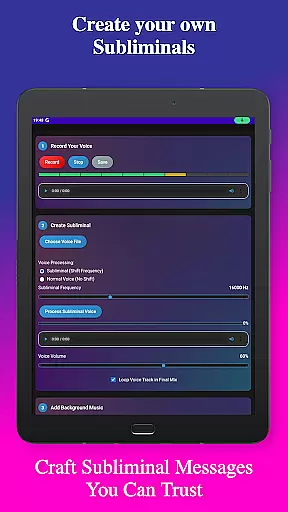
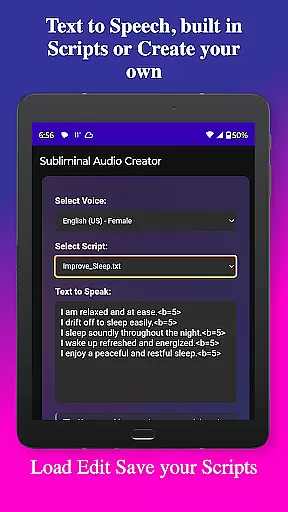
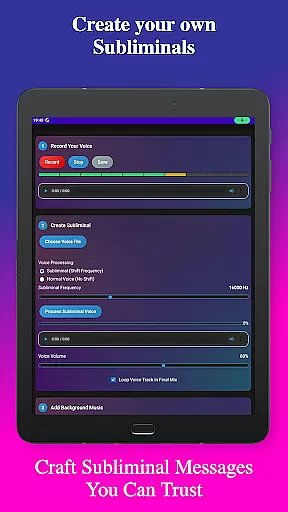
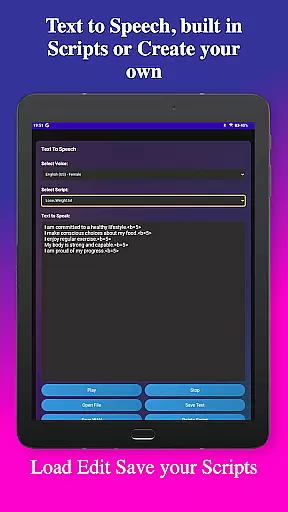
Subliminal Audio Creator stands out with its robust feature set tailored for both casual users and professionals. The app includes voice recording capabilities with crystal-clear audio quality, allowing users to record, preview, and save their own affirmations. For those preferring text-based input, the text-to-speech function offers multiple voice options and customizable pauses between affirmations, enhancing the personalization of each track.
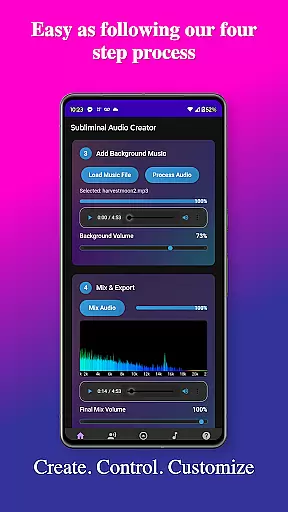
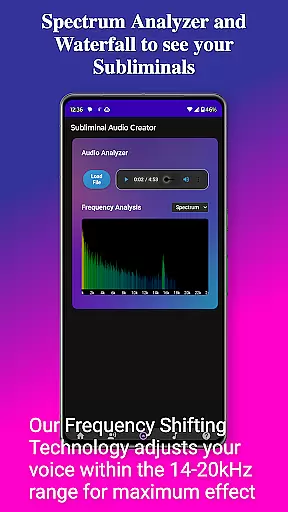
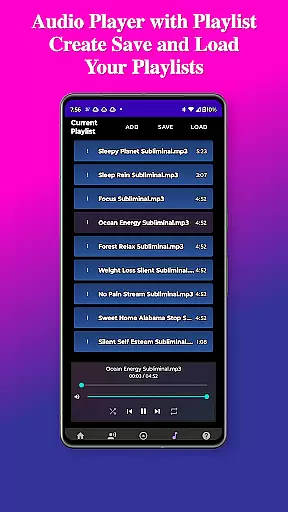
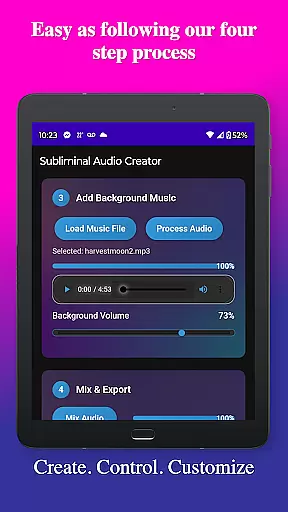
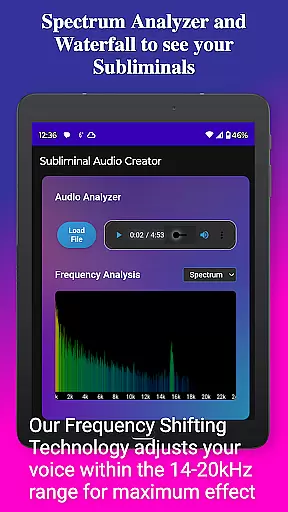
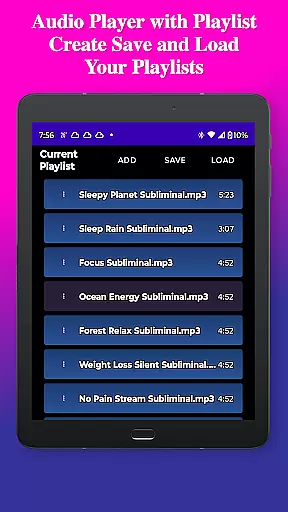
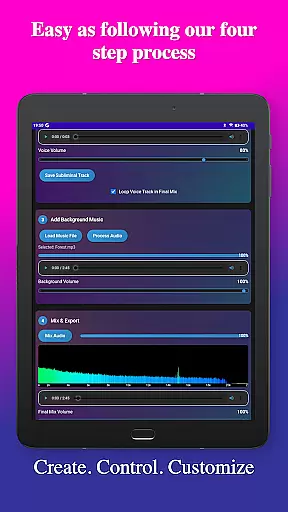
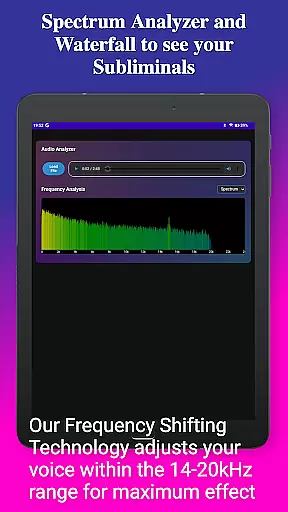
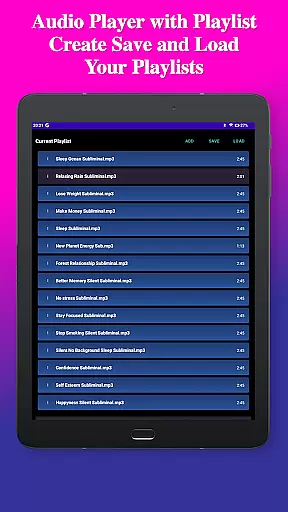
Beyond basic recording, the app provides powerful mixing tools. Users can blend affirmations with included background tracks or their own music, adjusting volumes independently for optimal balance. The built-in audio analyzer with real-time frequency spectrum visualization ensures precise control over subliminal frequencies, while advanced controls allow fine-tuning of audio parameters. Playback features include a full-featured MP3 player with playlist support and Google Cast integration, making it easy to enjoy creations on various devices.
Personalized planning in the realm of subliminal audio creation involves tailoring affirmations and audio tracks to meet individual needs. Subliminal Audio Creator offers this through customizable voice recordings and text-to-speech features, allowing users to craft messages that resonate with their personal development goals.
The app's ability to adjust subliminal frequencies and mix background music with affirmations provides a personalized experience. Users can fine-tune volumes and add pauses between affirmations, ensuring each track aligns with their specific requirements for meditation enhancement or motivation boosting.
With pre-written scripts and the option to write custom ones, users gain control over their self-improvement journey. The built-in audio analyzer further supports personalized planning by enabling users to visualize frequencies and maintain quality assurance, making certain each audio file is optimized for its intended purpose.
Progress visualization is crucial for users engaged in personal transformation, and Subliminal Audio Creator excels in this area with its real-time frequency spectrum analyzer. This feature allows users to visually monitor the audio frequencies of their subliminal tracks, providing clear feedback on the effectiveness of their creations.
The waterfall display adds another layer of progress tracking, offering detailed visualizations that help users understand how different elements of their audio mixes interact. By verifying subliminal frequencies and monitoring audio quality, users can ensure their tracks are mixed correctly for manifestation and personal growth.
Additionally, the app's organized file structure and project management capabilities contribute to progress visualization. As users create and save their projects, they can easily track their development over time, accessing previous works to assess improvement and adjust future audio creations accordingly.
User-friendly interface
High-quality audio output
Flexible customization options
Comprehensive feature set
No ads or subscriptions
Requires storage permission
Microphone access needed
Limited free version
Advanced features may overwhelm beginners
Specific hardware requirements

Live Heart Rate Pro - Real Time Heart & Workout Data For Wear OS & Bluetooth BLE
 3.20
3.20
Text notifications, button control, heart monitor & more for your Amazfit.
2.40
Chair Workout: Women's Edition for safe, flexible, and personalized fitness.
4.40
Sync your activities of the most popular sports tracking services
2.70
Effortlessly and naturally release anxiety by harnessing the power of your brain
4.60
Relax. Sleep Better. Feel Better.
4.50
3D Body Measurement System
3.60
Your personal BP tracking companion, focus on helping you achieve wellness goal.
4.10
Comprehensively record and manage your health
4.50
Weight loss app: home workout for women to lose weight & burn calories.
4.80
Protect your healthy sleep
4.80
Easy to use step counter, calorie counter helps lose weight, count steps offline
4.80
A brain game that moves you
4.70
Memory, mind & logic exercises. Puzzle games, IQ & brain test for kids & adults
4.50
Pilates, Calisthenics, Yoga
4.50
Raccoon AI Calorie Counter. Intermittent Fasting & Timer. Macro, Carb, Protein
4.50
Eat smarter with Eato, your personal calorie counter and nutrition tracker!
4.40
Make sense of your health data.
3.80
Control your sleep in real-time wearing Garmin device
3.60


User Reviews