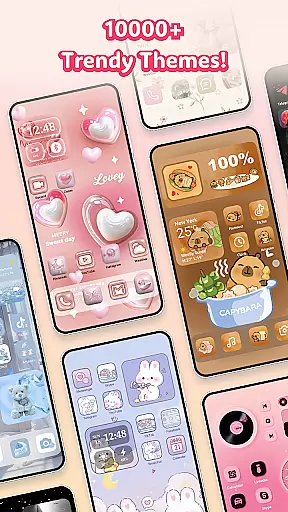
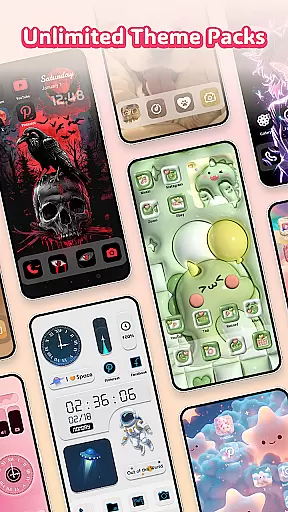
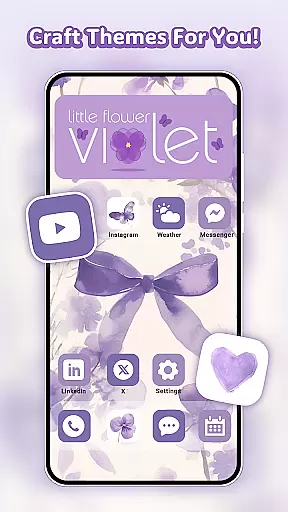
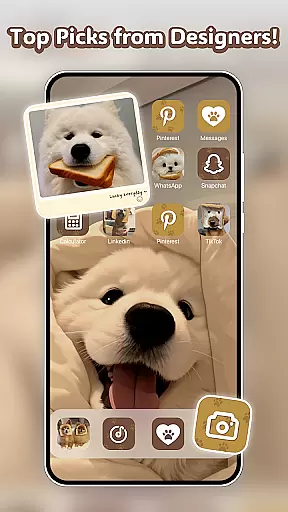
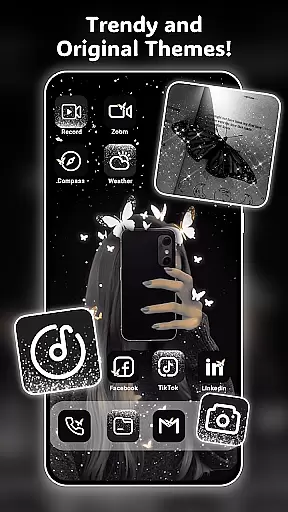
Themely - Icons & Widgets is a comprehensive personalization app designed to transform your Android device's interface. With over 10,000 live 3D themes, HD wallpapers, and customizable widgets, it offers endless possibilities for home screen customization. The app supports diverse styles including cute, neon, anime, and K-pop themes, allowing users to express their unique personality through their device.
Beyond aesthetic enhancements, Themely provides practical features like DIY widgets and icon customization. Users can create personalized battery indicators, dynamic image effects, and functional widgets such as calendars and weather displays. The app's intuitive design ensures easy implementation of these customizations while maintaining system compatibility and performance.
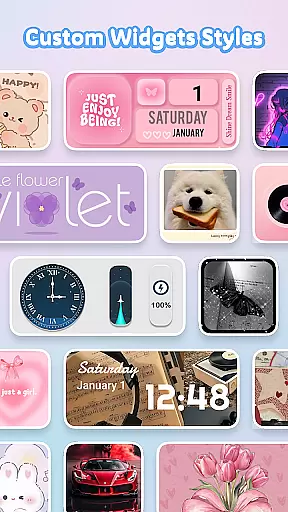
Themely stands out with its extensive collection of 1,000+ custom widgets that go beyond basic functionality. These include live battery indicators, dynamic image effects, and various practical widgets like control panels, calendars, and weather displays. Each widget can be personalized using gallery images, creating truly unique home screen elements.
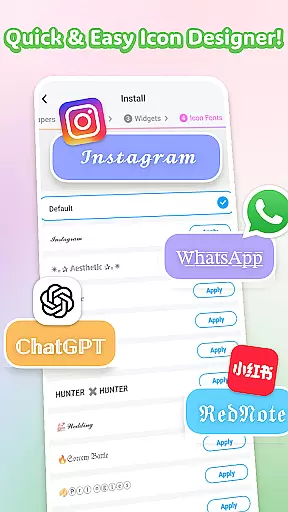
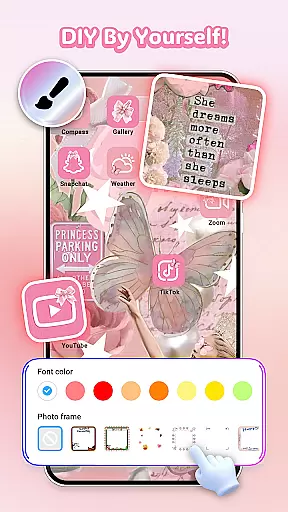
The app's DIY icon feature enables users to modify social media icons with different styles, fonts, colors, and transparency levels. This level of customization extends to wallpapers and themes, where users can choose from professionally designed options spanning various categories including sports, holidays, and pop culture references. The one-click replacement system makes applying these customizations quick and efficient.
Themely - Icons & Widgets offers an extensive range of customization options that cater to diverse user preferences. With over 10,000 live 3D themes, HD wallpapers, and unique stickers, users can personalize their Android devices in countless ways.
The app includes more than 1,000 custom widgets, such as live battery indicators, dynamic image effects, and functional widgets for calendars, clocks, and weather. These widgets not only enhance the visual appeal but also improve the usability of your device.
Users can enjoy unparalleled DIY freedom with customizable icons. The app provides various icon styles, fonts, colors, and transparency levels, allowing you to create distinctive icons that match your favorite apps perfectly.
This vast array of customization choices ensures that every user can tailor their device to reflect their personal style and preferences, making Themely a top choice for home screen personalization.
Themely - Icons & Widgets excels in theme compatibility, ensuring that all its offerings blend seamlessly with various Android devices. Whether you prefer puffy, cute, neon, sports, anime, or K-pop styles, the app's themes are designed to be versatile and adaptable.
The app supports aesthetic HD wallpapers and specialized themes like Christmas and Halloween, providing one-click additions that save time and effort. This compatibility extends to DIY widgets and icons, which integrate smoothly with your deviceu2019s existing interface.
Each theme is crafted by top designers, guaranteeing high-quality visuals and functionality. The attention to detail ensures that whether you choose a circle or rectangle widget, it will fit perfectly on your screen without any glitches.
By focusing on compatibility, Themely ensures that users experience a cohesive and visually pleasing environment on their devices, enhancing both aesthetics and performance.
Extensive theme library
Customizable widgets
User-friendly interface
Regular updates
Professional designs
Requires permissions
Premium content
May affect performance
Limited iOS support
Learning curve

3D, live, and moving wallpapers & themes in 4K and HD for your device.
 4.50
4.50
Adult video chat, dating, making friends, random matching
4.20
Gun Chase - Let the chase begin.
4.80
More than 3000+ themes and 9000+ wallpapers for everybody!
4.10
Romantic Kiss Stickers App. Start romantic messaging now!
4.30
Icons made of colorful linear lines
4.60
Create unique, fun emojis with Funny Emoji Maker! Unlimited creativity!
4.00
Magic fluids wallpaper 4D: Relax with stunning fluid simulation wallpaper app
4.20
Install amazing sticker packs: endless styles, always cool.
4.70
Ultra realistic high quality analog watch face for Wear OS.
4.60
A retro cartoon style watch face and a punch right in the face of the copyright
4.60
Add cute Shimeji pets to screen, interact with them and relax with cute motions
4.60
Color phone with cool effects for call screen, flash alert & ringtones music
4.50
Vibrant Adaptive Icons with Material You and Enhanced Monet Colors.
4.50
Yandex Browser — stylish and secure, with voice search and data compression
4.40
Run multiple accounts of the same app on a single device
4.10
Design your screen with unique, vibrant clocks
3.80
Transform your phone with stunning video wallpapers and a unique, personal touch
3.80
Custom edge gestures for volume control, brightness, apps, and shortcuts.
4.5


User Reviews