
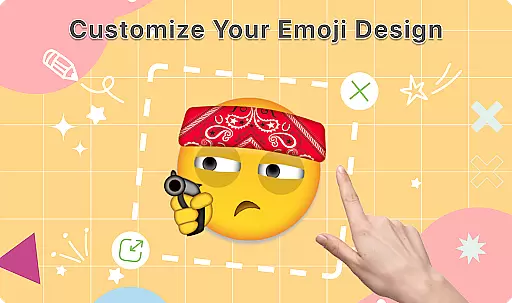
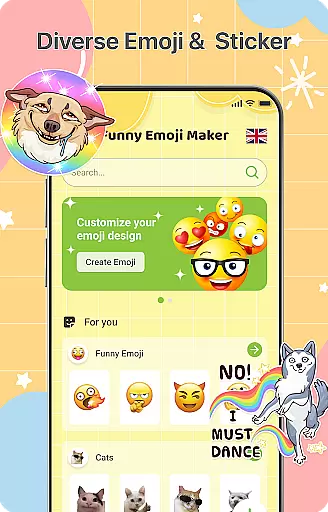
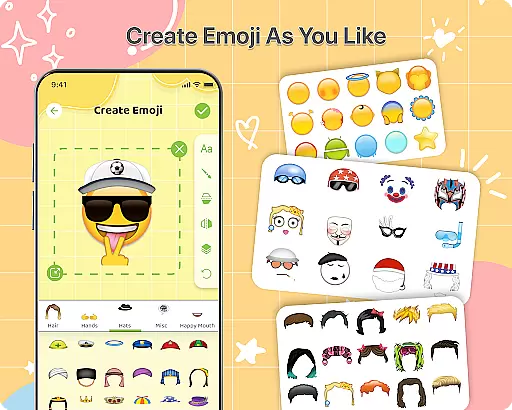
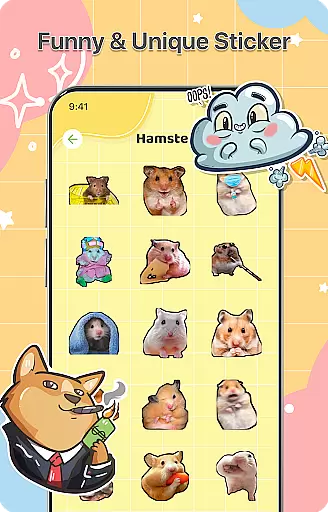
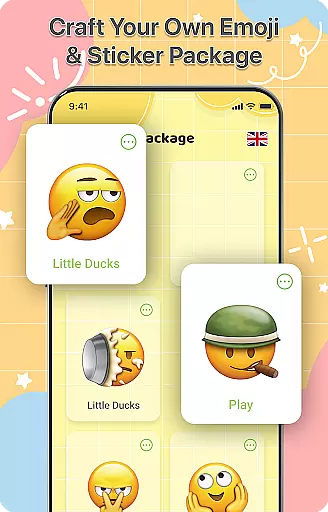
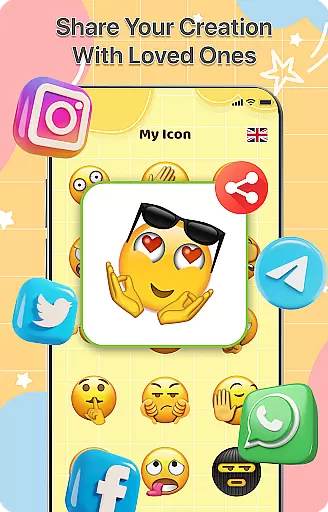
DIY Emoji is a creative personalization app that allows users to design their own unique emojis. With over 500 accessories including eyes, mouths, hats, and glasses, the app provides endless customization options. Users can flip elements, draw details, add text with various fonts, and layer components for perfect emoji designs.
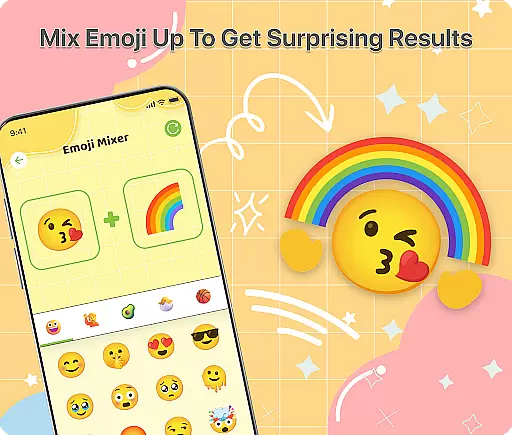
The app also features an innovative Emoji Mixer that lets users combine any two emojis into funny and unique combinations. The built-in Emoji Library helps manage and store all custom creations, making it easy to search and access favorite emojis quickly. Regular updates ensure new accessories are added frequently, keeping the content fresh and engaging.
This app is perfect for those looking to express themselves uniquely in chats. Whether you want to boost your conversations with personalized emojis or simply enjoy a fun creative outlet, DIY Emoji offers unlimited possibilities for creativity.
DIY Emoji stands out with its comprehensive set of features designed to maximize user creativity. The Emoji Maker tool includes over 500 accessories such as eyes, mouths, hats, and glasses, allowing users to customize every detail of their emojis. Unique effects can be achieved by flipping elements, while drawing tools provide additional personalization options.
Users can add text with cool fonts and colors, enhancing the expressiveness of their emojis. The layering feature enables precise design control, ensuring each emoji looks perfect. The Emoji Mixer adds another dimension of creativity by allowing users to blend any two emojis into quirky combinations, offering limitless possibilities for unique creations.
The Emoji Library is an efficient management system where users can store and organize their emojis. Quick search functionality makes accessing favorite emojis fast and easy. Frequent updates bring new accessories and emotes, ensuring the app remains fresh and exciting. These features collectively make DIY Emoji a top choice for anyone interested in personalizing their digital communication.
Customization is at the heart of DIY Emoji, offering users a vast array of options to express their creativity. With over 500 accessories including eyes, mouths, hats, and glasses, the app allows for extensive personalization.
The ability to flip elements and draw details with fun tools adds another layer of uniqueness to your emoji designs. This flexibility ensures that each creation can be as distinct as the user desires, making communication more personal and engaging.
Adding text with cool fonts and colors further enhances the customization experience. Users can layer different elements to achieve the perfect design, ensuring that their emojis stand out in any conversation.
DIY Emoji ensures seamless theme compatibility across various platforms. Whether you're using it on Android or iOS, the emojis maintain their quality and appearance, providing a consistent user experience.
This compatibility extends to different messaging apps, allowing users to incorporate their custom emojis into chats without losing visual fidelity. Such versatility makes it easy to enhance conversations regardless of the platform being used.
Regular updates bring new accessories and emotes, keeping the content fresh while maintaining compatibility. This commitment to ongoing improvement guarantees that users always have access to the latest features without worrying about compatibility issues.
User-friendly interface
Extensive customization options
Frequent content updates
Variety of creative tools
Unique emoji combinations
Limited advanced features
Some items require purchase
Occasional bugs reported
Interface may feel cluttered
Learning curve for beginners

Stunningly Different look with Line Icons and Neon Colors
 4.60
4.60
Customizable Glass widgets. Over 360+ stunning widgets and more!
4.70
Ultra realistic high quality analog watch face for Wear OS.
4.60
Wear Os Watch Face - Seasonal - Animated Snow Effect - 9 Animals
4.20
Art & Emoji Keyboard with Cool Fonts, Cute Themes and Custom Designs.
4.40
Interactive Miniature Painting Catalogue
3.30
The definitive Icon pack maker and editor
4.30
Organize and manage your photos and videos effortlessly with Photo Gallery
4.20
400+ Beautifully crafted widgets inspired by NOTHING.
4.70
Personalize your phone with stunning HD and 4K wallpapers!
4.70
300+ widgets inspired by Material You and Material 3 expressive design.
4.60
Aesthetic Widgets, HD Wallpapers, Themes in Mico Widget for Home and Lock Screen
4.50 4.50
4.50
A light in the dark, a unique style and an andless cutomization!
4.30
Romantic Kiss Stickers App. Start romantic messaging now!
4.30
Ultimate widget creator. Design custom widgets for a truly unique home screen!
3.90
Customize glowing edges, wallpapers, and caller screen with EdgeAura.
3.50 3.50
3.50
Adorable pets roam and play right on your phone screen!
3.30


User Reviews