


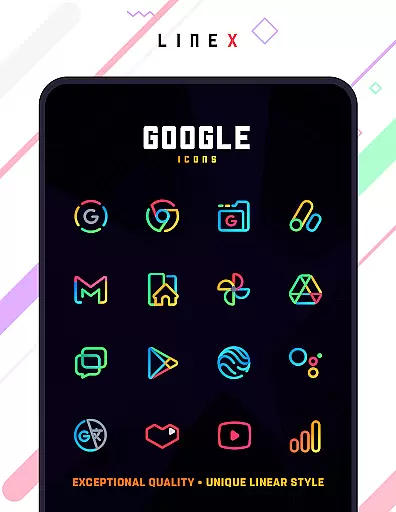
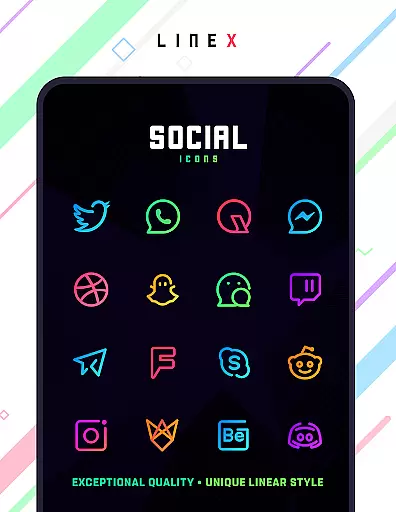
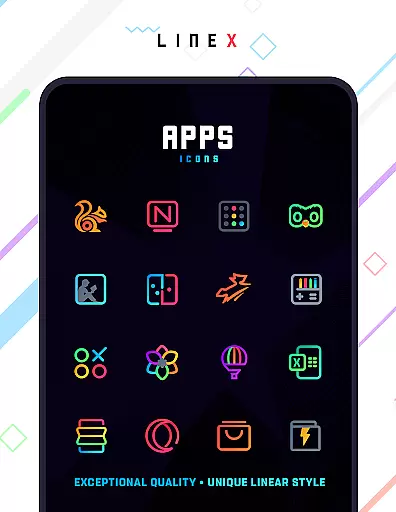
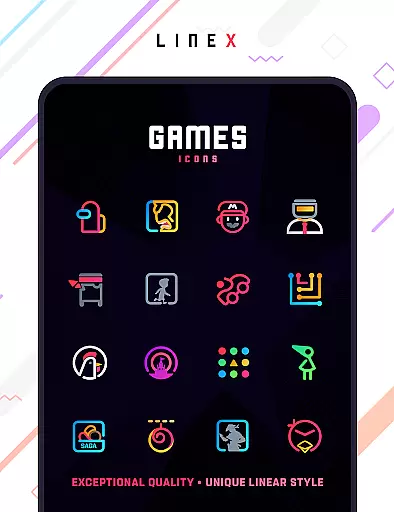
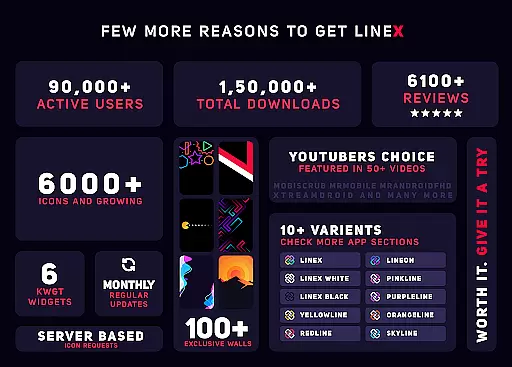
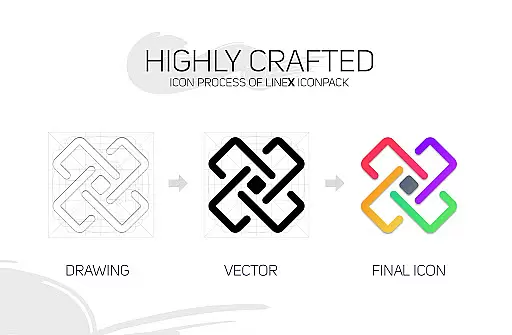
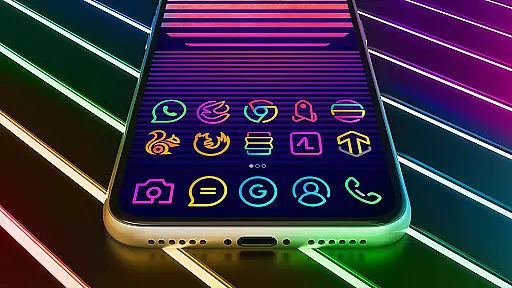
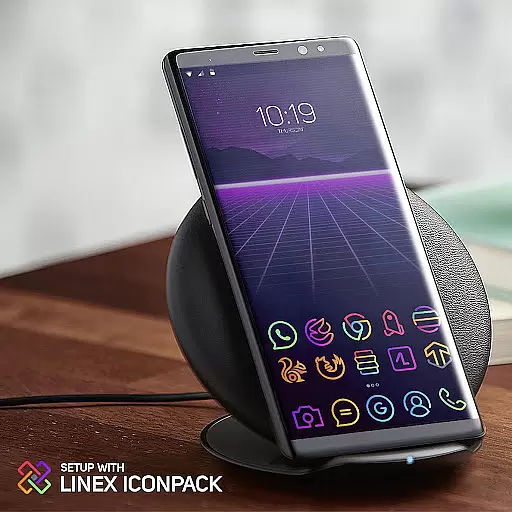
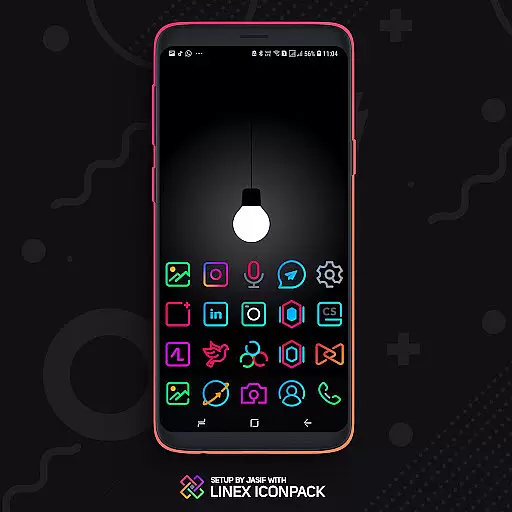
LineX Icon Pack is a premium icon pack designed for users who appreciate minimalist design with a modern touch. Featuring over 6000 linear-style icons, this pack offers one of the most comprehensive collections available on the market. Each icon is crafted with meticulous attention to detail, ensuring top-notch quality and consistency across all app icons.
Beyond its vast icon library, LineX also includes beautifully designed masks for unthemed icons, dynamic calendar support, and category-based organization. Compatible with popular launchers like Nova, Action Launcher, and Apex, this pack allows users to fully customize their home screens. Whether you prefer small or large icons, LineX provides flexible sizing options to suit your preference, making each interaction with your device a visually pleasing experience.
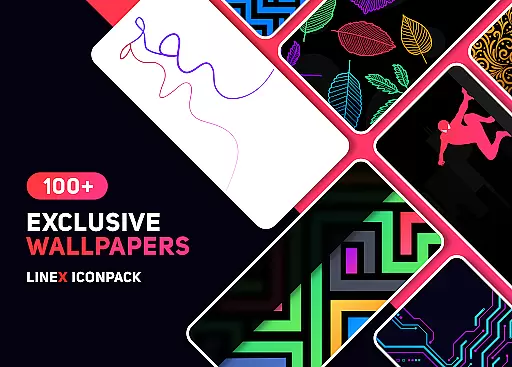
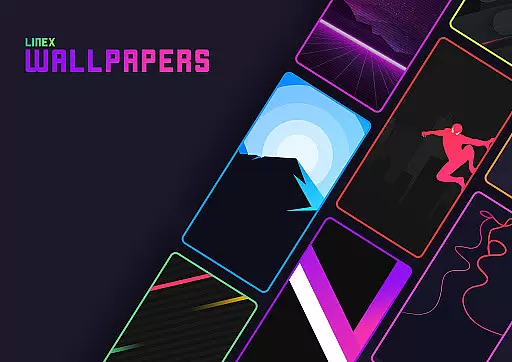
LineX Icon Pack stands out with its extensive feature set tailored for customization enthusiasts. The pack includes over 6000 high-quality icons, frequent updates, and a perfect masking system that ensures even unthemed icons blend seamlessly into your interface. Additionally, users can enjoy alternative icons, an impressive collection of wallpapers, and custom folder icons for further personalization.
One of the key highlights is its material dashboard, which provides easy access to features like icon search, preview functionality, and dynamic calendars. Users can also request missing icons directly through the app, ensuring continuous improvement based on user feedback. With support for custom app drawer icons and compatibility with numerous launchers, LineX delivers a versatile and user-friendly experience for both casual users and tech-savvy individuals.
LineX Icon Pack offers an extensive range of customization options that cater to various user preferences. With over 6000 icons, this pack ensures that users can find the perfect match for their linear-themed aesthetic desires.
The pack includes a perfect masking system for unthemed icons, ensuring a cohesive look across all app icons on a device. Additionally, it provides alternative icons and custom folder icons, allowing users to personalize their home screens extensively.
Users can also enjoy features like icon preview and search, dynamic calendars, and category-based icons. These elements contribute to a tailored experience that aligns with individual tastes and enhances overall usability.
By integrating with popular launchers such as Nova, Apex, and others, LineX Icon Pack enables users to apply their chosen themes easily. This compatibility ensures that each interaction with the device is not only functional but also visually pleasing.
Theme compatibility is a crucial aspect of LineX Icon Pack, ensuring seamless integration with a wide array of launchers. The pack has been tested and verified to work with popular launchers like Nova, Apex, and ADW, among others.
Despite some launchers not being included in the apply section, LineX Icon Pack remains functional with many additional launchers such as Microsoft Launcher and Arrow Launcher. This broad compatibility underlines the pack's versatility.
For optimal performance, specific settings are recommended. For instance, using Nova Launcher with icon normalization turned off and adjusting icon size according to preference can significantly enhance visual appeal.
It's important to note that while Google Now Launcher does not support icon packs, LineX Icon Pack thrives within supported environments. Users can rest assured that their chosen launcher will likely be compatible, providing a consistent and high-quality theming experience.
Extensive icon library
Frequent updates
Perfect masking system
Custom folder icons
Dynamic calendar support
Requires compatible launcher
No Google Now support
Some features need manual setup
Paid app
Not all launchers supported

A light in the dark, a unique style and an andless cutomization!
 4.30
4.30
A retro cartoon style watch face and a punch right in the face of the copyright
4.60
Wear Os Watch Face - Seasonal - Animated Snow Effect - 9 Animals
4.20
Try creating your own keyboard with "Keyboard theme for android" app now!
4.50 4.10
4.10
300+ Stunning and well-designed widgets inspired by NOTHING.
4.70
Modern Glass Icon Pack with glossy icons, clean minimal theme & aesthetic style
4.5
Your home screen, just the way you like it.
4.30
Custom ringtones songs, music ringtones for Android phones
4.60
Dark icon pack based on One 8
4.80
Customizable Glass widgets. Over 360+ stunning widgets and more!
4.70
Want to make your phone more special than ever?
4.60
Customize your home screen with stunning themes, blur, widgets & icons.
4.60
Aesthetic Widgets, HD Wallpapers, Themes in Mico Widget for Home and Lock Screen
4.50
Fingerprint Lock Screen & Live Animations with 4K Wallpapers as Live Wallpaper
4.40
Organize and manage your photos and videos effortlessly with Photo Gallery
4.20
Unleash Your Creativity and Connect with Loved Ones with Lockscreen Drawing!
4.20
Crystal-clear, square icon provides a sleek and sophisticated visual upgrade
4.00
⭐ OneUI inspired Fluffy Icon Pack – Soft. Stylish. Standout. ⭐
4.5


User Reviews