
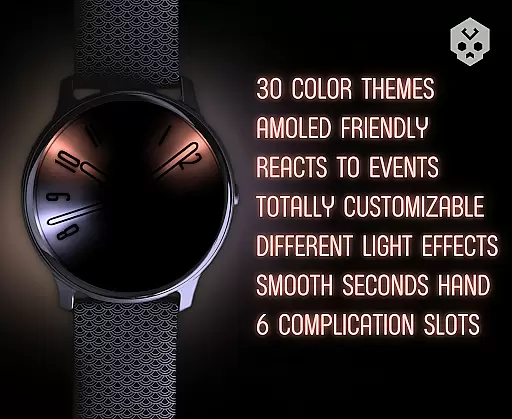
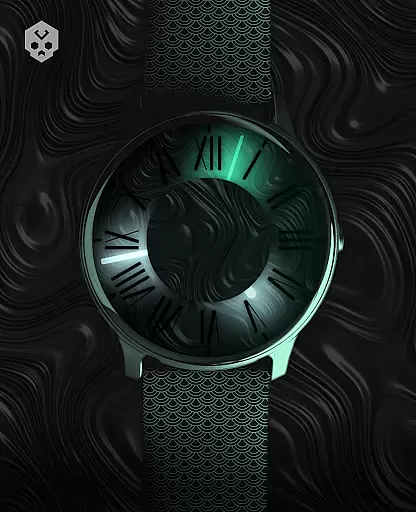
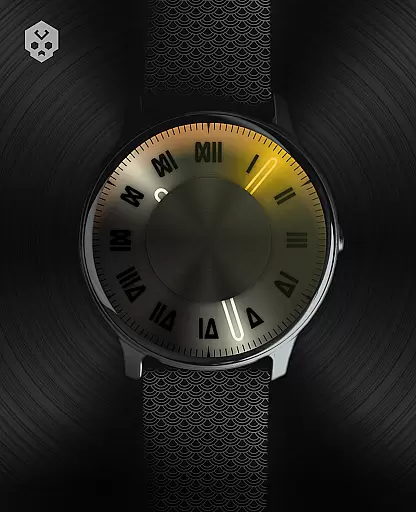

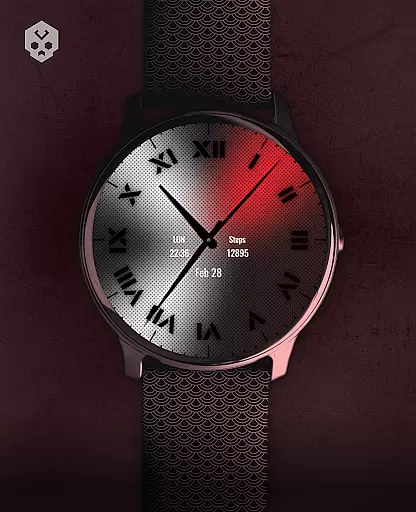
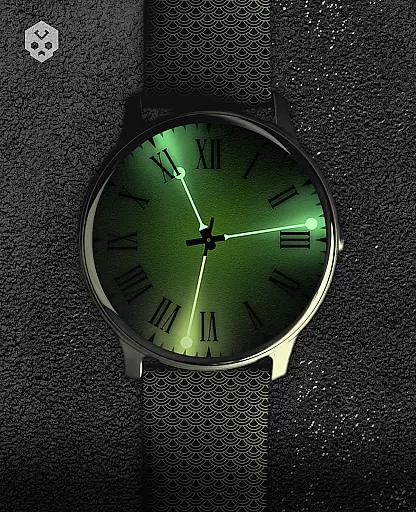
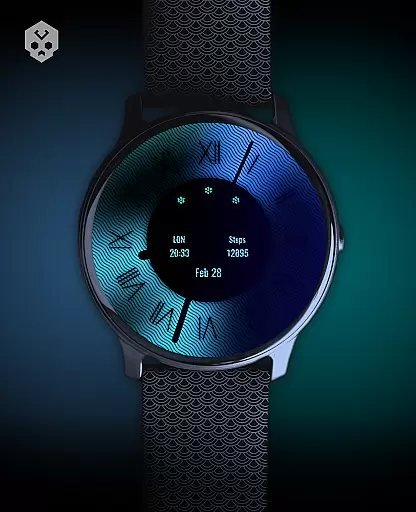
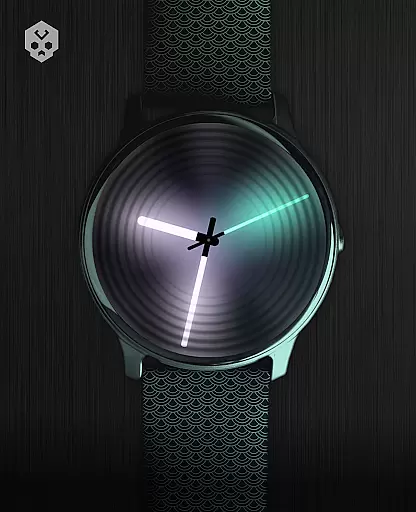
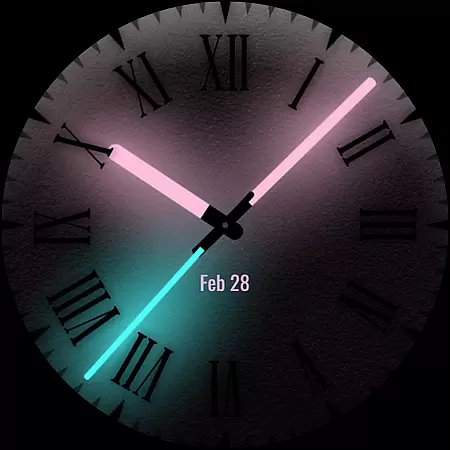
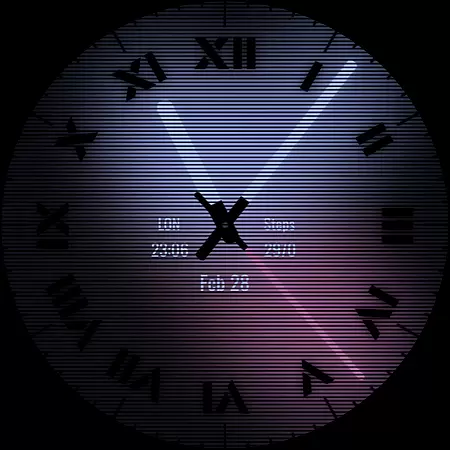
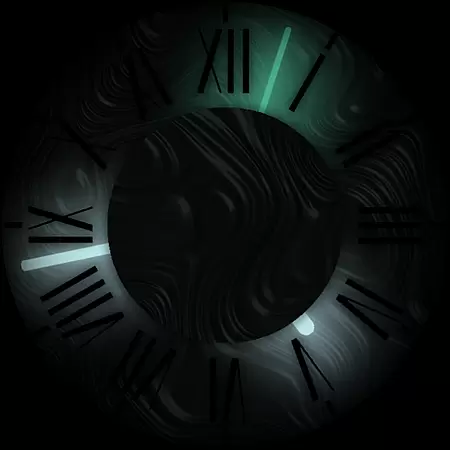

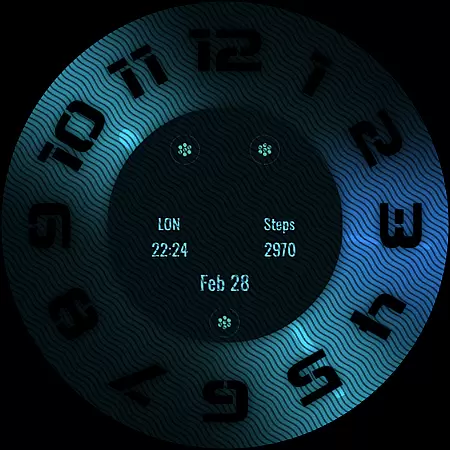
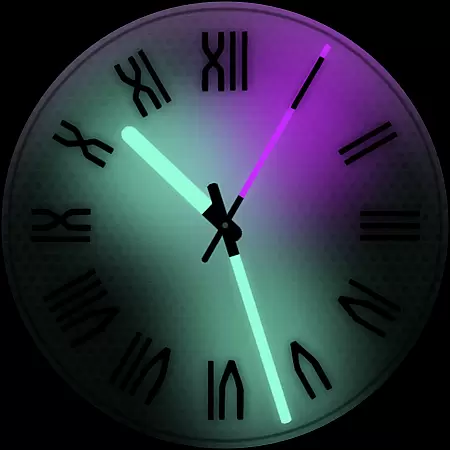
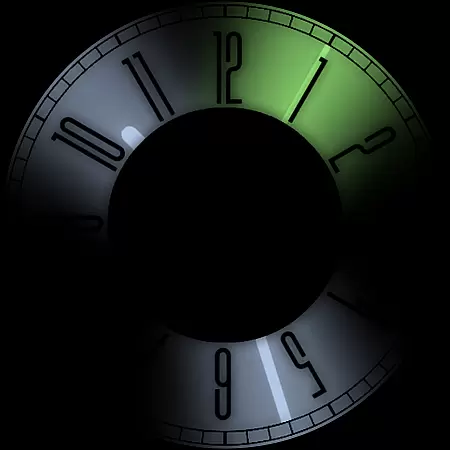
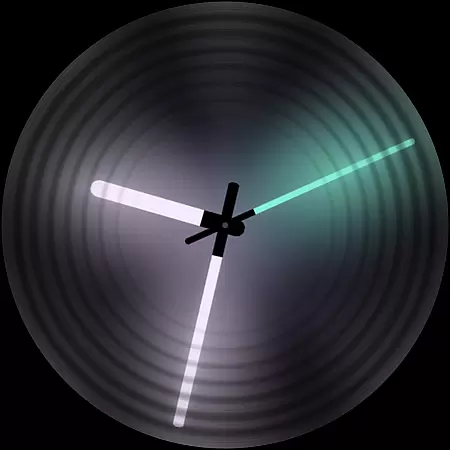
Dark Metal Saber Watch Face is a highly customizable Wear OS watch face designed for users who value both style and functionality. This native standalone app works seamlessly across various smartwatch brands like Samsung, Mobvoi Ticwatch, Fossil, Oppo, and more.
The watch face offers an extensive range of customization options including 30 color schemes, adjustable clock hands, custom index decorators, and much more. Its unique design reacts to low battery, notifications, and charging status, ensuring both aesthetics and practicality are maintained.
Ideal for those looking to personalize their smartwatch while maintaining a stylish appearance, this app provides a comprehensive solution for all your customization needs.
Dark Metal Saber Watch Face stands out with its vast array of features tailored to enhance user experience. The app includes 30 distinct color schemes and numerous customization options such as clock hands, index decorators, and overlays.
Users can enjoy additional functionalities like customizable complications in different sizes, easy-to-use companion app, and reactive features that respond to low battery, notifications, and charging. These elements ensure the watch face remains both visually appealing and highly functional.
Each feature is meticulously crafted to provide a unique and personalized experience, making it an ideal choice for users seeking a blend of style and utility on their Wear OS devices.
Customization is at the heart of Dark Metal Saber Watch Face, offering users an extensive range of personalization options to suit their unique style. With 30 color schemes available, this watch face ensures that wearers can find a look that resonates with their personal aesthetic preferences.
Beyond just colors, the application provides many different customizations including clock hands, index decorators, overlays, backlighting, logos, and backgrounds. This level of detail allows for a tailored experience where each element on the watch face can be altered to the user's liking, ensuring no two watches need look the same.
The ability to react to low battery, notifications, and charging status adds another layer of functionality, keeping users informed at a glance. Additionally, with five customizable complications in various sizes, users have quick access to the information most important to them without sacrificing the visual appeal of their smartwatch display.
Dark Metal Saber Watch Face stands out with its theme compatibility across a wide array of Wear OS devices. As a standalone Wear OS application, it boasts broad compatibility with smartwatches from brands like Samsung, Mobvoi Ticwatch, Fossil, Oppo, and Xiaomi among others.
This versatility means that regardless of the manufacturer or model, as long as the device operates on Wear OS, users can enjoy a seamless integration of this stylish watch face. The installation process is straightforward, allowing users to easily download and set up the app through their smartphone.
Moreover, should any issues arise during setup or operation, support is readily available. Users are encouraged to reach out via email for assistance, ensuring that even those unfamiliar with such installations can successfully personalize their smartwatches with minimal hassle.
Highly customizable
Wide device compatibility
Unique design
Reactive features
Regular updates
Paid app
Complex setup
Limited free options
Requires Wear OS
Account sync needed

Customizable Glass widgets. Over 360+ stunning widgets and more!
 4.70
4.70
A Colorful and Minimal icon pack in an Outline Style - Over 13,600 icons!
4.70
Ultra realistic gold analog watch face with lots of customization options.
4.50
Beautiful realistic hybrid watch face with numerous customization options.
4.50
Unique Android Launcher
4.60
AI-powered Copilot. Personalized keyboard with gifs, stickers & themes
4.40
Adaptive Dot Style IconPack with Light & Dark Theme.
3.70
Organize and manage your photos and videos effortlessly with Photo Gallery
4.20
set a new experience for the Android mobile phone
4.20
Winter's Journey: digital watch face for Galaxy Watch & Wear OS
4.80
One 8 icons glass color version
4.80
Bring adorable pets to life on your screen. Playful, interactive and full of fun
4.60
Want to make your phone more special than ever?
4.60 4.50
4.50
Transform your device in a game console
4.40
App Icon Changer & Shortcut Creator. Customize your icons without any watermarks
4.30 4.10
4.10
Customizable flower power digital watch face for Wear OS watches.
4.00
Modern Glass Icon Pack with glossy icons, clean minimal theme & aesthetic style
4.2


User Reviews