
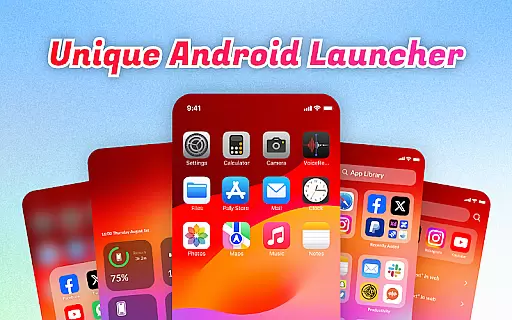
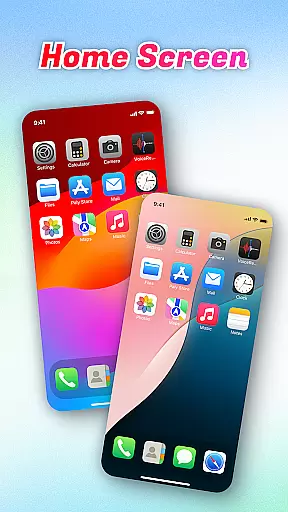
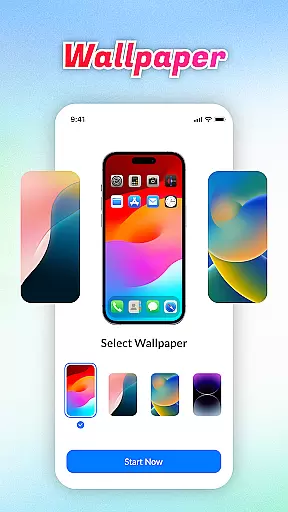
OS Launcher Theme is a personalization app designed to enhance your smartphone experience through an intuitive interface and practical features. This app offers a clean, organized layout with categorized app libraries, making navigation seamless.
Key functionalities include the Quick Center for instant access to essential tools like flashlight and settings, a built-in QR scanner, and battery monitoring. These features collectively help users manage their devices more efficiently while maintaining an aesthetically pleasing design.
Ideal for those who value both form and function, OS Launcher Theme is perfect for streamlining daily tasks while offering advanced customization options. Its comprehensive toolkit ensures you stay in control of your device's performance and appearance.
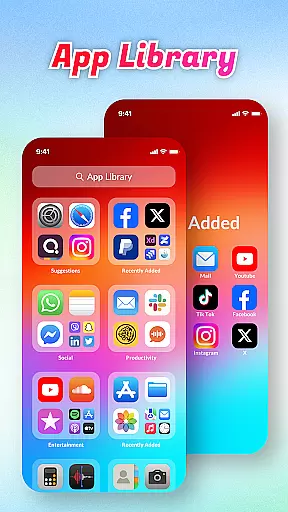
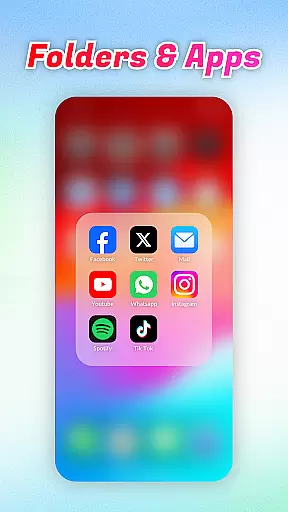
OS Launcher Theme stands out with its diverse range of features tailored to improve user convenience. The App Library automatically sorts applications into categories, reducing clutter and simplifying access.
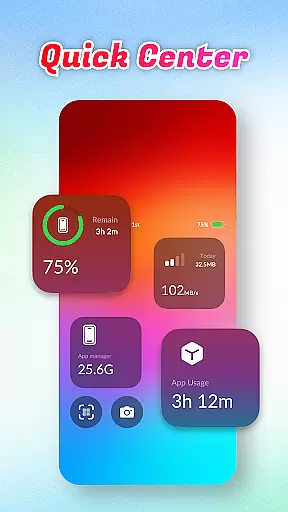
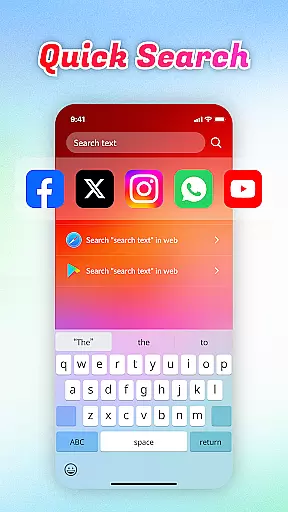
Quick Center allows users to activate frequently used functions such as the flashlight or settings with a single swipe. Additionally, the integrated Quick Search enables rapid keyword-based searches for apps or web content, saving valuable time.
Other notable features include a built-in QR Scanner, real-time Battery Info tracking, Data Usage monitoring, and an App Manager to optimize storage space. Each feature is crafted to provide tangible benefits, ensuring a smoother and more personalized mobile experience.
OS Launcher Theme offers a wide array of customization options that allow users to tailor their device's appearance and functionality according to their preferences.
The App Library feature organizes apps into categories, reducing clutter and personalizing the way you access your applications. With Quick Center, users can customize shortcuts for convenience, putting frequently used settings just a swipe away.
Quick Search adds another layer of personalization by enabling instant searches for both apps and web content through simple keyword input. Additionally, features like Battery Info and Data Usage empower users with personalized insights into their usage patterns.
This extensive range of customizable elements ensures that each user can create an interface that is uniquely suited to their needs, enhancing both aesthetics and efficiency.
Theme compatibility is a crucial aspect of OS Launcher Theme, ensuring that visual enhancements work seamlessly across different devices and screen sizes.
The application provides themes that adapt well to various display resolutions, maintaining visual consistency without compromising performance or usability. This compatibility extends to its built-in features such as the QR Scanner and App Manager, which integrate smoothly within the themed environment.
Users can expect uniformity in design elements throughout their interaction with the launcher, from adjusting settings via Quick Center to monitoring battery health.
By prioritizing theme compatibility, OS Launcher Theme guarantees a cohesive look and feel, allowing users to enjoy a personalized yet reliable experience on their devices.
User-friendly interface
Efficient app organization
Comprehensive utility tools
Real-time system monitoring
Customizable themes
Limited design options
Occasional performance lags
Ads in free version
Advanced features locked
Compatibility issues

Personalize your phone with stunning HD and 4K wallpapers!
 4.70
4.70
Ultimate widget creator. Design custom widgets for a truly unique home screen!
3.90
Aesthetic Widgets, HD Wallpapers, Themes in Mico Widget for Home and Lock Screen
4.50
Customize glowing edges, wallpapers, and caller screen with EdgeAura.
3.50 4.50
4.50
Customize your home screen with stunning themes, blur, widgets & icons.
4.60
Organize and manage your photos and videos effortlessly with Photo Gallery
4.20
A minimalist productivity launcher. One-hand-friendly. Zero ads.
4.70
Cool custom fonts & keyboard themes! Symbols & font changer for Instagram
4.50
A launcher for Samsung Good Lock and Good Guardians modules without ads
4.70
Nothing Icon pack with more than 3750+ highly crafted icons.
4.70
Handcrafted pixel art icons, widgets & wallpapers
4.60
Color phone with cool effects for call screen, flash alert & ringtones music
4.50
Fingerprint Lock Screen & Live Animations with 4K Wallpapers as Live Wallpaper
4.40
A light in the dark, a unique style and an andless cutomization!
4.30
Themes - Widget & Wallpaper: Customize home screen, icon changer w unique themes
4.30
Unique Fonts, typefaces and stylish text. Fonts for Instagram, Whatsapp & others
4.20
Emoji Maker app - Design custom emojis and effortlessly blend them with Mixer
3.80
Modern Glass Icon Pack with glossy icons, clean minimal theme & aesthetic style
4.4


User Reviews