
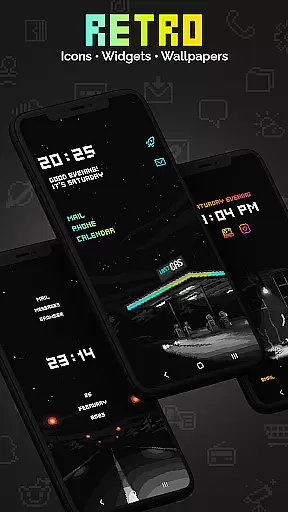
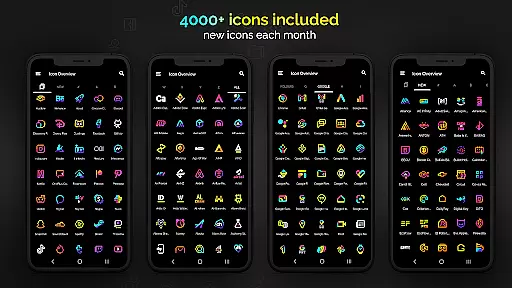
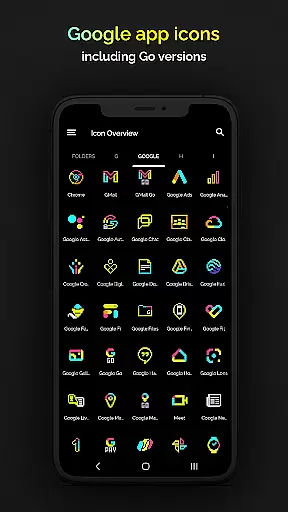
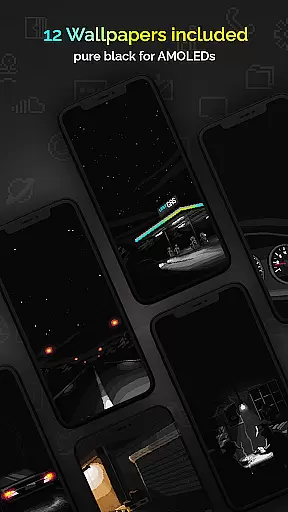
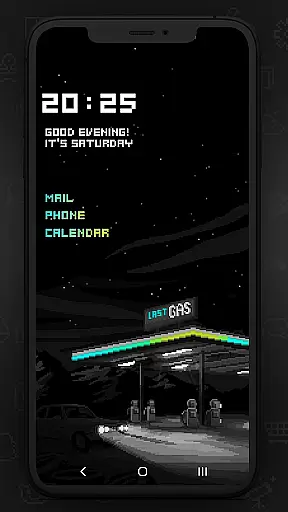
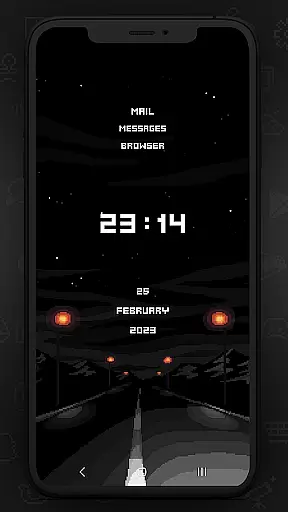
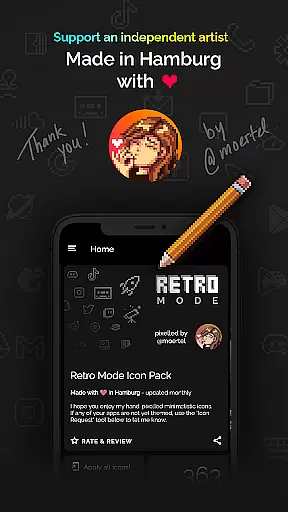
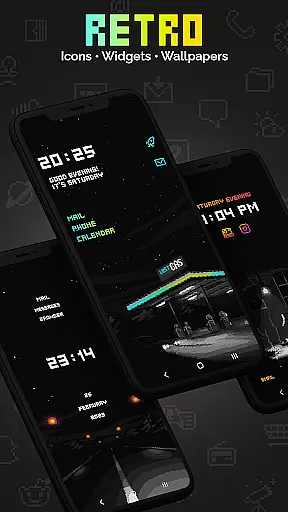
Retro Mode - Icon Pack (Neon) is a pixel art icon pack designed for users who want to give their devices a nostalgic 90s look. This Hamburg-based creation by pixel artist Moertel offers over 4050 unique icons, 12 wallpapers, and 6 widgets, all crafted in vibrant neon colors. The pack supports more than 20 launchers and is updated monthly with new icons and features.
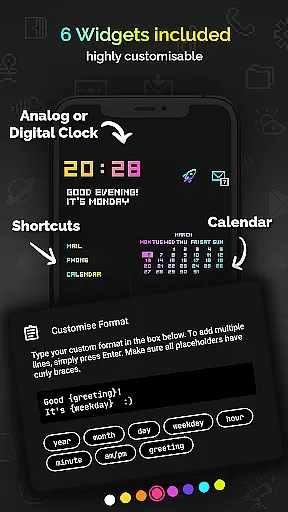
Users can enjoy crisp pixel art design without shadows or outlines, making it ideal for those seeking a clean aesthetic. With support for Android 10+ widgets like digital clocks, analog clocks, and calendar displays, this icon pack provides both style and functionality. It also allows customization through freely configurable text widgets and color options.
This icon pack stands out with its comprehensive feature set tailored for personalization enthusiasts. It includes over 4050 handcrafted pixel art icons, each meticulously drawn on a 20x20 pixel canvas and upscaled for sharp display. The inclusion of 12 wallpapers and 6 widget types enhances the user's ability to customize their device's appearance fully.
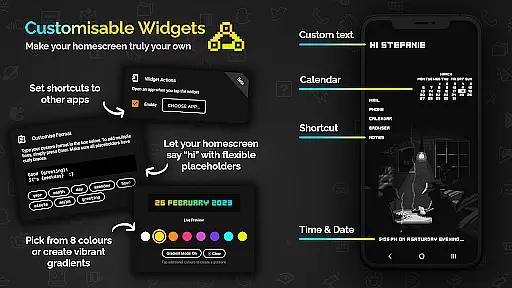
One notable feature is the widget configurability, allowing users to choose from 8 different colors or combine them into gradients. Text within widgets can be customized up to 500 characters, with placeholders for day, month, year, hour, minute, am/pm, greeting, and weekday. Additionally, the pack supports over 20 launchers, ensuring compatibility across various devices and systems.
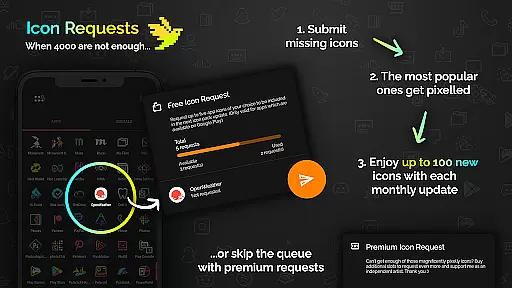
Monthly updates introduce new icons and features, keeping the pack fresh and relevant. Users also benefit from five free icon requests per month, with popular requests being prioritized in updates. For additional personalization, users can purchase extra icon requests directly within the app.
Customization is at the heart of Retro Mode - Icon Pack (Neon), offering users a wide array of options to personalize their device's appearance. With over 4050 pixel-perfect icons, this pack ensures that almost every app on your phone can be transformed to fit a vibrant neon aesthetic reminiscent of the 90s digital era.
In addition to the extensive icon library, the pack includes 12 unique wallpapers and 6 versatile widgets, allowing further personalization. Widgets range from digital and analog clocks to date displays and personalized greetings, all designed with the same pixel art style that makes this pack stand out.
The level of customization extends to the widgets' colors and configurations. Users can choose from 8 different widget colors or even combine them into gradients. Text within widgets is freely configurable, supporting up to 500 characters, ensuring each user's home screen is uniquely theirs.
This vast selection of customization options empowers users to tailor their smartphone experience precisely to their liking, making daily interactions more enjoyable and visually engaging. The ability to mix and match various elements provides endless possibilities for creating a personalized digital environment.
Retro Mode - Icon Pack (Neon) boasts impressive theme compatibility, working seamlessly with over 20 different launchers. This ensures that regardless of the launcher you prefer, you can enjoy the distinctive pixel art design across various platforms such as Nova, Action, ADW, and many others listed in the appu2019s description.
For users with specific devices like Google Pixel, Motorola, and Xiaomi, while stock launchers may not support third-party icon packs, alternatives like Nova Launcher are recommended and fully compatible. Samsung users on Android 12 with One UI 4.0 or newer can also utilize the Theme Park app to apply these themes effortlessly.
The inclusion of detailed instructions and a full demo available at moertel.app/howto aids users in understanding how to implement the icon pack effectively. This commitment to compatibility highlights the developer's dedication to accessibility and user convenience.
With monthly updates introducing new icons and features, maintaining high standards of compatibility ensures that users continue to have a smooth experience. This consistent support allows for ongoing personalization opportunities, keeping the deviceu2019s look fresh and exciting over time.
Extensive icon library
Vibrant neon design
Frequent monthly updates
Customizable widgets
Wide launcher support
Limited free icon requests
No MIUI support
Small canvas size
Paid additional requests
Compatibility issues

Customizable Glass widgets. Over 360+ stunning widgets and more!
 4.70
4.70
A light in the dark, a unique style and an andless cutomization!
4.30
Beautiful realistic hybrid watch face with numerous customization options.
4.50
Realistic animated snow on your wrist, with 10 images landscapes to choose from
4.00
100+ Stylish Fonts, Emojis, Symbols keyboard for Instagram & TikTok!
4.80
App Icon Changer & Shortcut Creator. Customize your icons without any watermarks
4.30
Vibrant Adaptive Icons with Material You and Enhanced Monet Colors.
4.50
Yandex Browser — stylish and secure, with voice search and data compression
4.40
Magic fluids wallpaper 4D: Relax with stunning fluid simulation wallpaper app
4.20
Wallpaper HD 4K Live - Thousands of high-quality Anime backgrounds for you.
4.80
Stunningly Different look with Line Icons and Neon Colors
4.60
Unique Android Launcher
4.60
Icons made of colorful linear lines
4.60 4.50
4.50
200+ Material Inspired Widgets
4.50
Art & Emoji Keyboard with Cool Fonts, Cute Themes and Custom Designs.
4.40
Customizable flower power digital watch face for Wear OS watches.
4.00
Transform your phone with stunning video wallpapers and a unique, personal touch
3.80
⭐ OneUI inspired Fluffy Icon Pack – Soft. Stylish. Standout. ⭐
4.2


User Reviews