
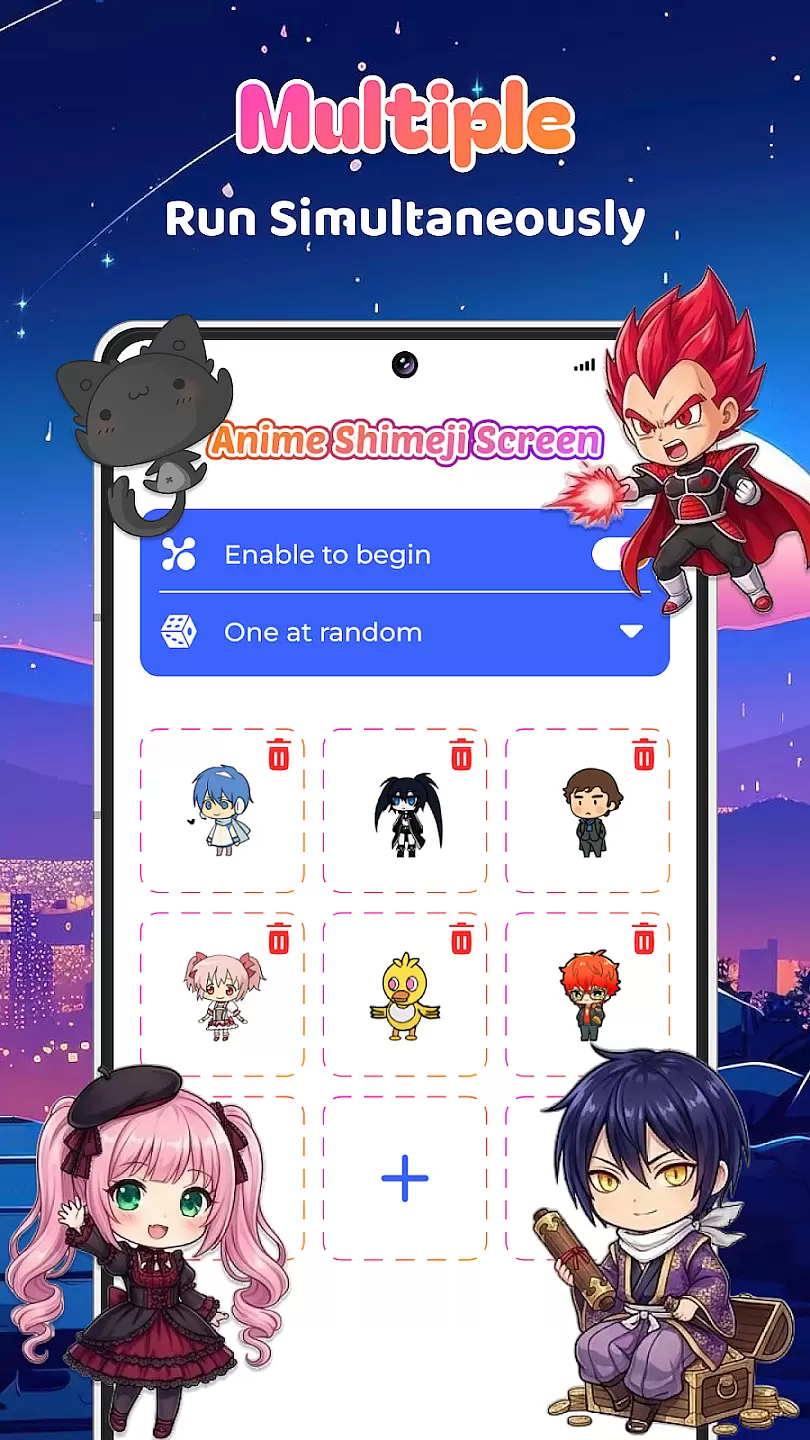
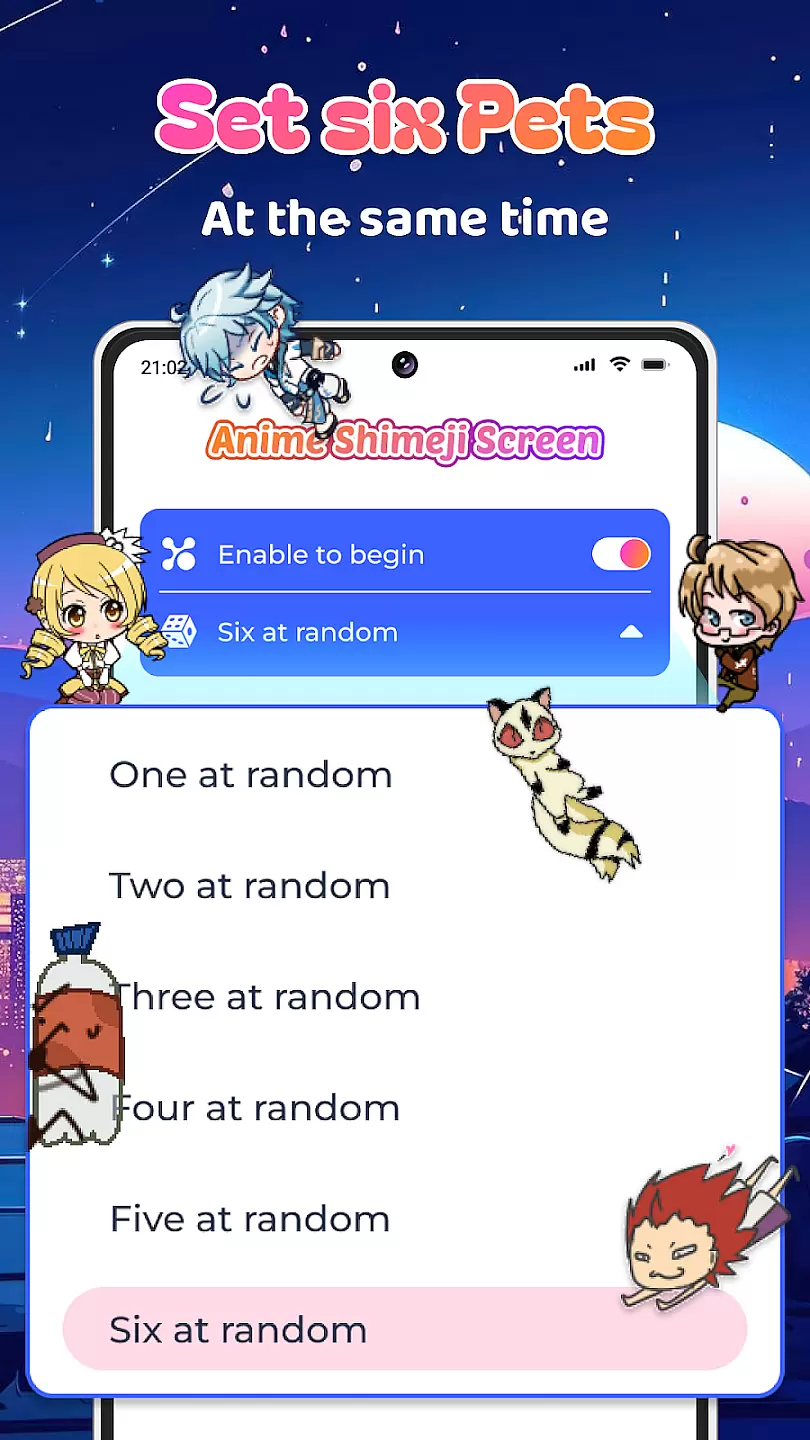
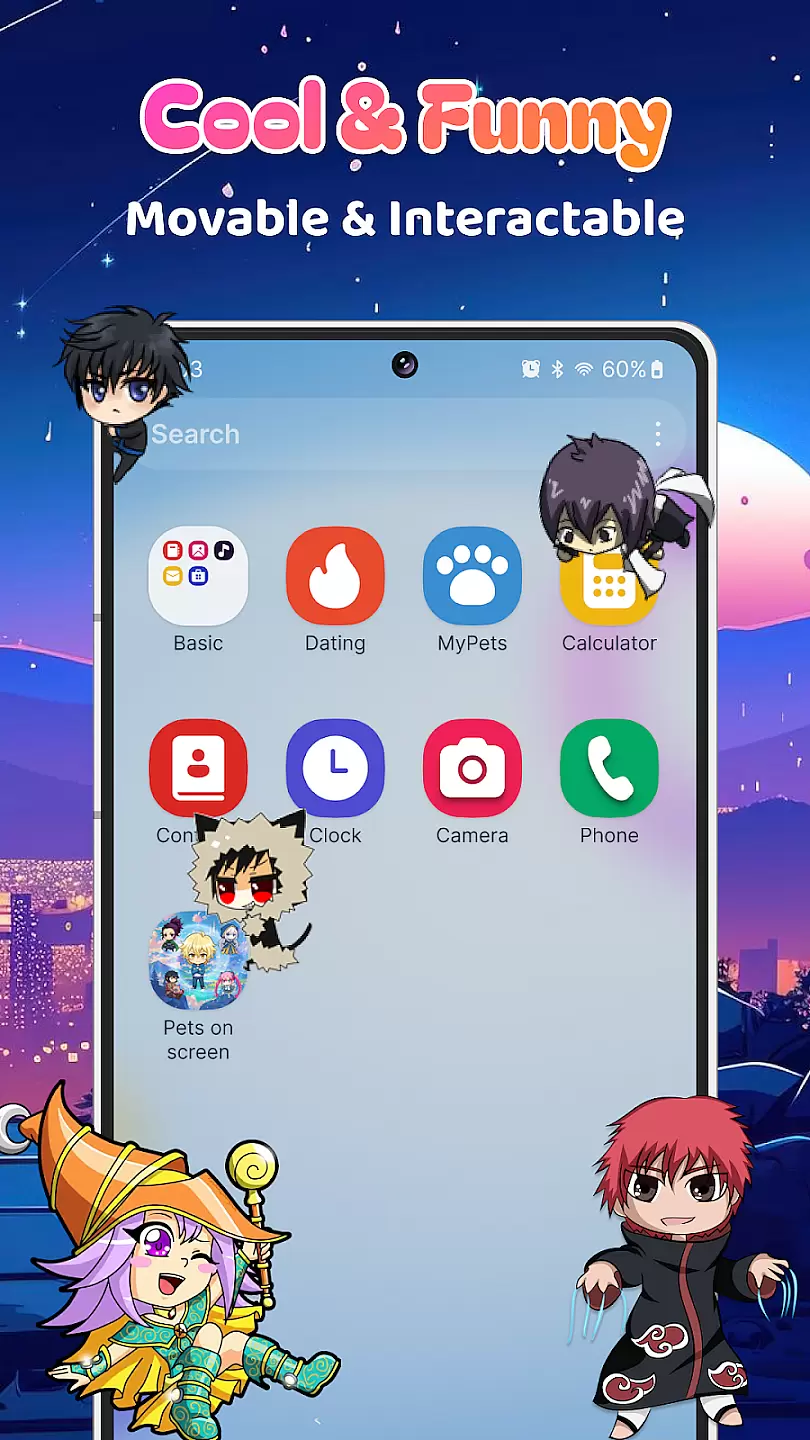
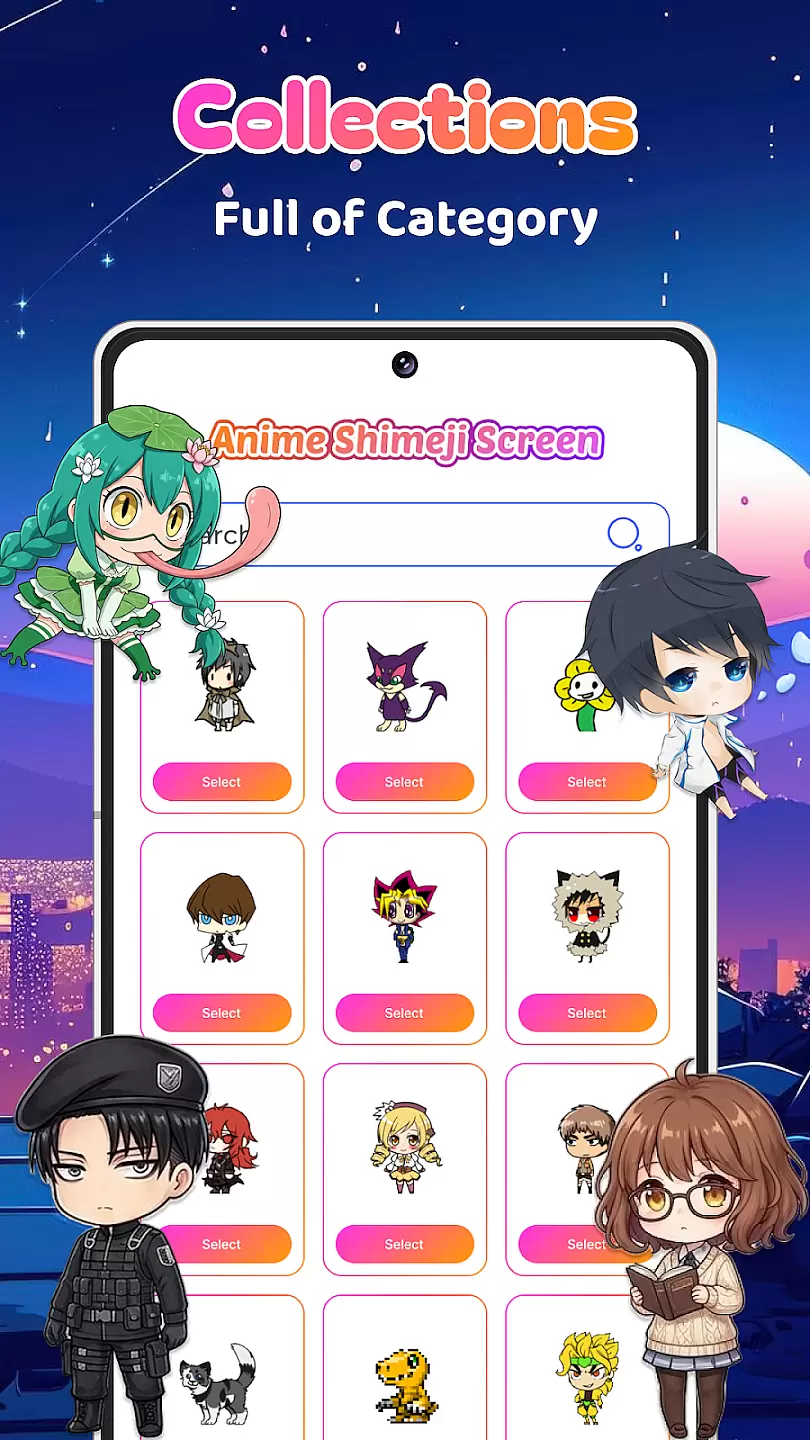
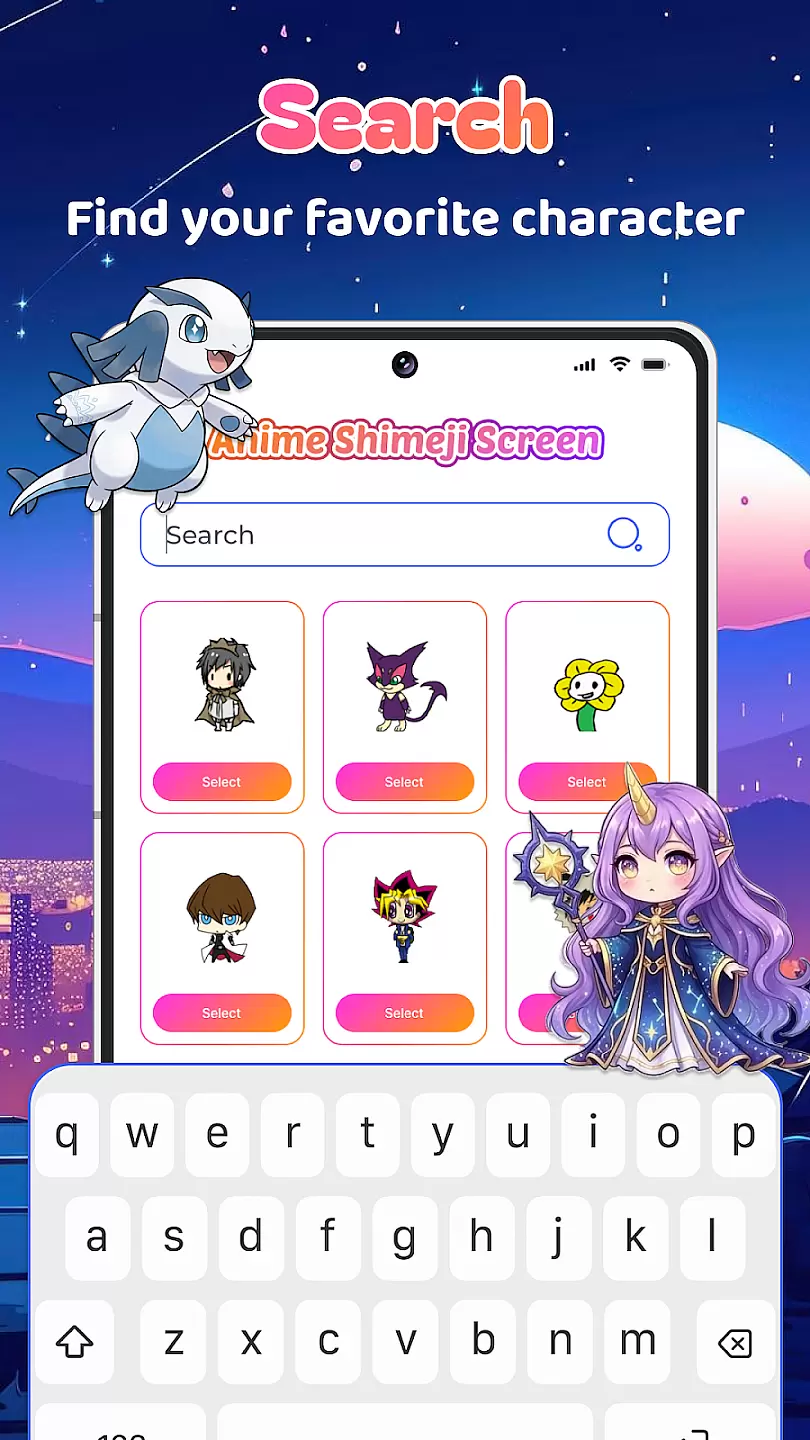
Live Anime Shimeji Screen Pets brings the charm of Japanese anime characters to your mobile device. This personalization app allows users to place adorable anime-style pets on their screen, which can move around and interact with touch. Perfect for anime enthusiasts who want to add a playful touch to their device's interface.
The app offers a variety of character designs and animations, making it easy to customize your screen to match your mood or style. Whether you're looking to make your phone more fun or simply enjoy collecting virtual pets, this app provides an engaging experience that combines technology with the beloved aesthetics of anime.
One of the standout features of Live Anime Shimeji Screen Pets is its diverse range of anime characters. Each pet comes with unique animations and interactions, providing endless entertainment. Users can choose from different themes and styles, ensuring there's something for every taste.
Beyond just static images, these pets respond to touch and can be moved around the screen freely. The app also includes options to customize the behavior of your pets, such as how they react to certain gestures or interact with each other. This level of personalization makes each user's experience truly unique.
Customization is at the heart of any personalization app, and Live Anime Shimeji Screen Pets excels in providing a wide array of options to tailor your experience.
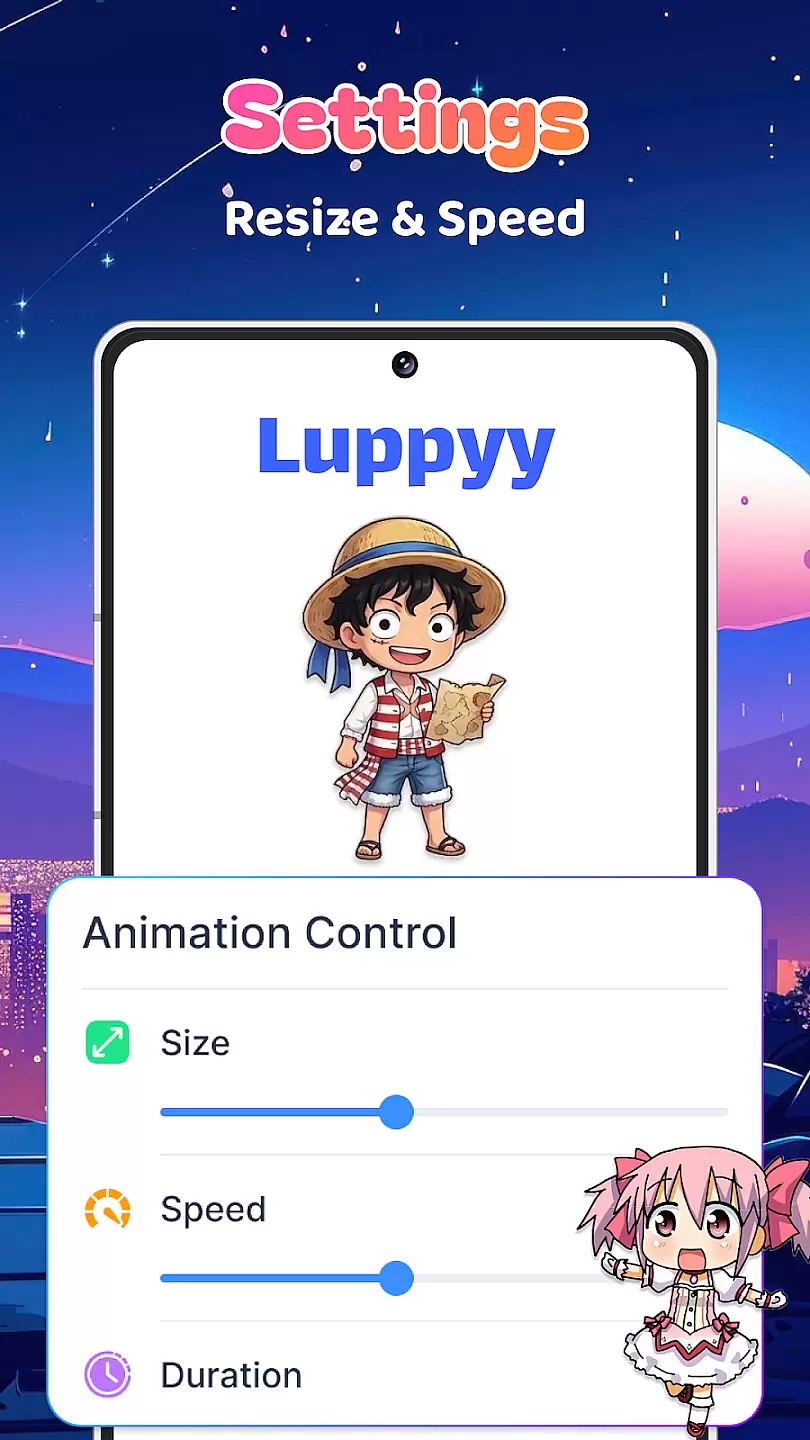
This application allows users to choose from a diverse selection of anime characters, each with unique animations and actions that can be personalized according to user preferences. You have the freedom to adjust the size, speed, and even the behavior patterns of these virtual pets, making them truly your own.
The benefit of such extensive customization is the ability for users to create a digital environment that reflects their personal style and mood. Whether you are a fan of classic anime or more niche genres, there is something here for everyone.
Ultimately, the value lies in enhancing your digital space with delightful animations that are not just entertaining but also representative of your individuality, thus offering an engaging and personalized user experience.
Theme compatibility ensures that the delightful additions you make to your screen integrate seamlessly with your deviceu2019s existing aesthetics. Live Anime Shimeji Screen Pets has been designed to work harmoniously across various themes and backgrounds.
This means whether you prefer a light or dark theme, or even custom images as your background, the app intelligently adjusts the appearance of its anime characters so they look good and remain visible without clashing with your setup. This feature guarantees that no matter how you like to personalize your device's interface, these screen pets will enhance rather than disrupt it.
Users benefit from this compatibility by enjoying uninterrupted visual consistency on their devices. The adaptive nature of these virtual companions ensures they complement any design choice you make.
In essence, theme compatibility provided by Live Anime Shimeji Screen Pets enriches user interaction with digital spaces while maintaining aesthetic coherence, ensuring every element on your screen works together beautifully.
User-friendly interface
Wide selection of pets
Customizable interactions
Regular updates
Free to use
Limited free content
Some pets require purchase
May drain battery faster
Occasional bugs
Ads present in the app

Stunningly Different look with Line Icons and Neon Colors
 4.60
4.60
Ultra realistic high quality analog watch face for Wear OS.
4.60
Add cute Shimeji pets to screen, interact with them and relax with cute motions
4.60
The definitive Icon pack maker and editor
4.30 4.50
4.50 4.50
4.50
Unleash Your Creativity and Connect with Loved Ones with Lockscreen Drawing!
4.20
Adorable pets roam and play right on your phone screen!
3.30
Amazing letter fonts in your messages and social statuses
4.70
Winter's Journey: digital watch face for Galaxy Watch & Wear OS
4.80
Classic analogue watch face. For wear os devices.
4.60
Glass style colourful icons with a One UI look and feel
4.60
Bring adorable pets to life on your screen. Playful, interactive and full of fun
4.60
Transform your device in a game console
4.40
Romantic Kiss Stickers App. Start romantic messaging now!
4.30
Unique Fonts, typefaces and stylish text. Fonts for Instagram, Whatsapp & others
4.20
Realistic animated snow on your wrist, with 10 images landscapes to choose from
4.00
Crystal-clear, square icon provides a sleek and sophisticated visual upgrade
4.00
Create unique, fun emojis with Funny Emoji Maker! Unlimited creativity!
4.00


User Reviews